Where Filmit goes deepest.
After Effects is home for most of the suite: grids and layouts, batch text animation, centralized color, credit rolls, slideshows, distance-based rigging, and an expression library, plus native GPU effects. Installed and updated from one desktop app, on Mac and Windows.
Plugins for After Effects
The tools AE artists reach for first
Native panels that live in After Effects. Play each demo to see it work, then click through for the full breakdown.
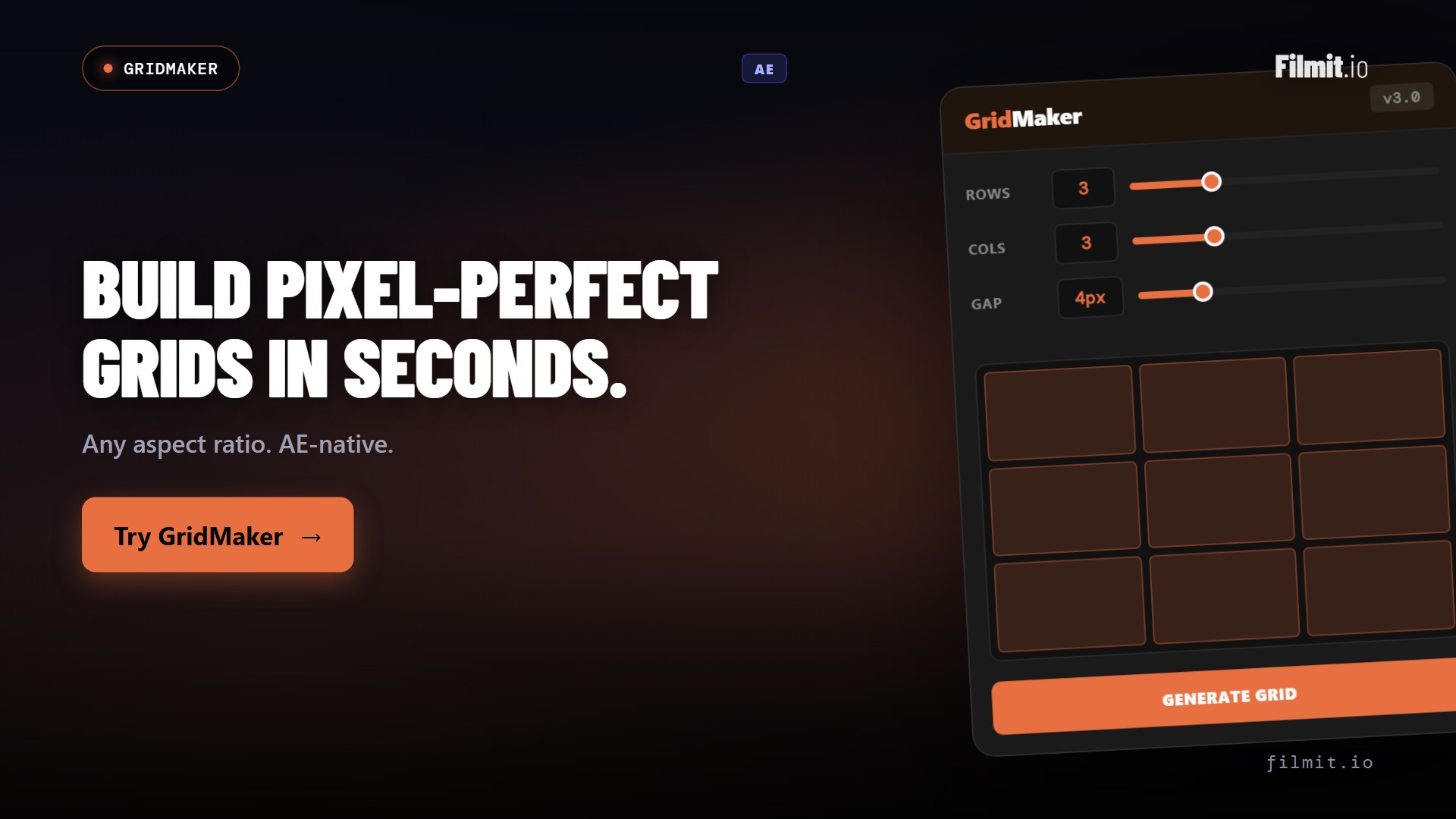
GridMaker After Effects
Every grid, split, and video wall in one click
GridMaker generates production-ready grids, guides, split-screens, mosaics, and animated video walls from one panel. The layout work that used to eat the first hour of a comp is done before you touch a keyframe.
- One-click grids, guides, safe zones, and split layouts
- Split-screens and video walls with animation built in
- Advanced pattern engine for mosaics and tessellations
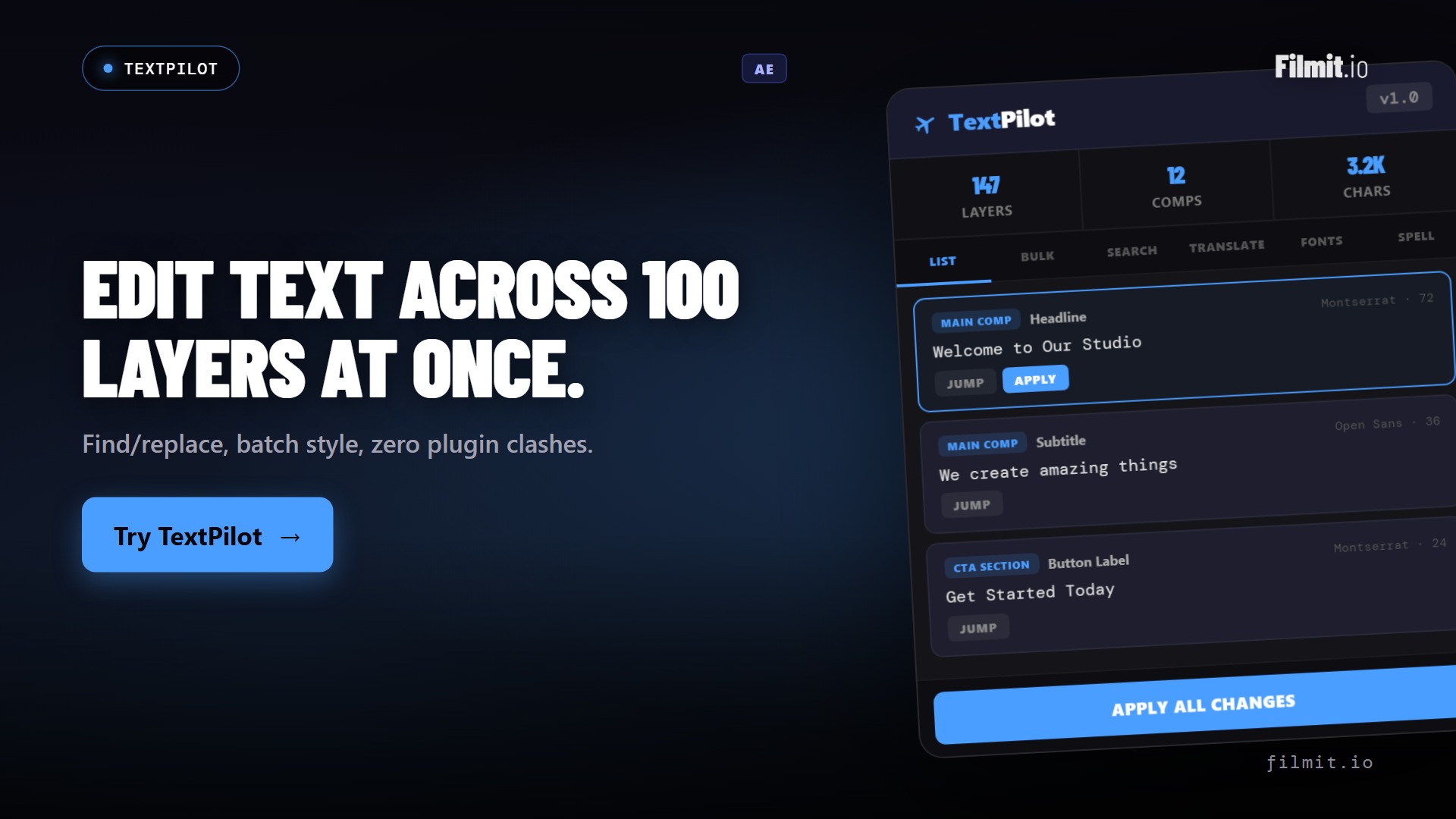
TextPilot After Effects · Pr
Kinetic type across hundreds of layers, in one pass
Scan every text layer, then animate per word or per character, edit, translate, and spell-check across all of them at once. A fifteen-segment kinetic sequence, built without touching a single layer by hand.
- Per-word and per-character kinetic animation in batch
- Scan and edit every text layer from one panel
- Translate and spell-check across languages
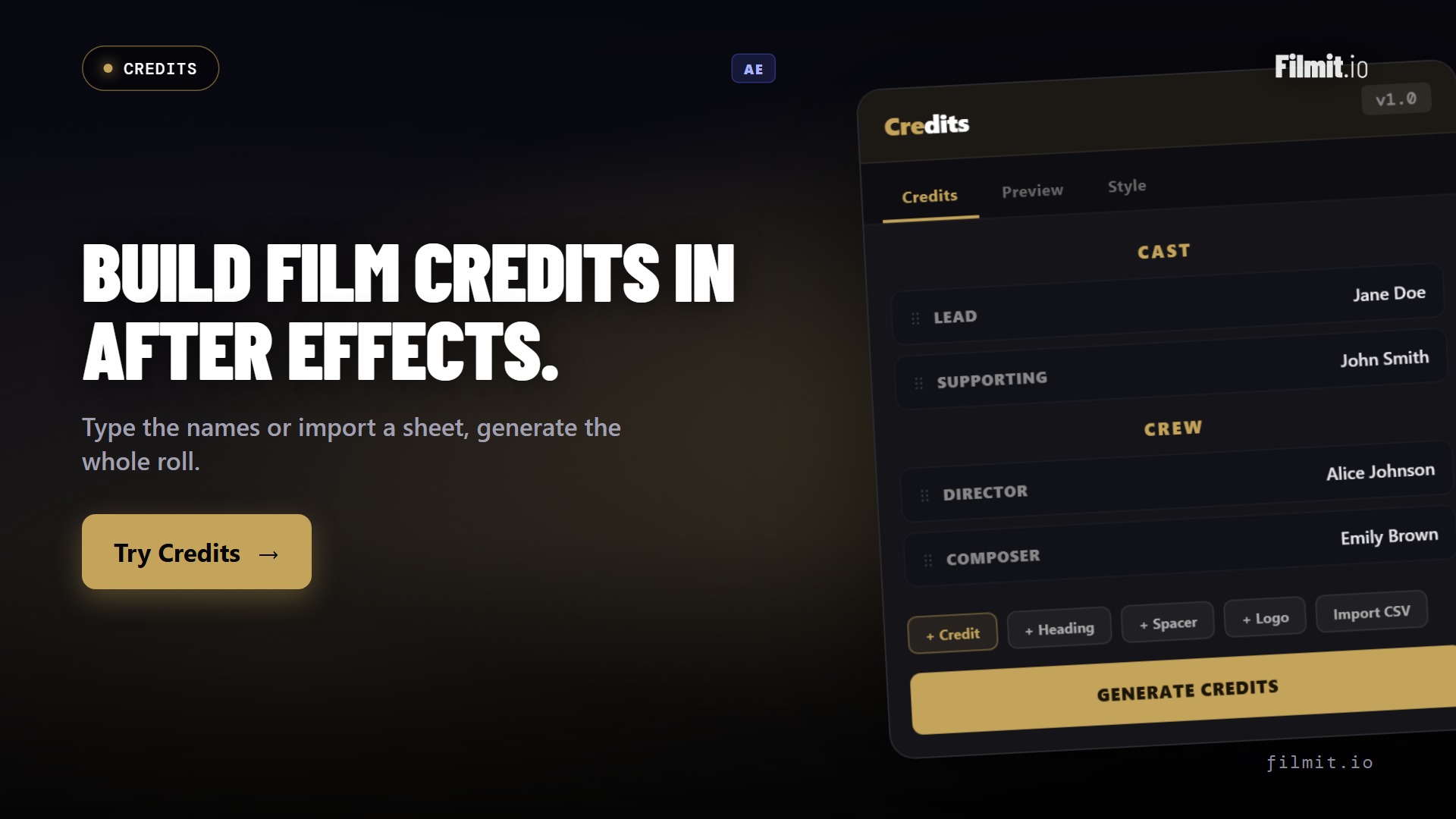
Credits After Effects
A spreadsheet becomes a finished credit roll
Credits turns a cast and crew list into a formatted, animated credit roll or card sequence. Drop in the spreadsheet, pick a style, and the columns, sections, and timing lay themselves out, broadcast-ready.
- Import names and roles straight from a spreadsheet or CSV
- Auto-formats columns, sections, and timing
- Outputs a clean scroll or card sequence, ready to render
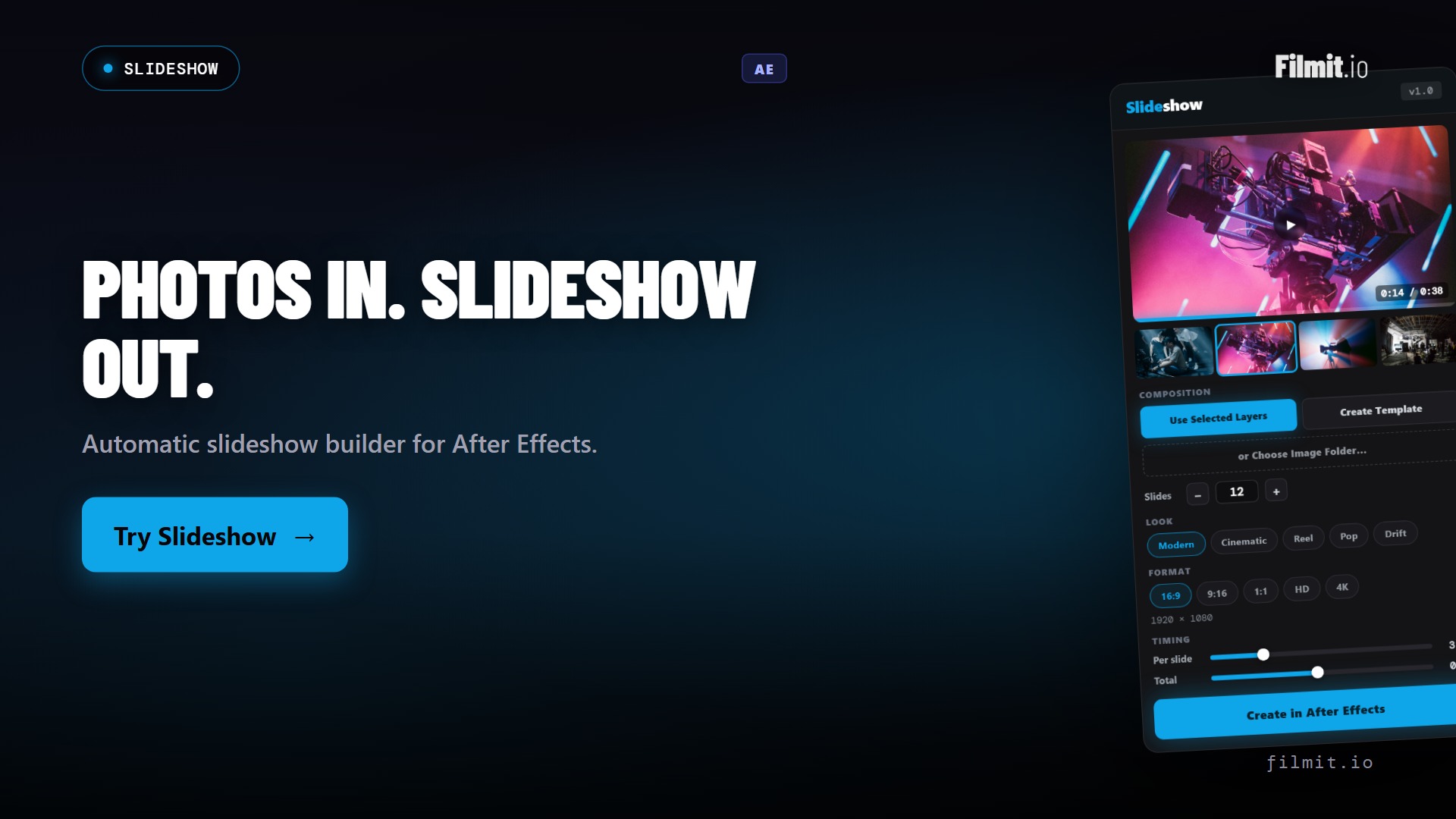
Slideshow After Effects
Photos to a polished animated slideshow
Drop in a folder of images, pick a style, and Slideshow builds an animated sequence with movement, timing, and transitions handled. What used to be an afternoon of manual keyframing becomes a render.
- Batch-import photos and build the sequence automatically
- Animated templates with timing and movement controls
- Great for recaps, tributes, real estate, and event edits
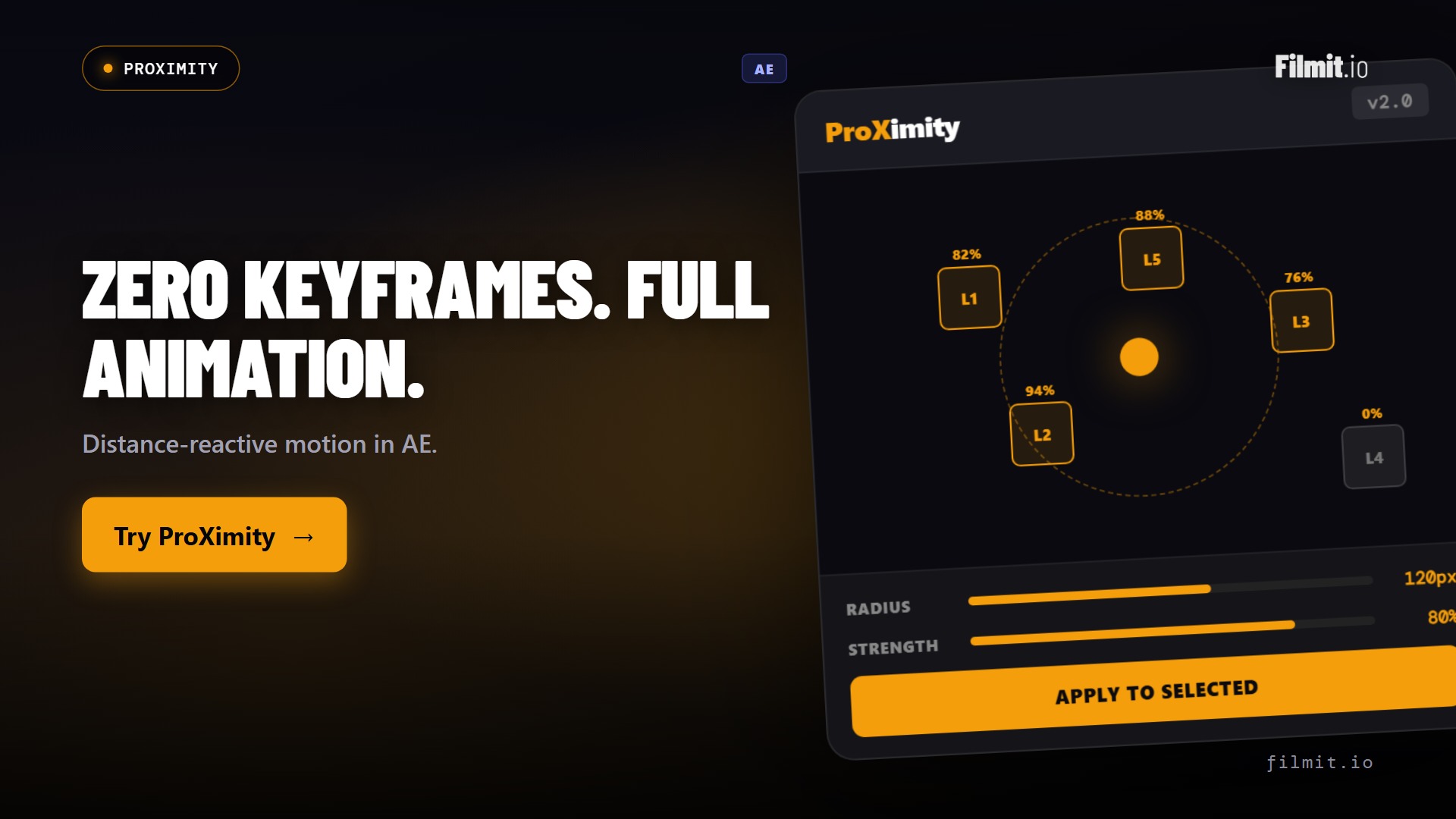
ProXimity After Effects
Reactive animation rigs, without writing expressions
Want a layer to scale, rotate, or fade as another layer moves near it? ProXimity sets up distance-based triggers visually, with a slider for falloff, so you get reactive motion without hand-writing a single distance expression.
- Distance-based animation triggers between layers
- Visual setup with a falloff slider, no code
- Reactive motion rigs in seconds, not an afternoon
CallOuts After Effects
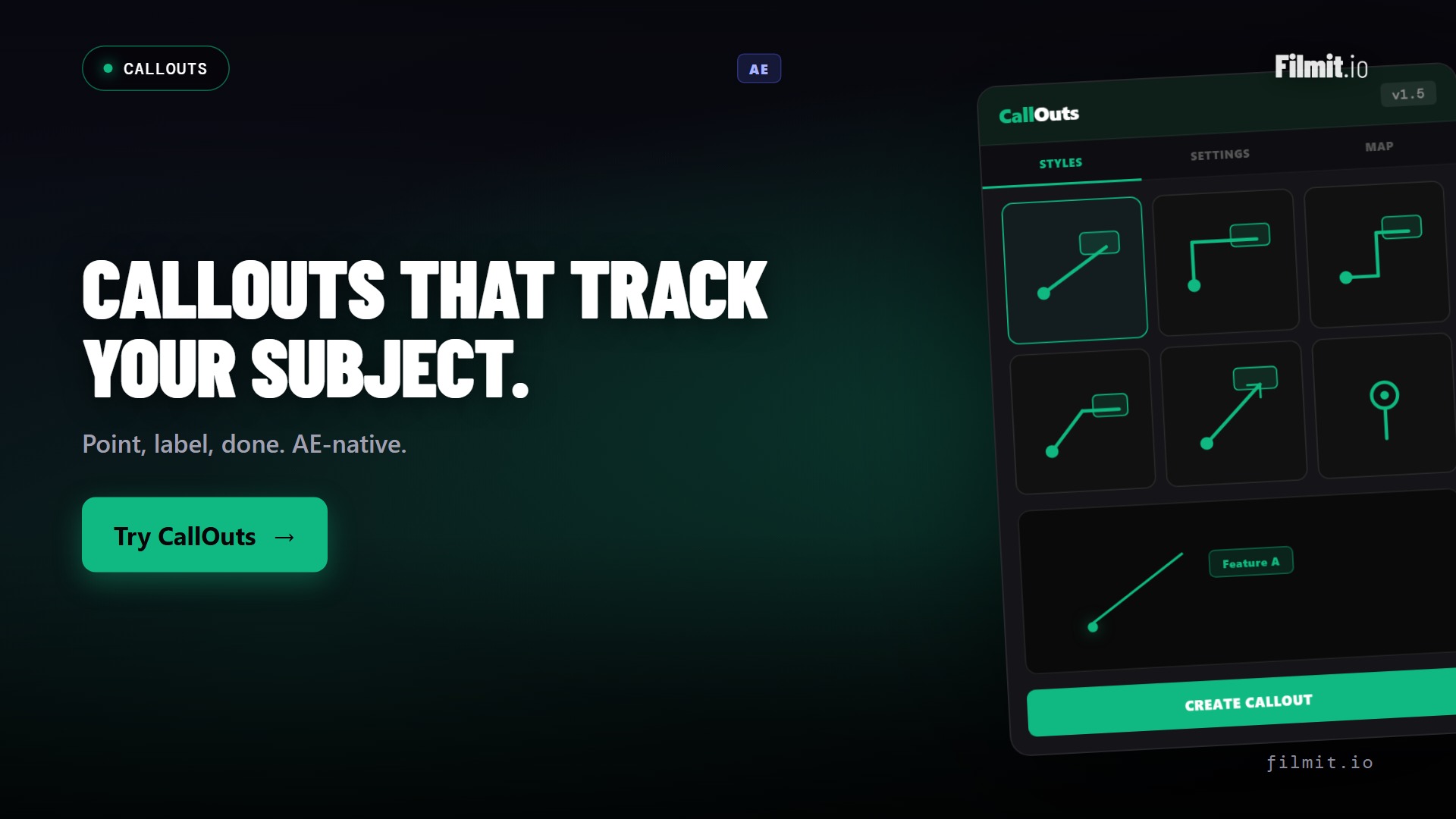
Annotation lines and labels that animate themselves
Path-based callout lines, labels, and pointers for tutorials, explainers, product demos, and BTS. CallOuts draws and animates them cleanly, so you get polished annotation graphics without building each one from scratch.
- Path-based callout lines and labels with animation
- Built for tutorials, explainers, and product demos
- Polished annotation without bespoke design work
Where each tool fits
Your After Effects toolkit, by job
Every one of these runs natively in After Effects. Each owns a specific part of the comp.
| Tool | The job it does | Reach for it when | Also in |
|---|---|---|---|
| GridMaker | Grids, guides, split-screens, and video walls | A comp needs layout or a multi-frame wall | AE only |
| TextPilot | Batch-animates, edits, and translates text | Kinetic type or dozens of text layers | Pr |
| ColorMaster | Centralizes every fill and tint into one panel | A brand palette drives the whole comp | AE only |
| Credits | Turns a spreadsheet into an animated credit roll | A film or doc needs end credits, fast | AE only |
| Slideshow | Builds an animated slideshow from photos | You need a recap or event photo sequence | AE only |
| ProXimity | Distance-based animation triggers, no expressions | Layers should react as they move | AE only |
| EXpress | Click-to-apply text and motion presets, plus expressions | Titles, logos, or layers need to move in and out, fast | Pr |
| Captions | Builds animated captions, timed word by word, as a Captions comp | Someone speaks and the words need to be on screen | Pr |
| Mapper | Builds an animated travel map as an editable comp | A story needs to show the route it took | Pr |
| ToolKit | Snapshots, alignment, guides, and utilities | You want the small daily tools in one panel | Pr |
| Gravity | Real 2D physics, played live and baked to keyframes | Motion needs real weight, bounce, and collisions | AE only |
Beyond the panels
Native effects and transitions for After Effects
Your subscription also unlocks a growing library of 45+ native GPU effects and transitions that drop straight onto an After Effects layer. And the library keeps growing, because we build from real feedback. Message us anytime on Discord or through our contact form, tell us what you need, and we will literally build it.
By the numbers
One subscription, the whole AE toolkit
No per-plugin pricing, no marketplace. Everything below is included the moment you subscribe.
FAQ
After Effects questions
What artists want to know before wiring Filmit into After Effects.
The tools run in current Adobe After Effects on both Mac and Windows, installed as native panels. If you're on a recent Creative Cloud release, you're covered. Each tool page lists any specific requirements.
Filmit Studio, our desktop app, installs and updates every panel for you. Open Studio, click install, and the tools appear under your After Effects window menu. No manual ZXP files, no CEP debugging.
Yes. The tools build real, editable layers and comps, not locked black boxes. You can keep animating, add your own expressions, and fold the output into existing templates exactly like anything you built by hand.
No. One subscription at $20/month, or $16/month billed yearly, unlocks every plugin, effect, transition, and course, plus every tool we ship in the future.
Filmit FX and Transitions are native, GPU-accelerated effects you drop straight onto a layer, not template comps. They render fast and behave like any built-in effect.
Yes to both. Every subscription starts with a 7-day free trial, and there's no contract, so you can cancel anytime.
Load up After Effects. Animate faster.
Studio desktop app. Every AE tool, effect, and transition. $20/month, cancel anytime.