💼
Client rebrands
Same template, new client, new palette. Save the brand as a palette, hit Retheme, and review the whole project recolored in minutes.
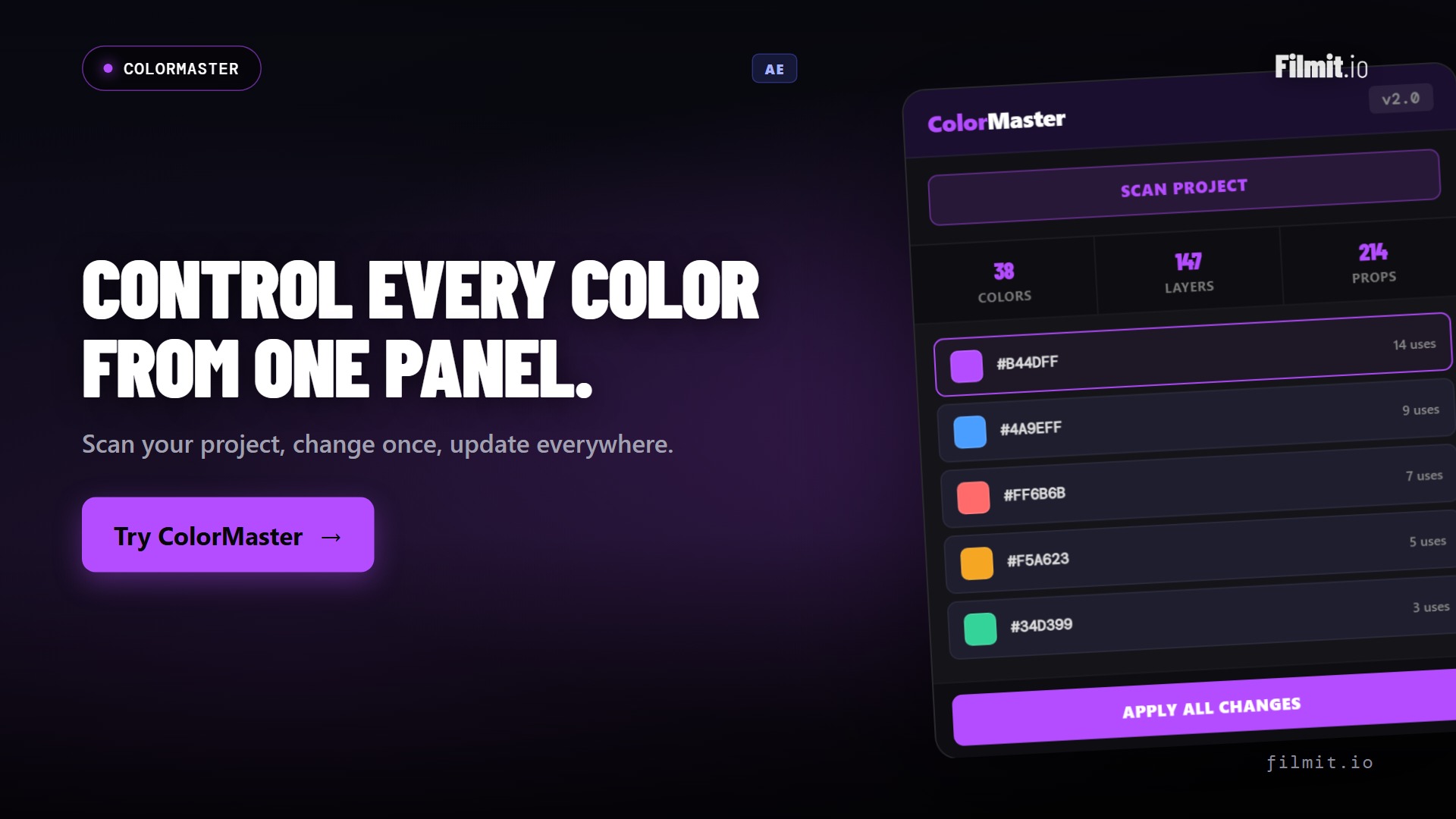
Scan your project and every color becomes a swatch: solids, shapes, text, gradients, layer styles, all of it. Change any of them from one panel, merge duplicates so they move together, and retheme an entire project in one click.
ColorMaster comes with Filmit Studio, along with our whole suite of plugins, effects, transitions, overlays, and courses, plus everything new we ship. It's all included!
Watch the Demo
From a 400-color project to one organized panel, merged groups, and a one-click retheme.
Three steps and you are up and running, with ColorMaster and every other Filmit tool, right inside your editor today.
Sign up free at filmit.io. No card needed to look around.
Download the free desktop app for Mac or Windows. It manages every tool for you.
Start your 7-day trial and install ColorMaster plus every other tool, straight into your editor.
"Make the blue a bit warmer" means twirling open every layer in every comp, checking fills, strokes, effects, and styles, and hoping you found them all before the review call.
The same brand color pasted into forty places slowly stops matching: one got eyedropped slightly off, another was tweaked at 2am. Now nothing lines up.
New client, same template, different palette. Recoloring a finished project by hand takes a day and always misses something in a precomp somewhere.
Solids, shape fills and strokes, text fills and strokes, gradients, layer styles, effect colors, image tints, lights, and comp backgrounds, across every comp and precomp. Filter by type, search by hex or layer name.
Click a swatch and change just that color, with a full picker and live apply as you drag. Jump to any layer in the timeline straight from the panel.
Ctrl+click or Shift+click swatches and merge them into one linked group: change one, all of them follow. Right-click to unmerge and they're individual again.
Linked colors live in a "ColorMaster Controls" comp in your project panel, complete with a live swatch grid. Open it and retheme the whole project from one place.
Everything runs on standard After Effects color controls and expressions. Send the project to someone without Filmit Studio and every link still works. They can even recolor it from the controls comp.
Save multiple brand profiles per project and switch instantly. Every scheme carries Normal, Dark, Light, and B&W variants with per-color overrides.
Generate harmony palettes, build custom ones, or save your project's own colors as a palette. Retheme maps every color to its nearest palette color, saved as a scheme so you can always switch back. Palettes import and export as files.
Every color remembers what it used to be. See its past colors right in the editor and click any of them to restore it. History survives re-scans and restarts.
Change a color control directly in After Effects and the panel picks it up within seconds: swatches, history, and schemes all stay current. No rescan, no refresh button.
Scanning changes nothing. Linking keeps every color exactly as it was. Text layers keep their per-character styling. Every action is one clean undo step.
Change your mind? Unlink All freezes every color at its current value and steps out of the way. Clear CM removes every trace, controls, links, and the master comp, and your original setup is back.
And because the links are plain After Effects expressions, renders, proxies, and team handoffs behave exactly like a project that never met a plugin.
Same template, new client, new palette. Save the brand as a palette, hit Retheme, and review the whole project recolored in minutes.
Ship templates with one obvious controls comp where buyers change every color, without opening a single layer. No plugin needed on their end.
Deliver the same video in dark mode, light mode, and B&W from one project, with per-color overrides saved per scheme.
Keep every episode, cutdown, and localization on brand. Export the palette once, import it everywhere, and merge strays into the official colors.
Generate harmony palettes from any color and retheme to audition a look. Every experiment is a scheme, so flipping back to the original is one click.
Colors named, tagged, and centralized means the next editor finds "Header BG" in one place instead of archaeology through precomps.
One click finds every color in every comp. Read-only, nothing changes.
Recolor individual swatches, or merge duplicates so they change together.
Tag colors, save palettes and brand schemes, build Dark and Light variants.
Recolor whole projects in one click, then send them anywhere. The links work without the plugin.
No. Scanning is completely read-only: it finds your colors and builds swatches, and nothing in your project changes. Things only change when you edit, link, or merge, and every action is one clean undo step.
Fifteen types: solids, shape fills, shape strokes, gradient fills and strokes, text fills and strokes, text fill effects, gradient effects, image tints, precomp effects, layer styles, effect colors, comp backgrounds, and light colors, across every comp and precomp in the project.
Everything keeps working. ColorMaster's links are standard After Effects color controls and expressions, so the project renders and edits normally anywhere. Your recipient can even retheme it by opening the ColorMaster Controls comp and changing the controls there.
Yes. Text fills and strokes are controlled through text animators, the same mechanism you'd use by hand, so per-character styling, fonts, and formatting are never touched.
Yes, two ways. Unlink All removes every link and freezes colors at their current values. Clear CM goes further and removes every trace, links, controls, and the master comp, returning the project to its original setup.
After Effects, on Mac and Windows, as a native panel, in every After Effects language.
Yes. ColorMaster is included with your Filmit Studio subscription at $20/month, along with every other Filmit tool, overlay, and course. Try it with a 7-day free trial.