You're already wearing every hat. Wear fewer.
Filmit.io builds tools for indie filmmakers, solo creators, and no-budget productions. Plugins to make your edit and grade faster today, plus a coming wave of web apps for the producer hat you didn't ask for: estimates, call sheets, crew lists, and release forms.
The Indie Reality
Director, editor, producer, accountant.
When you're running an indie production, you're not just making the work, you're scheduling it, budgeting it, paperworking it, and chasing every signature yourself. The bigger crews have a producer for that. You don't. So you live in spreadsheets, sticky notes, and docs that fall apart by week three.
Estimates from scratch, every time
Every new project starts with a blank spreadsheet. Crew rates, gear, locations, contingency, all tallied by hand, then rebuilt next time because the last one is buried in a Drive folder.
Estimator (web app), coming soon
A crew list that lives in four places
Who's the gaffer? What's their day rate? Did they sign the release? You've got it in a sheet, a notes app, three text threads, and an old email. Then you re-enter it on every call sheet.
Crew List and Call Sheet (web apps), coming soon
Release forms on shoot day
You forgot to print appearance releases. Or you printed them, the talent signed them, and they vanished into a paper folder you'll never find again. Now your edit is legally awkward.
Release Forms (web app), coming soon
Edit-bay friction kills momentum
You finally sit down to cut, then spend the first hour setting up bins, matching the B-cam to the A-cam, and looking up reference instead of cutting. The flow state never arrives.
Organizer, ColorMaster, and GIFer, available now
Available now
Edit-bay tools that pay for themselves on project one
You don't have a post supervisor. You are the post supervisor. These plugins shave time off the parts of cutting and finishing that nobody pays you extra to do. Play each demo to see it work.
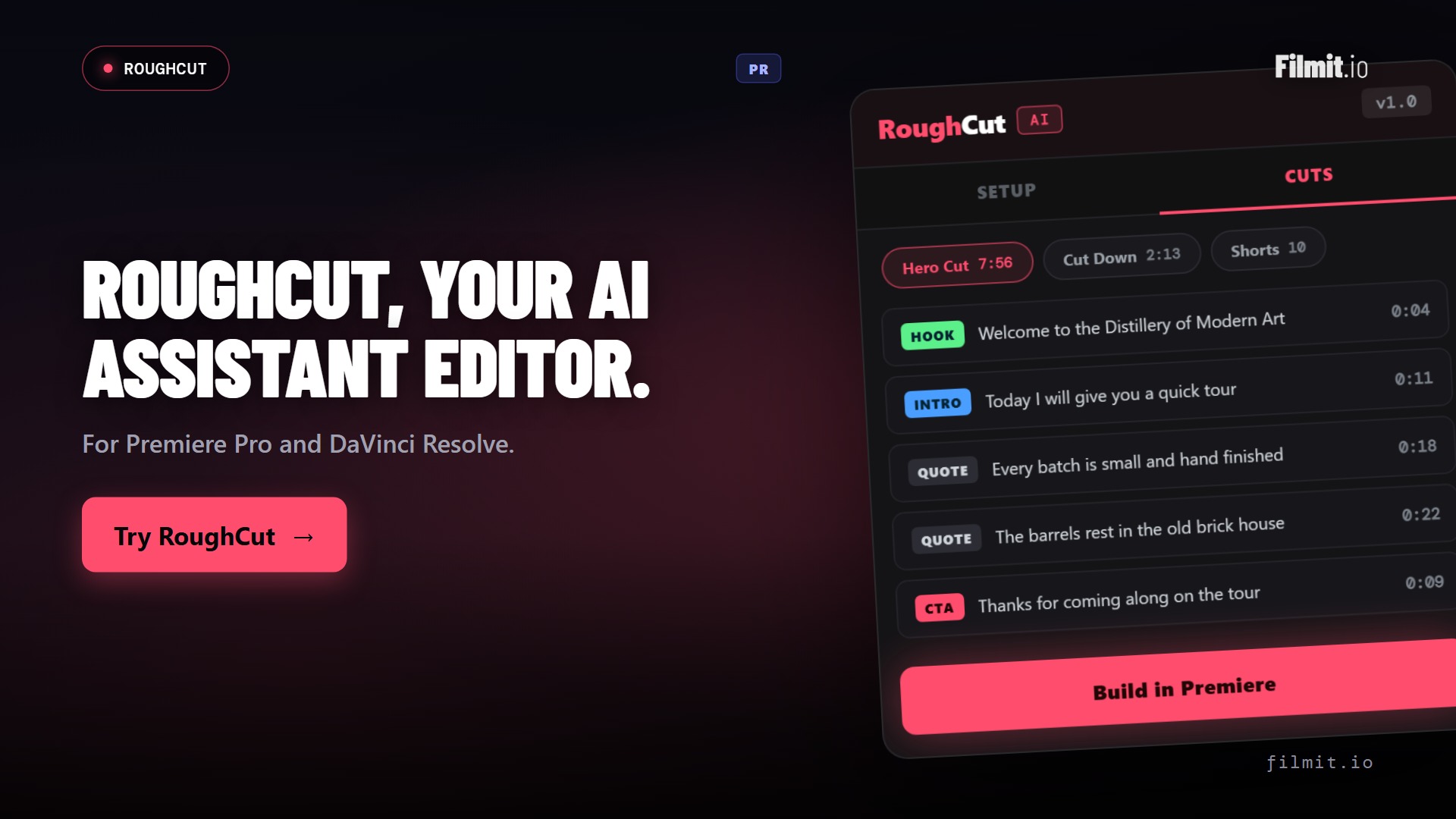
RoughCut Pr · Resolve
Hours of interview footage to a real rough cut
Docs, interviews, talking-head, YouTube. RoughCut transcribes every source on your machine, uses AI to order the strongest quotes into a story, and builds a live, editable sequence. It builds the rough cut, so you don't have to. Think of it as the assistant editor you can't afford yet.
- Local transcription, your footage never leaves your computer
- AI orders the best soundbites into a hero cut, cut-downs, and shorts
- Free built-in token, or bring your own Anthropic or OpenAI key
JumpCut Pr · Resolve
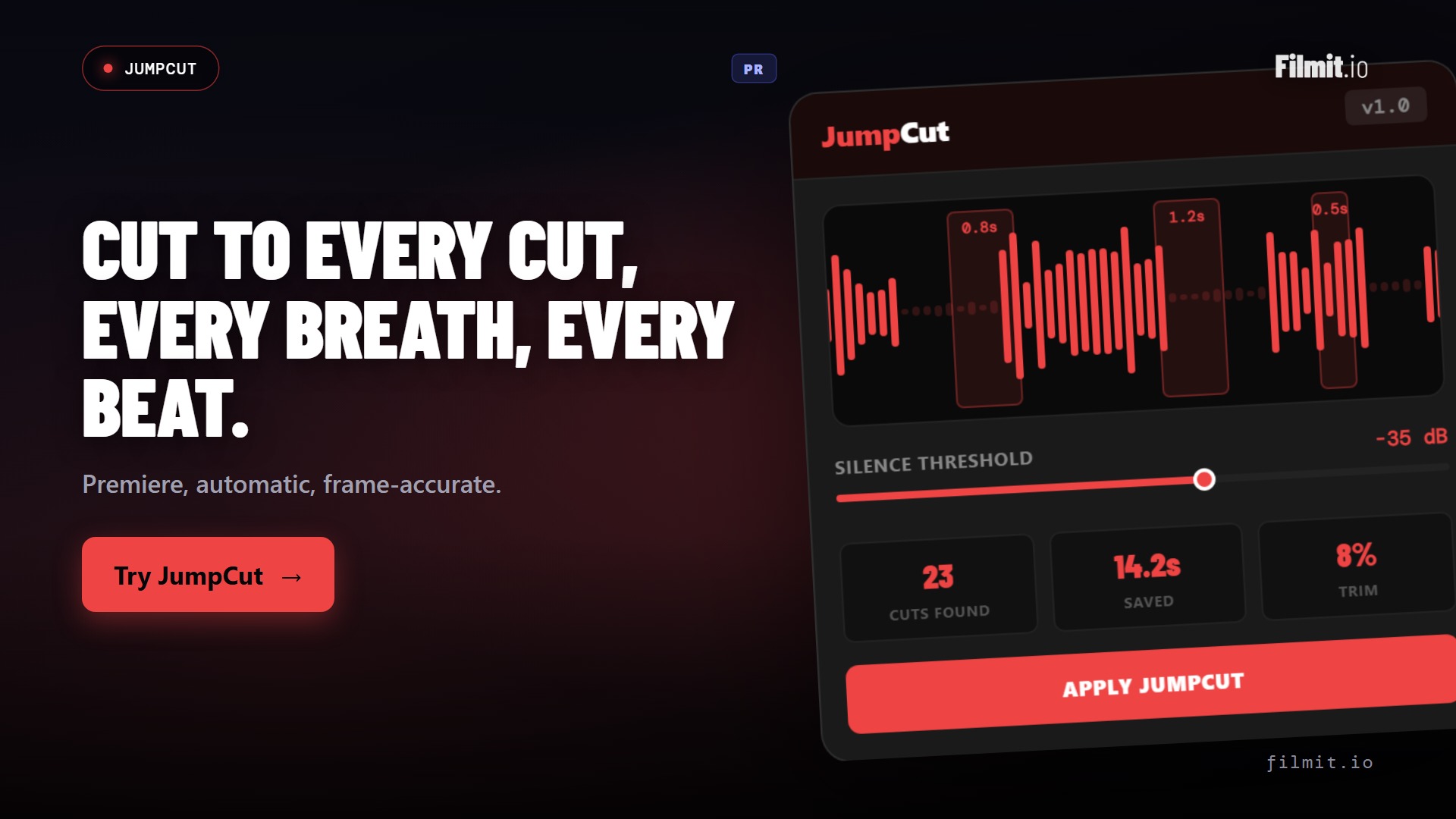
Kill the dead air without scrubbing for it
Interview and doc-style footage is buried under pauses, breaths, and umms. JumpCut finds them across the whole timeline and slices them out in one pass, turning a long talking-head dump into a tight assembly while you make coffee.
- Auto-detects silences, breaths, and dead air
- Tune the threshold and padding so cuts breathe right
- Hours of raw footage to a lean cut in minutes
Organizer Ae · Pr
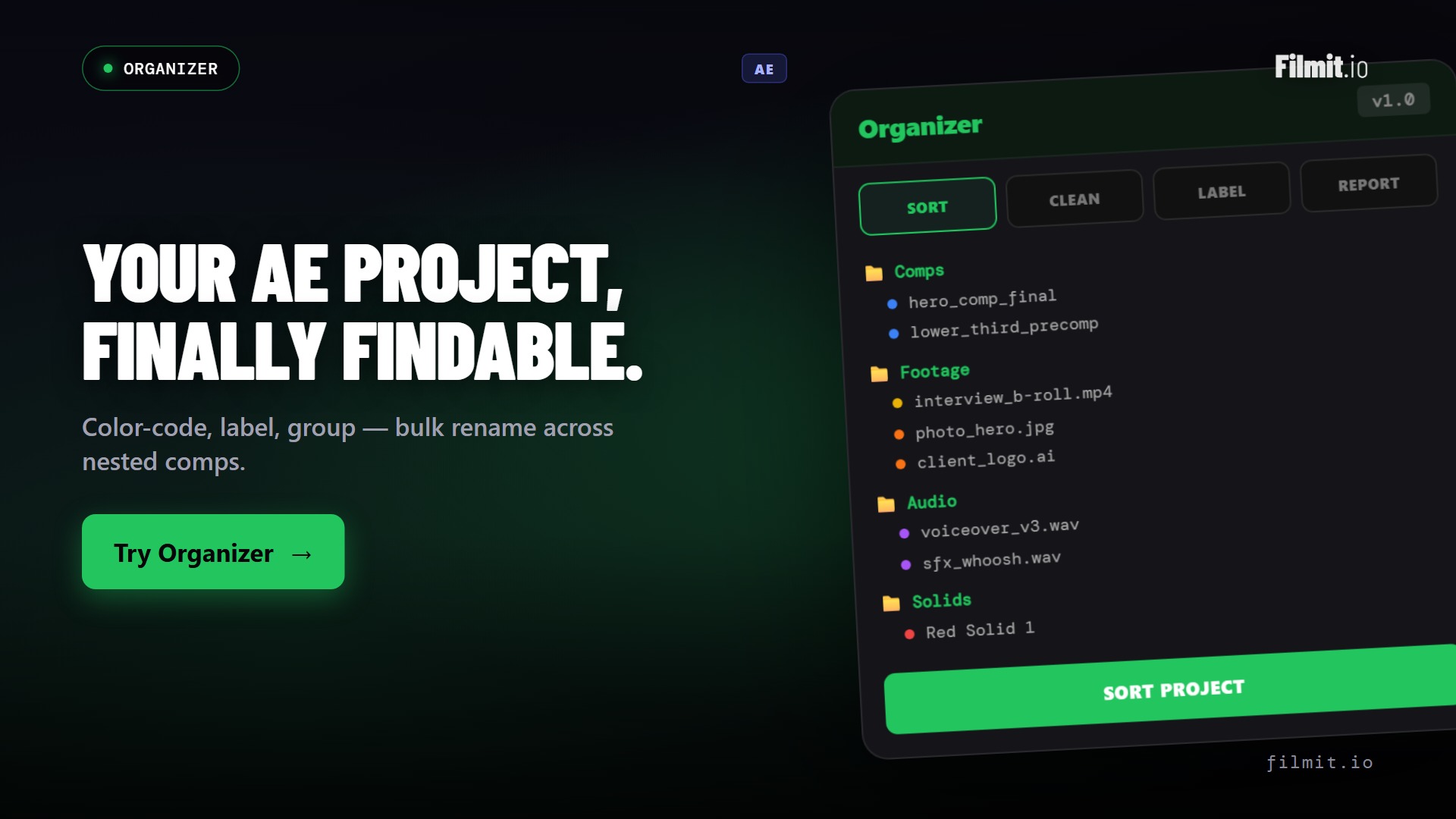
A project file that looks like someone owns it
Solo projects turn into a mess of loose clips and mystery layers fast. Organizer scaffolds a clean structure, renames and sorts in bulk, and finds the duplicates and dead comps, so you spend your time cutting, not spelunking.
- One-click bins and folder structure for every project
- Bulk rename, sort, and label
- Find duplicates and dead comps to keep it lean
GIFer Pr · Ae · Resolve
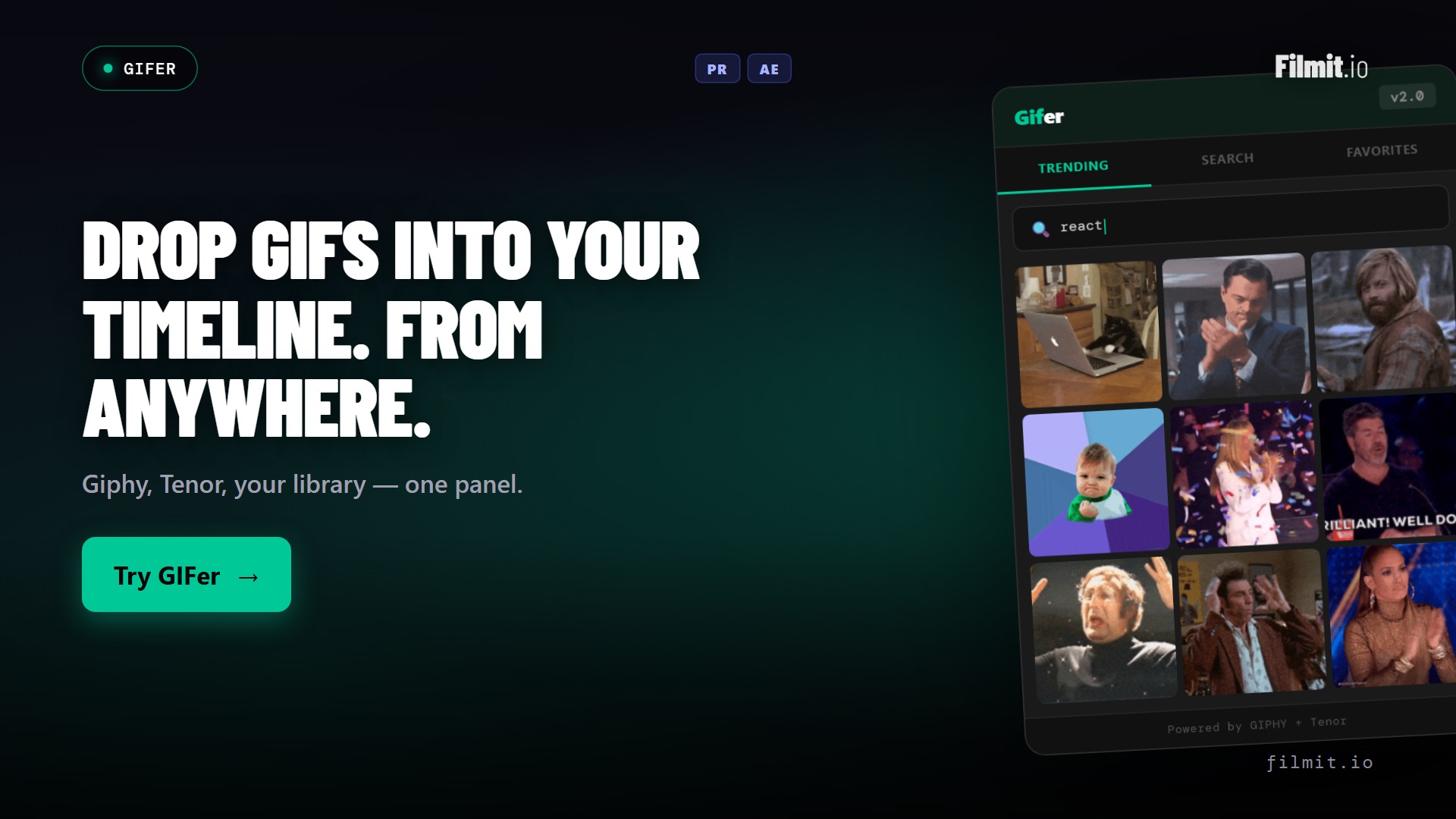
Reference and cutaways, without the browser detour
Search Giphy from inside your editor and drop clean clips straight onto the timeline as ready-to-use footage. Reaction shots for a YouTube cut, visual reference for a transition, a punchline for the socials, all without leaving the edit.
- Browse and search Giphy in-panel
- Drop GIFs onto the timeline as clean clips
- Great for YouTube, socials, and reference targets
The rest of the kit
Everything else in the edit bay, included
One subscription unlocks the whole suite. Here's the rest of what an indie post workflow leans on.
ColorMaster
AeCentralized color control for every layer. Match cameras, build palettes, swap looks fast.
LUT Manager
Ae · PrBrowse, preview, and apply LUTs without dragging files. Build a starting grade in a minute.
TextPilot
Ae · PrLower thirds and titles you can update in seconds, consistent across the whole project.
CallOuts
AeAnnotation graphics for tutorials, BTS, and explainer cuts. Polished, fast, no bespoke design.
Sourcer
Ae · Pr · ResolveBrowse and import stock footage and photos from Pexels, Unsplash, and Pixabay in-panel.
Reducer
AeStrip unused items and dead comps before you export or archive. Keep project files small.
Coming soon
The producer hat, finally automated
A series of web apps purpose-built for indie productions. No bloated enterprise pricing, no 12-month contract. Just the producer-side tools every indie creator quietly cobbles together in spreadsheets, done properly. These are in the works, not live yet.
Estimator
Web AppBuild a full project budget, crew, gear, locations, contingency, from a saved template. Reuse it next time.
Crew List
Web AppA live roster of every collaborator you've worked with. Rates, contacts, and paperwork status in one place.
Call Sheet
Web AppAuto-generate clean call sheets from your crew list and shoot day. Send by email, no PDF wrangling.
Release Forms
Web AppAppearance, location, and minor releases ready to e-sign on set. Stored, searchable, and never lost.
Beyond the panels
We don't stop at plugins
Your subscription also unlocks a growing library of 45+ native GPU effects and transitions, looks and moves you drop straight onto a clip in After Effects, Premiere Pro, or DaVinci Resolve. And the library keeps growing, because we build from real feedback. Message us anytime on Discord or through our contact form, tell us what you need, and we will literally build it. We're indies building for indies.
A real indie day
From email to final master, on your own
A short film, a passion project, a low-budget commercial. The workflow is the same. You wear five hats and you need each one to take less time than it used to.
Spec the project
Use Estimator, when it ships, to put together a real budget from a saved template. Send a proper number, not a back-of-napkin guess.
Lock the crew
Pull from your Crew List. Day rates, contact info, and paperwork are all there. No re-asking the gaffer for their email.
Shoot day, on paper
Generate a Call Sheet with locations and scene order. Capture Release Forms on a phone instead of a clipboard you'll lose.
Ingest and organize
Drop footage into Premiere, Resolve, or After Effects. Run Organizer and Sourcer. Bins are clean, missing media gets linked, and you start on the actual cut.
Cut and color
RoughCut for interview assembly, JumpCut for pacing. ColorMaster and LUT Manager for a starting grade. GIFer when you need reference. Titles via TextPilot.
Deliver and archive
Send the master, file the paperwork, log the project. When the next gig calls, the template is already there.
Why we built this
Made by indies, for indies
A note from the team
We're indie filmmakers. We built Filmit.io because we couldn't find tools priced for the way we actually work: solo, scrappy, low-budget, often unpaid.
We're a mission-driven indie company, and the money we make goes back into more tools, more affordable pricing, and more support for the next creator behind us.
You buy the suite. We build the next thing.
That's the whole loop.
By the numbers
One subscription, the whole toolbox
No per-plugin pricing, no contract. Everything below is included the moment you subscribe.
FAQ
Questions indie creators ask
The things people want to know before they wire Filmit into a one-person production.
The full plugin suite for editing and finishing is live today: RoughCut, JumpCut, Organizer, GIFer, ColorMaster, LUT Manager, TextPilot, and more. The production web apps, Estimator, Crew List, Call Sheet, and Release Forms, are in the works and clearly marked as coming soon.
Depending on the tool, After Effects, Premiere Pro, and DaVinci Resolve, on Mac and Windows. RoughCut and JumpCut run in Premiere Pro and Resolve; GIFer and Sourcer across all three; the mograph and color tools live in After Effects. Every tool page lists its hosts.
No. One subscription at $20/month, or $16/month billed yearly, unlocks every plugin, effect, transition, and course, plus every tool we ship in the future. When the production web apps launch, they're part of the same subscription.
Yes to both. Every subscription starts with a 7-day free trial, and there's no contract, so you can cancel anytime. Perfect for spinning up for a single project and deciding as you go.
They're actively in development, and we'd rather ship them right than rush them. Grab the plugin suite now to be first in line, and tell us what you need most on Discord or through our contact form, we build from real feedback.
Make the project. Skip the friction.
Start with the plugin suite today. Be first in line for the production web apps.