
🎥
YouTube Content
Drop reaction GIFs into your videos for commentary, humor, and engagement. Keep viewers watching longer.
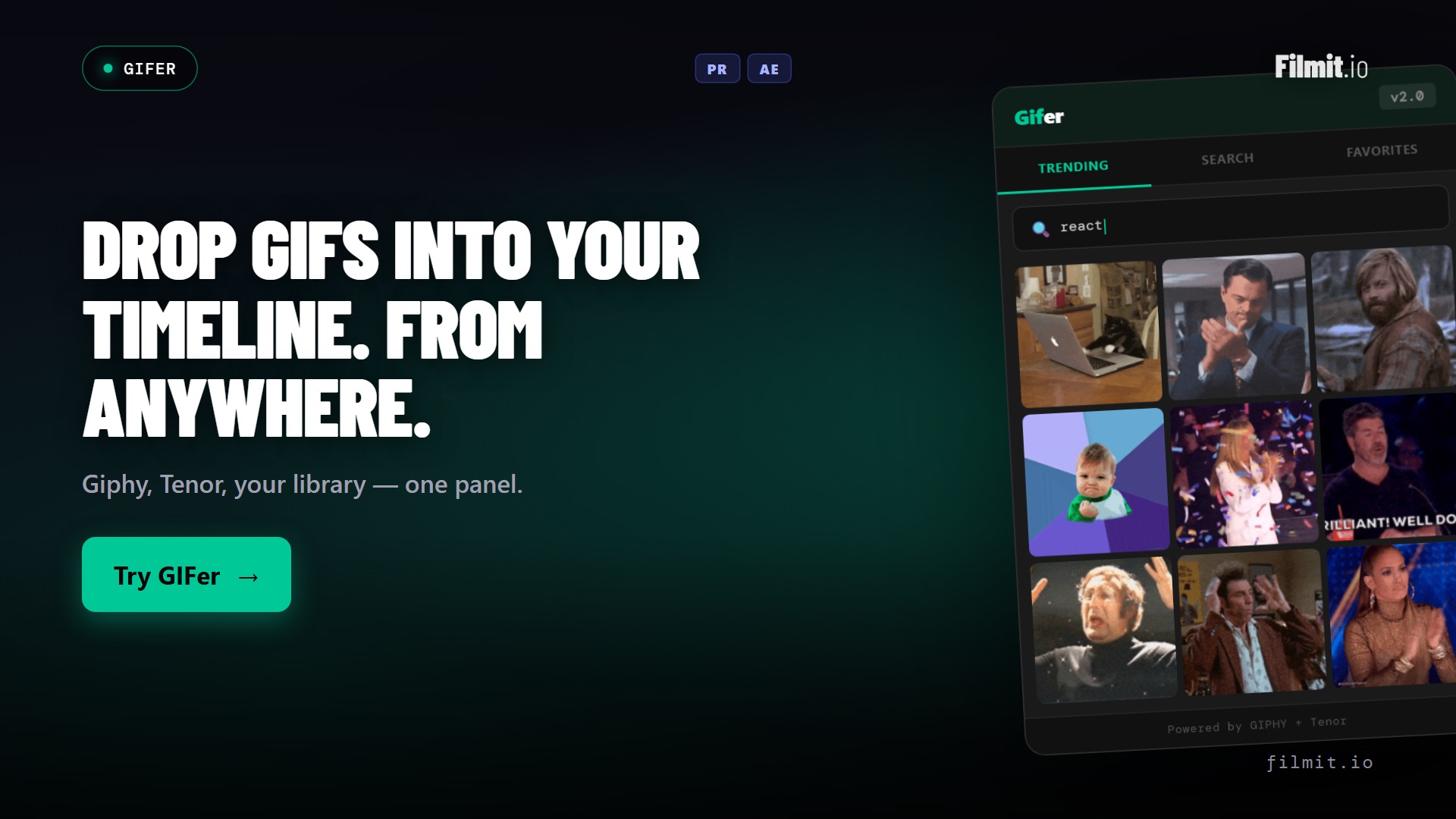
Search Giphy and Tenor and drop GIFs straight into your timeline.
GIFer is free and awesome. No subscription, no payment, ever. While you're here, be sure to check out our pro tools, all included with Filmit Studio.
No account required to use GIFer. Add your own free API key and go.
Watch the Demo
A full tour of searching GIFs and dropping them straight onto your timeline in Premiere Pro and After Effects.
A full tour of searching GIFs and dropping them straight onto your timeline in Premiere Pro and After Effects.
Demo coming soon
This one is live in the app today. We are recording its demo now.
Three steps and you are up and running with GIFer, right inside your editor today. Totally free.
Grab the free desktop app for Mac or Windows. It installs and manages your plugins.
One click from the tools list. No subscription, no payment, ever.
Paste a free API key in the plugin, Studio, or your dashboard, and start creating.
Every time you need a GIF, you leave Premiere, open a browser, search Giphy, download the file, switch back, and import it. It kills your flow.
You download a .gif file, import it into your project, drag it onto the timeline, realize it's the wrong one, and start over. Time wasted.
GIFs come in random sizes and frame rates. You spend time scaling, repositioning, and adjusting speed every single time.
Search both Giphy and Tenor libraries simultaneously. Search millions of GIFs without leaving your editor.
Browse what's trending right now. Perfect for reaction videos, meme compilations, and social content.
Click a GIF and it drops directly onto your timeline at the playhead. No downloading, no importing, no fuss.
Star the GIFs you use most. Build your personal library of go-to reactions for faster editing sessions.
Browse by category: Reactions, Animals, Sports, Movies, and more. Find the perfect GIF without typing a word.
GIFs automatically scale to match your sequence resolution. No manual resizing or repositioning needed.
Start typing and results appear instantly. Giphy and Tenor search simultaneously, so you always find what you need.








Click any GIF and it lands exactly where your playhead is. Auto-sized to your sequence settings with the right frame rate.
Star your most-used GIFs to build a personal collection. No more re-searching for that perfect reaction every time.
 ⭐⭐⭐⭐⭐
⭐⭐⭐⭐⭐ ⭐
⭐Drop reaction GIFs into your videos for commentary, humor, and engagement. Keep viewers watching longer.
Drop trending GIFs into your social edits. Perfect for TikTok, Reels, and Shorts.
Add visual reactions to podcast highlights. GIFs turn static audio content into something people actually watch.
Install the Filmit Studio desktop app on Mac or Windows. It manages all your plugins.
Launch After Effects, Premiere Pro, DaVinci Resolve, or Final Cut Pro. Gifer appears automatically.
Type a search term or browse trending GIFs. Preview any GIF before inserting.
Click a GIF and it drops onto your timeline at the playhead. Auto-sized and ready to go.
Gifer downloads the GIF in the background, converts it to a format your editor can read, imports it into your project, and places it on your timeline at the current playhead position. Works in After Effects, Premiere Pro, DaVinci Resolve, and Final Cut Pro.
Gifer supports standard GIF format as well as WebP and MP4 variants provided by Giphy and Tenor. All formats are auto-converted to a timeline-friendly format during import.
Gifer requires an internet connection to search and download GIFs from Giphy and Tenor. However, your favorited GIFs are cached locally, so previously used GIFs may be available offline.
Gifer sources GIFs from both Giphy and Tenor, giving you access to millions of GIFs. Both libraries are searched simultaneously so you always get the best results.
Yes, completely. Gifer is free with no subscription and no payment. Download Filmit Studio (also free), install Gifer in one click, add your own free GIPHY key, and you're set. A Studio subscription unlocks our pro tools, but Gifer itself costs nothing.