Animate the things that matter. Skip the rest.
Filmit.io is a plugin and workflow suite for motion designers and mograph artists. Grid systems, batch text animation, credit rolls, slideshows, centralized color, and an expression library, built so you spend your day on the animation, not the setup.
The Mograph Tax
Where the time actually goes
Most motion design hours aren't spent animating. They're spent setting up grids, sampling color from references, building expression rigs from scratch, and conforming to brand guidelines. Filmit gives you those hours back.
Color across forty layers
Brand updates the palette mid-project. Now you're hunting through every comp, every fill effect, every solid, manually swapping the new hex code into dozens of places.
ColorMaster centralizes every fill, stroke, and tint into one swatch panel
Grids, guides, and pixel-perfect layouts
Every comp starts with the same setup: golden ratio guides, baseline grid, safe zones, even split for the kinetic type. You build them by hand every time.
GridMaker generates production-ready guides and split layouts in one click
Kinetic type, again
The brief calls for word-by-word animated lower thirds across a fifteen-segment piece. You can do it manually or you can not.
TextPilot animates per-character or per-word across hundreds of layers in batch
Trigger-based animation rigs
Want a layer to react when another layer enters its proximity? You're either writing distance expressions by hand or copying them from a stack of half-broken files.
ProXimity sets up distance triggers visually, no expression writing required
The heavy hitters
The plugins motion designers reach for first
Six tools that carry the comp, from blank canvas to brand-locked deliverable. Play each demo to see it work, then click through for the full breakdown.
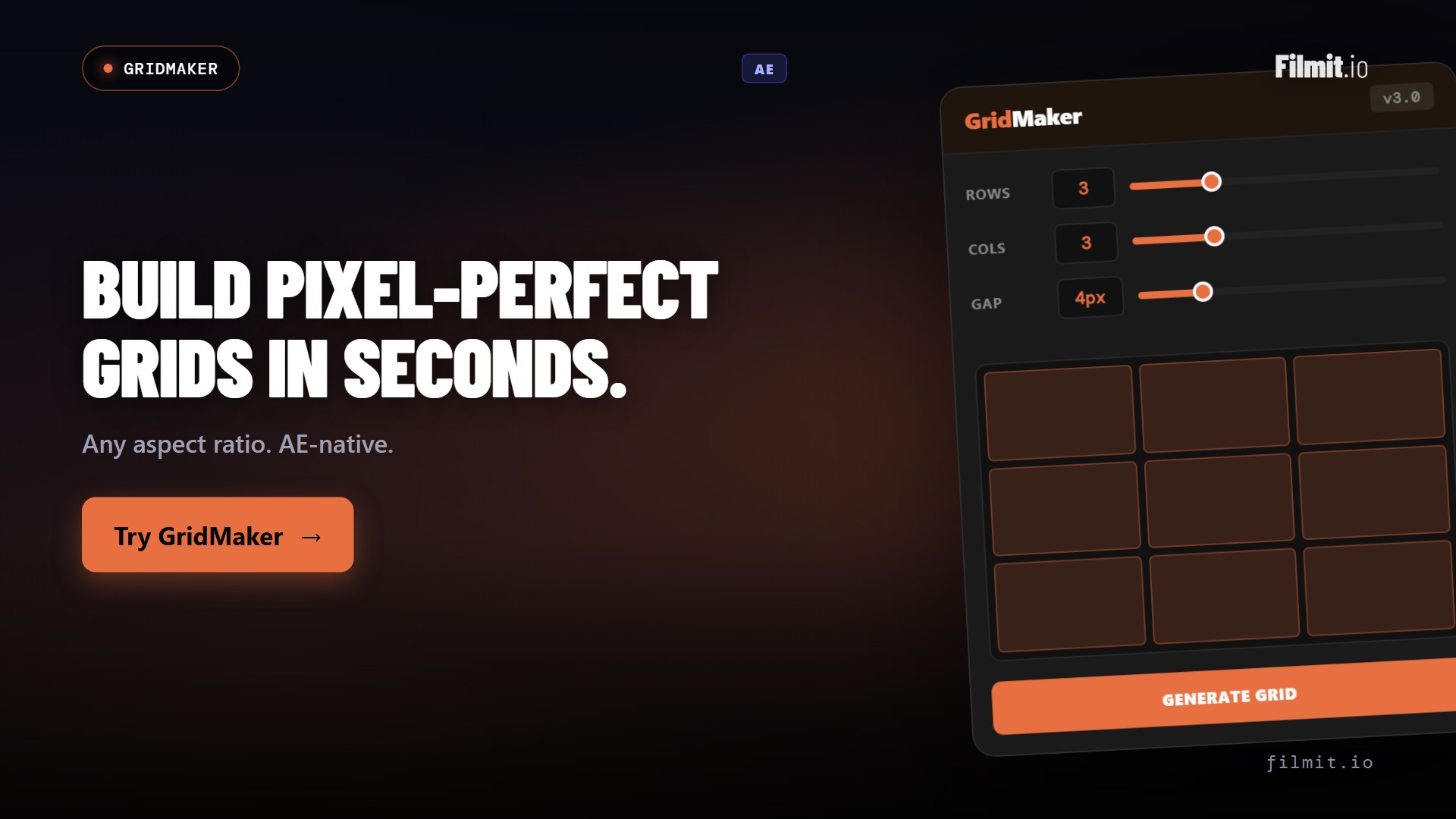
GridMaker Ae
Every grid, split, and video wall in one click
GridMaker generates production-ready grids, guides, split-screens, mosaics, and animated video walls from a single panel. The layout work that used to eat the first hour of a comp is done before you touch a keyframe.
- One-click grids, guides, safe zones, and split layouts
- Split-screens and video walls with animation built in
- Advanced pattern engine for mosaics and tessellations
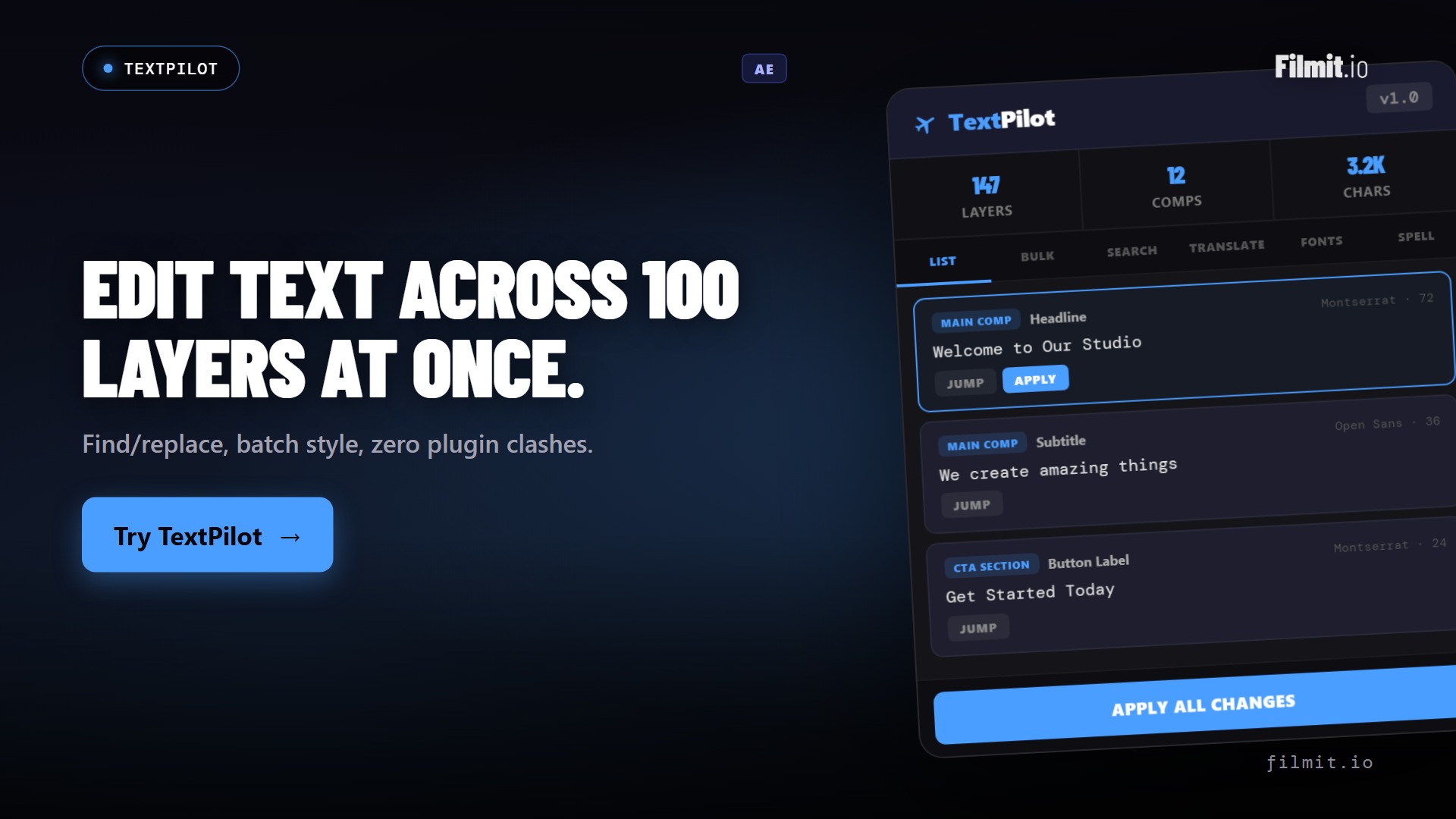
TextPilot Ae · Pr
Kinetic type across hundreds of layers, in one pass
Scan every text layer in a project, then animate per word or per character, edit, translate, and spell-check across all of them at once. A fifteen-segment kinetic sequence, built without touching a single layer by hand.
- Per-word and per-character kinetic animation in batch
- Scan and edit every text layer from one panel
- Translate and spell-check across languages in seconds
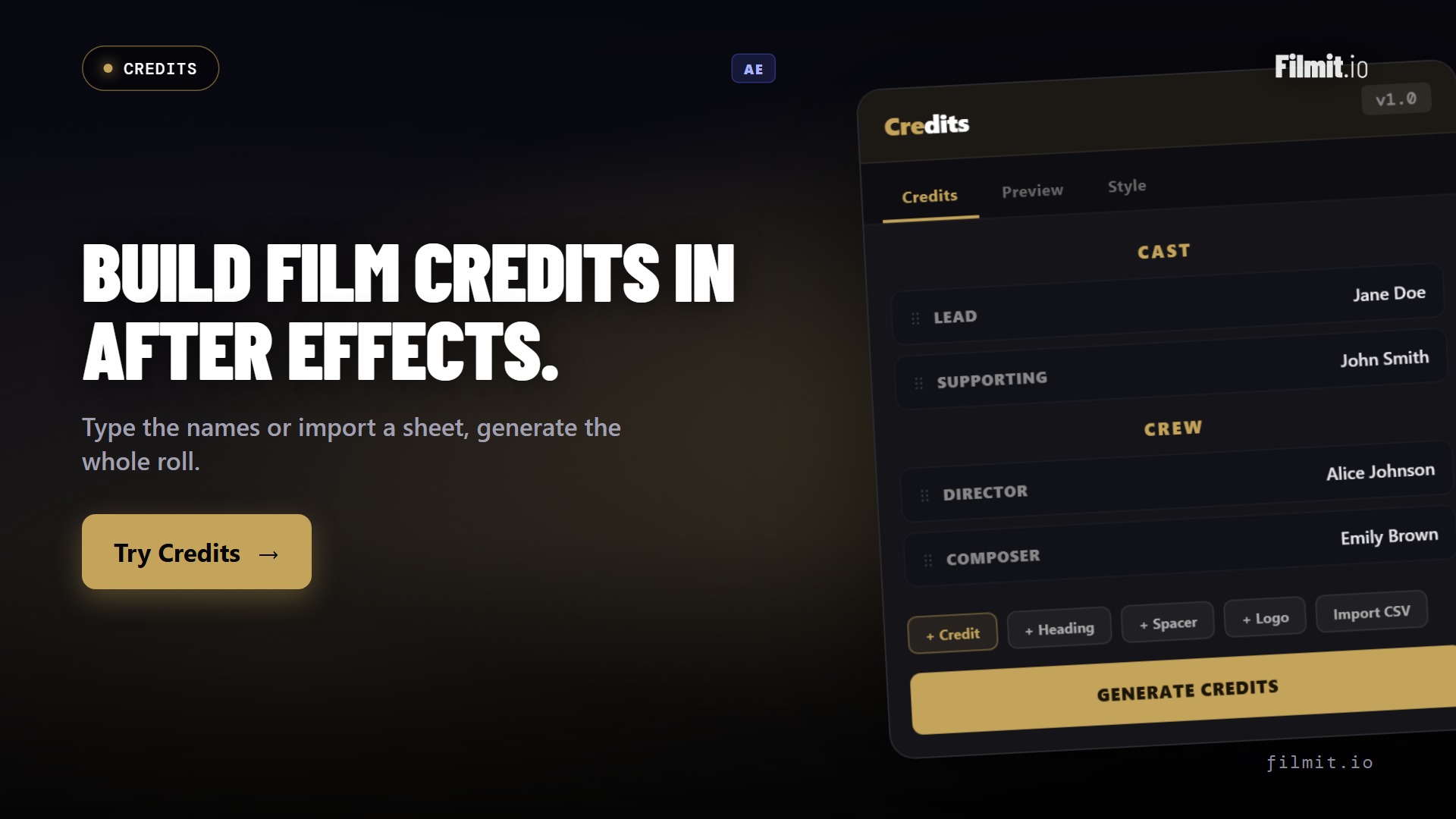
Credits Ae
A spreadsheet becomes a finished credit roll
Credits turns a cast and crew list into a formatted, animated credit roll or card sequence. Drop in the spreadsheet, pick a style, and the columns, sections, and timing lay themselves out, broadcast-ready.
- Import names and roles straight from a spreadsheet or CSV
- Auto-formats columns, sections, and timing
- Outputs a clean scroll or card sequence, ready to render
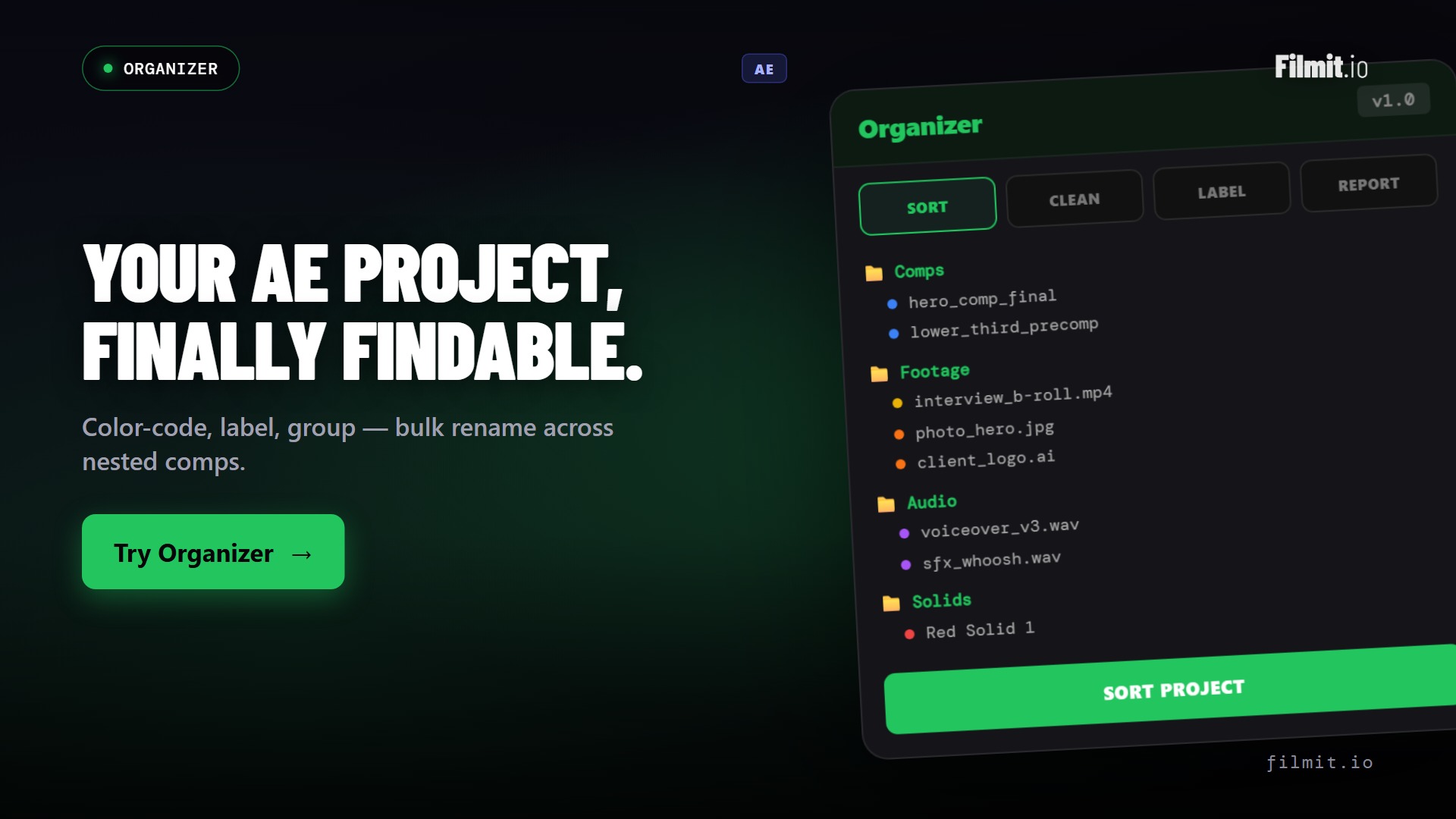
Organizer Ae · Pr
Every comp, layer, and folder, tidy
Big mograph projects turn into a mess of nested comps and mystery layers fast. Organizer scaffolds your standard structure, renames and sorts in bulk, and finds the duplicates and dead comps hiding in the project.
- One-click folder and bin structure for every new project
- Bulk rename, sort, and colour-label to your convention
- Find duplicate and dead comps to keep projects lean
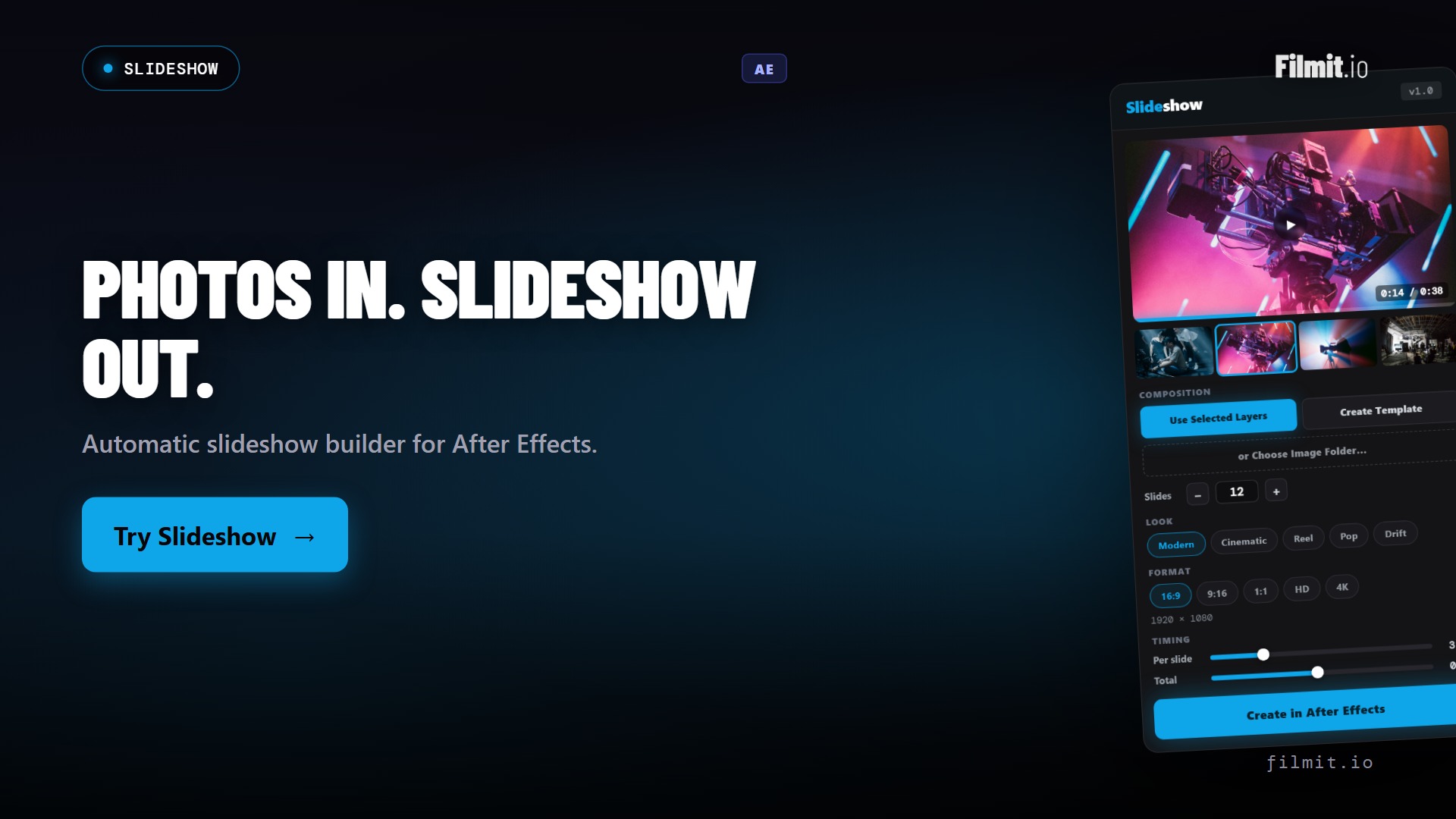
Slideshow Ae
Photos to a polished animated slideshow
Drop in a folder of images, pick a style, and Slideshow builds an animated sequence with movement, timing, and transitions handled. What used to be an afternoon of manual keyframing becomes a render.
- Batch-import photos and build the sequence automatically
- Animated templates with timing and movement controls
- Great for recaps, tributes, real estate, and event edits
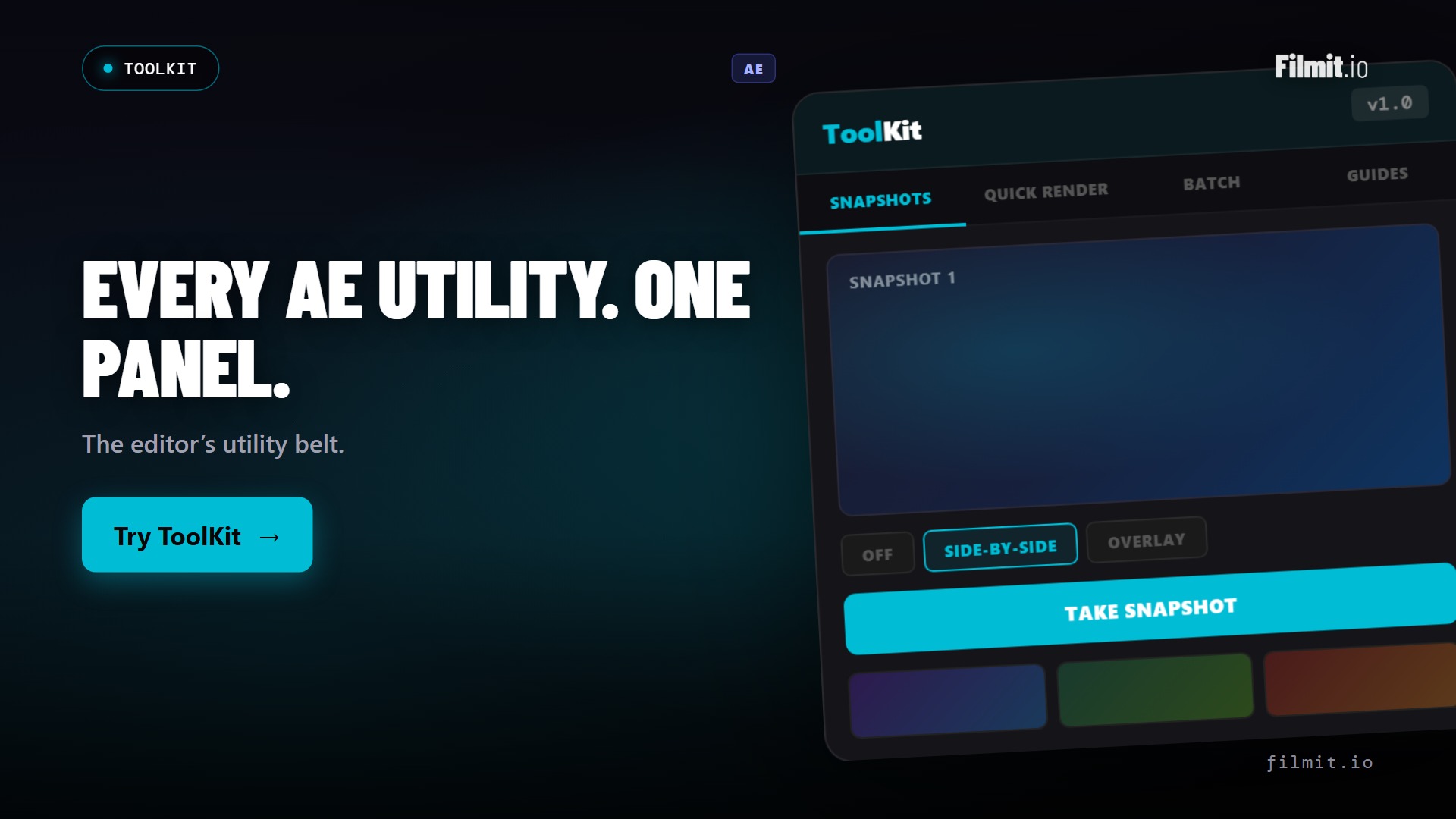
ToolKit Ae · Pr
The utility belt for everyday mograph
The small stuff that adds up: snapshots for client review, alignment and anchor-point fixes, guides, and quick screenshots. ToolKit keeps the dozen little utilities you reach for all day in one panel.
- Snapshots and screenshots for fast client review
- Alignment, anchor-point, and shape utilities
- Guides and layout helpers, always a click away
Where each tool fits
Same suite, different jobs
The mograph tools don't overlap. Each one owns a specific part of the comp, so you always know which to reach for.
| Tool | The job it does | Reach for it when | Runs in |
|---|---|---|---|
| GridMaker | Generates grids, guides, split-screens, and animated video walls | A comp needs layout, structure, or a multi-frame wall | Ae |
| TextPilot | Batch-animates, edits, and translates text across every layer | You have kinetic type or dozens of text layers to drive | AePr |
| Credits | Turns a spreadsheet into a formatted, animated credit roll | A film, doc, or event needs end credits, fast | Ae |
| ColorMaster | Centralizes every fill, stroke, and tint into one swatch panel | A brand palette drives the whole comp and may change | Ae |
| Slideshow | Builds an animated slideshow from a folder of photos | You need a recap, tribute, or event photo sequence | Ae |
| ProXimity | Sets up distance-based animation triggers, no expressions | Layers should react to each other as they move | Ae |
| EXpress | Click-to-apply text and motion presets, plus a live-preview expression library | Type or a logo needs to animate in and out now | AePr |
| Mapper | Builds animated travel maps with real routes and a moving camera | An explainer or doc needs to show where it went | AePr |
| ToolKit | Snapshots, alignment, guides, and everyday utilities | You want the small daily tools in one panel | AePr |
Built for the comp
The plugins motion designers live in
Every Filmit subscription includes the entire plugin suite. No add-ons, no per-feature unlocks. Click into any one to see how it works.
GridMaker
AeGrids, guides, video walls, split-screens, mosaic layouts. Generated in one click.
TextPilot
Ae · PrMass text editing, kinetic-type animation, per-character animators across hundreds of layers.
ColorMaster
AeCentralized color control across an entire project. One swatch panel drives every fill.
Credits
AeTurn a spreadsheet of names into a formatted, animated credit roll or card sequence.
Slideshow
AeDrop in photos and build an animated slideshow with movement and timing handled.
ToolKit
Ae · PrSnapshots, screenshots, alignment guides, shape tools. The utility belt every motion designer wants.
ProXimity
AeDistance-based animation triggers. Layers that react to other layers without expression code.
EXpress
Ae · PrText and motion presets that preview on every card, plus an expression library. Click to apply, then tweak every value.
Mapper
Ae · PrAnimated travel maps with real routes, 14 map styles, and a camera that follows the trip. Builds a native, editable comp.
CallOuts
AeAnnotation lines and labels with path-based animation. Built for explainers and product demos.
Organizer
Ae · PrRename, sort, find duplicates, build folder structures. Make any project searchable.
Beyond the panels
We don't stop at plugins
Your subscription also unlocks a growing library of 45+ native GPU effects and transitions, looks and moves you drop straight onto a layer in After Effects, Premiere Pro, or DaVinci Resolve. And the library keeps growing, because we build from real feedback. Message us anytime on Discord or through our contact form, tell us what you need, and we will literally build it. We're building for motion designers like you.
A typical motion brief, with Filmit
From blank comp to brand-locked deliverable
Here's a one-day kinetic type piece for a brand client, with Filmit handling the setup overhead.
Comp setup with GridMaker
Pick the layout (3x split, golden grid, safe zones) and GridMaker generates the guides. No more dragging guides by hand.
Brand colors in ColorMaster
Drop the brand palette into ColorMaster. Every fill in the comp now references the master swatch. Brand changes their gold? One click updates everything.
Type in TextPilot
Paste the script. TextPilot creates per-word animated layers with kinetic timing across the whole sequence. Hours saved.
Reactive elements with ProXimity
The icon needs to scale up when text passes near it. ProXimity does this without writing expressions, with a slider for falloff.
Polish with ToolKit
Quick snapshots for client review, alignment fixes, exports staged. ToolKit handles the last-mile polish.
Expressions when you need them
Need an oscillation, a delay rig, a wiggle clamp? EXpression has tested expressions ready to copy, and the AI helper customizes for your specific values.
Why we built this
Made by motion designers, for motion designers
A note from the team
Filmit.io is a mission-driven indie studio, and the plugins started as scripts and rigs we built for our own client work over the last decade.
They became products because too many motion designers were paying twenty-nine dollars a pop for tools that should have been table stakes.
A portion of every subscription is reinvested into the creative community, through grants for emerging motion artists, paid contributor work, and the open course library at filmit.io/courses.
So the tools you animate with tomorrow help fund the artists coming up behind you.
By the numbers
One subscription, the whole toolbox
No per-plugin pricing, no marketplace to navigate. Everything below is included the moment you subscribe.
FAQ
Questions motion designers ask
The things people want to know before they wire Filmit into their comps.
Most of the motion suite lives in After Effects, where mograph happens. GridMaker, Credits, ColorMaster, Slideshow, ProXimity, and EXpression run in After Effects; TextPilot, Organizer, and ToolKit also work in Premiere Pro. Every tool page lists its supported hosts.
No. One Filmit Studio subscription at $20/month unlocks every plugin, effect, transition, and course, plus every tool we ship in the future. There's no per-plugin pricing and no add-ons to manage.
Yes. The tools build real, editable layers and comps, not locked black boxes. You can keep animating, add your own expressions, and fold the output into existing templates exactly like anything you built by hand.
Filmit Studio is a desktop app that installs, manages, and updates every tool for you. No manual ZXP wrangling, no version mismatches after an After Effects update. Open Studio, click install, and the panels show up in your app.
Yes. Start with a 7-day free trial of Filmit Studio and use the entire suite. Cancel anytime before the trial ends and you won't be charged.
Anytime, in a couple of clicks. There's no lock-in and no contract. Your subscription simply stops renewing.
Every motion design tool, one subscription
Studio desktop app. Every plugin in the suite. All future tools included. $20/month, cancel anytime.