Filmit comes to DaVinci Resolve.
AI rough cuts, automatic silence removal, in-panel GIFs and stock footage, plus a growing library of native OFX effects and transitions. The Filmit tools Resolve editors have been asking for, on Mac and Windows.
Panels for Resolve
The Filmit tools that run in DaVinci Resolve
Four tools live in Resolve today, with more of the suite on the way. Play each demo to see it work, then click through for the full breakdown.
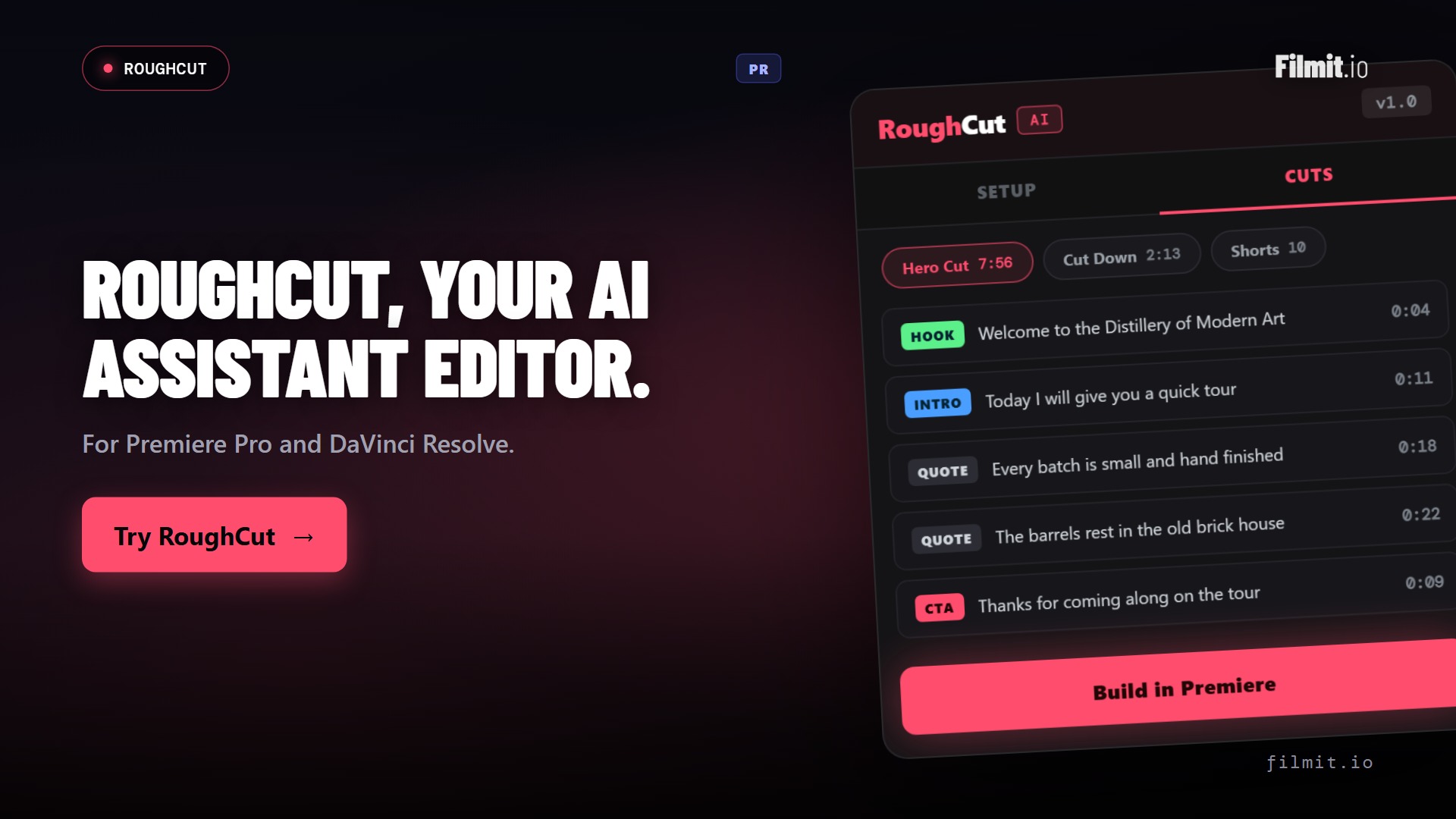
RoughCut DaVinci Resolve · Pr
Hours of interview footage to a real rough cut
RoughCut transcribes every source on your machine, uses AI to order the strongest quotes into a story, and builds a live, editable multi-source timeline right in Resolve. It builds the rough cut, so you don't have to.
- Local transcription, footage never leaves your machine
- AI orders soundbites into a hero cut, cut-downs, and shorts
- Free built-in token, or bring your own Anthropic or OpenAI key
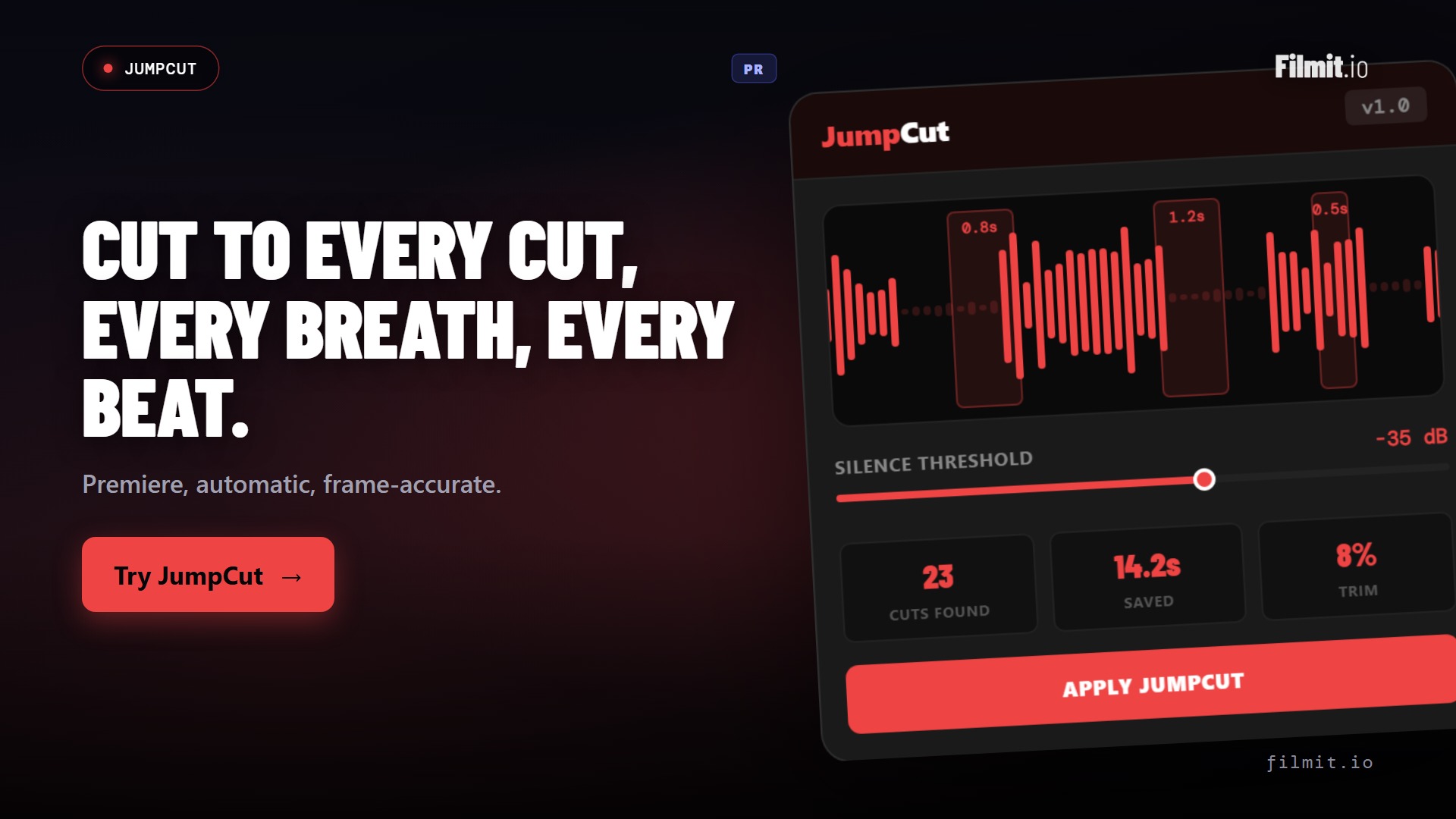
JumpCut DaVinci Resolve · Pr
Kill the dead air without scrubbing for it
JumpCut listens through your Resolve timeline, finds every silence, breath, and pause, and slices them out in one pass. A long talking-head dump collapses into a tight assembly while you make coffee.
- Auto-detects silences, breaths, and umms across the timeline
- Tune the threshold and padding so cuts breathe right
- Hours of raw footage to a lean cut in minutes
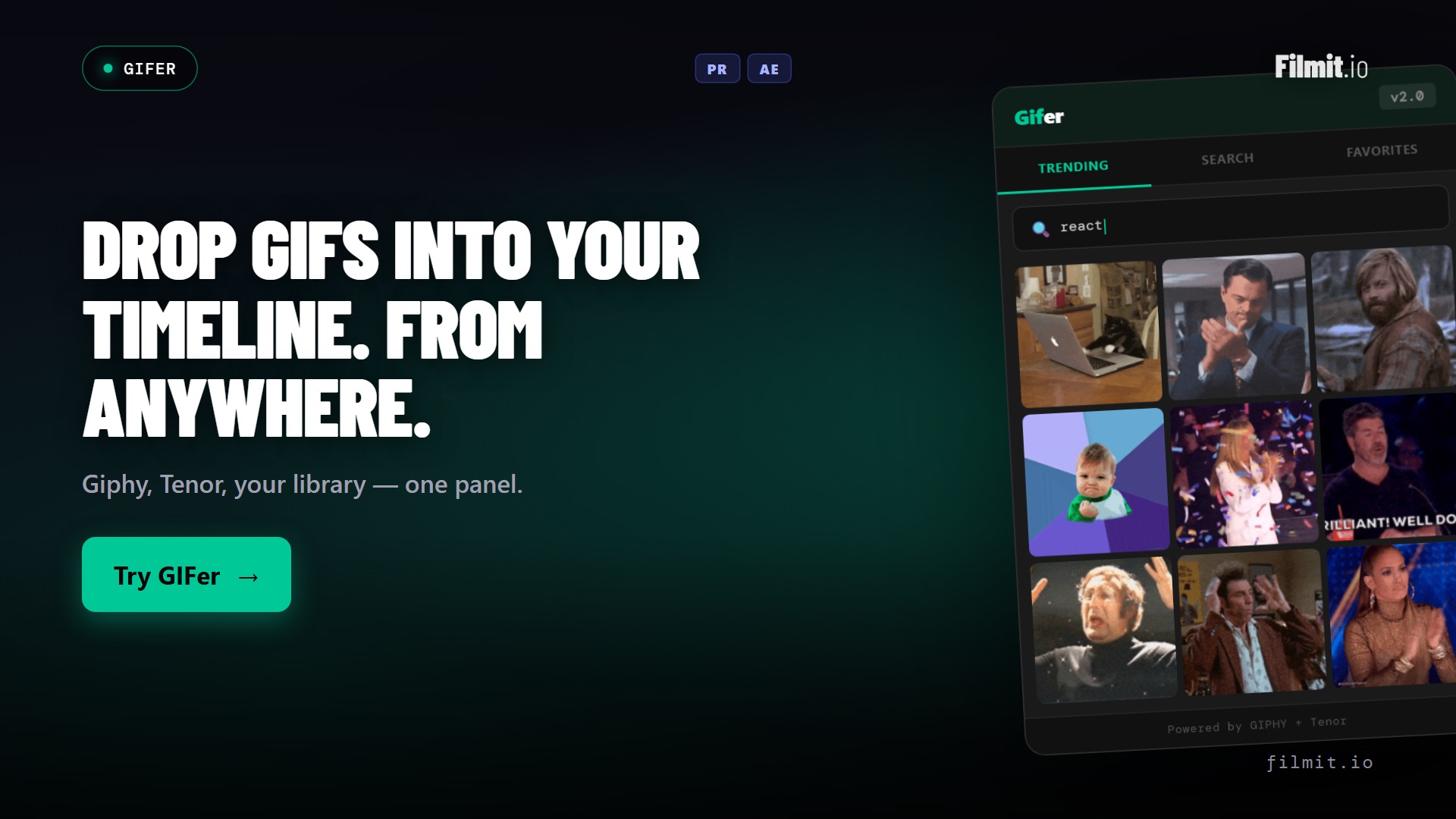
GIFer DaVinci Resolve · Pr · Ae
Reaction GIFs, straight onto the timeline
Search Giphy from inside Resolve and drop the perfect reaction onto your timeline as clean, ready-to-use footage. No browser tab, no download folder, no hunting for the right frame.
- Browse and search Giphy in-panel
- Drop GIFs onto the timeline as clean clips
- Perfect for YouTube edits, socials, and punchlines
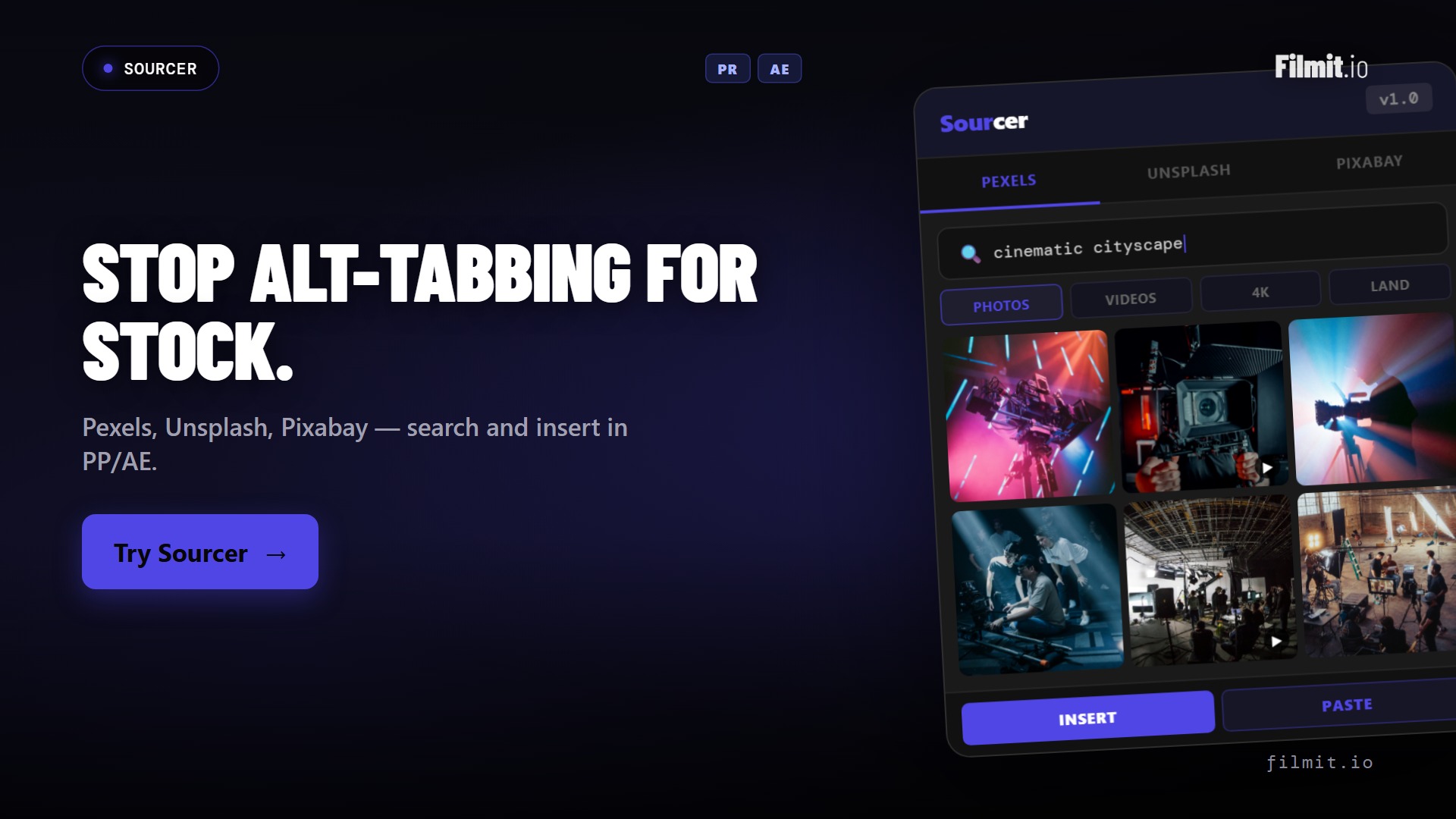
Sourcer DaVinci Resolve · Pr · Ae
B-roll and stock, without leaving Resolve
Browse and import stock footage and photos from Pexels, Unsplash, and Pixabay right inside Resolve. Find the cutaway, preview it, and pull it into the project without a single browser detour.
- Search Pexels, Unsplash, and Pixabay from one panel
- Preview and import footage and photos into your project
- Stay in the edit instead of drowning in download folders
The bigger story
A whole library of OFX effects and transitions
Beyond the panels, Filmit ships a growing library of 45+ native GPU effects and transitions as OFX plugins for Resolve. Drop them straight onto a clip on the edit or cut page. OFX plugins require DaVinci Resolve Studio. The library keeps growing, because we build from real feedback. Message us anytime on Discord or through our contact form, and we will literally build what you need.
By the numbers
One subscription, growing every month
No per-tool pricing. Everything below is included the moment you subscribe, and more Resolve support is on the way.
FAQ
DaVinci Resolve questions
What Resolve editors want to know before wiring Filmit in.
Today: Sync, RoughCut, JumpCut, GIFer, and Sourcer run as panels in Resolve, plus the full library of native effects and transitions as OFX plugins. More of the suite is being ported to Resolve, so the list keeps growing.
Yes. The Filmit effects and transitions install as OFX plugins, and DaVinci's OFX plugin support is a Resolve Studio feature, so the FX and transitions require the Studio edition. The panels are installed and managed through Filmit Studio.
Filmit Studio, our desktop app, installs both the panels and the OFX effects for you, on Mac and Windows. Open Studio, click install, and restart Resolve. No manual bundle copying.
No. RoughCut has a free path with a built-in token that runs on free ChatGPT or Claude. Add your own Anthropic or OpenAI key only if you'd rather have one-click analysis. Transcription always happens locally on your machine.
No. One subscription at $20/month, or $16/month billed yearly, unlocks every tool, effect, transition, and course across every supported app, plus everything we ship in the future.
Yes to both. Every subscription starts with a 7-day free trial, and there's no contract, so you can cancel anytime.
Bring Filmit into Resolve.
Studio desktop app. Sync, RoughCut, JumpCut, GIFer, Sourcer, and the OFX effect library. $20/month, cancel anytime.