One toolkit. Every editor. Same brand.
Filmit.io is built for creative agencies, in-house teams, and studios running multiple operators. Centralized plugin install via Filmit Studio, brand color enforcement across comps, and consistent output no matter who's at the desk. Account-based licensing, without the enterprise tax.
The Agency Reality
Five editors. Five setups. Five problems.
When more than one person touches the work, consistency stops being a preference and becomes a requirement. The brand colors have to match. The lower thirds have to match. The output has to feel like it came from one studio, even when it came from five workstations across two time zones.
Plugin install is IT's worst day
A new editor joins. Now somebody walks them through ten zip files, a stack of manifest edits, and a CEP debug flag. Half the team is on a different version of half the plugins, and nobody's sure which.
Filmit Studio installs every plugin and auto-updates the whole team
Brand colors drift comp to comp
The hero ad uses one hex. The cutdown uses a slightly different one because somebody eyedropped from a JPG. By round three, the deck and the spot don't match, and the brand team is on Slack at 11pm.
ColorMaster locks a central palette across every comp
Lower thirds are bespoke each time
Every editor builds their own template. The font is right, the kerning isn't. The shadow is 4px in one comp and 6px in the next. You're spending revisions on graphics that should already be locked.
TextPilot keeps titles and supers brand-consistent
Onboarding takes a week
A new mid-level joins and spends the first week setting up templates, learning where assets live, and asking three people what the export preset is. Real revenue work waits.
Studio plus ToolKit means the same setup on every desk, day one
Built For Teams
Centralized where it matters. Out of the way where it doesn't.
A real plugin suite for a creative team has to do three things: keep everyone on the same versions, lock brand consistency without slowing creativity, and not turn into a license-management nightmare. We do all three.
Centralized install
Filmit Studio installs and updates every plugin from one place. New editor joins? Sign in, install the suite, done. Auto-updates roll out across the team without IT intervention.
Brand consistency baked in
ColorMaster gives every comp one source of truth for the palette, LUT Manager standardizes the house grade, and TextPilot keeps titles aligned to spec. The brand team stops policing every export.
Account-based licensing
One subscription per seat, tied to an account, not a machine, so editors switch workstations without burning license slots. Reach out for volume pricing and rollouts above five seats.
Plugins at work
The tools that keep a team consistent
Consistency, clean handoffs, and faster turnaround. Play each demo to see it work, then click through for the full breakdown.
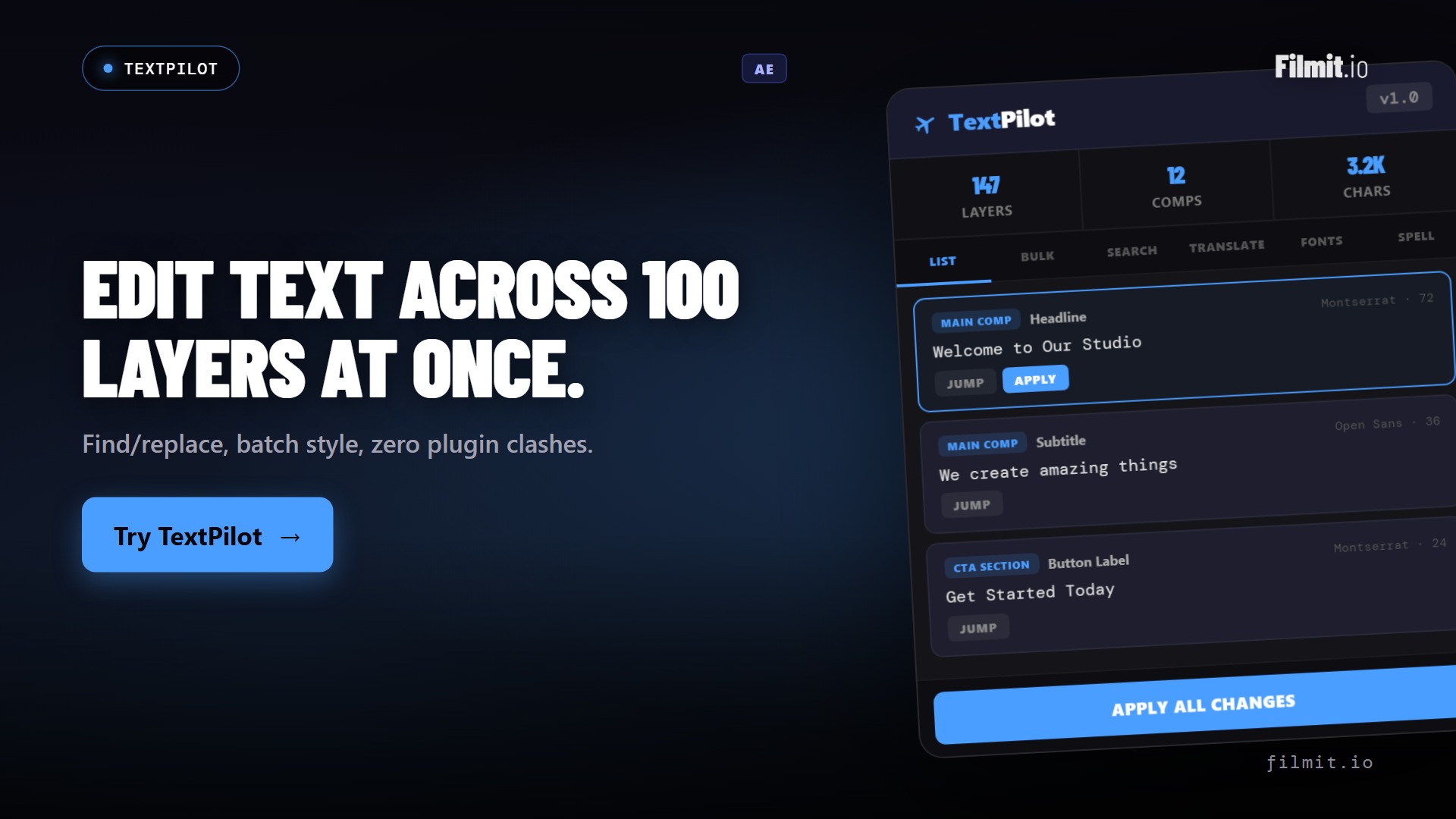
TextPilot Ae · Pr
On-brand titles across the whole team, in one pass
Scan and batch-edit every text layer in a project so lower thirds, supers, and name cards stay consistent no matter who's cutting. Translate a full set for a client's markets in seconds, without rebuilding a single title by hand.
- Keep titles and supers brand-consistent across operators
- Batch translate a full set for client markets
- Scan and fix every text layer in the project at once
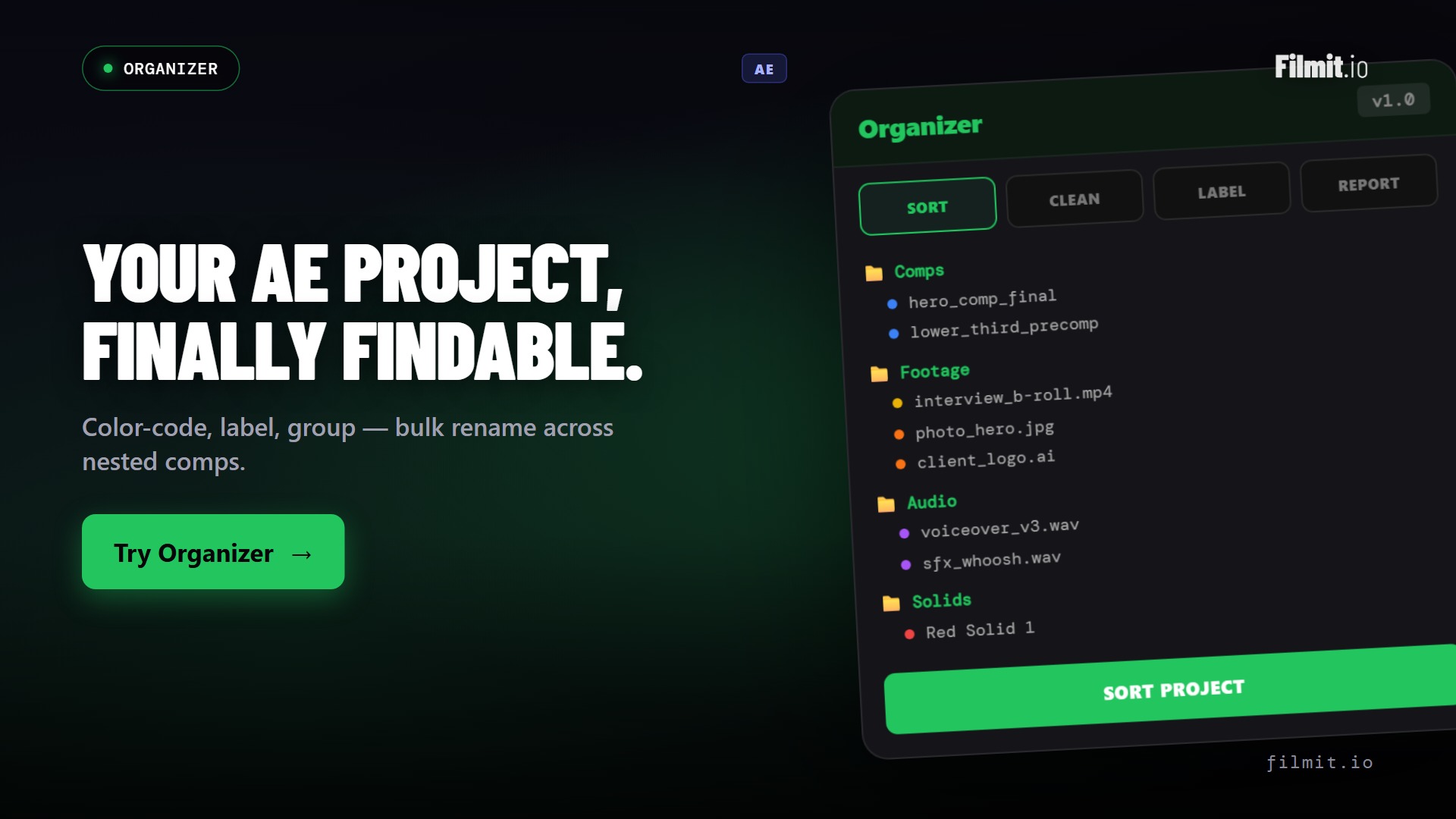
Organizer Ae · Pr
Clean handoffs between operators
When a project moves from a junior to a senior, or from one editor to the next, structure is everything. Organizer scaffolds a standard project layout, renames and sorts in bulk, and strips the duplicates and dead comps so QC and handoff are fast.
- One-click standard project structure on every machine
- Bulk rename, sort, and label to the house convention
- Find duplicates and dead comps before handoff
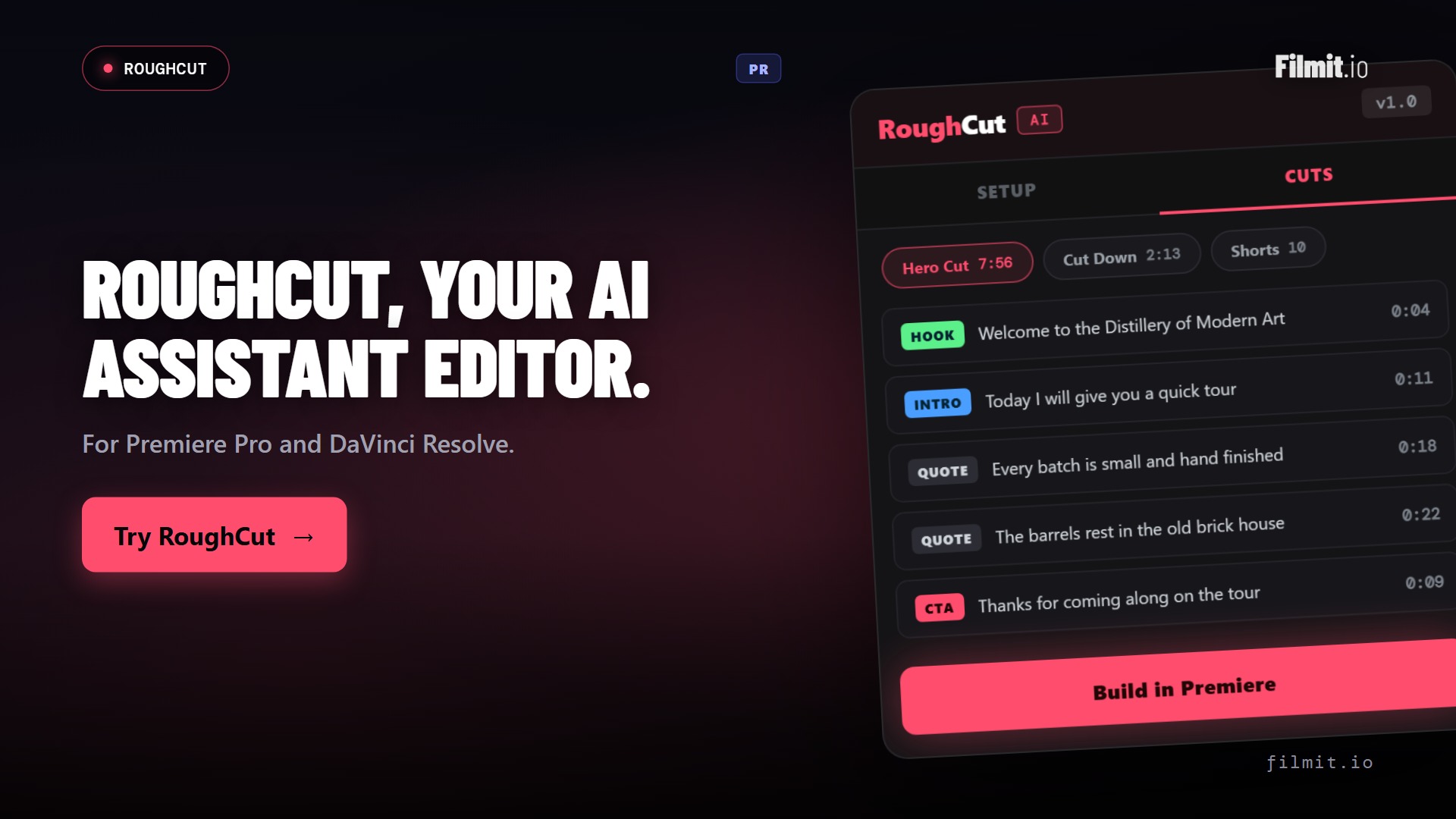
RoughCut Pr · Resolve
Faster turnaround on interview and social content
Testimonials, BTS, founder interviews, social cut-downs. RoughCut transcribes every source, uses AI to order the strongest soundbites into a story, and builds an editable rough cut, so the team ships more content in less time.
- Local transcription of every source, private by default
- AI orders soundbites into a hero cut, cut-downs, and shorts
- Editable multi-source sequence in Premiere Pro or Resolve
Where each tool fits
The team toolkit, by job
Every seat unlocks the full suite. These are the tools that do the most work at the team level.
| Tool | The job it does | Reach for it when | Runs in |
|---|---|---|---|
| ColorMaster | Locks a central brand palette across every comp | Brand colors must match across editors and rounds | Ae |
| LUTManager | Centralizes the house grade for the whole team | Every operator should start from the same look | AePr |
| TextPilot | Keeps titles consistent and translates in batch | Lower thirds and supers must stay on-brand | AePr |
| Organizer | Standardizes project structure for clean handoffs | Work moves between operators or into QC | AePr |
| RoughCut | Assembles interview and social content fast | There's a pile of testimonial or BTS footage | PrResolve |
| JumpCut | Strips dead air from talking-head footage | Podcasts, interviews, and BTS need a pacing pass | PrResolve |
| ToolKit | Everyday utilities, identical on every workstation | You want new hires productive on day one | AePr |
Beyond the panels
We don't stop at plugins
Every seat also unlocks a growing library of 45+ native GPU effects and transitions, consistent looks and moves the whole team can drop straight onto a clip in After Effects, Premiere Pro, or DaVinci Resolve. And the library keeps growing, because we build from real feedback. Message us anytime on Discord or through our contact form, tell us what your team needs, and we will literally build it.
From onboarding to delivery
A real team workflow on Filmit
A new editor lands on Monday. By the end of week one, they're shipping work that looks indistinguishable from the senior at the next desk.
Day-one onboarding
New editor signs in to Filmit Studio. Every plugin the team uses installs to After Effects and Premiere automatically. No IT ticket, no zip-file scavenger hunt.
Brand-locked palette
They open the team's master ColorMaster palette. Every brand color is defined, named, and ready to drop. No eyedropping from screenshots.
Templated graphics
TextPilot kits load. Lower thirds, titles, and supers are all on-brand by default. Junior work doesn't look junior.
Cut and finish
Organizer keeps the project clean. JumpCut for pacing, RoughCut for interview assembly, LUT Manager for the house grade. Consistent, fast, on-brand.
Senior review
The senior opens the comp. It looks like their own work. No cleanup pass. The notes are creative, not corrective.
Ship and roll
The master goes out and the next gig starts. The toolkit, the templates, and the team standards travel forward with zero re-setup.
Why we built this
Made by people who came up in the industry
A note from the team
Filmit.io is a mission-driven indie studio, built by creators who came up inside agencies and studios.
Every dollar of revenue gets reinvested, into more tools, more affordable pricing, and better support for the creative teams behind us.
We're not a private-equity rollup, we're not VC-backed, and we're not interested in becoming one.
Buy from us, and you're funding the next tool the next team needs.
By the numbers
One subscription per seat, the whole toolbox
No per-plugin pricing, no enterprise tax. Every seat unlocks everything the moment they sign in.
FAQ
Questions teams ask
The things agencies and studios want to know before they roll Filmit out to the team.
Each seat is one subscription at the standard price. For rollouts of five seats and up, reach out through our contact form and we'll sort out volume pricing and onboarding for your team.
Account-based. A seat is tied to an editor's account, not a specific workstation, so they can move between machines, work from home, or swap hardware without burning a license slot or filing a ticket.
Filmit Studio, our desktop app, handles it. A new hire signs in, clicks install, and the whole suite lands in After Effects and Premiere Pro. Updates roll out automatically, so nobody drifts onto a stale version.
ColorMaster gives every comp one source of truth for the palette, LUT Manager standardizes the house grade, and TextPilot keeps titles and supers on-brand. The result is work that looks like one studio, even across a team of operators.
Across After Effects, Premiere Pro, and DaVinci Resolve, on Mac and Windows, depending on the tool. Every tool page lists its supported hosts so you can match the suite to your team's stack.
Yes. There's no contract and no lock-in. Add or remove seats as the team changes, and cancel anytime.
Standardize the team. Ship better work.
Get Filmit Studio for the team. Reach out for volume pricing on five seats and up.