🎬
Client Review
Capture a snapshot before making changes. Compare against the original. Quick-render an MP4 and send it for approval, all without leaving After Effects.
Four everyday After Effects utilities in one panel.
ToolKit comes with Filmit Studio, along with our whole suite of plugins, effects, transitions, overlays, and courses, plus everything new we ship. It's all included!
Watch the Demo
A full tour of the everyday After Effects utilities that live in one panel.
Three steps and you are up and running, with ToolKit and every other Filmit tool, right inside your editor today.
Sign up free at filmit.io. No card needed to look around.
Download the free desktop app for Mac or Windows. It manages every tool for you.
Start your 7-day trial and install ToolKit plus every other tool, straight into your editor.
Need to compare before/after? Open Photoshop. Quick export for review? Fiddle with the render queue. Add composition guides? Use third-party scripts. Your creative flow dies a little each time.
Every quick export means adding to the render queue, configuring output modules, waiting for it to churn. You just wanted to send a quick MP4 to a client.
Need to resize 40 comps? Change the frame rate on 20 compositions? You're doing it one by one, comp by comp, praying you don't miss one.
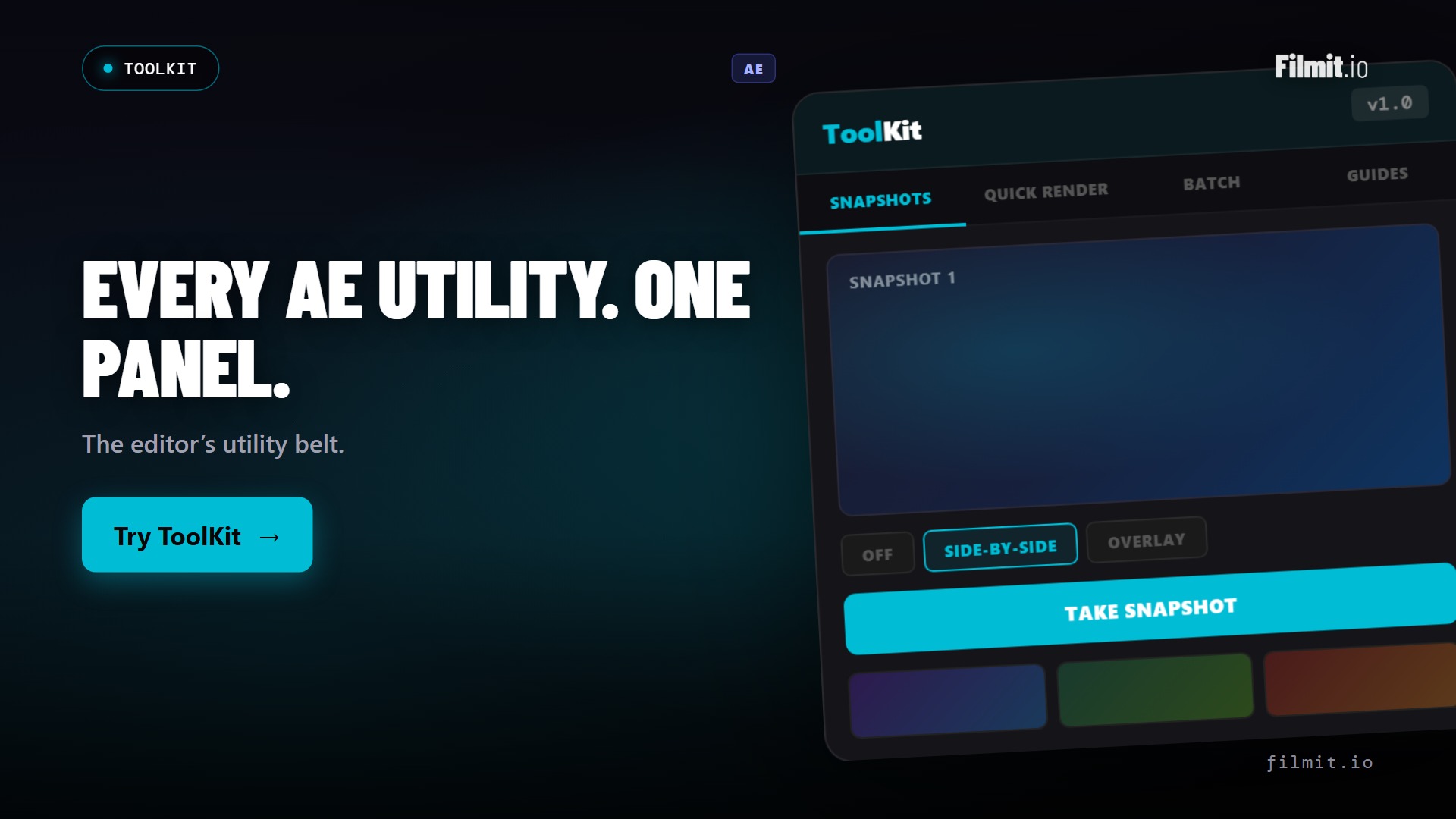
Take instant before/after snapshots. Compare with side-by-side, overlay, or toggle views. Save captures to disk for client review.
One-click export to MP4, ProRes, or GIF without touching the render queue. Background rendering keeps AE responsive.
Select multiple comps and apply operations in batch. Resize, change FPS, change duration, add or remove expressions across dozens of comps.
Add non-rendering visual guides to your comp. Rule of Thirds, Golden Ratio, Safe Zones, or custom guide lines with configurable appearance.
Quick Render uses aerender in the background so you can keep working. Progress bar with ETA and toast notification on completion.
Batch operations show a detailed results summary. See exactly which comps were processed, skipped, or errored.
Take a snapshot of your current comp view and compare it against the live canvas. Three comparison modes let you catch every subtle change before committing.
Bypass the render queue entirely. Choose your format, select a quality preset, and hit render. aerender handles the export in the background while you keep working.
Stop making changes one comp at a time. Select multiple compositions, choose an operation, and let ToolKit apply it across all of them with progress tracking.
Capture a snapshot before making changes. Compare against the original. Quick-render an MP4 and send it for approval, all without leaving After Effects.
Inherited a project with 60 comps at the wrong resolution? Batch resize them all in seconds. Change frame rates across the board. Add expressions to every comp at once.
Drop a Rule of Thirds grid onto your comp. Add custom guide lines for precise alignment. Toggle guides on and off as you work. They never appear in your final render.
Install the Filmit Studio desktop app on Mac or Windows.
Launch AE. ToolKit appears under Window → Extensions.
Choose Snapshots, Quick Render, Batch, or Guides.
Every tool is designed for speed. Capture, render, batch, or guide, all from one panel.
ToolKit includes four core tools: Snapshots (visual comparison), Quick Render (fast export without the render queue), Batch Processor (apply operations to multiple compositions), and Guide System (non-rendering visual guides). More tools will be added in future updates.
No. Quick Render is designed for speed. Quick MP4s for review, GIFs for social, ProRes for handoff. For complex render setups with custom output modules, you'll still use AE's render queue. Quick Render is for the 90% of renders where you just need a fast export.
Select multiple compositions from a list, choose an operation (resize, change FPS, change duration, add expression, remove expressions), configure parameters, and click Process. ToolKit applies the operation to all selected comps sequentially with progress tracking. Results are shown in a summary table.
No. Guide lines are created on special guide layers that are visible in the comp viewer but excluded from all renders. In AE 2020+, ToolKit uses the native guideLayer property. In older versions, guide layers are disabled and marked with a distinctive name.
Yes. ToolKit is included with your Filmit Studio subscription at $20/month. You get ToolKit plus every other Filmit tool, overlay pack, and course.