🤝
Client & Editor Handoff
Collect & Organize exports the project with media in clean folders that mirror your bins. The next editor opens it and everything just makes sense.
Auto-sort your project, watch new imports, and export with your bins intact. In After Effects and Premiere Pro.
Organizer comes with Filmit Studio, along with our whole suite of plugins, effects, transitions, overlays, and courses, plus everything new we ship. It's all included!
Watch the Demo
A full tour of cleaning up and organizing your project panel in seconds, in After Effects and Premiere Pro.
Demo coming soon
This one is live in the app today. We are recording its demo now.
Demo coming soon
This one is live in the app today. We are recording its demo now.
Three steps and you are up and running, with Organizer and every other Filmit tool, right inside your editor today.
Sign up free at filmit.io. No card needed to look around.
Download the free desktop app for Mac or Windows. It manages every tool for you.
Start your 7-day trial and install Organizer plus every other tool, straight into your editor.
200+ items dumped in the root. Sequences mixed with footage mixed with graphics. Finding anything takes forever and kills your creative flow.
You import from Downloads, the desktop, a card dump. The edit looks organized, but the actual files live everywhere except your project folder.
Premiere's Project Manager can copy a project, but it piles every file into a single flat folder. Your careful bin structure? Gone on arrival.
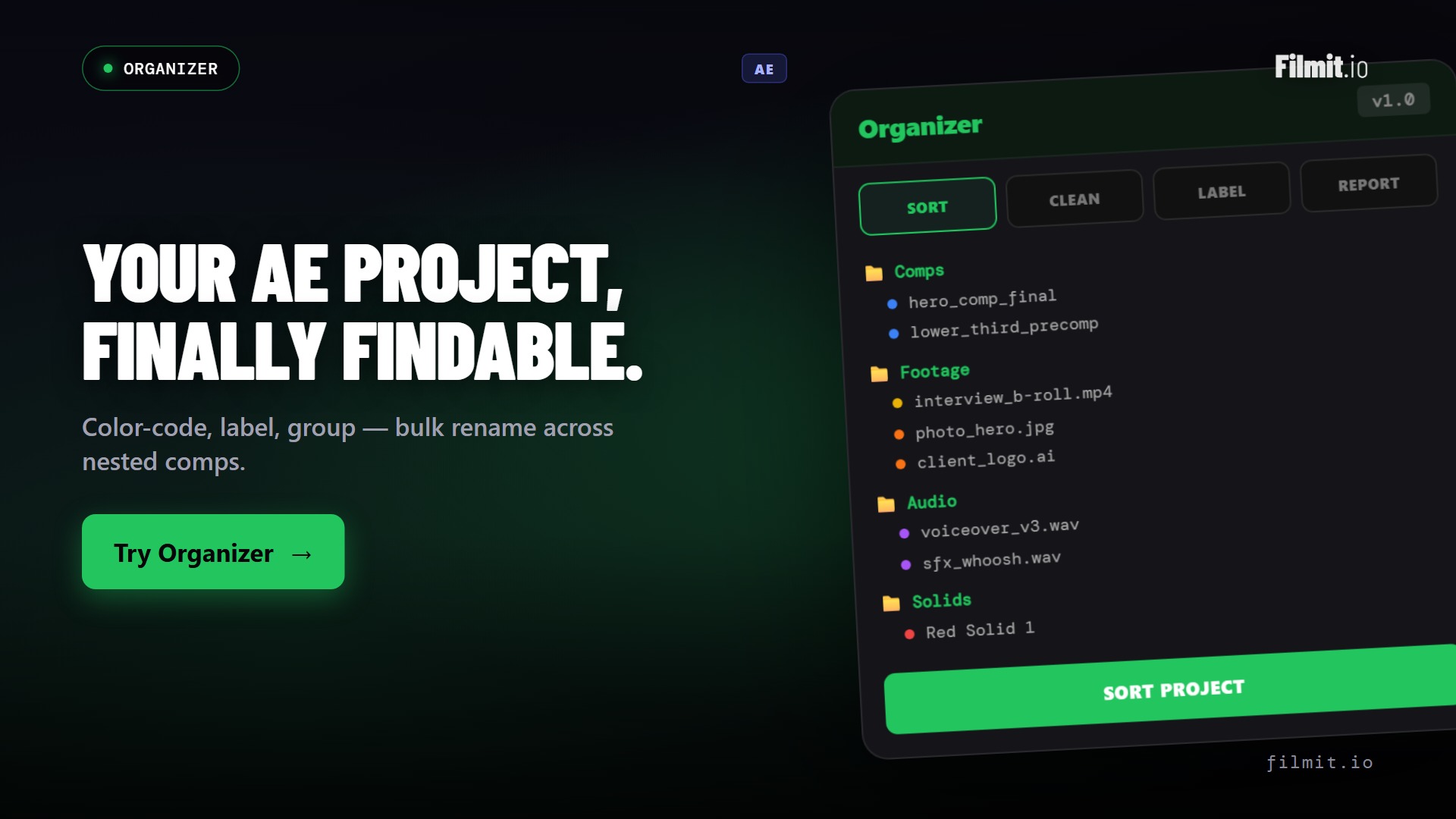
One click files your entire project panel into folders: sequences, comps, video, audio, images, graphics, captions. Works the same in After Effects and Premiere Pro.
Ship with the Filmit layout or design your own in the Layout editor. "Split by type" auto-creates per-format bins (Video/R3D, Video/MP4) only for the formats you actually have.
Import from Downloads (or anywhere outside your project) and Organizer copies or moves the file into your project folder on disk, filed to mirror your bins, and relinks it automatically.
Every new item gets filed into your active layout as you work. Had the panel closed? Catch Up Now applies your watch and sort settings to everything in one click.
Export your whole project, or just selected sequences or comps, to a new location: media copied into real folders that mirror your bins, and the project copy relinked to match.
Sorting respects RoughCut segments, JumpCut cuts, and nested sequences, and never touches other tools' working bins. Batch rename with patterns and find-replace in After Effects.
One install covers both. Organizer appears in After Effects and Premiere Pro from the same Filmit Studio install.
Organizer scans every item in your project, identifies its type, and files it per your layout preset. Sequences to Sequences, footage to Video, music to Audio, in After Effects and Premiere Pro alike.
Import a file from Downloads, the desktop, anywhere, and Organizer moves or copies it into your project folder on disk, drops it in subfolders that mirror your bin layout, and relinks the project automatically. Your drive finally matches your edit.
Premiere's Project Manager copies a project by dumping every file into one flat folder. Collect & Organize copies your media into real disk folders that mirror your bin structure, then relinks the project copy to match. Your original project is never touched.
Collect & Organize exports the project with media in clean folders that mirror your bins. The next editor opens it and everything just makes sense.
Move finished projects to an archive drive with structure intact and every link working. No more flat dumps you have to untangle a year later.
Turn on watch folders and auto-sort, then just edit. Every import gets copied into the project folder and filed into the right bin while you work.
Install the Filmit Studio desktop app. It manages all your plugins automatically.
One install covers both. Organizer appears under Window → Extensions in each app.
Sort by type, pick a folder layout, turn on watch folders, or run Collect & Organize.
Organizer restructures your project instantly, and keeps it that way while you work.
Yes. One install covers After Effects and Premiere Pro. Sorting, folder layouts, watch folders, auto-sort, and Collect & Organize all work in both apps. Batch rename is After Effects only for now.
Project Manager copies your media into one flat folder, so the exported project loses your bin structure on disk. Collect & Organize mirrors your bins as real folders, copies each file into the right one, and relinks the project copy to match. Your original project stays untouched.
Into your project folder, in subfolders that mirror your bin layout. You choose copy (default, the original stays where it was) or move, and whether to watch just Downloads or anywhere outside the project folder.
No. Organizer knows about RoughCut segments, JumpCut cuts, and nested sequences, sorts them into their own homes, and never reorganizes inside other tools' working bins.
Yes. In After Effects every action registers as a single undo group, so Ctrl+Z restores your structure instantly. Sorting only moves items between bins, and nothing is ever deleted without confirmation.
Yes. Organizer is included with your Filmit Studio subscription at $20/month, along with every other Filmit tool, effect, and asset. No extra cost.