📺
Video Walls
Create multi-screen video wall effects for events, concerts, and broadcast graphics. Pack in as many cells as you need, from flat grids to Advanced Mode 3D walls.
Build advanced grids in After Effects, and timeline grid layouts in Premiere Pro, in one click.
GridMaker comes with Filmit Studio, along with our whole suite of plugins, effects, transitions, overlays, and courses, plus everything new we ship. It's all included!
Watch the Demo
A full tour of GridMaker 2.0 Advanced Mode: flat, 3D spatial, and path grids in After Effects.
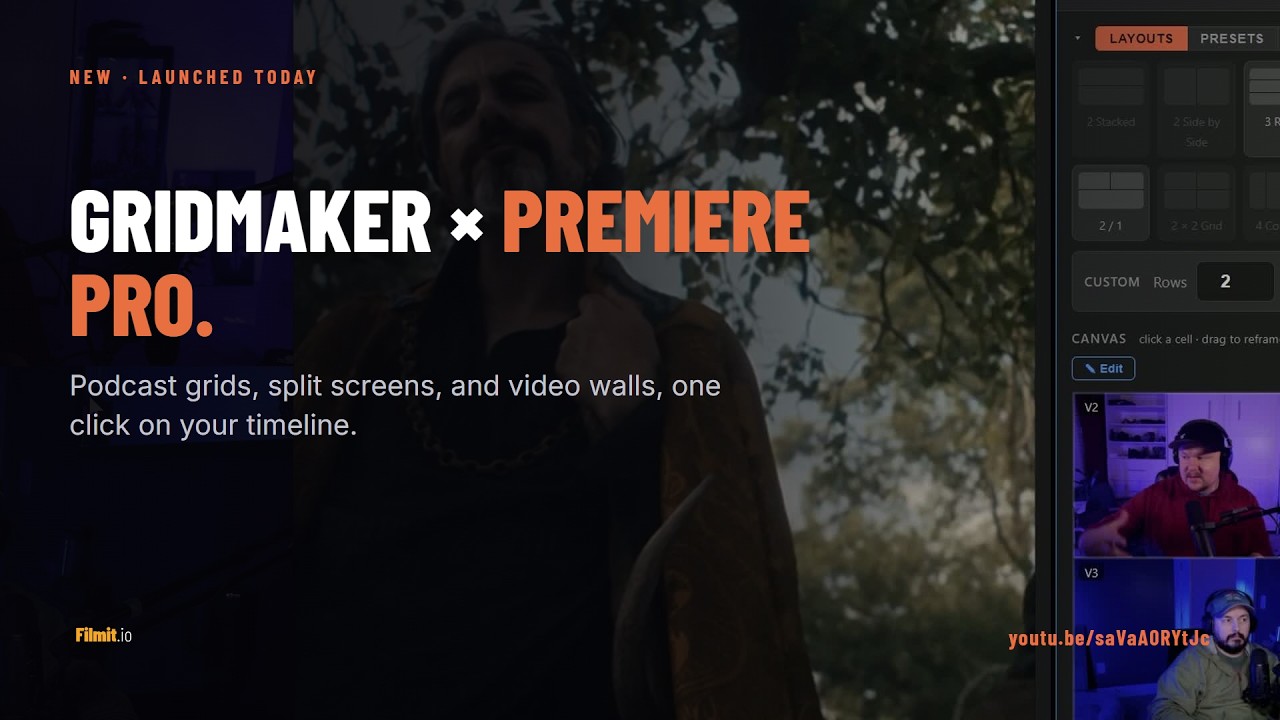
Podcast grids, split screens, and video walls on the Premiere timeline: select clips, assign cells, Apply Layout.
Stacked clips on the DaVinci Resolve timeline, a layout picked, cells swapped and padded, then Apply Layout.


Three steps and you are up and running, with GridMaker and every other Filmit tool, right inside your editor today.
Sign up free at filmit.io. No card needed to look around.
Download the free desktop app for Mac or Windows. It manages every tool for you.
Start your 7-day trial and install GridMaker plus every other tool, straight into your editor.
The panel shows your actual footage in the layout, following the playhead. What you arrange is exactly what you get.
Turn a two person podcast recording into a stacked vertical, or any wide frame into cells. The clip's audio stays untouched.
Clips on V1, V2, V3 each fill a cell of the layout. Swap any two cells with a click, then apply.
Drag footage inside a cell to reframe it, scroll to zoom, letterbox with Fit, and add padding with even gutters.
Edit mode lets you drag the lines between cells, with snapping to centers and thirds. Save presets and star favorites.
RED and BRAW footage previews on demand with the Snapshot button, rendered through Premiere itself.
One install covers both. GridMaker appears in After Effects and Premiere Pro from the same Filmit Studio install.
Drag any box edge and the neighbours reflow so your grid always fits the comp. Spanning boxes, spacers, shapes, and rounded corners.
Place your boxes on a sphere, ring, cylinder, or helix, with a real camera you can orbit and zoom. The preview matches the render.
Lay your boxes along a circle, star, wave, spiral, or any shape you draw. Even distribution, automatic spacing.
Fade, scale, pop, slide, and 3D flips and zooms, with staggered in and out timing.
Shape the motion with a draggable curve and presets like overshoot, bounce, and elastic.
Move, scale, and rotate the whole grid, with live gap, padding, and corner sliders.
Scrub the animation and set exactly when each box enters and exits.
Save your own layouts, or start from a ready-made one and roll the randomizer.
Drop in placeholder layers for your footage, or arrange clips you have already selected.
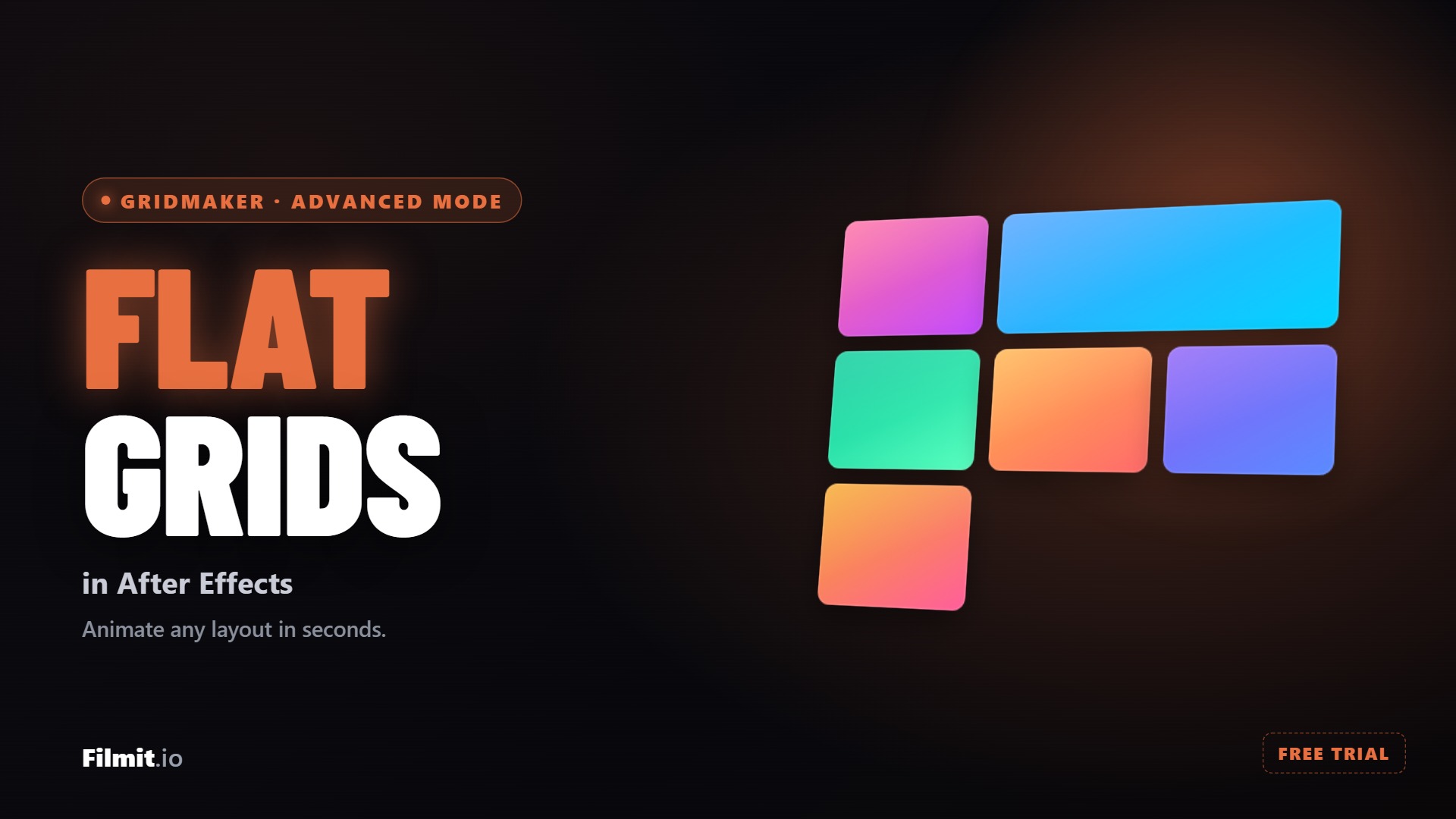
Lay out any grid, merge and round the cells, then animate it with staggered timing and apply it straight to your footage. The classic split screen and video wall, fully designed.
Read the full tutorial →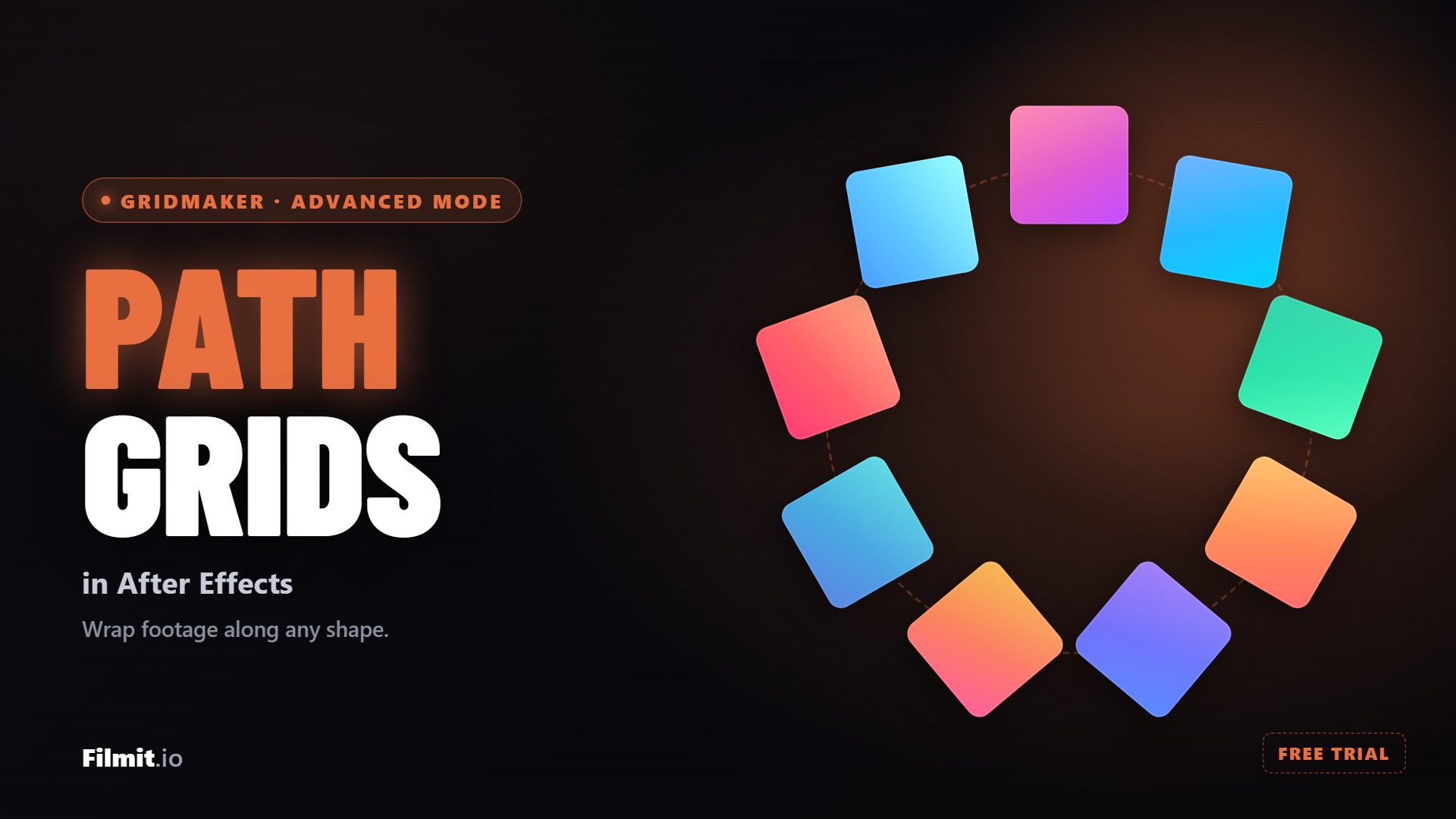
Send your tiles around a circle, star, spiral, or a path you draw yourself, with even spacing and travel-along animation. Import any shape straight from After Effects.
Read the full tutorial →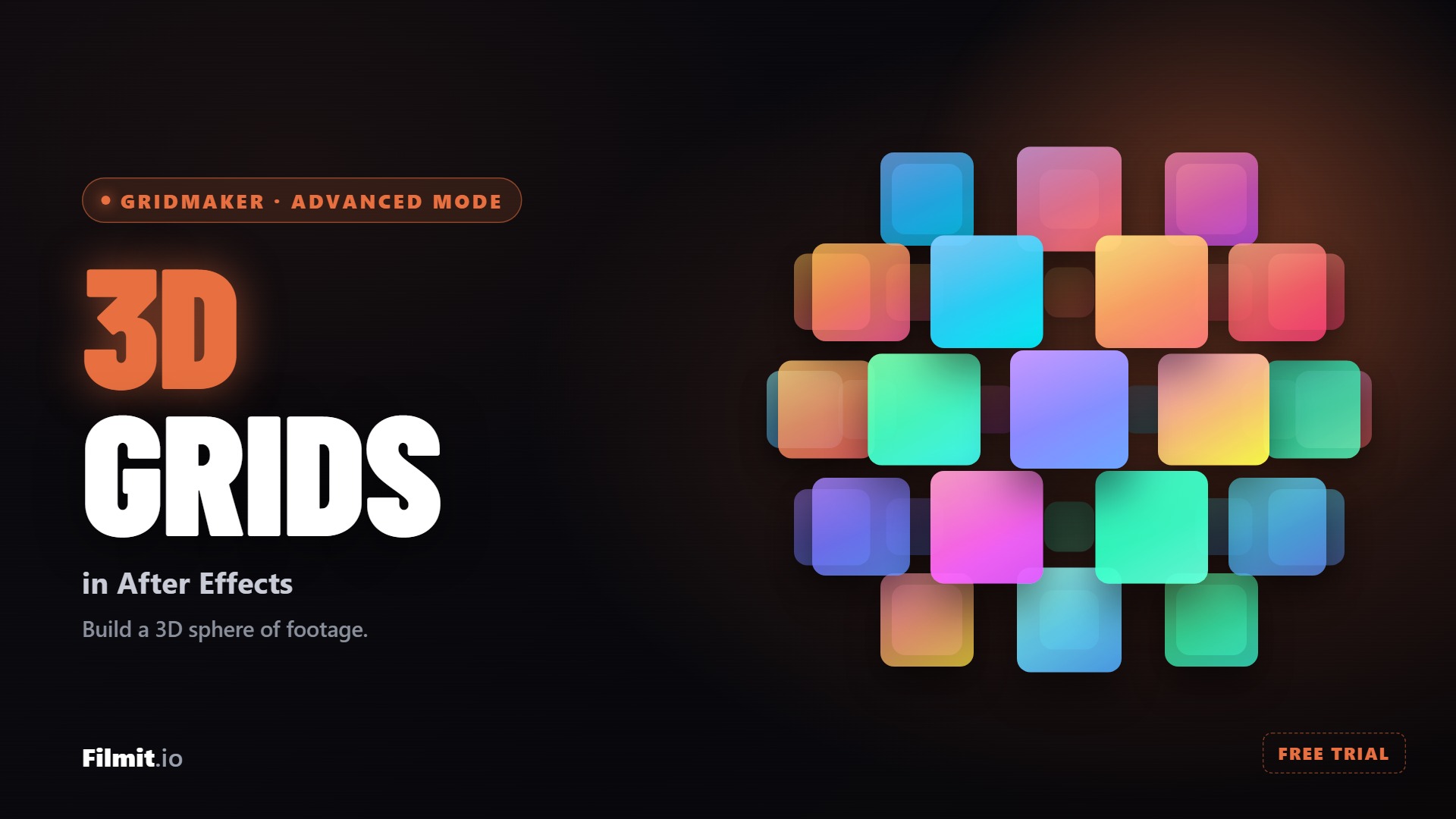
Wrap your clips onto a sphere, ring, or helix with a real camera, no nulls to rig by hand, and let GridMaker spin it and loop it to your comp length on its own.
Read the full tutorial →Creating a simple 3x3 grid means positioning 9 layers by hand. You're eyeballing positions, nudging pixels, and wasting time on basic layout.
Calculating even gaps between cells requires dividing your comp width and height, accounting for borders, and hoping nothing is off by a pixel.
Every layer needs to be scaled to fit its cell. Change your mind about the grid size? Start all over again from scratch.
Build anything from a simple split screen to a 20x20 mosaic in one click, then go further in Advanced Mode with freeform, 3D, and path layouts.
GridMaker creates and positions all layers automatically. Each cell is properly sized and placed with pixel-perfect precision.
Adjust the gap between cells from 0 to 50 pixels. Add padding around the entire grid for border effects.
Add colored borders between cells. Choose any color, thickness, and opacity for a polished video wall look.
Cells can animate in with pop, slide, or fade effects. Stagger timing for a cascading reveal that looks professional.
Change your comp size and the grid adapts. All proportions, gaps, and cell sizes recalculate automatically.
Set your rows and columns, hit Generate, and watch cells fill in. GridMaker creates all the layers, positions them, and sizes them to fit your composition.
Adjust the gap between cells with a slider. See the changes in real-time before generating. Zero gap for seamless walls, wide gaps for framed looks.
Choose from pop, slide, or fade animations with staggered timing. Each cell reveals on its own, creating a polished cascading effect.
Create multi-screen video wall effects for events, concerts, and broadcast graphics. Pack in as many cells as you need, from flat grids to Advanced Mode 3D walls.
Build photo grids for slideshows, yearbooks, and social media. Drop images into each cell and let GridMaker handle the layout.
Classic 2-up, 3-up, and 4-up split screen layouts in seconds. Perfect for comparison videos and reaction content.
Install the Filmit Studio desktop app. It manages all your plugins automatically.
GridMaker appears under Window → Extensions in both. Open the panel.
Choose rows, columns, and gap size. Preview updates in real-time as you adjust.
Click Generate. All layers are created, sized, and positioned automatically. Done.
GridMaker's quick grids go up to 20x20 in one click, and Advanced Mode goes well beyond that. There you just keep adding boxes and arrange as many as you need, in flat, 3D spatial, or path layouts. Rows and columns are independent too, so asymmetric layouts like 3x5 or 2x8 are easy.
Yes. Classic grids include pop, slide, and fade presets with staggered timing. Advanced Mode goes further with in and out styles like fade, scale, pop, slide, and 3D flips and zooms, a draggable easing curve editor, and a playhead timeline to set exactly when each box enters and exits.
GridMaker creates one layer per cell, properly named (e.g., "Cell_R1_C1"). Layers are organized in a pre-comp and sized to fit their cell automatically. You can replace any cell's content by swapping the layer source.
Absolutely. GridMaker adapts to any comp size and aspect ratio. Whether you're working in 16:9, 1:1, 9:16, or a custom resolution, the grid fills the comp proportionally with even cell sizes.
Yes. GridMaker is included with your Filmit Studio subscription at $20/month. You get GridMaker plus every other Filmit tool, overlay pack, and course. No extra cost.
GridMaker adds a live canvas panel to Premiere. Select one clip and it splits into cells, perfect for turning a two person podcast recording into a vertical stack, or select clips across tracks and each fills a cell. You see real frames from your footage in the layout before you apply, and you can drag inside any cell to reframe it. Everything applied is native Motion and Crop, so the result stays fully editable and renders without the plugin installed.