🎥
Short Films & Documentaries
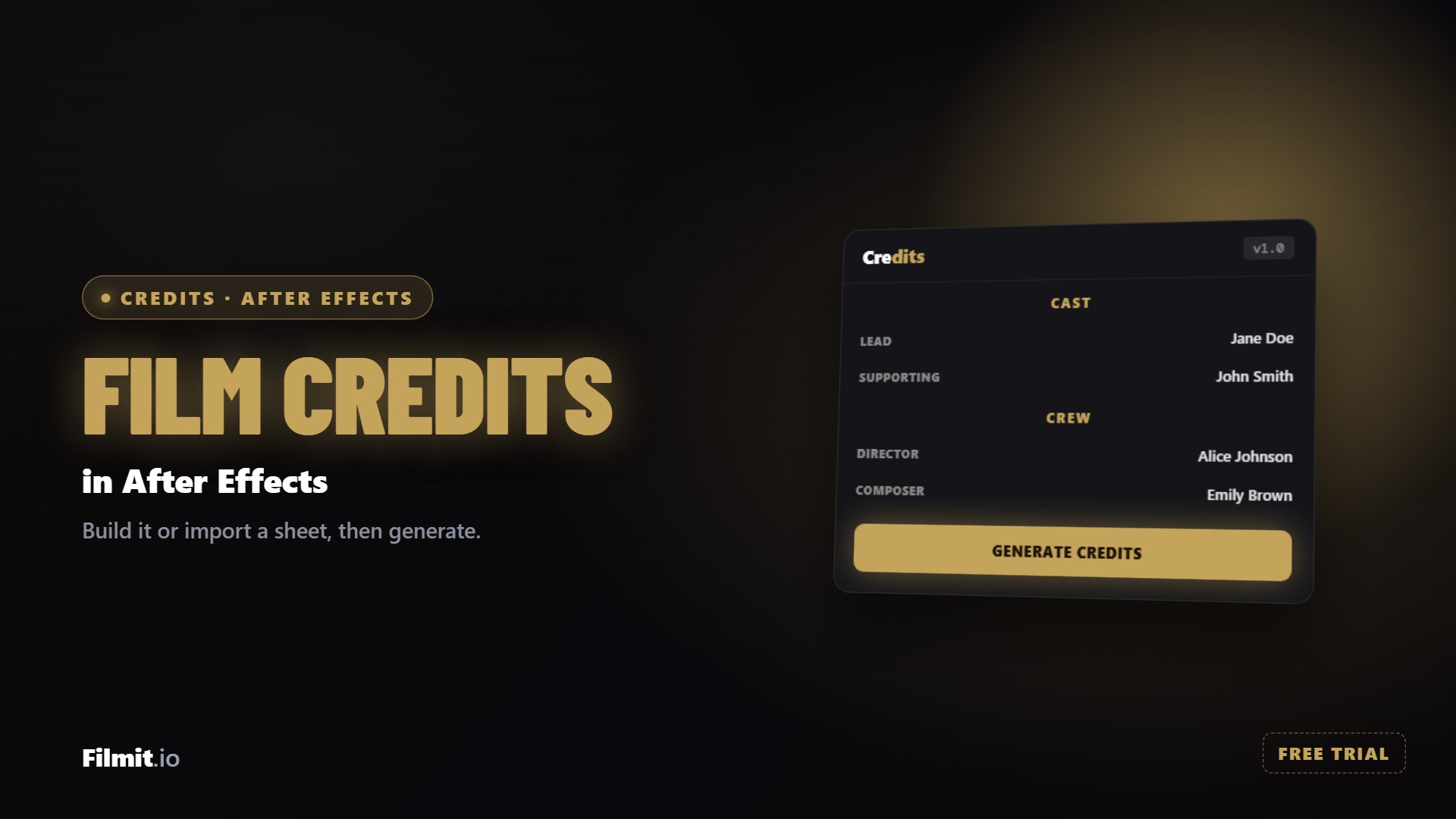
Full cast and crew rolls with sections, dividers, and festival laurels. Import the production spreadsheet and generate a roll that fits your exact runtime.
Professional credit rolls and card sequences in After Effects and Premiere Pro.
Credits comes with Filmit Studio, along with our whole suite of plugins, effects, transitions, overlays, and courses, plus everything new we ship. It's all included!
Watch the Demo
From a blank spreadsheet to a finished credit roll in After Effects.
A spreadsheet of names in, a style and a runtime picked, and a finished credit roll rendered to the DaVinci Resolve timeline.
Demo coming soon
This one is live in the app today. We are recording its demo now.

Three steps and you are up and running, with Credits and every other Filmit tool, right inside your editor today.
Sign up free at filmit.io. No card needed to look around.
Download the free desktop app for Mac or Windows. It manages every tool for you.
Start your 7-day trial and install Credits plus every other tool, straight into your editor.
New in 1.1.0
It is the same editor and the same saved rolls you already have in After Effects, and your rolls sync between the two apps, so a list you built on one side is waiting for you on the other. In Premiere Pro, Generate Credits renders the roll frame for frame and places it on your timeline at the playhead as a single clip with a transparent background, ready to sit over whatever is underneath it. A Render section on the Style tab sets the size, frame rate, and quality, and defaults to your sequence, so most of the time you can leave it alone.
The Problem
And After Effects makes you build them by hand, one text layer at a time.
Building credits manually means a text layer per line, eyeballed spacing, and alignment that drifts the longer the roll gets. An hour of typing for something nobody should ever notice.
The final credit list always lands after picture lock. A new producer here, a corrected spelling there, and suddenly you're re-spacing the entire roll by hand at midnight.
Rolling credits stutter when the scroll speed fights the frame rate. And hitting an exact duration, like 90 seconds for broadcast, takes trial and error with keyframe math.
Features
Everything between your credit list and the final roll, handled in one panel.
Hollywood Classic, Modern Minimal, Cinematic, Documentary, Indie, Music Video, and Corporate. Tweak any of them and save your own looks under My Styles.
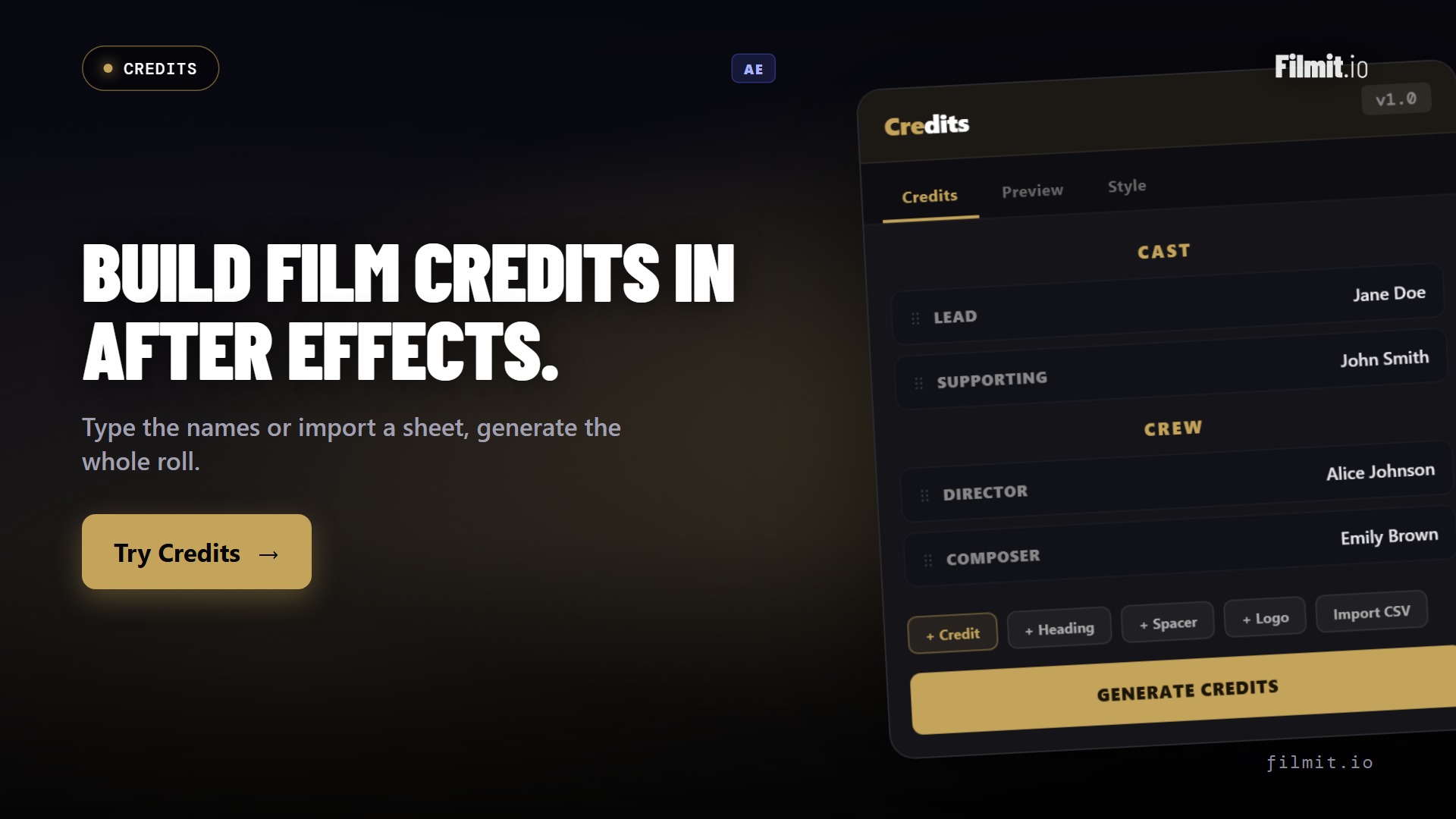
Import Excel or CSV, or paste straight from a sheet. Grab the included templates with a row-type dropdown, and export your credits back out for bulk edits.
The classic rolling crawl, or episodic-TV card credits with one section per screen and fades between. Sections too tall for one card split automatically.
Play, scrub, and time the roll before you generate. Type a target length and hit Fit: the speed snaps to a judder-free value that lands exactly on it, with start and end holds.
Separate font, size, and weight for title cards, headings, roles, and names. Line spacing, column gap, colors, divider styles, and a transparent background option for overlays.
Thirteen row types, from role-and-name credits to groups with up to 8 columns of names, plus logos, still images, and video clips dropped right into the roll.
Deep Dive
The three things that make Credits feel effortless.
Click Excel Template and you get a starter sheet with a row-type dropdown built into column A. Fill it in, import it, and the whole roll appears. When names change, edit the sheet and re-import.
Scroll mode is the rolling crawl with full speed control. Card mode shows one section per screen with fades, like episodic TV credits. Your sections define the cards, and anything too tall splits across screens with its header repeated.
The panel preview renders with the same font face After Effects resolves, so there are no surprises after you hit Generate. Four of the seven templates use fonts that ship with every Mac and PC, so you can start with zero installs.
Use Cases
From festival shorts to weekly uploads, the last 90 seconds shouldn't take a day.
Full cast and crew rolls with sections, dividers, and festival laurels. Import the production spreadsheet and generate a roll that fits your exact runtime.
Card-style end credits for episodic content, plus group rows that fit dozens of supporter or patron names in clean columns.
Corporate videos, weddings, and event recaps with logos and photos in the roll. Use the transparent background to lay credits over your final shot.
Setup
No keyframes, no text-layer wrangling, no math.
Download Filmit Studio and install Credits with one click. It appears in the Extensions menu in both After Effects and Premiere Pro.
Type rows directly in the panel, paste from a sheet, or import an Excel or CSV file built on the included template.
Pick a template, adjust the typography, and scrub the live preview. Type a target duration and hit Fit.
In After Effects a finished comp lands in a Credits folder, matching the preview exactly, and stays yours to tweak. In Premiere Pro the roll is rendered and dropped on your timeline at the playhead.
FAQ
No. Four of the seven templates (Corporate, Hollywood Classic, Cinematic, and Indie) use fonts that ship with every Mac and PC, so they work immediately. For the full designed look of the other templates, you install a few fonts from Adobe Fonts (included with Creative Cloud) or Google Fonts (free). The panel shows a live check of which fonts are on your machine, and our font setup guide walks through the whole thing in a few minutes.
Yes, from version 1.1.0. You get the same editor and the same saved rolls as in After Effects, and rolls sync between the two apps. In Premiere Pro, Generate Credits renders the roll frame for frame and places it on your timeline at the playhead as one clip with a transparent background. The Render section on the Style tab sets size, frame rate, and quality, defaulting to your sequence.
Yes. Credits exports Excel and CSV starter templates with a row-type dropdown built in, and imports them back with one click. You can also paste directly from a spreadsheet, and export your current credits back out for bulk editing. For full backups (rows plus styling, fonts, and timing), use Save JSON.
Both. Scroll mode is the classic rolling crawl, with a Fit button that snaps the speed to a judder-free value landing exactly on your target duration. Card mode shows one section per screen with fades, like episodic TV credits. Sections too tall for one screen split automatically and repeat their header.
Yes. The panel preview renders with the exact font face After Effects resolves, so the generated comp matches what you saw. Generating creates a fresh comp in a Credits folder each time and never touches your old comps. The result is real After Effects text layers, so you can keep editing it like anything else in your project.
Thirteen row types: role-and-name credits, section headers, title cards, single lines, doubles, triples, quads, groups (one role with up to 8 columns of names, perfect for VFX teams and thank-you lists), spacers, dividers, logos, still images, and video clips.
Yes. Credits is included with your Filmit Studio subscription at no extra cost. Download Filmit Studio, install Credits from the tools list, and start building your roll. All updates are automatic.
Full Walkthrough
A full walkthrough of building a film credit roll in After Effects, from blocks and spreadsheet imports to the finished comp.