📦
Client Handoffs
Clean up before sending a project to a client or collaborator. Remove all unused assets to keep file sizes manageable and professional.
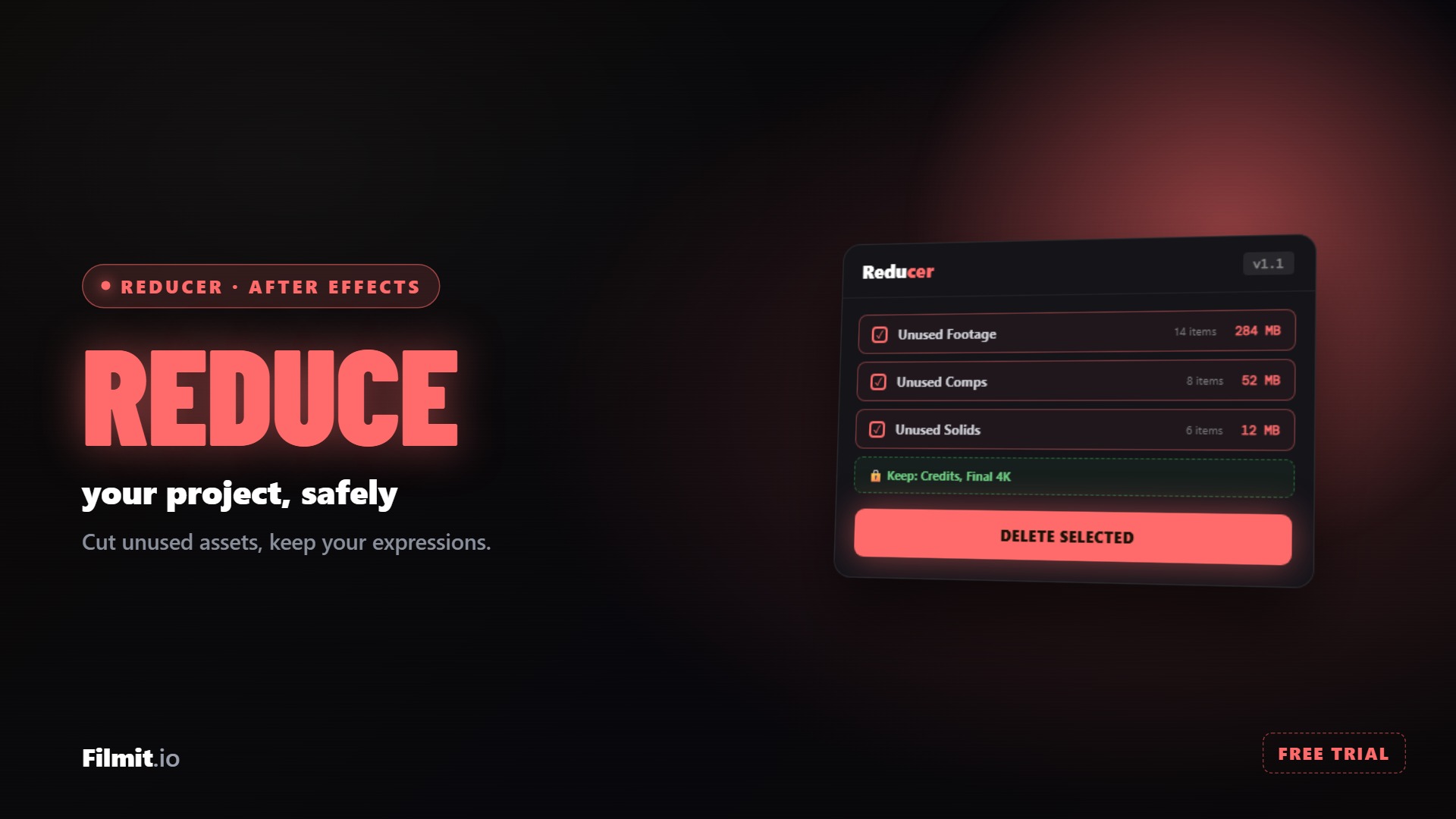
Safely clean up unused assets in After Effects.
Reducer comes with Filmit Studio, along with our whole suite of plugins, effects, transitions, overlays, and courses, plus everything new we ship. It's all included!
Watch the Demo
A full tour of finding and safely deleting the unused junk in your After Effects project.
Three steps and you are up and running, with Reducer and every other Filmit tool, right inside your editor today.
Sign up free at filmit.io. No card needed to look around.
Download the free desktop app for Mac or Windows. It manages every tool for you.
Start your 7-day trial and install Reducer plus every other tool, straight into your editor.
The Problem
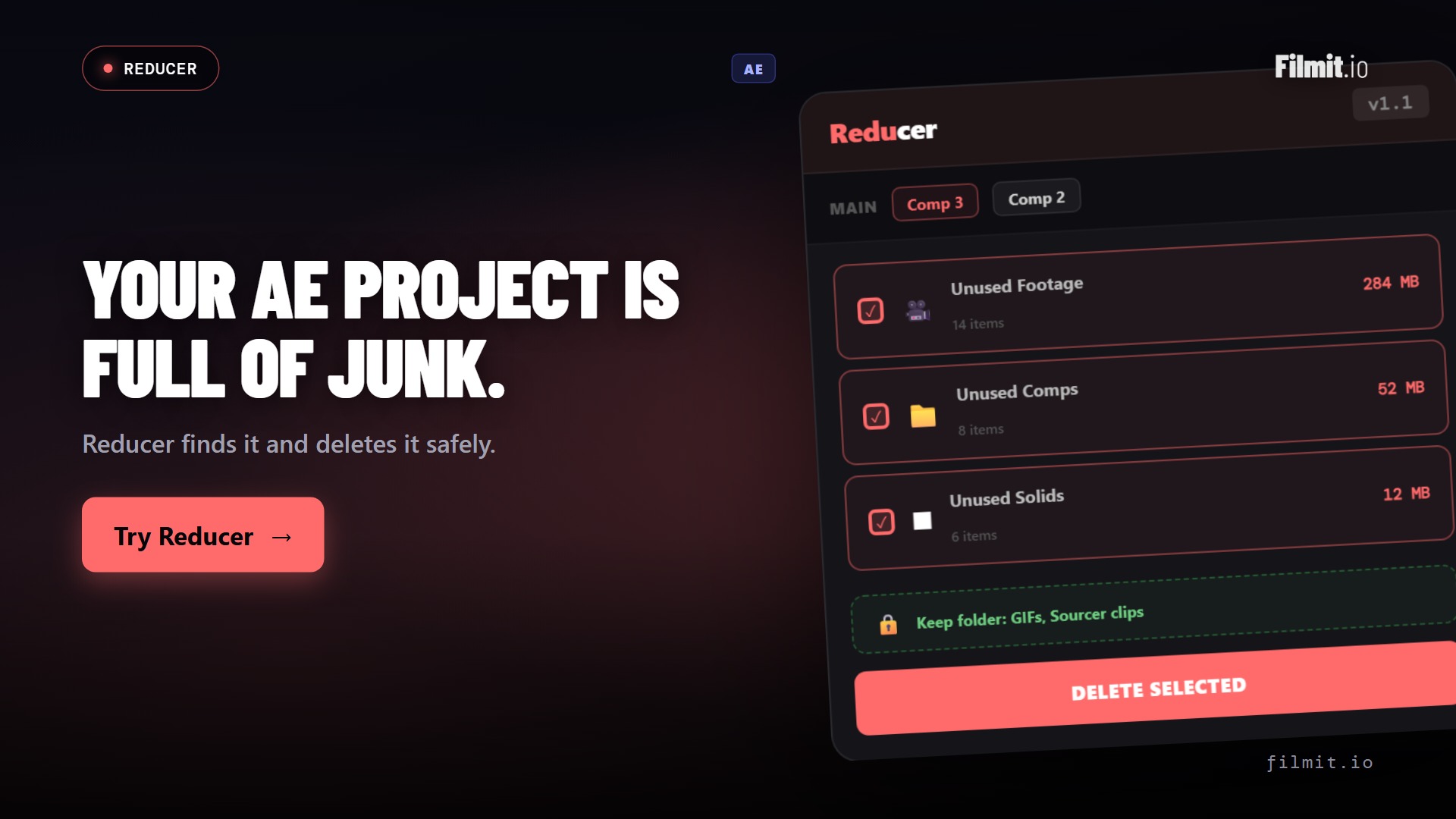
Over time, AE projects accumulate junk. Reducer cleans the mess safely.
Projects balloon to hundreds of megabytes with unused footage, abandoned comps, and orphaned solids. Saving takes forever, sharing is impossible.
After Effects gives you no easy way to see what's actually in use. You're left digging through the Project panel, guessing which files are safe to remove.
You want to clean up, but what if you delete something a precomp depends on? What if a nested comp is used somewhere you forgot about?
Features
Reducer scans, analyzes, and safely removes what you don't need.
Scans your entire project and identifies footage items, images, and audio files not used in any composition. See exactly what's wasting space.
Every cleanup action can be undone with a single click. Reducer never permanently deletes source files from your disk, only from the project.
Before removing any comp, Reducer traces its entire dependency tree. If it's used anywhere, even deeply nested, you'll be warned before deletion.
See a breakdown of how much space each category of unused assets is consuming. Footage, comps, and solids, all measured and sorted by size.
Select all unused items at once or cherry-pick individual assets. Clean an entire category with one click or go item by item for full control.
Optionally save a backup of your project before cleaning. One-click rollback if you change your mind, even after saving and reopening.
Deep Dive
Smart scanning, safe deletion, and peace of mind.
Reducer traverses your entire project tree (every comp, precomp, and nested layer) to build a complete map of what's used and what's not. Results appear instantly.
Before removing any composition, Reducer checks if it's referenced anywhere in your project. The visual dependency tree shows exactly what depends on what.
Before any cleaning operation, Reducer can save a timestamped backup of your project file. If anything goes wrong, restore in one click.
Use Cases
Whether you inherited a disaster or created one yourself.
Clean up before sending a project to a client or collaborator. Remove all unused assets to keep file sizes manageable and professional.
Running low on disk space? Scan your projects and recover gigabytes of storage by removing unused footage and abandoned compositions.
Inherited a massive project from another editor? Reducer untangles the mess and shows you exactly what's needed and what can go.
Setup
Clean up any project in under a minute.
Download the Filmit Studio and install Reducer with one click. Opens inside After Effects.
Click Scan and Reducer analyzes every item in your project. Unused footage, comps, and solids are identified.
See a clear breakdown of what's unused and how much space it takes. Select what to remove or keep.
Hit Clean and watch your project shrink. A backup is saved automatically. Undo anytime if needed.
FAQ
Reducer is designed with safety as the top priority. It only removes items from the After Effects project file and never deletes source files from your hard drive. Plus, every clean operation can be undone, and optional auto-backup saves a copy before any changes.
Yes. Reducer integrates with After Effects' undo system. You can undo the cleanup immediately after running it. Additionally, if you have auto-backup enabled, you can restore from the backup at any time.
Reducer detects unused footage (video, images, audio), unused compositions (including precomps), and unused solids. It scans the entire project tree including nested precomps to ensure accuracy.
Absolutely. Reducer builds a full dependency tree before flagging anything as unused. A precomp is only marked as unused if it is not referenced by any other composition in the project, no matter how deeply nested.
Yes. Reducer is included with your Filmit Studio subscription at no extra cost. Install it from the Studio, and all future updates are delivered automatically.
Full Walkthrough
A full walkthrough of safely reducing an After Effects project, keeping the comps you want and respecting your expressions.