You can now ask Claude to work inside DaVinci Resolve: "make a backup of my timeline, then cut back and forth between camera A and camera B." It reads the timeline you have open and makes the edit there. The piece that makes it possible is an MCP connector, and ours is free.
This guide covers how to connect Claude to Resolve with Filmit MCP, what happened when we handed it a fifteen-minute, two-camera interview, and the honest limits, including the ones Resolve itself imposes.
What does Claude in DaVinci Resolve actually do?
It carries out editing actions in your open project instead of describing clicks. MCP, the Model Context Protocol, is the open standard AI apps use to connect to other software. Filmit MCP gives Claude 22 actions in Resolve:
- Import media, make bins, create and duplicate timelines, and make vertical copies
- Place and remove clips, enable and disable them, and color them
- Cut a section out into a fresh timeline, with your original left untouched
- Zoom, position, rotation, crop, opacity and blend modes
- Markers and Text+ titles
- Look at any frame, and export EDL, FCPXML or OTIO
Claude works from project data: names, tracks, timings, markers, and a still frame when it asks for one. Your media never leaves your computer.
What do you need before you start?
- DaVinci Resolve Studio. The free version of Resolve does not run workflow integrations, which is how Filmit Studio lives inside Resolve.
- Filmit Studio. The free desktop app installs it into Resolve, on Mac or Windows.
- A Filmit account. Free works. MCP does not need a trial.
- Claude, on the web, the desktop app, or your phone.
How do you connect Claude to DaVinci Resolve?
Turn it on inside Resolve, add the connector in Claude, and sign in.
- Open Filmit Studio in Resolve. Go to Workspace, Workflow Integrations, Filmit Studio.
- Open the MCP tab and click Connect. The connector address is copied to your clipboard and Claude opens.
- In Claude, add a custom connector, name it Filmit, and paste
https://mcp.filmit.io/mcp. Click Add, then Connect. - Sign in with your Filmit account.
- Check it: in a new chat, ask "Are you connected to DaVinci Resolve?" It should answer with the Resolve version it sees.
The same connector covers Premiere Pro and After Effects, so if you set it up there already, Resolve only needs its switch turned on. Full steps are in the Filmit MCP docs, and if Filmit Studio in Resolve is new to you, start with the Filmit Studio in DaVinci Resolve walkthrough.
Pro Tip: Set the connector's tool permissions before a big job. On "ask every time," a long edit stops for a click at every step. Allowing the Resolve actions up front lets it run while you do something else.
What happened when we asked for a real edit?
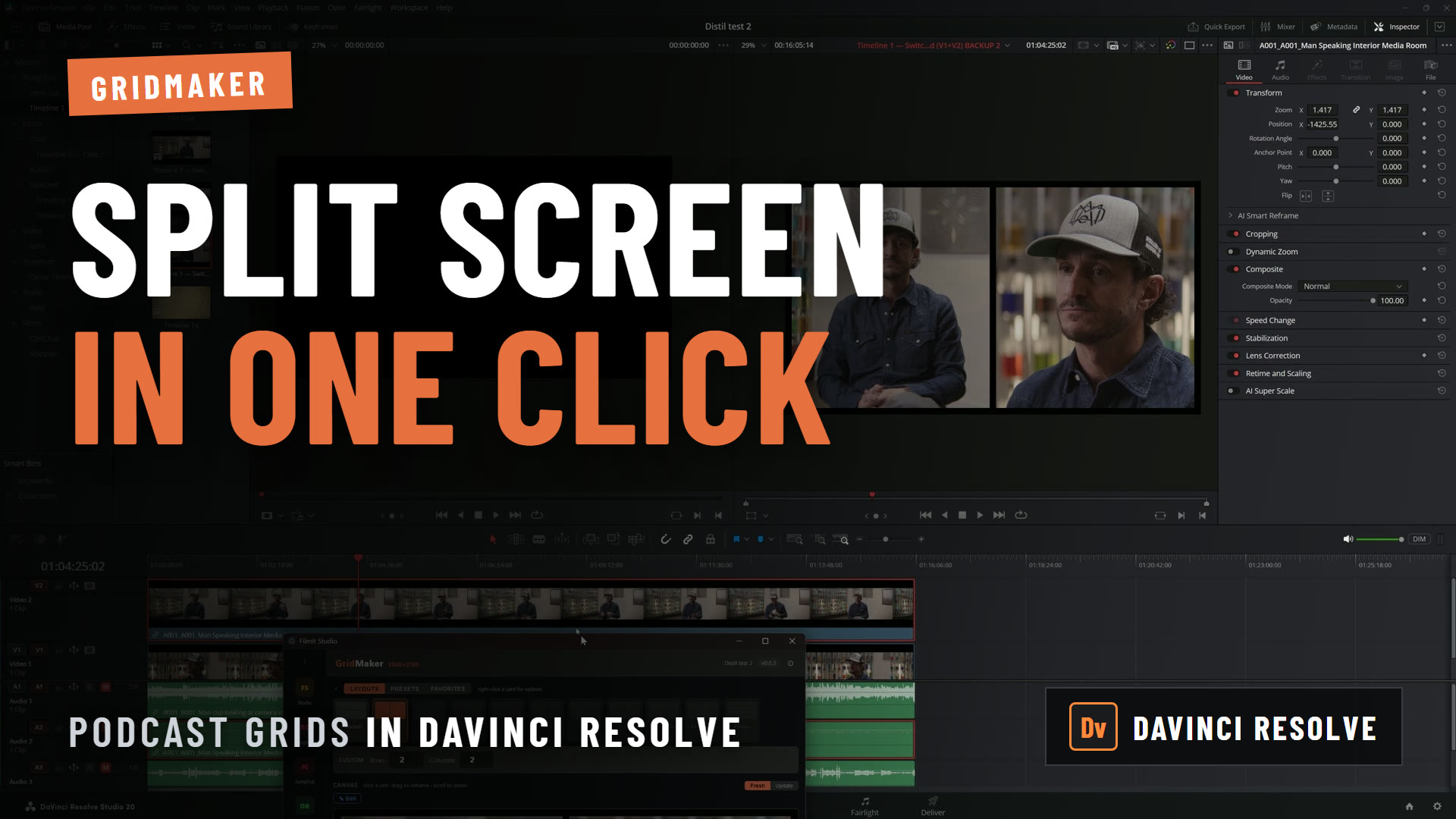
The test in the video above: a two-camera interview of about fifteen minutes, camera A on video track 2 and camera B on video track 1, and a request for a simple back-and-forth cut so there is some movement while you listen. The prompt was spoken, not typed:
Can you make a backup copy of my current timeline to save it? And on my current timeline, can you cut between camera A and B? Camera A is on video layer two, camera B is on video layer one.
Claude said what it was going to do first: back up the timeline, look at the two camera tracks, then build the cuts. It duplicated the timeline, then worked down it, and you can watch the cuts appear on the camera track in Resolve as it goes.
It is not fast. On this interview it took around eight minutes, partly because we had left permissions on "ask" and had to click Allow several times. When it finished, the timeline cut between both cameras, the audio was still in sync, and the backup timeline was sitting in the project.
The cut points are mechanical. It does not know who is speaking or where a sentence ends. As a first pass to send a client, or as a base to refine, it did the job without anyone sitting through fifteen minutes of switching.
How would you do that without AI?
Resolve's own multicam workflow is the better tool when you care where the cuts land. Select both angles in the media pool, create a multicam clip synced by audio or timecode, drop it on a timeline, then switch angles in the multicam viewer while it plays. You get cuts on real beats in the time it takes to watch the interview.
The trade is attention. Live switching costs you the full runtime and gives you good cuts. Handing it to Claude costs you nothing and gives you rough ones.
What is it good at in Resolve?
Procedural jobs with a clear result:
- Setting up a project: make the bins you always make, import a folder of footage into them, create the timeline.
- Markers: "Add a green marker named Selects at every clip longer than 5 seconds."
- Removing a section safely: "Make a copy of this timeline without the section between 0:12 and 0:18."
- Vertical versions: "Make a vertical 1080x1920 copy of this timeline and zoom every clip to fill it."
- Titles: "Put a title that says Jane Doe, Director at 0:05, then show me that frame."
That first one is the real time saver on shoot days. Dumping a wedding or a stack of interviews into Resolve comes with a lot of busywork that has nothing to do with editing, and it is exactly the kind of thing you can describe once and walk away from.
Where does it stop?
- Effects, transitions and keyframes. Resolve does not let add-ons apply them yet. Claude will tell you when a step needs your click.
- Resolve Studio only. No workflow integrations in the free version.
- Speed. Hundreds of edits take minutes, not seconds.
- Story. It will not edit your film. Documentaries are complicated, and they need someone deciding what matters.
For jobs that need the same precise result every time, a purpose-built tool is still the better choice. In Resolve that is JumpCut for silence, RoughCut for interview assemblies (see how to automatically edit in DaVinci Resolve), and Organizer for keeping a project filed.
Should you set it up?
If you are on Resolve Studio, yes. It is free, the setup takes about a minute, and the first time it builds your bins and timeline while you get coffee, you will keep it. Just keep two habits: ask for a backup first, and keep the creative calls.
Getting started
Everything is on the Filmit MCP page. If you cut in Adobe apps too, the same setup is covered in how to use Claude in Premiere Pro and how to use Claude in After Effects. Tell us what you hand it first in our Discord.