Premiere Pro, After Effects and DaVinci Resolve do not come with a plugin manager. Every plugin you add arrives its own way: an installer here, a ZXP there, a folder you copy by hand, and a separate update check for each one. Filmit Studio is the plugin manager we built for our own tools: one free desktop app that installs every Filmit plugin, effect and transition into all three editors, keeps them updated, and puts them one click away inside your editor.
Below is how plugins get installed when you do it by hand, what Filmit Studio changes, and what it does not do, so you can decide if it fits how you work.
How do plugins install without a manager?
There is no single way, which is the whole problem. Panels (the windows you open from Window, Extensions in Premiere Pro and After Effects) install one way, effects install another, and DaVinci Resolve has its own folders for both.
Find the right installer
Most makers ship a Mac and a Windows installer, sometimes one per editor. Some still hand you a ZXP file, which needs a separate installer app to unpack.
Put it in the right place
Panels, effects and Resolve plugins each live in their own system folder. Get the folder wrong and the plugin simply never shows up.
Restart and go looking
After a restart, panels appear under Window, Extensions in Adobe apps, and under Workspace, Workflow Integrations in Resolve. Effects land in the Effects panel or the Effects Library.
Repeat for every update
Each maker updates on their own schedule, so keeping five plugins current means five places to check.
None of this is hard once, and if you only use one or two plugins, doing it by hand is fine. Our guide on how to install Premiere Pro plugins walks through the manual route, including where to find plugins that are safe to install.
What does Filmit Studio do instead?
Filmit Studio is a desktop app for Mac and Windows. You sign in, and it installs your Filmit tools into every editor it finds on that machine, then keeps them licensed and updated in the background. The video above shows the whole loop.
Download and sign in
Download Filmit Studio free from the Filmit Studio page (macOS 11 or later, Windows 10 or later) and create a Filmit account or sign in.
Let it install your tools
Studio installs the tools you choose into Premiere Pro, After Effects and DaVinci Resolve. You browse every tool before you pay anything.
Restart your editor once
In Premiere Pro and After Effects, the Filmit Studio panel appears under Window, Extensions, Filmit Studio. In Resolve, your Filmit tools open under Workspace, Workflow Integrations.
Forget about updates
When we ship a new tool or a fix, Studio installs it for you. New tools show up in the panel without a download.
The panel is the part you see every day. It lists every Filmit tool you have, opens any of them in a click, and has an Effects tab and a Transitions tab with live video previews, so you pick a look by watching it, then hit Apply on your selected clip. Our Filmit Studio walkthrough covers the app screen by screen, and there is a separate guide for using Filmit Studio in DaVinci Resolve.
What is inside it?
The film above runs through a few of the tools, and they show the range better than a list:
- Sync lines up a two-camera shoot with its sound, whole bins at a time.
- RoughCut transcribes hours of interviews on your machine, builds a story from the strongest quotes, and assembles the sequence.
- Filmit FX effects preview live in the panel and apply in one click.
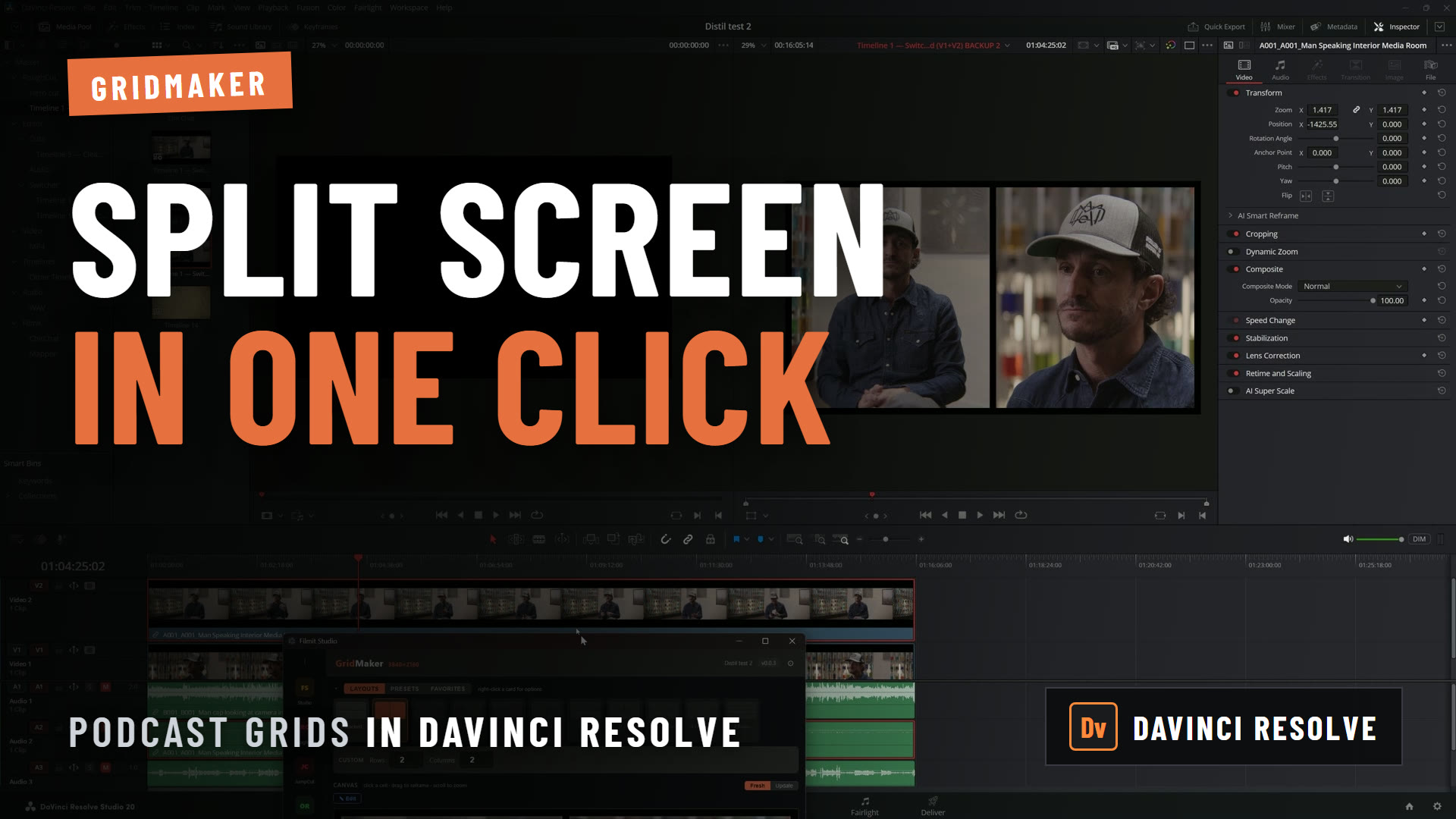
- GridMaker lays out split screens and video walls in After Effects and Premiere Pro.
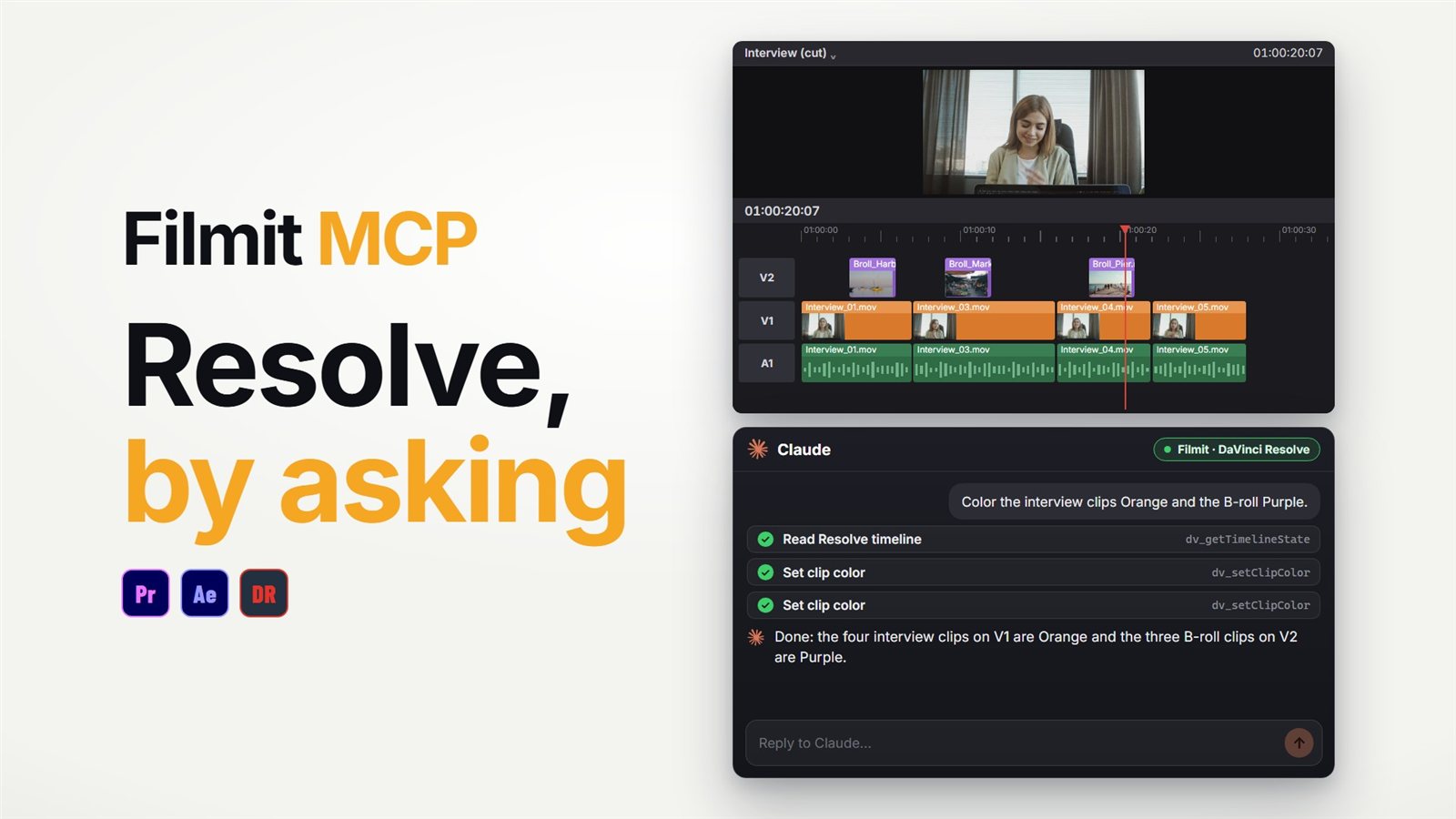
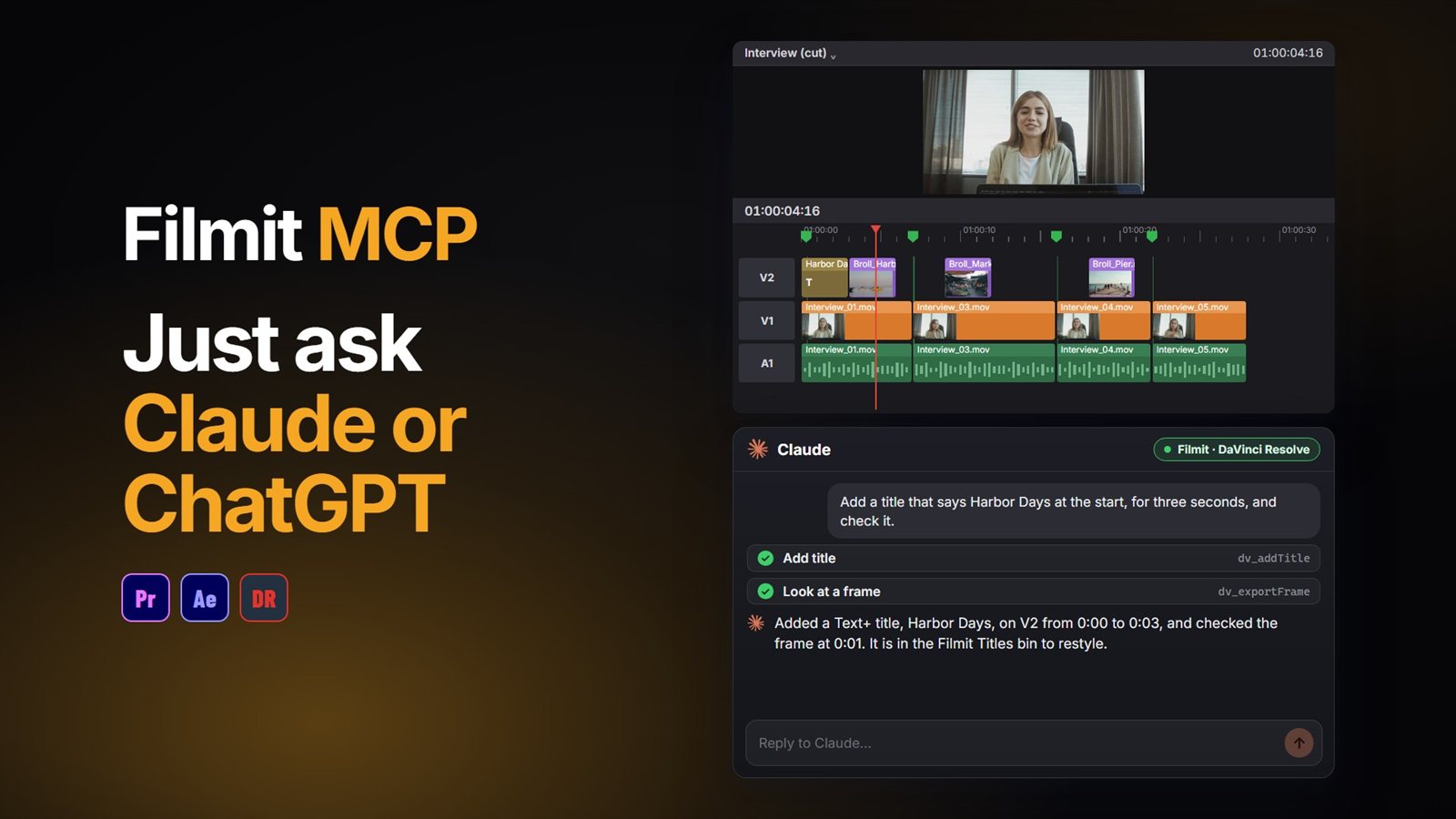
- The Filmit MCP connects Claude or ChatGPT to Premiere Pro, After Effects and DaVinci Resolve, so you can ask for an edit in plain words and it happens in your open project. Connecting it works with a free Filmit account.
The film also shows Filmit Studio online, where a client comments on a cut in the browser. That part is in beta and not open to everyone yet.
What it is not
Filmit Studio installs and updates the tools we build. Your other plugins keep installing and updating the way they always have.
Your footage stays on your drives. Studio manages tools, not media, storage or review links.
The app is free to download, and you can browse every tool before you start a trial. The free tools stay free.
What does it cost?
The app is free. One subscription, $20 a month or $192 a year, unlocks every Filmit tool, effect and transition, and works on up to two computers. Every new subscription starts with a 7-day free trial; a card is required to start it, and you pay nothing if you cancel before day 7. The full comparison, including Teams seats, is on the pricing page.
If the panel menu is the part that bothers you most, our guide to finding your plugins in Premiere Pro and After Effects is a good next read.