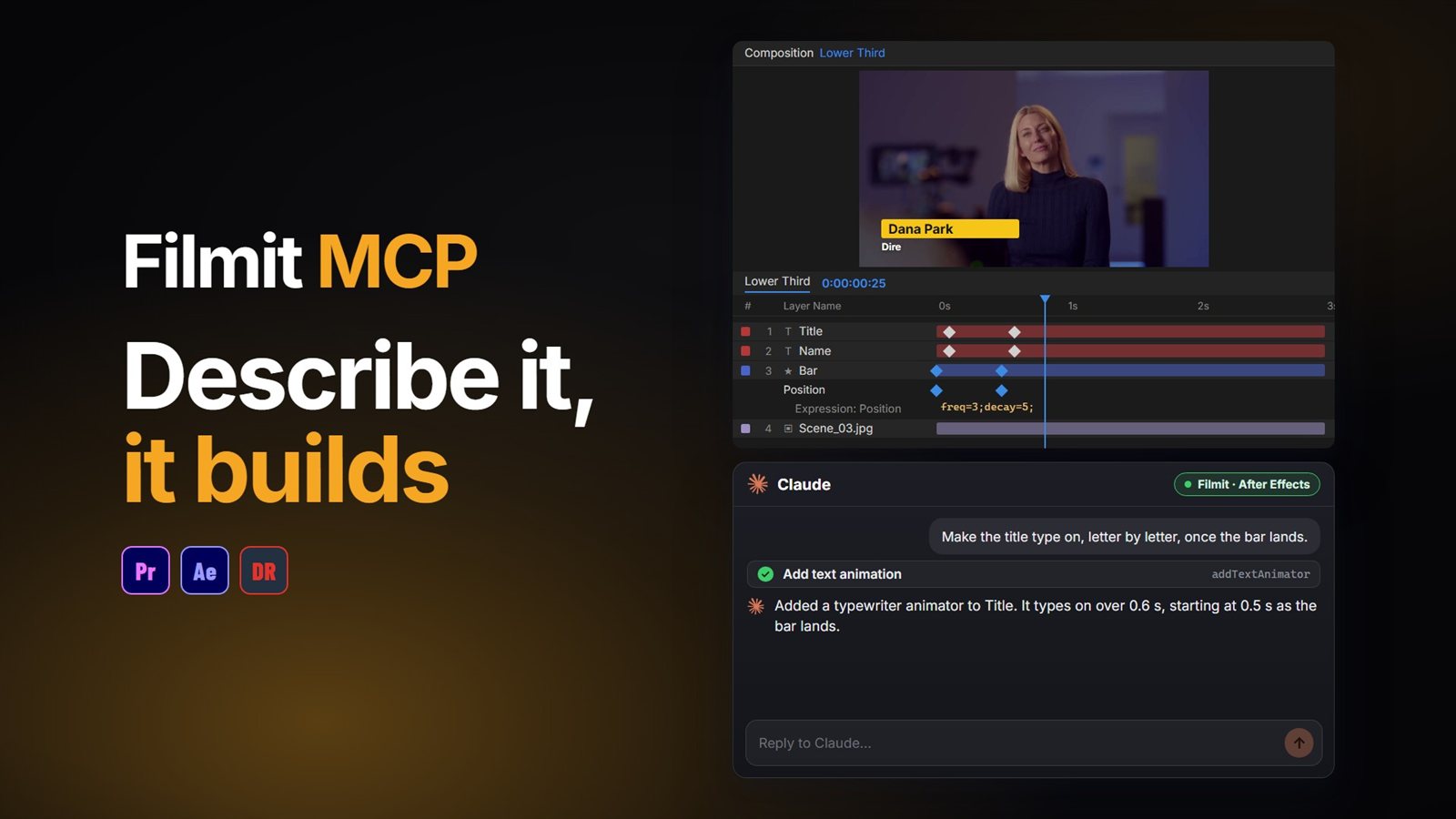
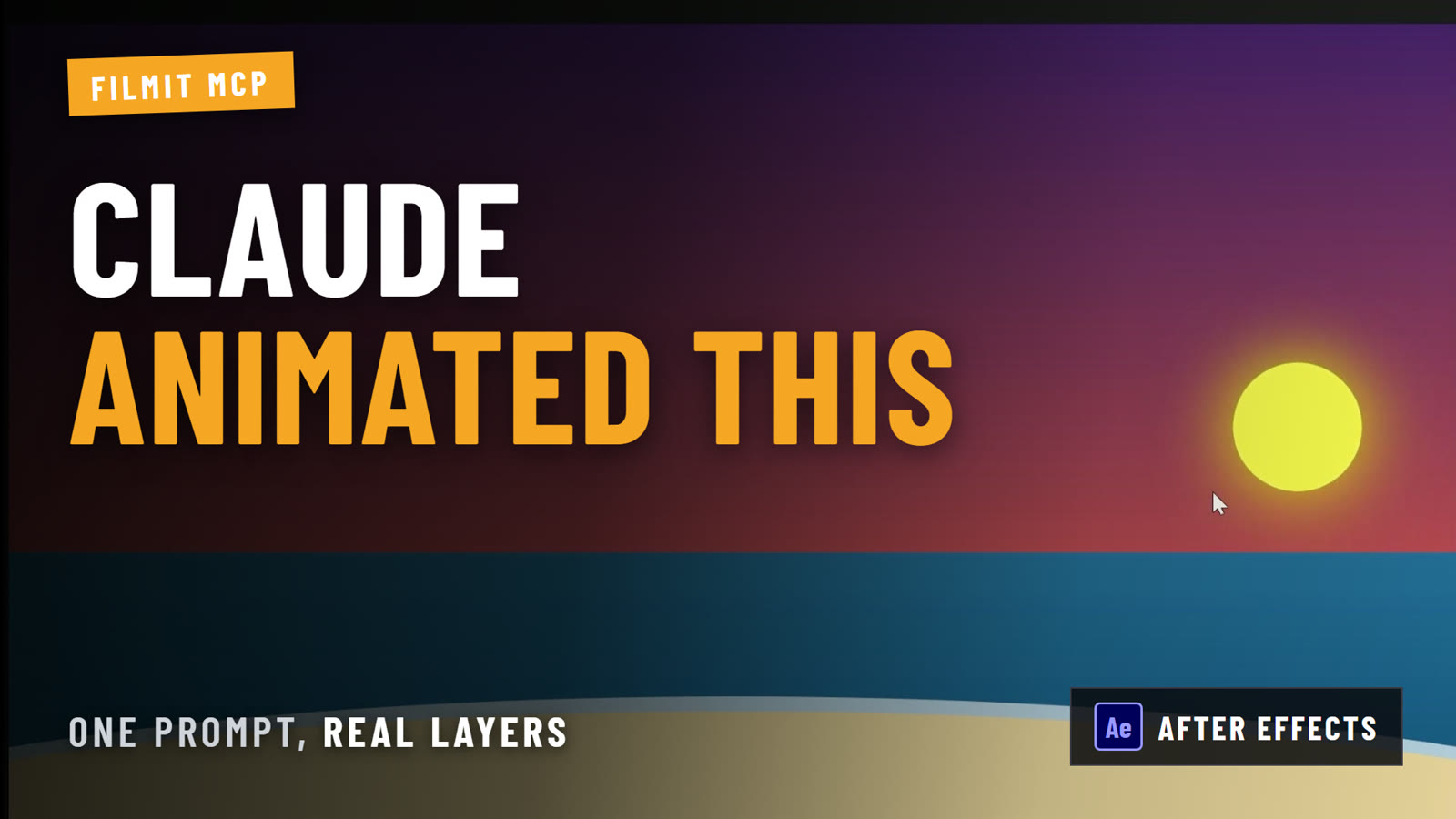
You can use ChatGPT in After Effects by connecting it with an MCP connector. Once Filmit MCP is connected, ChatGPT stops handing you expressions to paste and builds in your open comp itself: layers, keyframes with easing, expressions on the right property, then a rendered frame to check its work.
Here is the difference that makes, how to connect it, prompts that work well, and where After Effects still needs your hands.
What changes when ChatGPT is connected?
Most motion designers already use ChatGPT for After Effects the copy-paste way: ask for a wiggle or a bounce expression, paste it into the property, fix the error, ask again. It works well for the common expressions. The friction is everything around the code. ChatGPT cannot see your comp, so it guesses layer names, and it never sees the result.
Only what you type about your comp
Your layers, names, properties and keyframes, before it acts
Code for you to paste, property by property
Applied to the property you named, with sliders wired up if you ask
Menu steps for you to click through, or a script to run
Shapes, text, nulls and solids made in the comp
You find out it broke when the error bar appears
It renders a frame and looks at what it made
The connected version also skips the JSX script step. ChatGPT-written scripts are where most people hit walls, because a script has to be right about After Effects internals it cannot test. With the connector, each step is a tested Filmit action, so there is no script to debug.
What do you need?
- After Effects with the Filmit Studio panel. The free Filmit Studio app installs it for you, on Mac or Windows.
- A Filmit account. A free one is enough for the After Effects actions.
- ChatGPT with custom MCP servers available on your account.
How do you connect ChatGPT to After Effects?
Turn on MCP in After Effects
Open Window, Extensions, Filmit Studio, go to the MCP tab and flip the switch. From then on, MCP starts with After Effects.
Add Filmit in ChatGPT
In ChatGPT, open Plugins, click the + button and choose Add custom MCP server. Some accounts show Settings, Connectors with Developer mode instead: turn Developer mode on and click Create. Name it Filmit and paste https://mcp.filmit.io/mcp as the server URL. Our ChatGPT setup steps cover both versions.
Sign in with Filmit
ChatGPT opens the Filmit sign-in page. Sign in with your Filmit email and password, or with Google.
Ask something harmless first
In a new chat with Filmit turned on, ask "What is in my open After Effects comp?" If it lists your layers, you are connected.
If Premiere Pro is open too, say which app you mean. One connection reaches every app where the MCP switch is on.
What can you ask ChatGPT to build?
Anything you can describe in a sentence and check by eye. These work well because the result is easy to judge:
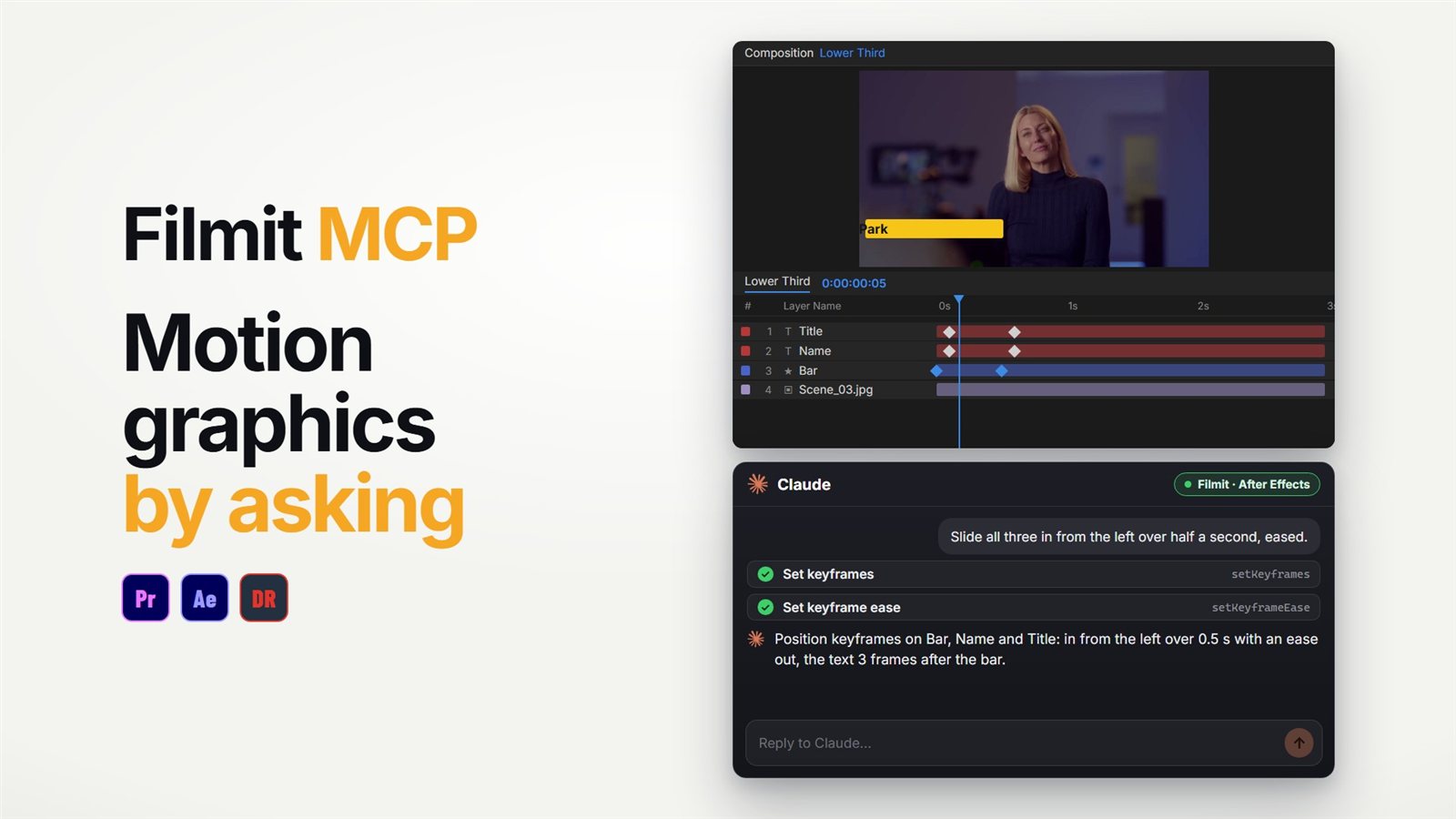
"Build a lower third for Jane Doe, Director, that slides in from the left"
A shape bar and two text layers, keyframed with easing. The video above shows this exact kind of build.
"Add a wiggle to the camera null, with a slider for how much"
An expression on the null's position, wired to an Expression Control slider so you can tune it without touching code.
"Make the title pop in with a bit of overshoot, then check the frame at 1 second"
Scale keyframes with real easing, then a rendered frame so it can tell you what it sees.
"Precompose the title layers and add a soft vignette on top"
Housekeeping that is quick to describe and fiddly to click.
Pro Tip: Name your layers before you start. "Move the logo layer" lands on the first try. "Move Shape Layer 7" makes ChatGPT ask which one you mean.
Everything it can do in After Effects is listed in the Filmit MCP docs. The actions are the same whichever AI app you use.
How would you do the same thing by hand?
For the wiggle with a slider: add a Slider Control to the null from Effect, Expression Controls. Alt-click (Option-click on Mac) the stopwatch on Position. Type wiggle(2, effect("Slider Control")("Slider")) and click away. It takes about a minute once you know the pattern, and if you want to know the pattern, our guide to the wiggle expression explains every part. The connected version earns its keep when it is twelve layers, not one.
Can ChatGPT run Filmit tools in After Effects too?
Yes. Beyond the basic actions, the connector runs Filmit's own After Effects tools, the same ones you would click in Filmit Studio. That matters for jobs where a prompt-built result would come out different every time.
GIFer, Sourcer, EXpress and Shortcut.
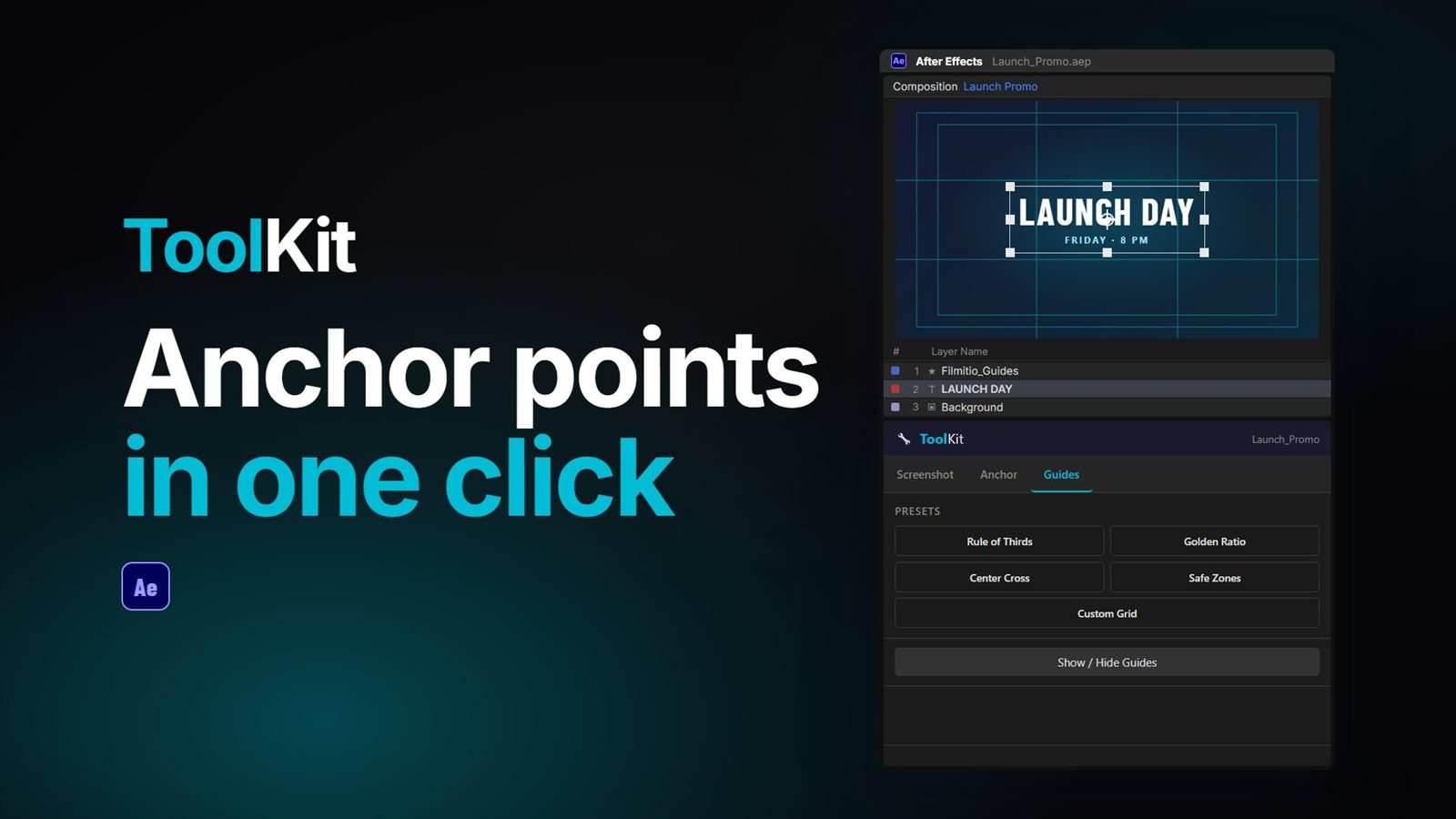
GridMaker, Mapper, Credits, ChitChat, Slideshow, TextPilot, Gravity, ColorMaster, CallOuts, ToolKit, ProXimity and Reducer.
So "make an animated map of a drive from Lisbon to Porto" runs Mapper, and "build a text message scene from this script" runs ChitChat, with the same result each time. The full list is on the Filmit MCP page.
ChatGPT or Claude?
It is the same Filmit connector either way, with the same After Effects actions. Use the app you already pay for. Our guide to using Claude in After Effects covers the Claude setup and a full prompt-to-animation test, and the After Effects MCP guide explains how the connector works. If you also edit in Premiere Pro, ChatGPT in Premiere Pro uses the same connection.
What it will not do
It builds a clean, editable first version fast. Timing, spacing and taste are still yours to add.
It reads layer names, properties and keyframe times, and looks at a still frame when it asks for one.
Everything it makes is ordinary layers and keyframes. Each action is a normal step, so Ctrl+Z (Cmd+Z on Mac) undoes it.
Flip the switch off in the Filmit Studio panel and nothing can reach After Effects.