A paper edit is the story built on paper before you touch the timeline. You transcribe every interview, pull the lines that matter, put them in order with their timecodes, and only then assemble the cut. It is how documentary and interview editors find the structure early, and it gives a producer or client a script to approve before anyone renders anything.
Below is the classic method, how to do it with Premiere Pro’s own transcript tools, and the faster way with RoughCut, which writes the paper edit and builds the cut from it, as in the video.
What does a paper edit look like?
It is a script made of real quotes. Every line carries three things: which source it comes from, the timecode where it starts, and the words. The lines sit in sections, usually a hook that opens the film, the themes in the middle, and a close. Anything that does not fit stays on a separate list of spares, because the line you cut today is often the one you need next week.
The classic way, step by step
Transcribe everything, with timecode
Every interview, every camera if they differ. A transcript without timecode is a reading exercise; with it, every line becomes a pointer back to the footage.
Read and highlight
Read each transcript once without judging, then again with a highlighter. Mark lines that make sense on their own, with no setup.
Write the order
Copy the highlighted lines into a new document, section by section. Keep the source and timecode on every line as you move it.
Get sign-off on the script
Send the document to the producer or client. Changing the order of a script is free; changing the order of a graded cut is not.
Assemble
Find each line by its timecode, set In and Out in the Source Monitor, and drop it into the sequence in order.
Doing it inside Premiere Pro
Premiere Pro covers most of this without a second app. Transcribe each interview in the Text panel, and the transcript is searchable, so you can find every mention of a topic in seconds. With Text-Based Editing, select a line in a source transcript and insert it into your sequence; do that line by line, in order, and the sequence is your paper edit, assembled. The Text panel can also export a transcript as a text file to share. Naming markers or subclips by topic in each interview makes the spares list easy to find later.
It works well on one interview. With several interviews and more than one camera, the reading and ordering stays a manual job, and that is the part that eats the week. Our guide to editing an interview in Premiere Pro covers the rest of the craft around it.
The faster way: let RoughCut write the paper edit
RoughCut runs inside Premiere Pro and DaVinci Resolve. It does the transcribing, the picking and the ordering, then builds the cut. These are the steps in the video:
Transcribe all
Drowning in interview footage? Hit Transcribe all and Whisper transcribes every source right on your machine.
Tell it the story in one line
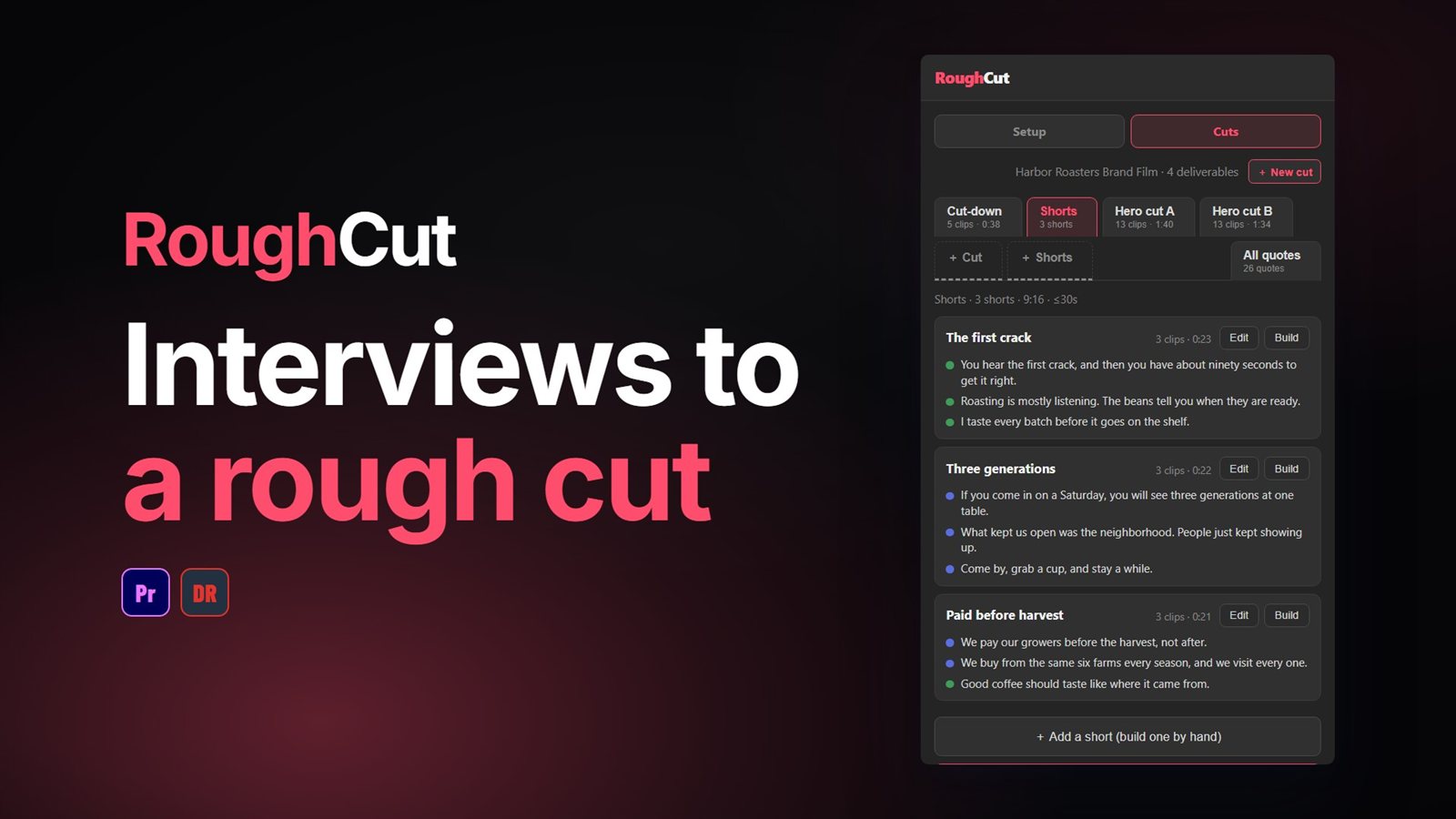
Write a one-line brief, and the AI picks and orders the strongest quotes into sections on a story board you control.
Trim to length
Running long? Uncheck a line to bench it, and the runtime meter shows you back on target.
Build
Happy with it? Hit Build, and a real multi-source sequence lands in Premiere Pro, every source on its own tracks.
The story board is the paper edit: quotes in sections, each tagged by source, in an order you can drag around. When you need it on paper, RoughCut exports an Excel workbook with a tab per cut, sectioned with running timecode, plus your full quote library, so a client can approve the story in a spreadsheet before you touch the timeline. A plain CSV of the current tab is there too.
Tips for a better paper edit
One sentence about who the film is about and what changes for them gives the picking a thread to follow.
Whether you write it by hand or export it, a line without its timecode is a line you will have to find again.
Story changes are cheap at the script stage. Send the workbook before you build anything polished.
Benched lines stay in RoughCut’s All quotes library, tagged and searchable, ready to swap back in.
Or ask Claude or ChatGPT to assemble it
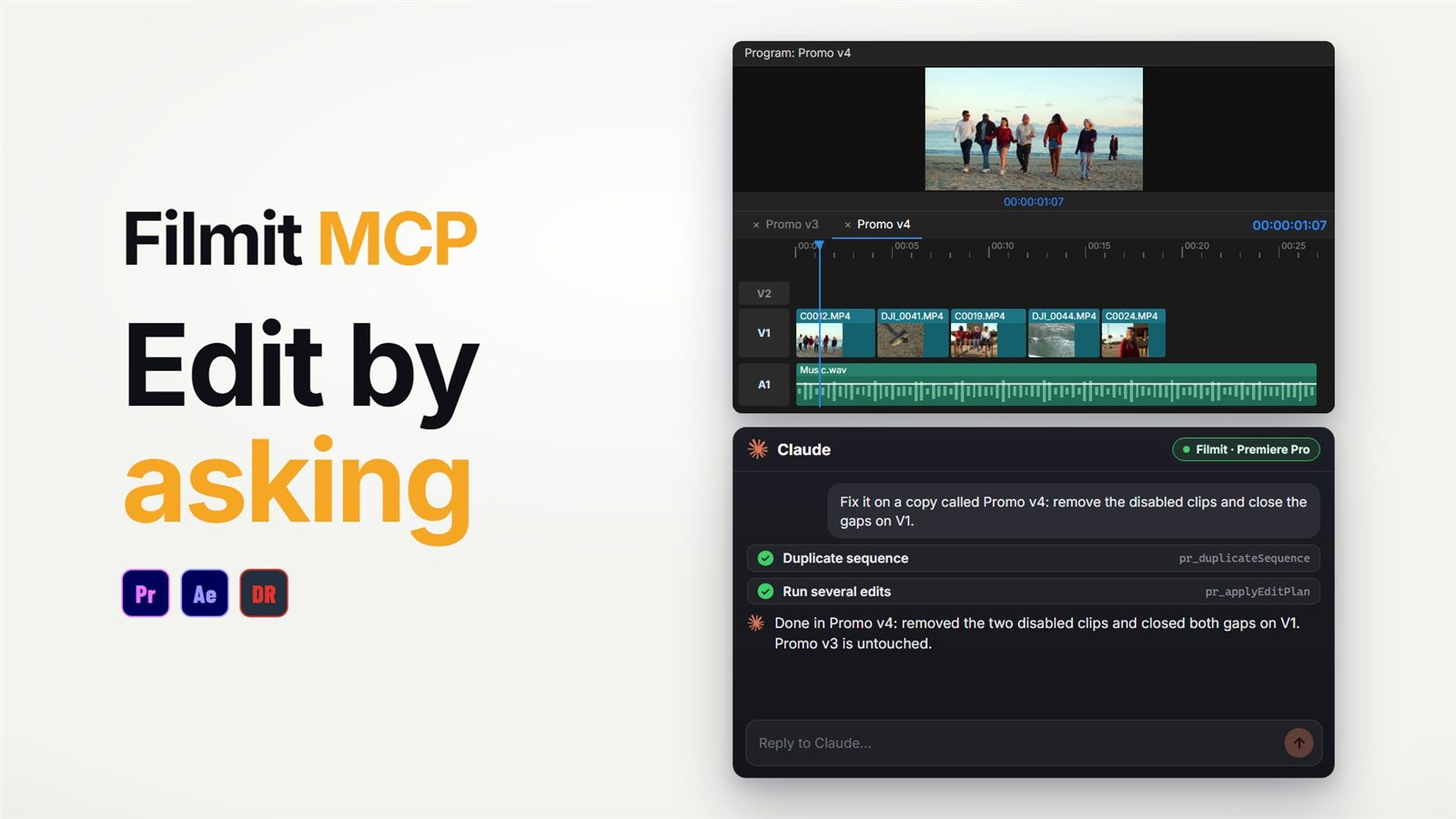
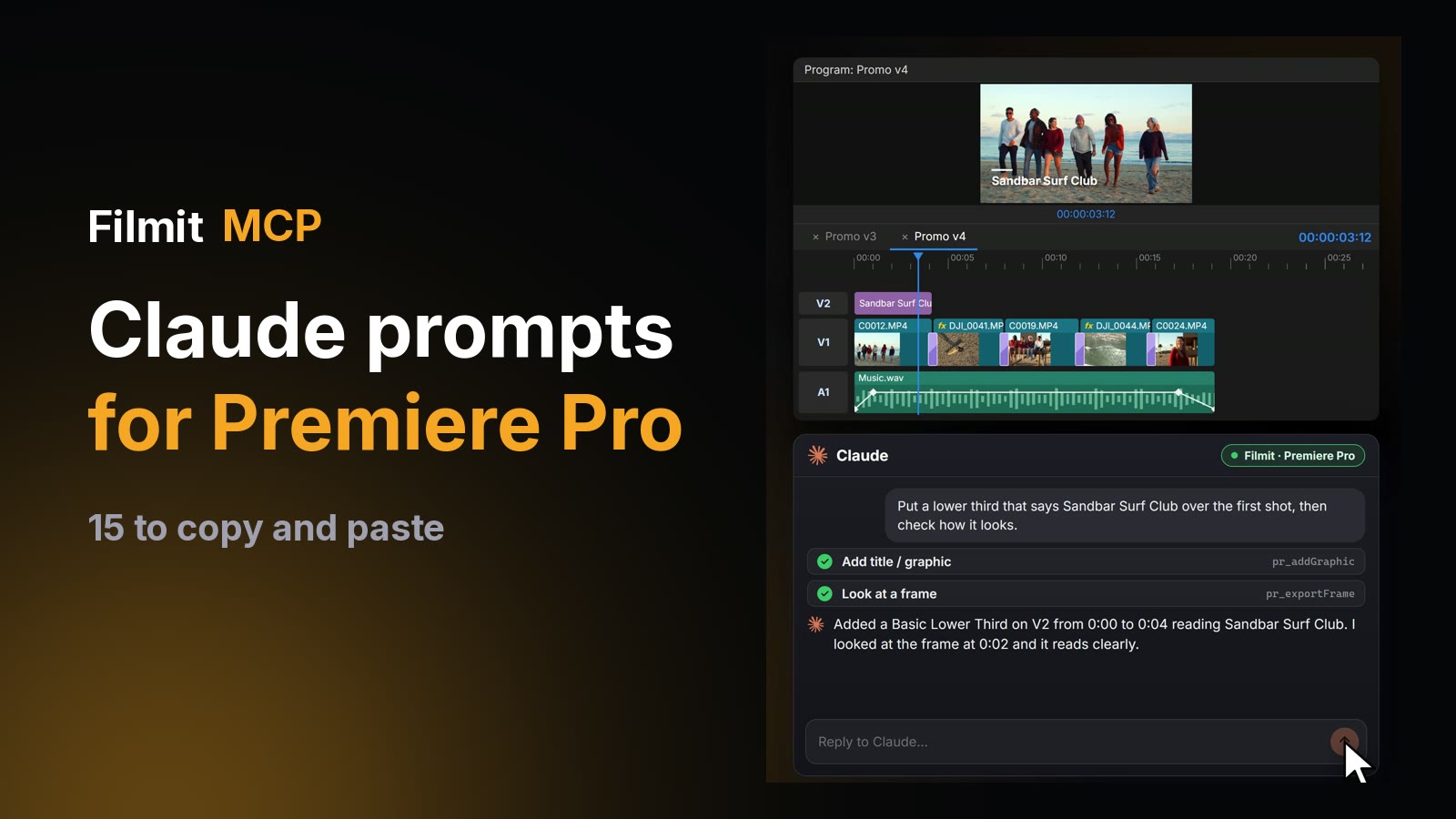
If you already have a paper edit with timecodes, the Filmit MCP can do the assembly by asking: "put Interview A from 12:04 to 12:19 on V1, then Interview B from 3:40 to 3:58 after it". It can place part of a clip, add a marker at each section, and check a frame. It does not read the interviews, so the picking is still yours. Our guides to using Claude in Premiere Pro and making a rough cut with Claude show how far that goes.
Once the story is approved, our guide to cutting one interview into a hero edit, cut-downs and shorts picks up from there, and using RoughCut with no API key covers the free paste path. RoughCut comes with Filmit Studio, our free desktop app, with a 7-day free trial.