To cut a long interview into short clips, you need three things: a transcript, a clear idea of each deliverable and its length, and a fast way to turn picked lines into sequences. Do that once per deliverable and you can get a hero edit, a tighter cut-down and a batch of shorts out of the same footage.
This guide shows the native way in Premiere Pro, then the faster way with RoughCut, which plans all of those deliverables from one transcript in a single pass, as in the video below.
Start with the deliverables, not the footage
Before you scrub anything, write down what you owe and how long each one runs. A typical list from one interview day looks like this: one hero edit of a few minutes, one cut-down for a paid ad or a landing page, and five or six vertical shorts that each make one point. Each one needs a different kind of line. The hero needs an arc, the cut-down needs the single strongest thread, and every short needs a line that makes sense with no setup at all.
The native way in Premiere Pro
Transcribe the interviews
Open the Text panel and transcribe each interview. Premiere Pro’s transcript is searchable, so you can find topics fast.
Mark lines for each deliverable
Read the transcript and note which lines belong in the hero, the cut-down and each short. A simple colour code in a document works.
Build each cut from text
With Text-Based Editing, select lines in the transcript and insert them into a new sequence. Repeat for every deliverable.
Reframe the shorts
Duplicate each short’s sequence and use Auto Reframe Sequence to make a vertical version, then check the framing by hand.
This works, and on a single interview it is a good afternoon. With two cameras, several interviews and six shorts, the marking stage becomes the job. Our full guide to editing an interview in Premiere Pro covers the rest of the craft, from selects to the final mix.
The faster way: every deliverable from one pass
RoughCut runs inside Premiere Pro and DaVinci Resolve. It does the transcribing and the marking, then builds each deliverable as its own sequence. These are the steps in the video:
Transcribe all
Add your interviews and hit Transcribe all. Whisper transcribes every source on your own machine, in one go. Nothing is uploaded.
Tell it the story in one line
Write a one-line brief, the way you would brief an assistant editor.
Add what you deliver
Add a hero cut, a cut-down and a batch of shorts, each with its own target length.
Analyze all
The AI picks and orders the strongest quotes into a story for every deliverable. Each cut lands in its own tab, and you can ask for two versions of the hero to compare.
Trim to length
Running long? Uncheck a line to bench it, and the runtime meter shows when you are back on target. All quotes holds every line from every source, tagged and searchable, if you want to swap one in.
Build
Hit Build and a real multi-source sequence lands in Premiere Pro (or a timeline in Resolve) for each cut, with every source on its own tracks, ready to keep cutting.
Tips that make the shorts better
"A small team explains why they rebuilt their product from scratch" gives the AI a thread to follow. "Make it good" does not.
Set the shorts batch short enough that each clip can only hold one idea. Long shorts drift into mini hero cuts.
A short lives or dies on its opening line. If it needs context, bench it and pull a cleaner line from All quotes.
RoughCut exports an Excel workbook with a tab per cut and running timecode, so a client can approve the story before you polish anything.
Do you need to pay for AI?
No. RoughCut can write a ready-made prompt from your brief and transcript that you paste into free ChatGPT or Claude, then paste the answer back to build. If you would rather click once, add your own Anthropic or OpenAI key and pay the provider directly. Either way, your audio and video never leave your computer. We covered the free route step by step in how to use RoughCut with no API key, and the whole tool in Meet RoughCut.
Or ask Claude or ChatGPT for a first pass
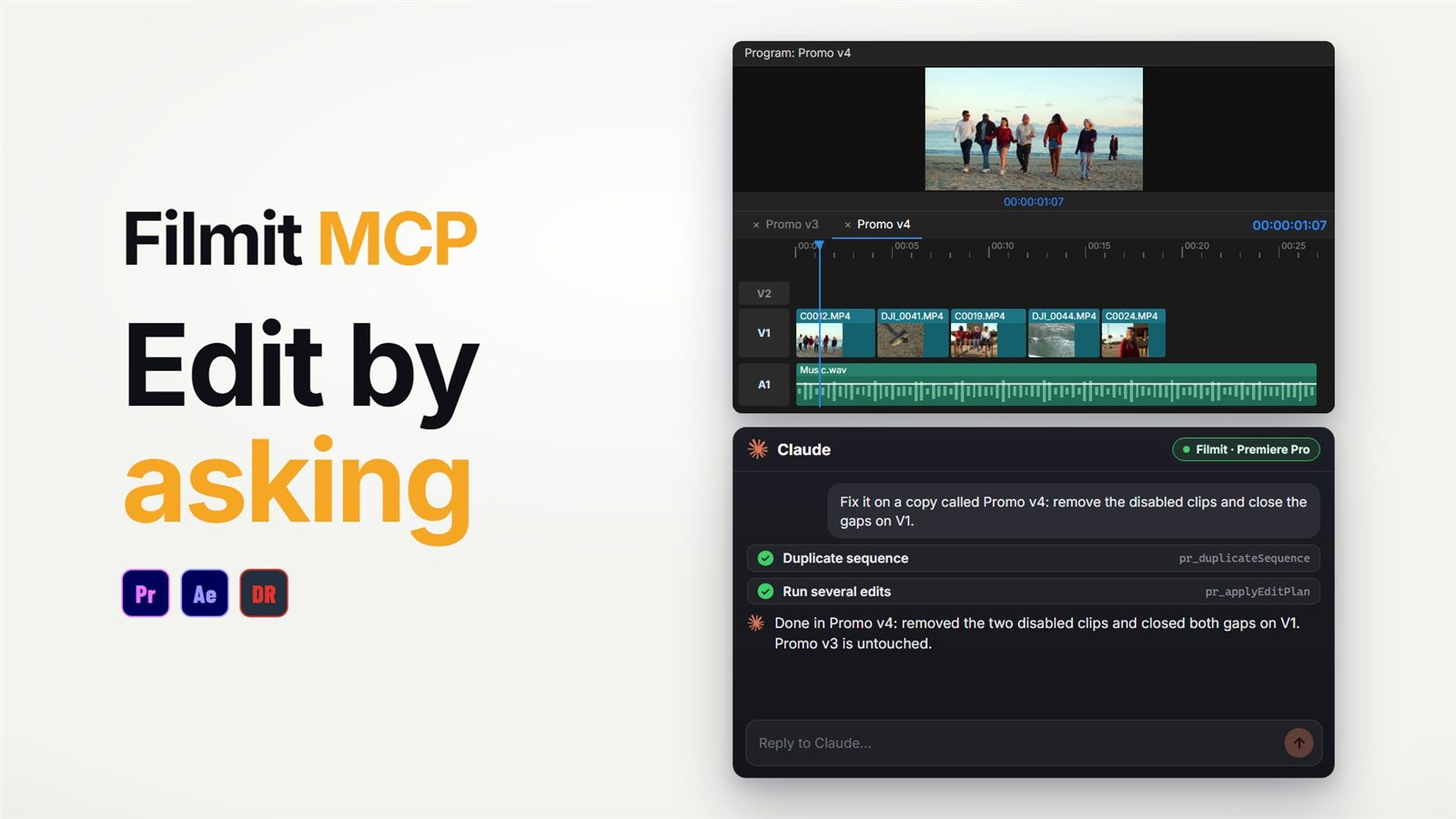
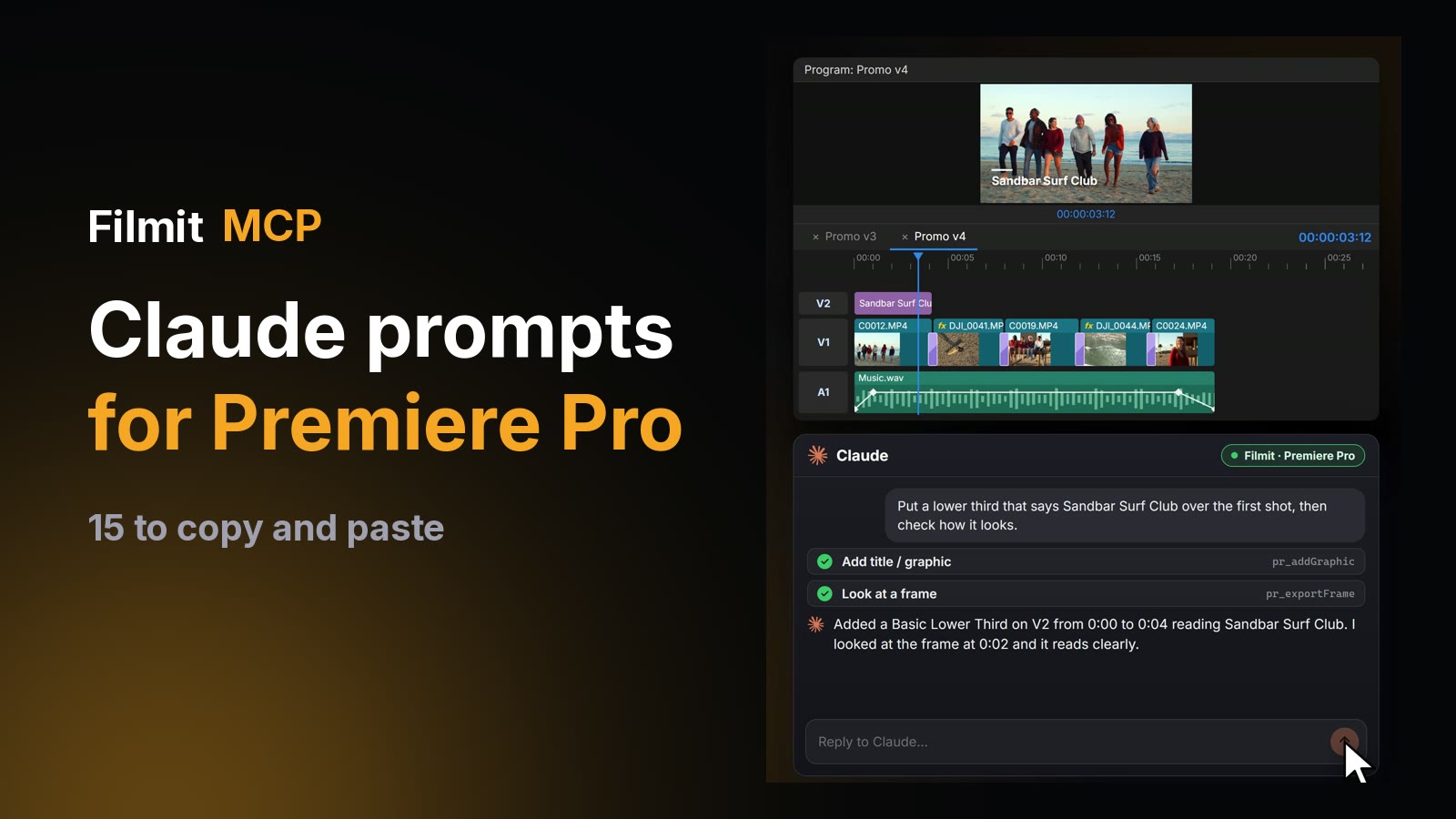
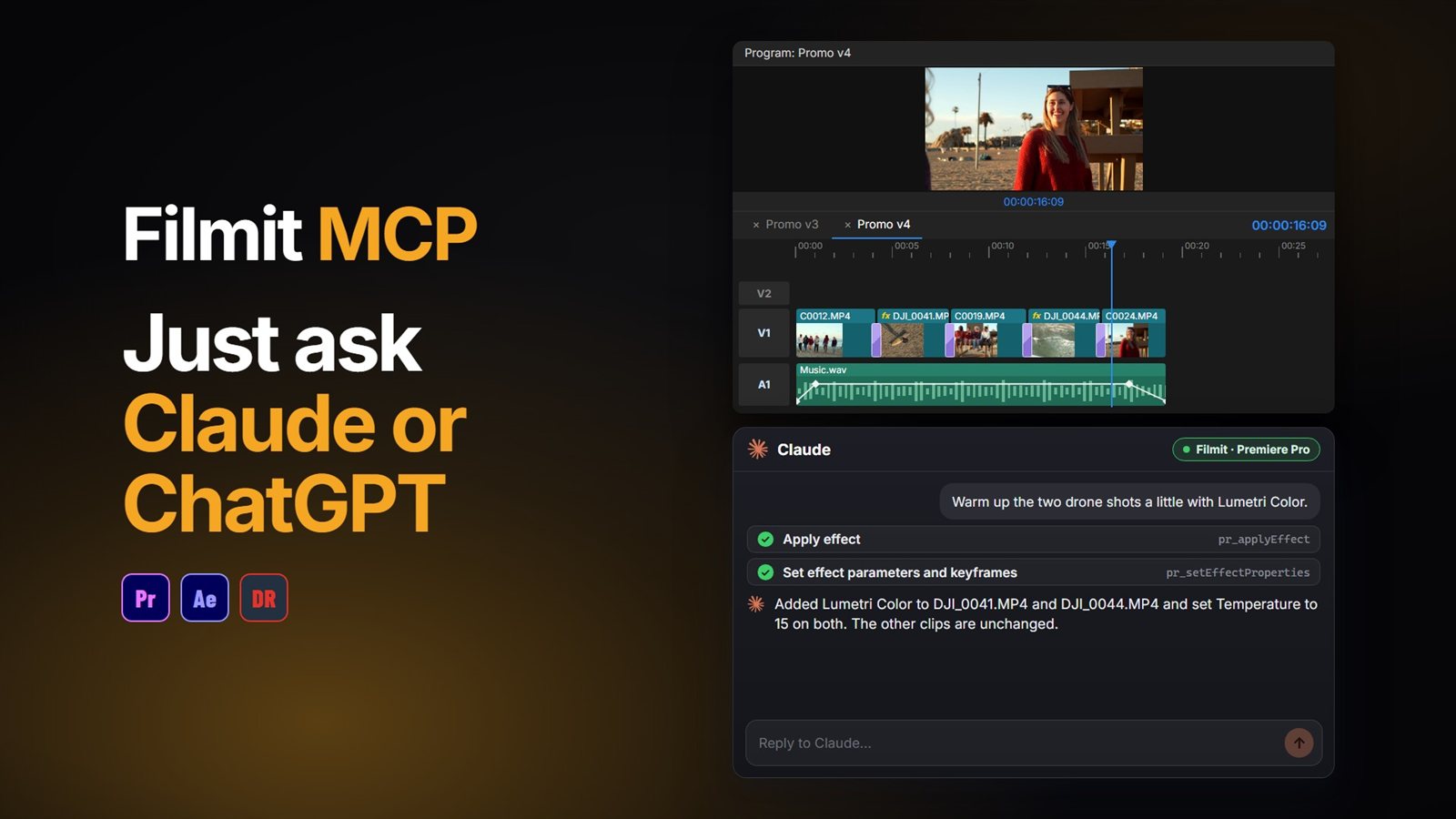
If your interviews are already marked up, the Filmit MCP can do the assembly by asking: "build a sequence from the clips with the Selects marker" or "make a vertical copy of this sequence". It works from markers, names and timings rather than reading the interview, so it suits the building step more than the picking. Our guide to making a rough cut with Claude in Premiere Pro shows how far that goes, and the Premiere Pro MCP guide explains the connector.
RoughCut comes with Filmit Studio, our free desktop app, with a 7-day free trial of the full toolkit.