To make scrolling credits in Premiere Pro, type your credits into a text layer, open the Essential Graphics panel, click an empty spot in the graphic so no layer is selected, and tick Roll. Premiere Pro scrolls the text from the bottom of the frame to the top over the length of the clip.
That is the native way, and it is fine for a few names. For a full cast and crew list that keeps changing, this guide also shows how to build the roll from a spreadsheet with Credits, as in the video below.
Scrolling credits with the Essential Graphics Roll option
Make a text layer
Pick the Type tool (T), click in the Program Monitor and type or paste your credits. Press Enter between lines.
Format the text
In Essential Graphics (or the Properties panel), set the font, size, alignment and leading. Centered text with a little extra leading reads well on a roll.
Turn on Roll
Click an empty part of the graphic so no layer is selected, then tick Roll in the Responsive Design, Time section of Essential Graphics.
Set the start and end
Start Off Screen and End Off Screen make the roll enter from below and leave at the top. Preroll, Postroll, Ease In and Ease Out add holds and easing.
Set the speed with the clip length
Drag the end of the graphic clip on the timeline. Longer is slower, shorter is faster.
Pro Tip: If the roll looks juddery, the speed is fighting the frame rate. Try lengthening or shortening the clip by a few frames until the motion looks smooth, and check it at full resolution, not in a scaled-down preview.
Where the native way gets slow
A single text layer is easy until the list grows. Two-column role and name layouts need tabs or separate layers lined up by eye, every late name change means re-spacing the block, and hitting an exact duration, like a fixed slot before the end of a programme, takes trial and error. Most credit lists already live in a spreadsheet, and there is no way to bring one in as anything but pasted text.
Credits from a spreadsheet with the Credits panel
Credits is a panel for Premiere Pro and After Effects that turns a list into a finished roll. The steps:
Import your list
Hit Import Excel to bring in a spreadsheet, or a CSV, or paste straight from a sheet. Click Excel Template first for a starter sheet with a row-type dropdown built in.
Pick a template
Choose one of the seven built-in looks (Hollywood Classic, Modern Minimal, Cinematic, Documentary, Indie, Music Video and Corporate) and the whole roll restyles.
Preview it
The Preview tab plays the roll live in the panel. Type a target length and hit Fit, and the speed snaps to a judder-free value that lands on it.
Generate Credits
Credits renders the roll frame for frame and places it on your timeline at the playhead, as one clip with a transparent background.
The Render section on the Style tab sets size, frame rate and quality, and defaults to your sequence, so most of the time you can leave it alone. Prefer episodic-style cards to a crawl? Card mode shows one section per screen with fades between.
Credit roll tips
Treat the spreadsheet as the master. When a name changes after picture lock, edit the sheet, re-import and generate again.
Four of the seven Credits templates use fonts that ship with every Mac and PC. The panel shows which fonts are installed before you generate.
Rows can be section headers, role and name pairs, groups of up to eight columns of names, logos, still images and video clips.
Building the finishing graphics in After Effects? Your saved rolls sync between the two apps.
Working in After Effects? Our guide to making film credits in After Effects covers that side, and the Credits demo walks through every row type.
Or ask Claude or ChatGPT for an end card
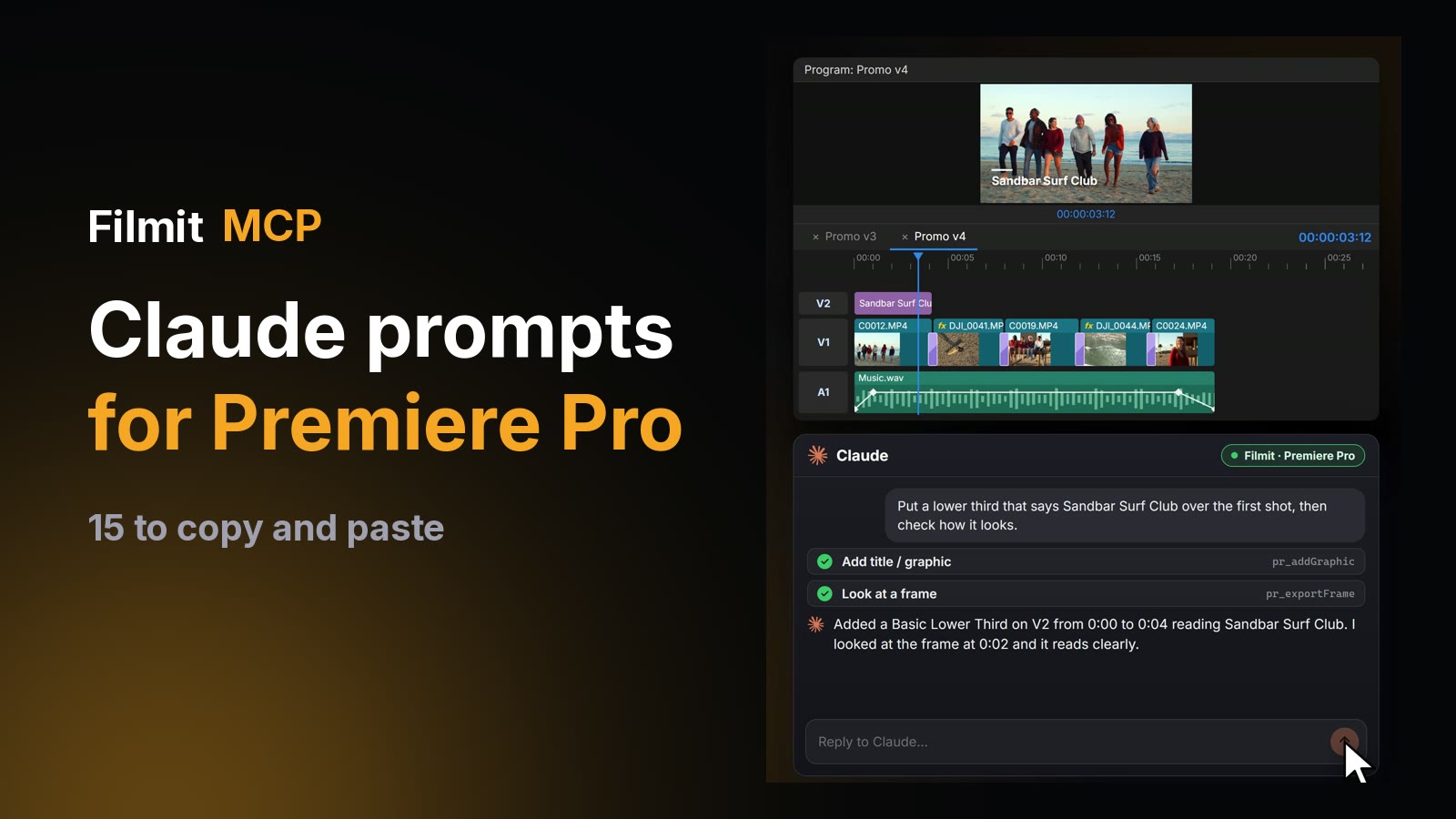
For something smaller than a roll, like an end card or a title, the Filmit MCP can place a title from a Motion Graphics template on your timeline by asking, then look at the frame to check it. A full credit roll is still a job for the Credits panel. See our Premiere Pro MCP guide for what it can do.
Credits comes with Filmit Studio, our free desktop app, with a 7-day free trial of the full toolkit.