The best end credits template for After Effects is one you can still edit after picture lock: real text layers, a speed you can set to an exact duration, and a list you can update without re-spacing the whole roll by hand. Plenty of downloadable templates give you a nice look, but most still ask you to paste names into placeholder layers one at a time.
Below is what to check before you download one, how to build your own reusable roll with native tools, and how Credits builds the roll straight from a spreadsheet with seven built-in templates, as in the video.
What to check before you download a template
- Real text, not a rendered roll. If the names are baked into a video file, every change means going back to whoever made it.
- How the names are laid out. One text block per section is easy to update. One layer per line gets painful after the first late change.
- Duration control. Can you stretch it to your slot, or is the speed locked to the demo length?
- Fonts. A template built on a font you do not have falls back to a default, and the layout shifts.
- Licence. For client or festival work, read what the licence allows before you deliver.
Build your own template natively
Set up the text
With the Type tool, drag a paragraph text box and paste a section of credits. For role and name columns, use two text layers, roles right-aligned and names left-aligned, and line them up with Window, Align.
Parent to one null
Parent every credit layer to a null, so the whole roll moves as one block.
Animate the roll
Keyframe the null’s Position from below the frame to above it. Leave the keyframes linear, so the roll moves at a constant speed.
Fix the judder
Work out how many pixels the roll travels each frame, and adjust the duration until it is a whole number. Check it at full resolution, not in a scaled-down preview.
Make it a Motion Graphics template
Open Window, Essential Graphics, drag in each layer’s Source Text, and export a Motion Graphics template. The text is then editable in Premiere Pro too.
That gives you a reusable roll. The slow parts stay slow, though: every new name means checking the spacing, two-column alignment drifts as the list grows, and the list itself lives in a spreadsheet somewhere that you copy from by hand.
The faster way: a roll from your spreadsheet with Credits
Credits is a panel for After Effects and Premiere Pro that turns a list into a finished roll. The steps:
Import Excel
Got every name in a spreadsheet? Hit Import Excel and the whole list drops in. Click Excel Template first for a starter sheet with a row-type dropdown built in, or paste straight from a sheet.
Pick a template
Need a different feel? Pick a template and the whole roll restyles. There are seven: Hollywood Classic, Modern Minimal, Cinematic, Documentary, Indie, Music Video and Corporate.
Preview it
The Preview tab plays your roll live, right in the panel. Type a target length and hit Fit, and the speed snaps to a judder-free value that lands on it.
Generate Credits
Happy with it? Hit Generate Credits and the whole comp builds itself, in a Credits folder, made of real After Effects text layers.
Credits tips
Four of the seven templates (Corporate, Hollywood Classic, Cinematic and Indie) use fonts that ship with every Mac and PC. The panel shows which fonts are installed before you generate.
Tweak any template and save it under My Styles, so the next film’s roll matches this one.
Card mode shows one section per screen with fades between, like episodic TV credits. Sections too tall for one card split and repeat their header.
When a name changes after picture lock, edit the spreadsheet, re-import and generate again. Generating makes a fresh comp and leaves your old ones alone.
Or ask Claude or ChatGPT for an end card
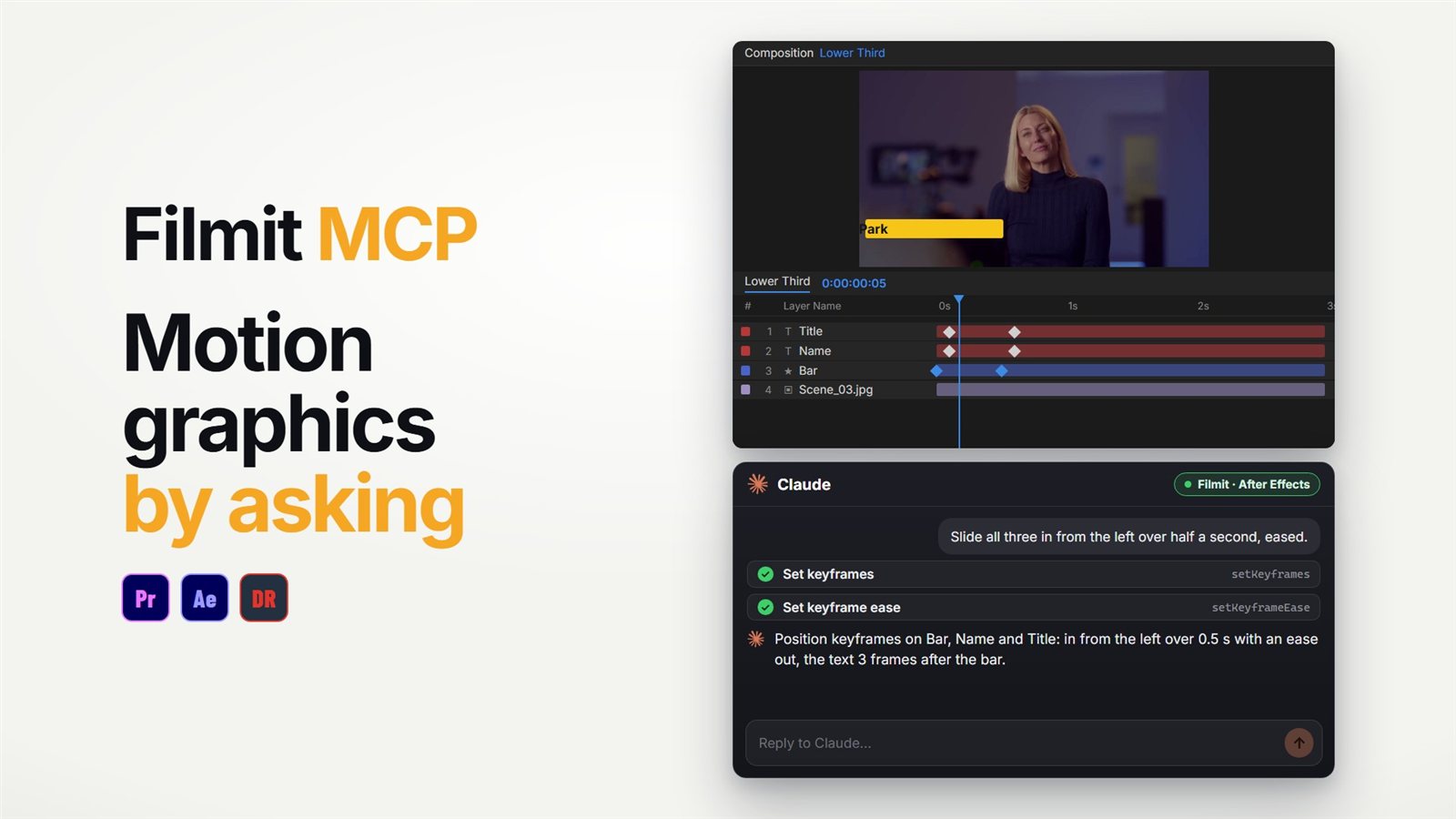
For something smaller than a roll, the Filmit MCP can build an end card by asking: text layers in the font you name, styled and faded in with keyframes, then a look at the frame to check it. A full cast and crew roll is still a job for the Credits panel. Our guide to using Claude in After Effects covers the setup.
Cutting in Premiere Pro? Our guide to scrolling credits in Premiere Pro covers the Roll option there, and if you end on a grid of behind-the-scenes clips, see making a video collage in After Effects. For more on credits, read making film credits in After Effects and the Credits demo. Credits comes with Filmit Studio, our free desktop app, with a 7-day free trial.