After Effects has no project-wide color swap. To change a brand color across a whole project, you either find every copy of it by hand (shape fills and strokes, text, effects, gradients, in every comp and precomp) or link every copy to a single Color Control, so changing the control changes them all. The second way is the right one, but it only works if someone built the project that way.
Below is how to do both natively, then the faster way with ColorMaster, which finds every color in the project and links the matching ones for you, as in the video below.
Step one, natively: find every copy
Open a comp, select all the layers, and type color into the search field at the top of the Timeline panel. After Effects twirls open every property with "color" in its name, so fill colors, stroke colors and effect colors show up together. Change them there, then repeat in the next comp, and the one after that. Text layers with per-character styling need care, and a precomp nested three deep is the one that always gets missed.
That is fine for a one-off change in a small project. For a brand color that will change again, link it instead.
Step two, natively: link every copy to one control
Make a controls layer
Add a null or a solid, name it Brand Controls, and apply Effect, Expression Controls, Color Control. Rename the effect after the color, for example Brand Purple.
Pick whip each color to it
Alt-click (Option-click on Mac) the stopwatch of a color property, then drag its pick whip onto the Color Control. The property now reads its value from the control.
Link across comps
Open both comps’ timelines side by side and pick whip from one to the other. The expression points at the controls layer in its own comp.
Change it once
Pick a new shade on the Color Control, and every linked property updates.
Pro Tip: Keep the controls layer in one dedicated comp and never delete or rename it. Every expression that points at it breaks if it moves.
This is solid After Effects practice, and it is how template makers ship projects. The catch is the setup: linking forty copies by hand takes a while, and you have to find them all first. Our guide to After Effects expressions covers the pick whip and expression basics in more depth.
The faster way: every color in one panel
ColorMaster does the finding and the linking in one After Effects panel. These are the steps in the video:
Scan Project
Colors scattered across every comp? Hit Scan Project and every color in the project lands in one grid of swatches.
Filter by type
Only after the text colors? Filter by type, then flip back to All.
Merge
Same purple used all over the project? Select the matching swatches and Merge links every copy, so they all change together.
Change it with Apply Color
Brand color changed? Click the swatch, pick the new shade, and hit Apply Color. It updates everywhere.
History
Client wants the purple back? History keeps the old shade, and one click restores it.
Groups
Every linked set lives in the Groups tab, where you can give it a name, like Brand Purple.
Good to know
The scan is read-only. Your project only changes when you edit, merge or link, and each action is one undo step.
Fifteen kinds of color, including shape fills and strokes, text, gradients, layer styles, effect colors, image tints, lights and comp backgrounds, in every comp and precomp.
The links are standard Color Controls and expressions, kept in a ColorMaster Controls comp. Someone without the plugin can still open, render and recolor the project.
Text colors are controlled through text animators, so per-character styling, fonts and formatting stay as they were.
Unlink All freezes every color at its current value. Clear CM removes the controls, links and master comp entirely.
For brand schemes, palettes and Dark and Light variants, see our longer guide to controlling every color in an After Effects project.
Or ask Claude or ChatGPT, one comp at a time
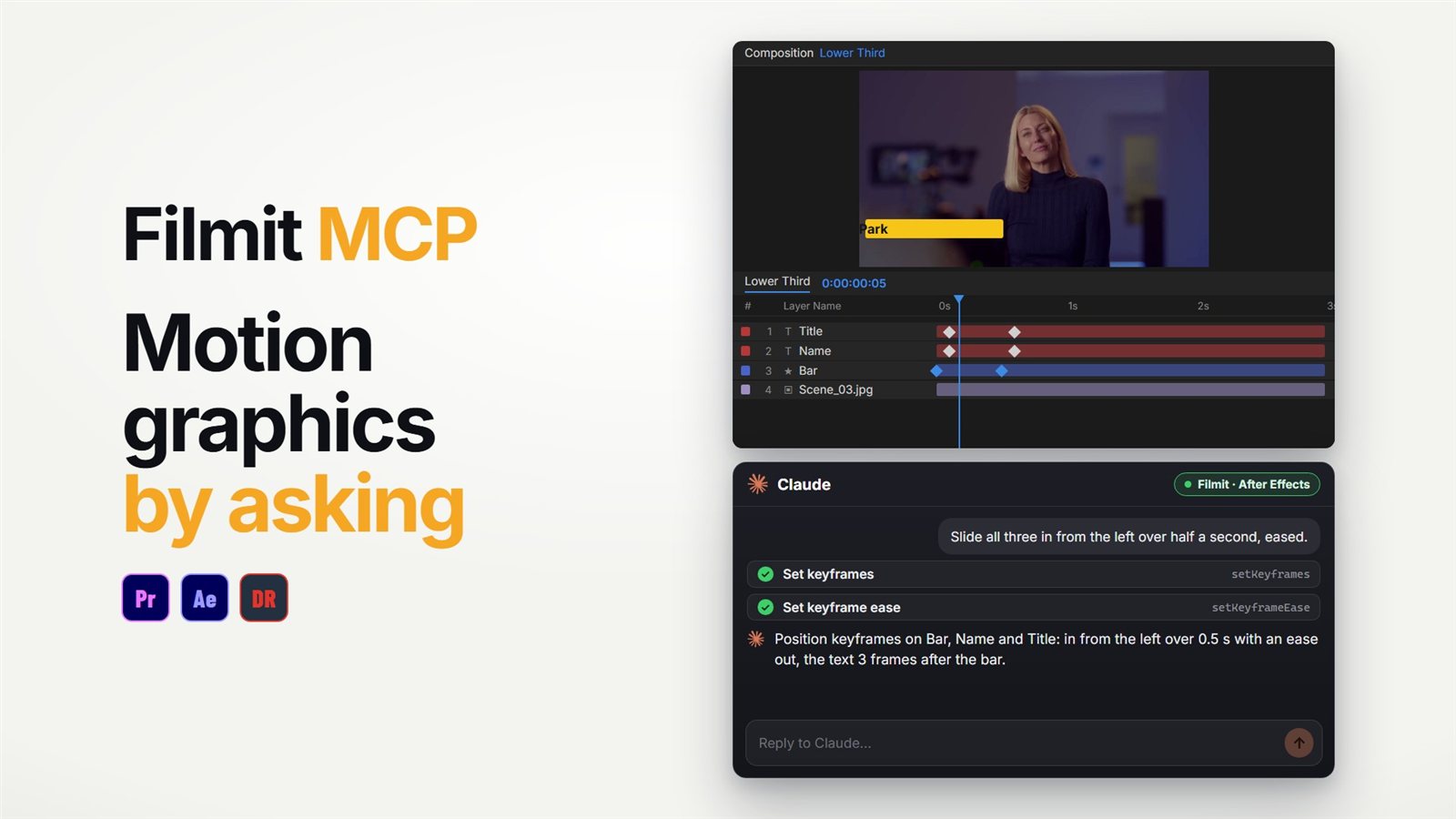
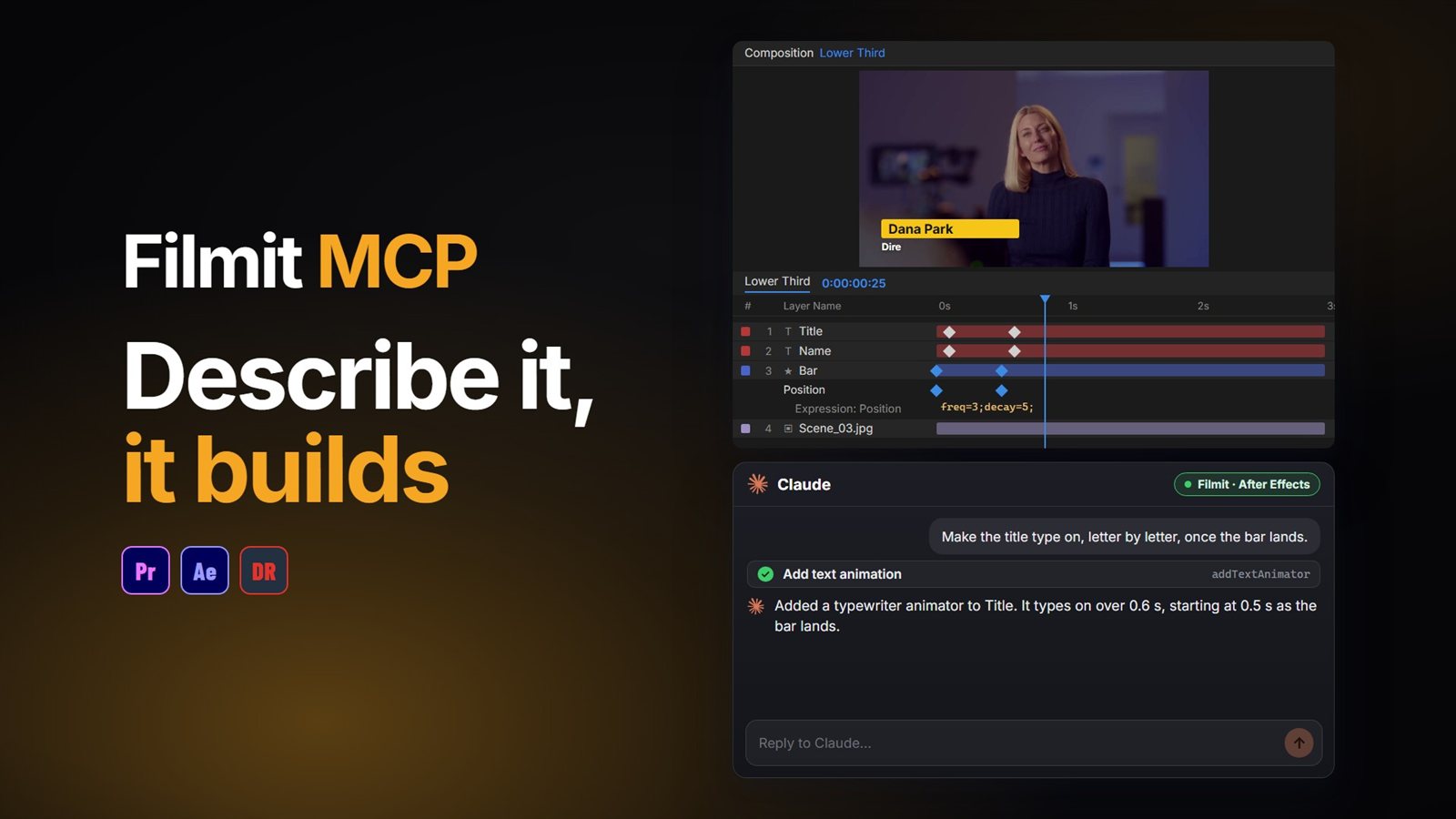
For a quick change inside one comp, the Filmit MCP can read the layers and restyle them by asking: "make every text layer in this comp #6B3FD9" or "change the color on the Fill effect on the logo". It can render a frame afterwards to check the result. For a whole project with precomps, ColorMaster is the better tool. Our guide to using Claude in After Effects covers the setup.
Building motion graphics in After Effects? Our guide to centering the anchor point covers the other job you do on every layer. ColorMaster comes with Filmit Studio, our free desktop app.