A photo slideshow template for After Effects gives you a designed look, but it also gives you a job: dropping each photo into a placeholder comp, one at a time, then trimming the template to your song. That is worth it when the look is exactly what you want. When you just have a folder of photos and a song, you can skip the template and build the show from the folder.
Below is what to check before you download a template, the native way to build a slideshow from scratch, and how Slideshow builds one from a folder with looks you can switch in a tap, as in the video.
What to check before you download a template
- Placeholder count. A template made for twenty photos and a folder of eighty means duplicating and re-timing sections by hand.
- Aspect ratios. If you need a vertical version too, check that the template includes one, or plan to rebuild it.
- Length and pacing. Can you stretch it to your song without the transitions falling off the beat?
- What it needs installed. Third-party effects or fonts you do not have will break the look on open.
The native way: Sequence Layers
Import the folder
Choose File, Import, File, select the folder and click Import Folder. Your photos land in one folder in the Project panel.
Make one comp from them
Select the photos and drag them onto the New Composition button. Choose Single Composition, set a Still Duration, tick Sequence Layers, set an Overlap and pick a dissolve as the transition.
Fit each photo
Select the layers and use Layer, Transform, Fit to Comp Width or Fit to Comp Height, which keep the proportions. Plain Fit to Comp stretches photos that do not match the frame.
Add a Ken Burns move
On each layer, keyframe Scale up a little and nudge Position over its time on screen, then ease the keyframes. This is the slow part: one move per photo.
Fit it to the song
Set the comp length to the song, then rerun Animation, Keyframe Assistant, Sequence Layers with a new overlap if the timing needs to change.
Make the vertical version
Duplicate the comp, change its size in Composition Settings, and refit every photo for the new frame.
This works, and on a dozen photos it is a pleasant afternoon. On a hundred, the Ken Burns moves and the reformatting are most of the job. Our guide to making a slideshow in After Effects covers the craft side, from picking photos to pacing.
The faster way: a show from a folder with Slideshow
Slideshow is a panel for After Effects that turns a folder of photos into an animated comp. These are the steps in the video:
Choose Image Folder
Got a folder of photos? Choose Image Folder and the show starts playing right away in the panel.
Tap a Look
Want more energy? Tap a Look and the motion and transitions change with it.
Tap nine by sixteen
Posting it vertical? Tap nine by sixteen and the whole show reframes.
Pick a transition
Want a different cut between photos? Pick a transition, like Zoom Punch, and the preview plays it.
Add Ken Burns
Add a slow Ken Burns move to every photo: zoom in, zoom out or pan.
Set the total length
Need it to fit your song? Set the total length and every slide retimes to match.
Create in After Effects
Then hit Create in After Effects and it builds the whole comp for you.
Slideshow tips
Classic, Modern, Energetic, Cinematic, Reel, Pop, Bounce and Drift each set the pacing, motion and transition feel. Start from one, then adjust.
Slideshow builds a real, fully keyframed comp with every slide in its own pre-comp, so you can swap a photo or retime a slide by hand afterwards.
Build in 16:9, 9:16, 1:1, 2.39:1, 4:5 or 2:1, at 720p, 1080p or 4K, or straight into your active comp to match its settings.
Video clips work as well as photos, in the same show, from the same folder.
Or ask Claude or ChatGPT
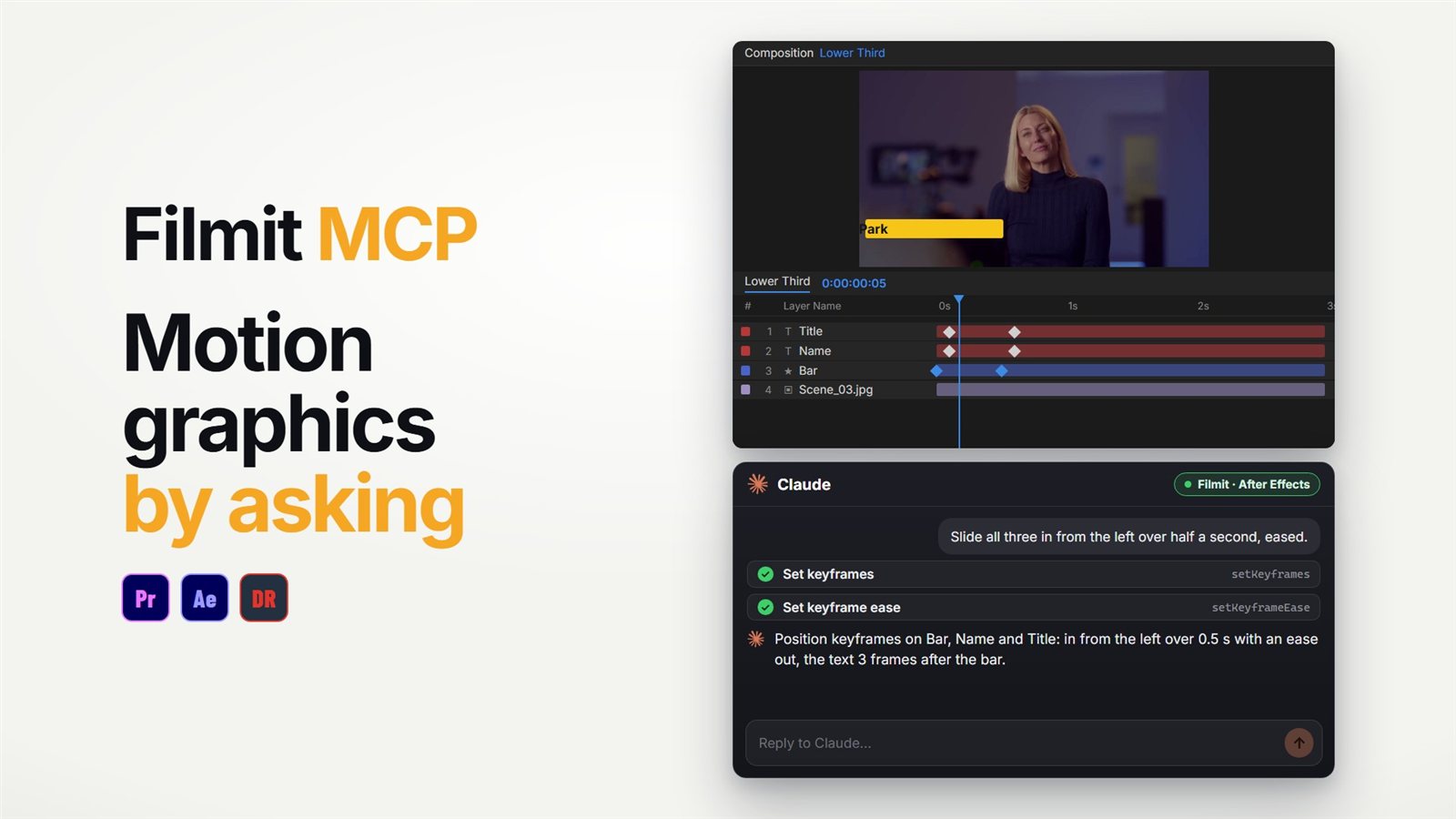
The Filmit MCP can help with the native build by asking. It can import images from your computer (give it the full file paths), trim layers, and set Scale and Position keyframes with easing: "give every photo layer a slow scale-up over its time on screen." For a full show with looks and transitions, the Slideshow panel is quicker. Our guide to using Claude in After Effects covers the setup.
Cutting in Premiere Pro instead? See our wedding slideshow guide for Premiere Pro and making a slideshow in Premiere Pro. Ending the show with names? Our end credits template guide picks up there. Slideshow comes with Filmit Studio, our free desktop app, with a 7-day free trial.