To bleep a swear word in Premiere Pro, find the word, silence the dialogue under it, and put a bleep tone over the same frames on its own audio track. The transcript finds the words, a razor cut or a pair of volume keyframes silences them, and Bars and Tone gives you a tone if you do not have a bleep sound.
Here is the native way step by step, then how Editor bleeps every one in a single pass, and the two other jobs from the video it handles while you are there.
The native way in Premiere Pro
Find every word
Transcribe the sequence in the Text panel and search the transcript for each word. Clicking a word moves the playhead to it.
Make a bleep
In the Project panel, choose New Item, Bars and Tone, and use only its audio. Or import any bleep sound file you like.
Silence the word
Razor the dialogue at the start and end of the word (C), select the small piece and bring its level down to nothing, or disable it. Volume keyframes on either side do the same without cutting.
Lay the tone over it
Put the bleep on an empty audio track over the same frames and trim it to the length of the word. Match its level to the voice so it does not jump out.
Listen, then repeat
Play a second either side of each bleep. Then move on to the next word.
Pro Tip: Keep all bleeps on one dedicated track. If the network or the client asks for a different sound, or a mute instead, you change one track instead of hunting through the dialogue.
For a short video with two or three words, that is quick. For a long podcast with a word every few minutes, it is a whole listening pass, and the one you miss is the one that gets the video flagged.
The faster way: bleep every word in one pass
Editor is a Premiere Pro panel that transcribes your sequence locally and cleans it in one pass. Profanity is one of the rules you can tick. These are the steps in the video:
Tick Profanity, then Build
Swearing on camera? Tick Profanity, hit Build, and every one gets bleeped on a new track.
Crop cuts
Jump cuts feel jumpy? Crop cuts punches in on every other clip, like a second camera.
Markers
Sending it to color or VFX? Markers flags every clip with an effect, ready for turnover.
Profanity is yours to handle: bleep with a tone or your own sounds (one, or several at random), mute, or cut. Before anything is built, every marked word shows in the script with the words around it, so you can keep any you want to leave in. The word lists live in Settings, per language, and your original sequence is backed up in an Editor/Backups bin.
Crop cuts adds its punch-in through a Transform effect, so the scale and position you already set on a clip are left alone. Markers puts a sequence marker on every clip whose effects differ from default, with what changed written in the comment, and the list exports as a CSV for the turnover.
Tips for bleeping
Each language has its own list in Settings. Add the words your audience or platform cares about before you run it.
Some words are fine for your channel and some are not. Keep the marks you do not want in Review, and only the rest gets bleeped.
You can lower their level, swap the sound or mute the whole track later without touching the dialogue.
A bleep hides the sound, not the lips. For strict platforms, a punch-in or a cutaway over the word helps too.
Or ask Claude or ChatGPT to place the bleeps
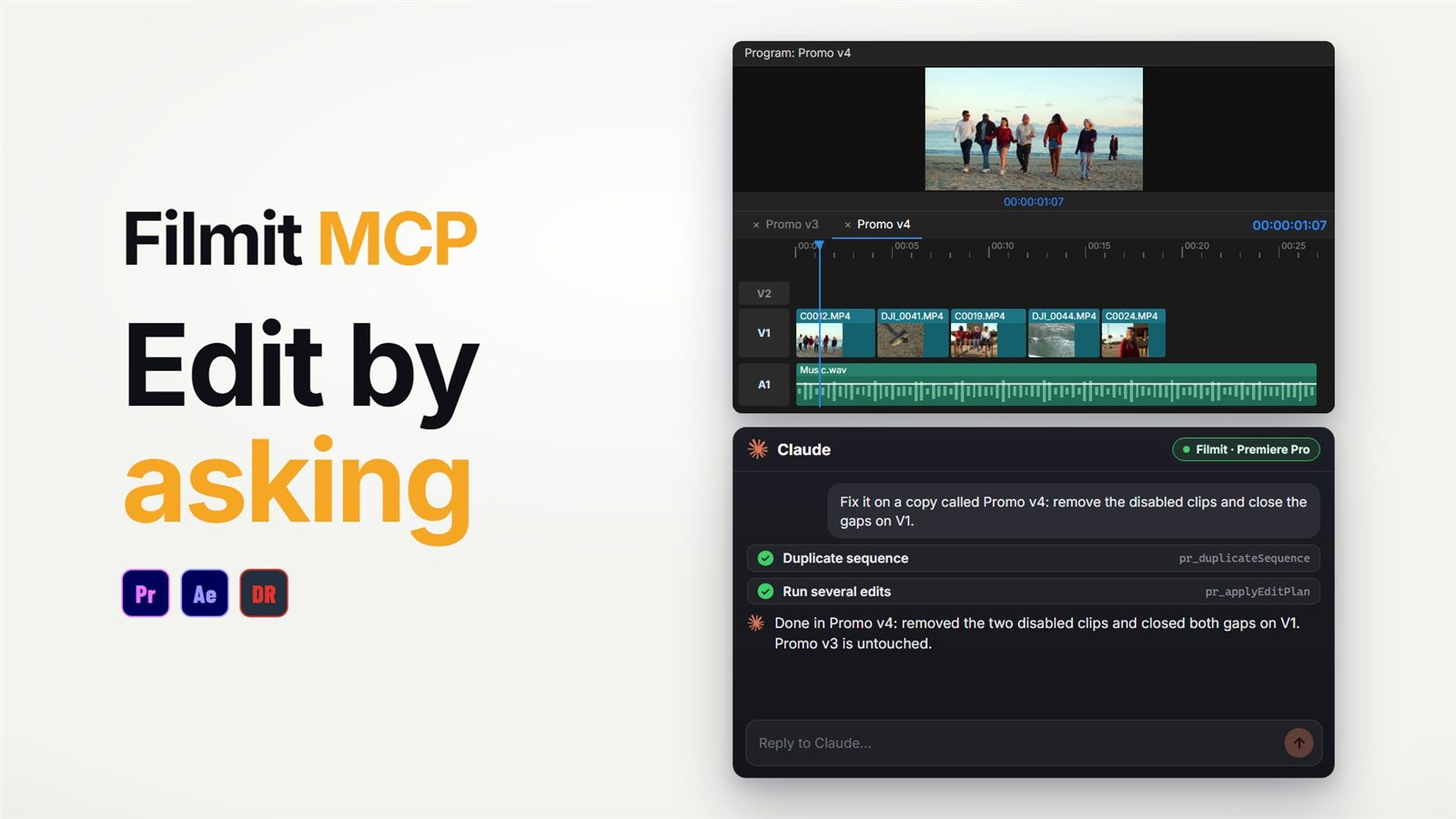
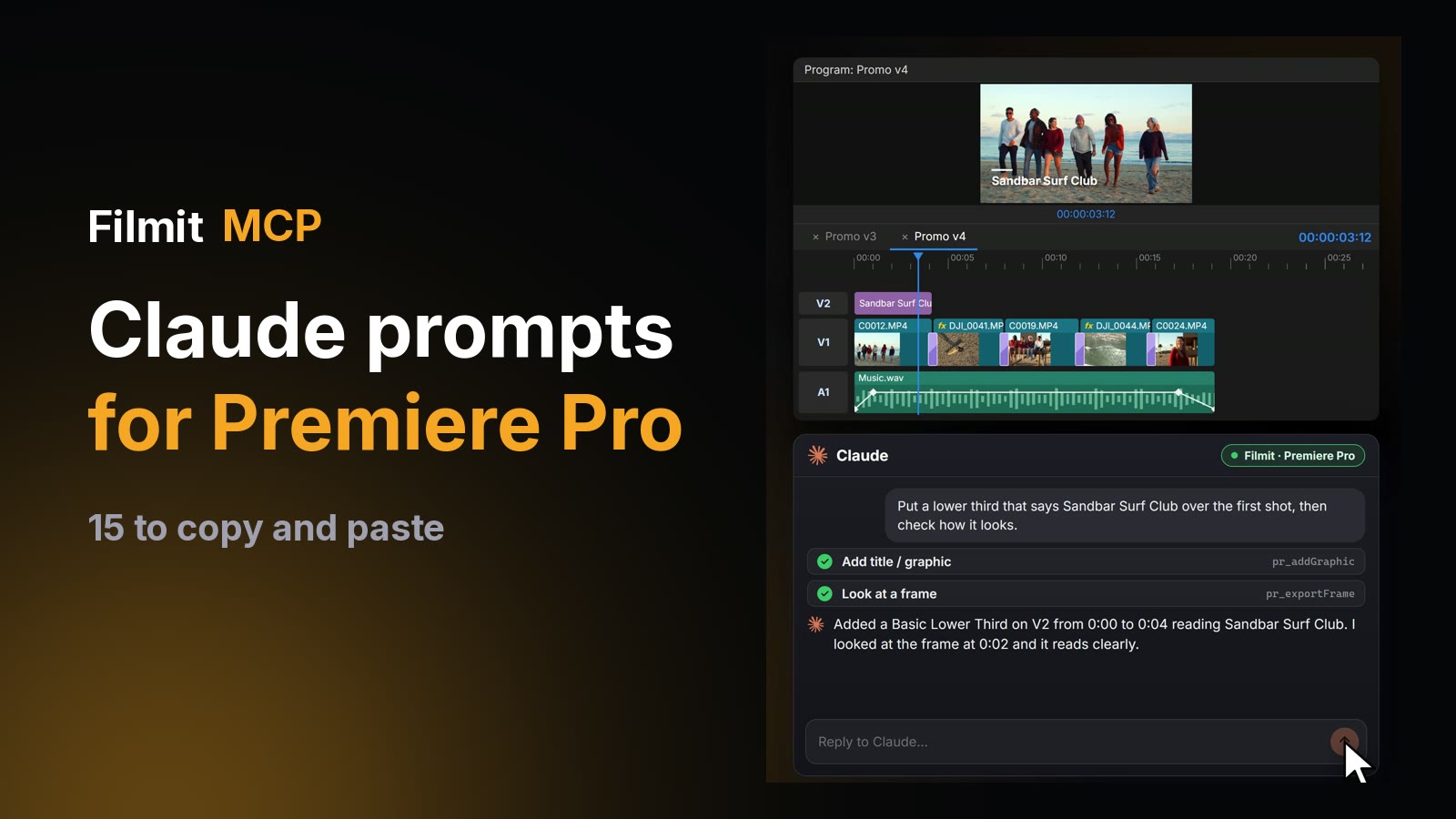
If you already know where the words are, the Filmit MCP can do the placing: "bring A1 down to silence from 1:12.4 to 1:12.9 and put bleep.wav on A2 there". It can keyframe volume and place a clip on any track, but it does not listen to the audio, so it needs the times from you. Our guide to using Claude in Premiere Pro covers the setup.
Cleaning the rest of the take? Our guide to editing a talking-head video covers the whole workflow, hiding jump cuts with punch-ins goes deeper on Crop cuts, and Editor for Premiere Pro tours the full panel. Editor comes with Filmit Studio, our free desktop app, with a 7-day free trial.