Adobe's MCP is a set of official connections, previewed at Adobe MAX on November 10, 2026, that will let an AI app you already use work inside Photoshop, Illustrator, Premiere Pro and After Effects on your own computer. It is not out yet: Adobe says it reaches Creative Cloud customers as a private beta in early 2027. Today you can already connect Claude or ChatGPT to Premiere Pro and After Effects with a third-party connector such as Filmit MCP.
"Adobe MCP" gets used for three different things right now, and mixing them up leads to a lot of confused setups. This guide separates them, says what each one can and cannot do, and shows how to connect Premiere Pro and After Effects to an AI app today.
What is an Adobe MCP?
MCP, the Model Context Protocol, is the open standard AI apps like Claude and ChatGPT use to connect to other software. A connector, also called an MCP server, gives the AI a list of real actions it can take in that software. An Adobe MCP is a connector for Adobe apps, so instead of telling you which menu to open, the AI does the work in your project.
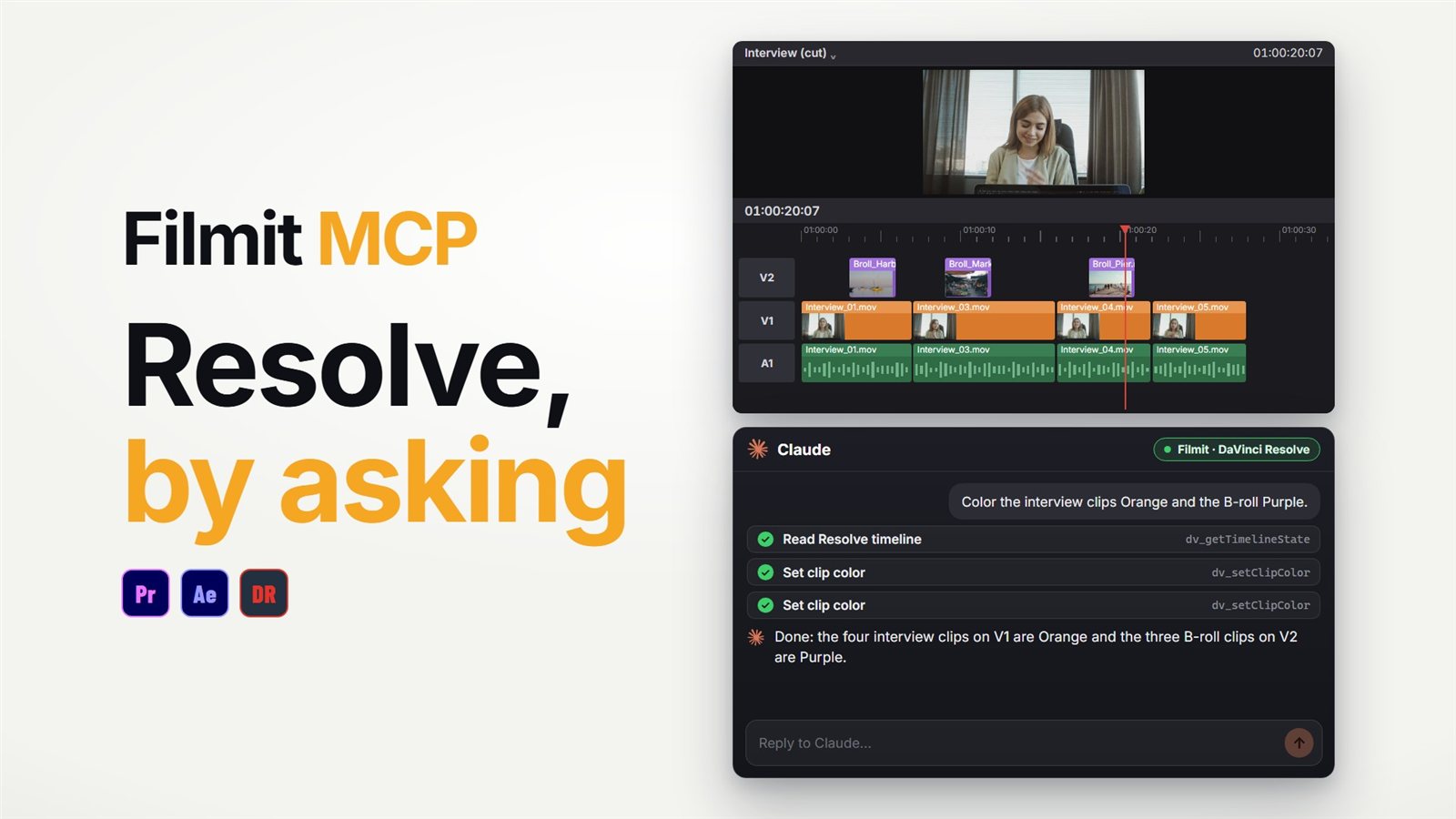
For video editors that means asking for an edit in plain words, "cut out 0:12 to 0:18 and close the gap" or "build a lower third that slides in from the left", and having it happen in the sequence or comp you have open.
What did Adobe announce at MAX 2026?
Adobe previewed local MCP integrations for four desktop apps. Here is what Adobe has said, and what it has not:
Photoshop, Illustrator, Premiere Pro and After Effects.
The AI app works on your native project files on your own machine, and layers, bins, sequences and compositions stay editable, so you can take over by hand at any point.
Adobe describes it as working with the third-party agent you already use, and it can combine with other connectors, such as pulling a brief from Google Docs.
A private beta for Creative Cloud customers. Adobe offers a sign-up form for updates.
Not announced yet: which AI apps are supported, a price or plan requirement, and a list of what it can do in Premiere Pro and After Effects. Adobe's only concrete demo was in Photoshop. So if you read that a specific Premiere Pro action is coming, it is a guess until Adobe publishes the list.
What is the Adobe connector in Claude?
Separately, Adobe has had a connector in Claude since April 2026, called Adobe for creativity. It is already live and it is a different thing. It runs Adobe tools on files in the chat: retouching a photo, making an Express design you can animate, batch photo edits, or reformatting a horizontal clip you upload into a vertical one for Shorts or Reels. You can hand the work off to Express or Firefly Boards, or download it.
What it does not do is reach into the Premiere Pro or After Effects project open on your computer. It never sees your timeline, your bins or your comps. That is the gap the MAX announcement is about.
The third Adobe piece is the AI Assistant inside the apps, in beta in Premiere Pro and After Effects. It is Adobe's own agent working in the app, not a connection for Claude or ChatGPT.
Can you connect Premiere Pro and After Effects to an MCP today?
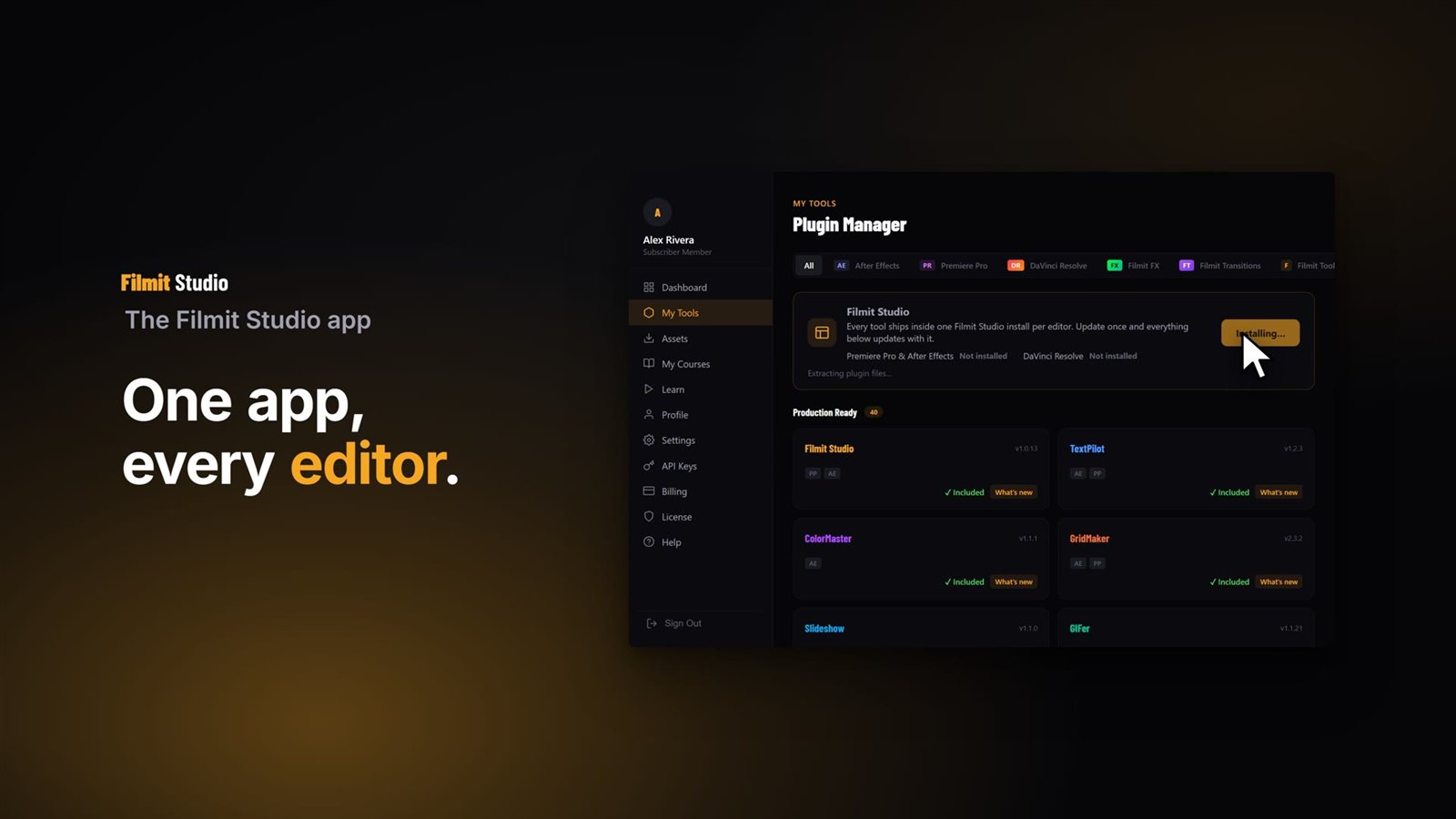
Yes. Filmit MCP runs through the free Filmit Studio panel inside Premiere Pro and After Effects, and through Filmit Studio in DaVinci Resolve Studio. Setup takes about a minute:
Install Filmit Studio
Get the free Filmit Studio app, which adds the Filmit panel to Premiere Pro and After Effects. Open it from Window, Extensions.
Switch MCP on
Go to the MCP tab in the panel and flip the switch. Nothing runs until you do.
Connect your AI app
In Claude, click Connect next to Claude in the MCP tab, find Filmit.io in the connector list and sign in with your Filmit account. In ChatGPT, add the connector address https://mcp.filmit.io/mcp (ChatGPT steps).
Ask for the edit
Start with "what is in my open sequence?" so it reads the project, then ask for a real change. It lands in the project you have open.
The full walkthrough is in the Filmit MCP setup docs. For app-specific guides, see the Premiere Pro MCP guide and the After Effects MCP guide. There are also open-source Premiere Pro and After Effects MCP servers on GitHub, which you install and configure by hand.
What does Filmit MCP add on top of Adobe's apps?
Adobe's MCP will connect your AI app to Adobe's own features. Filmit MCP connects it to Premiere Pro and After Effects too, and also to Filmit's tools, which are our own engines rather than Adobe features. From the same chat you can ask for:
- Captions in a style, placed as editable graphics or a caption comp
- JumpCut, Editor and RoughCut to cut silences, take out ums and build a story cut from an interview, each on a copy
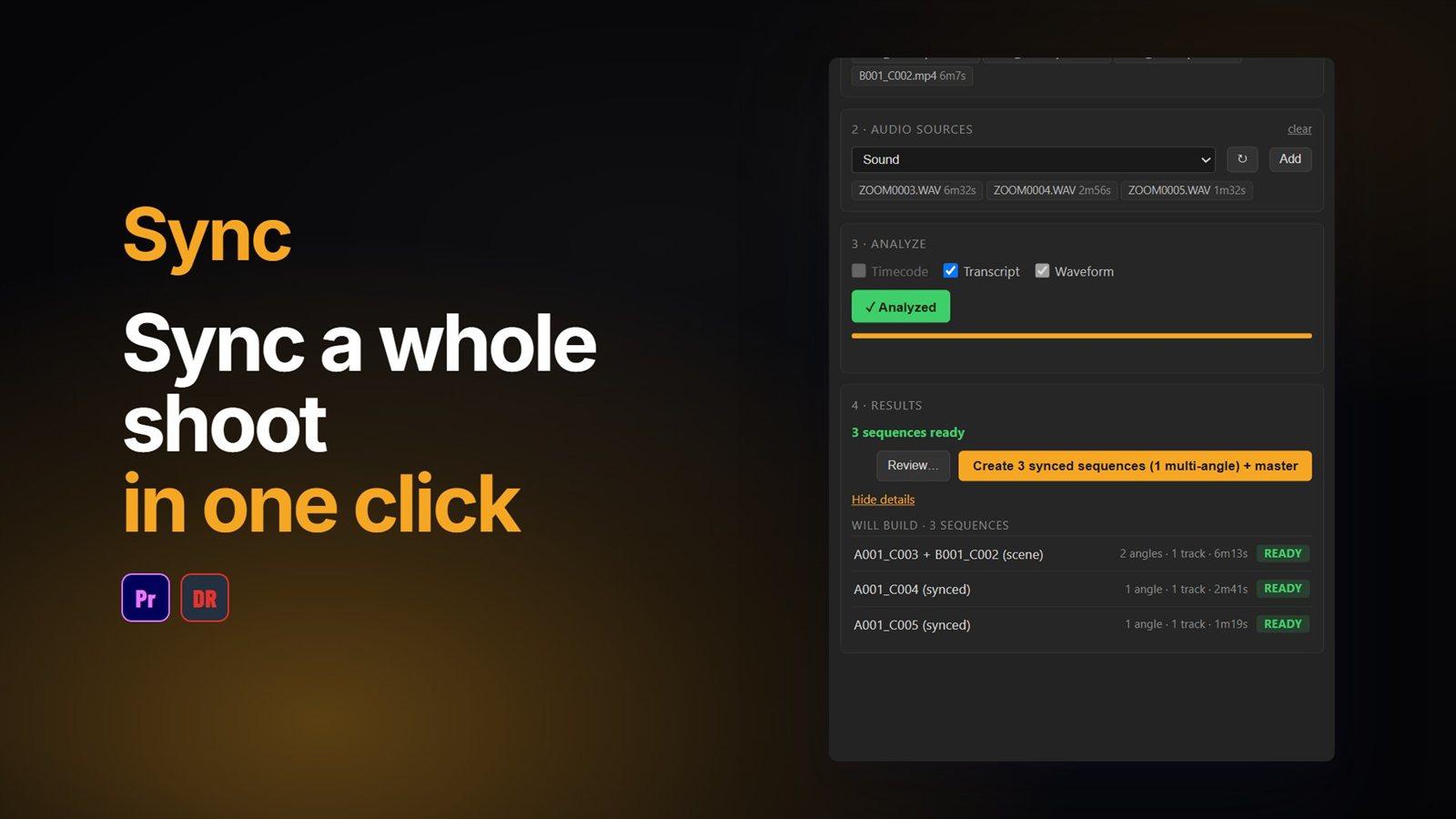
- Sync to line up cameras by audio, and BRoll to cover an interview
- GIFer and Sourcer for GIFs and free stock, Mapper for animated travel maps, and GridMaker, Credits and Slideshow
The same connection works in DaVinci Resolve Studio, so if you move between Adobe and Resolve, one sign-in covers both. The editing actions plus Captions, GIFer, Sourcer, EXpress and Shortcut come with a free Filmit account (50 Filmit actions a day). The other tools work through the connector with Filmit Pro.
Should you wait for Adobe's MCP?
If you only need Photoshop or Illustrator, wait: Adobe's is the one to watch, and Filmit MCP does not cover those apps. If you edit in Premiere Pro or After Effects and want an assistant on your real timeline now, there is no reason to wait. Start with a connector that works today, then try Adobe's when the beta opens and keep whichever does each job best. MCP connectors sit side by side in Claude and ChatGPT, so it is not either or.
Whichever you use, the habits are the same: let it read the project first, have it work on a copy for big changes, and check the frames before you deliver. Taste and story stay with the editor.