The best MCP server for video editing depends on which app you cut in and how much setup you want to do. If you want Claude or ChatGPT editing your real project in Premiere Pro, After Effects and DaVinci Resolve with a one-minute setup, use a hosted connector like Filmit MCP. If you only cut in DaVinci Resolve Studio, try its built-in assistant first. If you like to tinker and want the most raw actions for free, the open-source GitHub projects are worth a look. Adobe's own MCP arrives as a private beta in early 2027.
We make Filmit MCP, so weigh our pick accordingly. We have tried to be straight about where the others are the better choice. Star counts and details are as of November 2026.
What should you look for in a video editing MCP?
Some connectors edit the sequence or comp you have open. Others only work on files you upload to a chat. For editing, you want the first kind.
Big jobs should land on a copy of the sequence or a new timeline, and nothing should delete media.
The AI should be able to look at a frame after an edit, so it catches its own mistakes.
A panel and a sign-in, or Node.js, Python and a config file. Both work, but be honest about which you will keep running.
Local servers usually work with Claude Desktop and Claude Code. Remote connectors also work in ChatGPT and on your phone.
1. Filmit MCP: Premiere Pro, After Effects and DaVinci Resolve
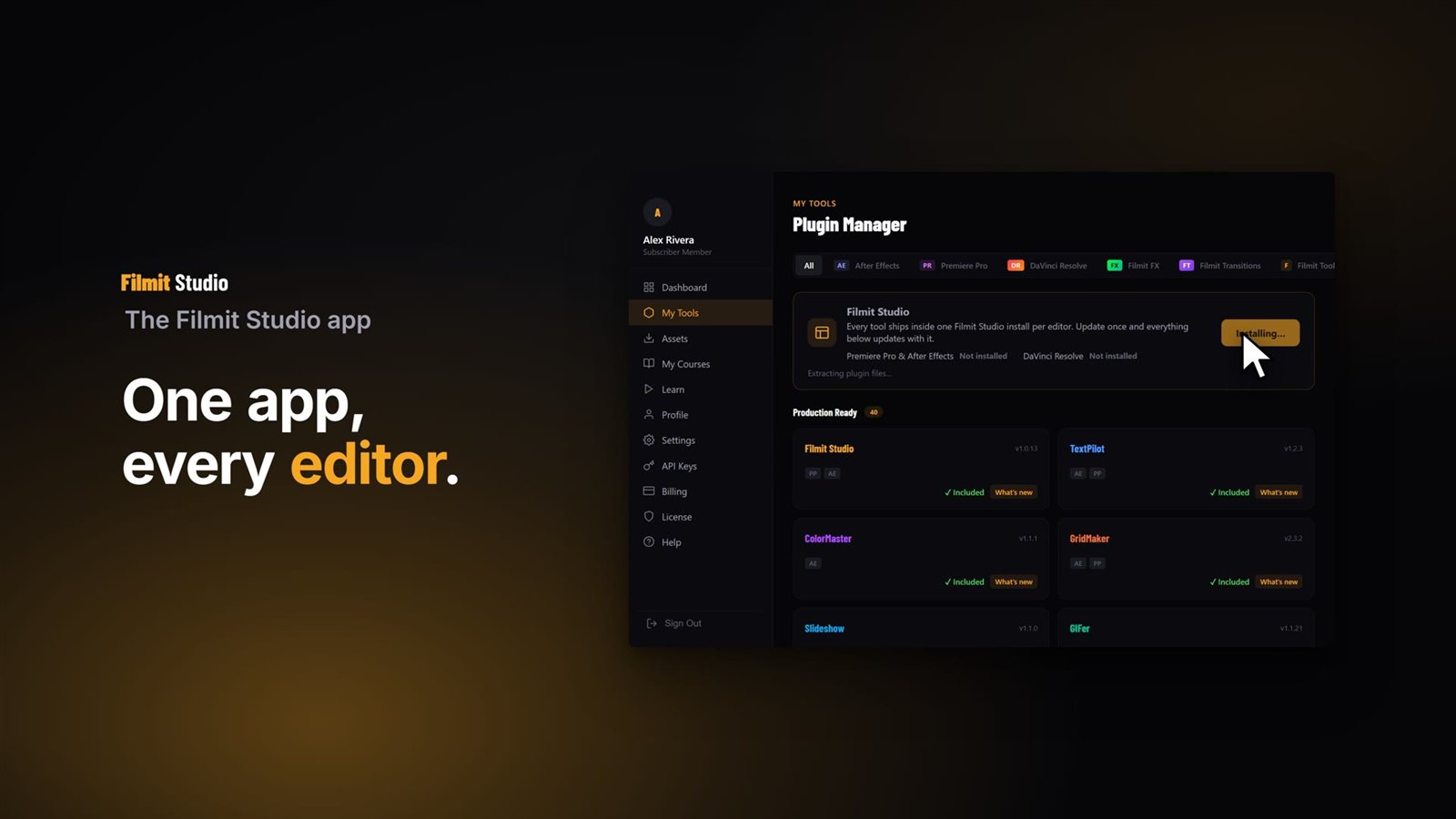
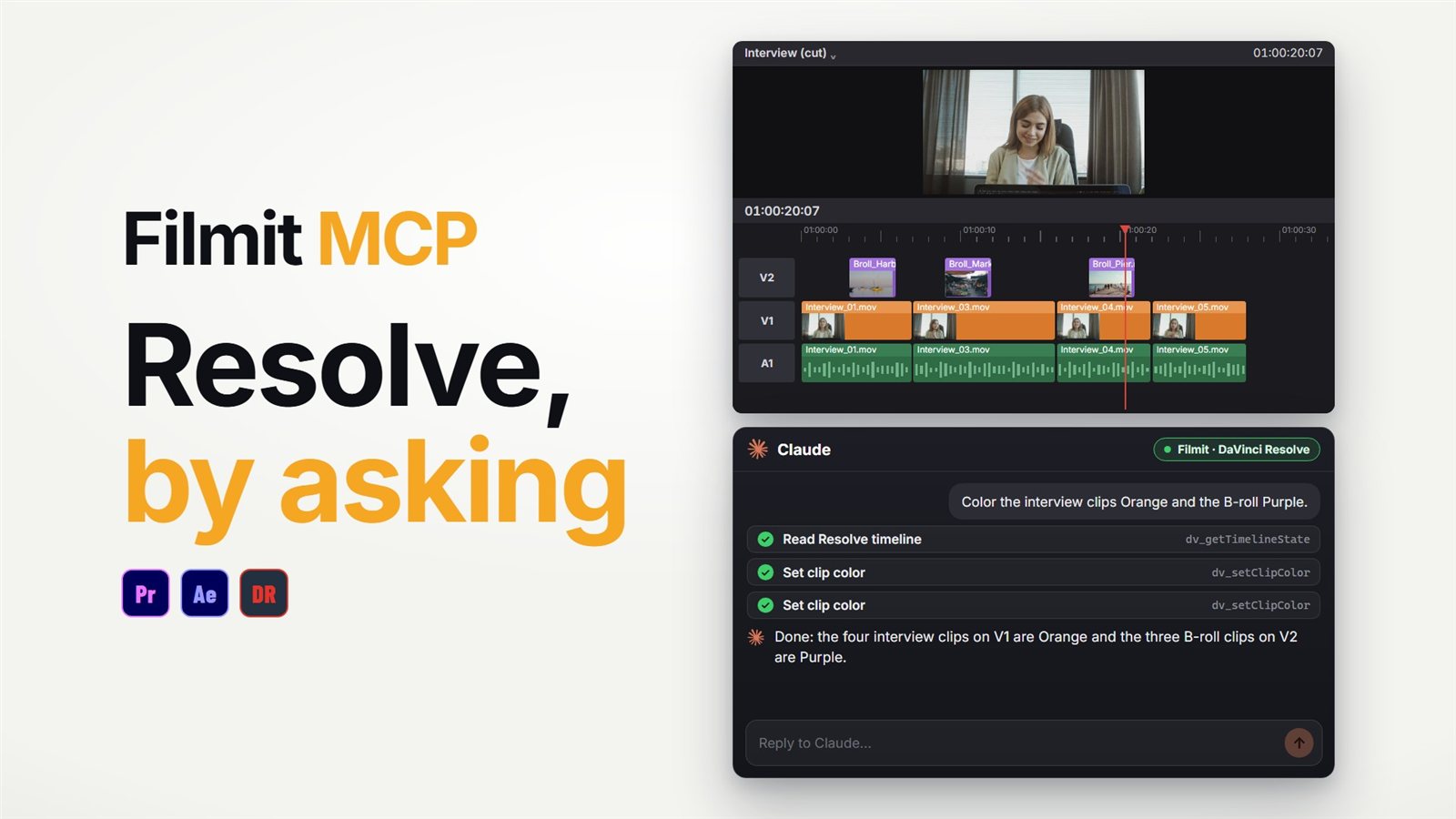
Filmit MCP is a hosted connector that runs through the free Filmit Studio panel. You switch it on in the panel, connect Claude or ChatGPT, and sign in. It edits the project you have open in Premiere Pro, After Effects or DaVinci Resolve Studio, and can render a frame to check what it did.
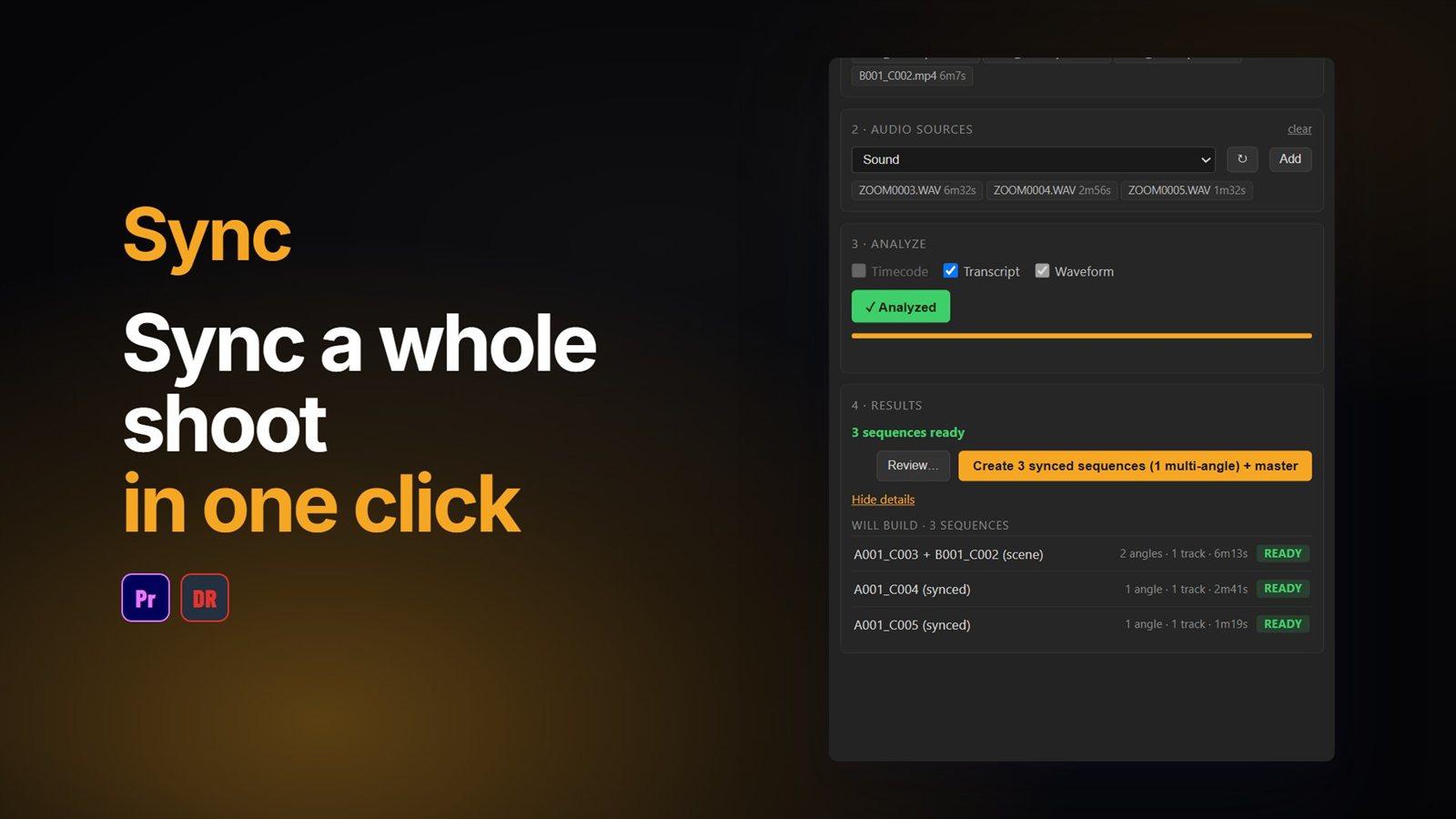
What sets it apart is that it also runs Filmit's own tools by asking: Captions, JumpCut, Editor, RoughCut, Sync, BRoll, GIFer, Sourcer, Mapper, GridMaker and more. Cuts in Premiere Pro work on a copy by default, and cuts in Resolve build a new timeline.
- Best for: editors who want it working today, across Adobe and Resolve, without a terminal
- Price: free to connect, with the editing actions and five tools on a free Filmit account (50 Filmit actions a day). The other tools need Filmit Pro.
- Watch out for: it needs the Filmit Studio panel open, Resolve Studio rather than the free Resolve, and it does not cover Photoshop or Illustrator
2. DaVinci Resolve 21.1 built-in AI assistant integration
DaVinci Resolve Studio 21.1 added built-in support for AI assistants, set up under File, Setup AI Assistants, for Claude, Claude Code and ChatGPT Codex. Blackmagic describes it as help with analyzing projects, organizing media, changing settings and batch rendering, including building highlight edits from long footage.
- Best for: editors who only cut in Resolve Studio and want nothing extra to install
- Price: included with DaVinci Resolve Studio
- Watch out for: Studio only, no Premiere Pro or After Effects, and Blackmagic has not published a full action list or how it guards against destructive changes
Our DaVinci Resolve MCP guide compares it with Filmit MCP side by side.
3. davinci-resolve-mcp (open source, GitHub)
Samuel Gursky's davinci-resolve-mcp is the most popular open-source Resolve server, with over 4,000 stars on GitHub. It is a local Python server that drives Resolve through its scripting API and exposes a very large set of actions. It is MIT licensed and actively maintained.
- Best for: technical editors and pipeline people who want deep Resolve control for free
- Price: free
- Watch out for: you install Python and configure it by hand, and its own notes say Resolve 21.1 moved Python scripting to the Studio version, so the free Resolve is no longer a reliable route
4. Open-source Premiere Pro MCP servers
Several open-source projects connect Claude to Premiere Pro through a CEP panel and ExtendScript. The two most popular are Adobe_Premiere_Pro_MCP by hetpatel-11 (around 900 stars) and premiere-pro-mcp by leancoderkavy (around 550 stars), and each lists a few hundred actions. Both are MIT licensed.
- Best for: developers who want to read and change the code
- Price: free
- Watch out for: Node.js setup and client config by hand, an unsigned panel, testing mostly on macOS, and, according to its README, anonymous usage telemetry switched on by default in hetpatel-11's project. None are supported by Adobe.
5. after-effects-mcp (open source, GitHub)
Dakkshin's after-effects-mcp (around 900 stars) is the best known open-source After Effects server. A small panel inside After Effects picks up commands from a local Node.js server. It offers about a dozen actions, such as creating comps, text and shape layers and setting keyframes.
- Best for: trying the idea in After Effects for free
- Price: free
- Watch out for: a much smaller set of actions than the Premiere Pro projects, a manual build and config, and no updates since April 2026
6. Adobe's local MCP (coming early 2027)
Adobe previewed official local MCP integrations for Photoshop, Illustrator, Premiere Pro and After Effects at MAX in November 2026, with a private beta for Creative Cloud customers in early 2027. It should know Adobe's apps from the inside, but supported AI apps, pricing and the action list are not published yet. Do not confuse it with Adobe's Claude connector, which works on files in the chat rather than your open project. Our Adobe MCP guide explains the difference.
How do they compare?
What about AI video generation MCPs?
Connectors like Higgsfield's generate new clips from a prompt using models such as Kling and Veo. They are useful for making footage, but they do not touch your timeline, so they solve a different problem from the editing servers above. Many editors will end up using one of each.
Which one should you pick?
If you cut in Premiere Pro or After Effects and want it working this afternoon, start with Filmit MCP, which is free to connect, and our Premiere Pro MCP guide or After Effects MCP guide. If you only use Resolve Studio, switch on its built-in assistant first and add Filmit MCP when you want the Filmit tools or your Adobe apps in the same chat. If you enjoy the setup, the open-source projects are a great way to see how MCP works under the hood. Whatever you choose, let the AI read the project first and keep big changes on a copy.