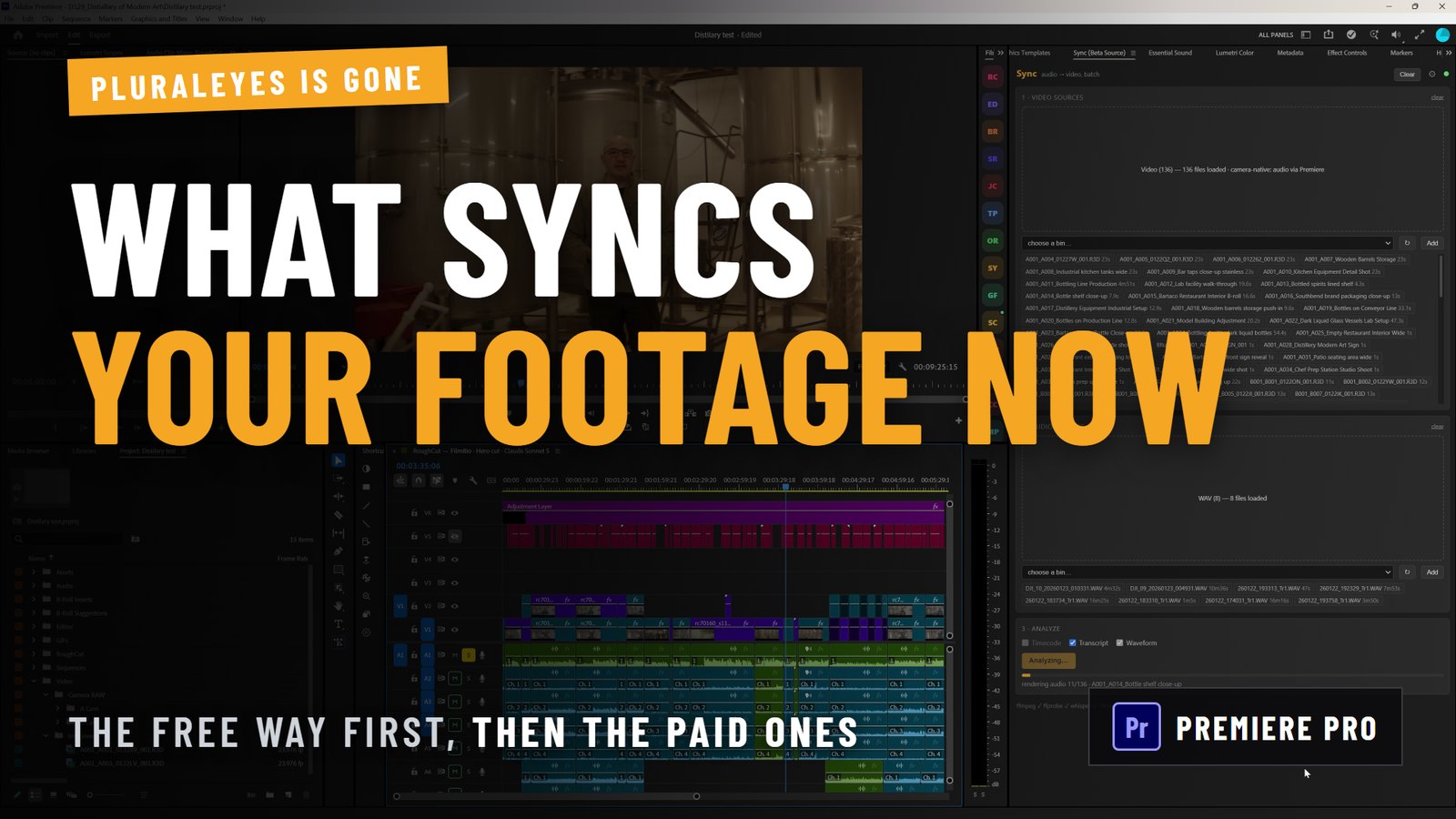
Disclosure first: we make one of the tools in this comparison. Filmit Sync is ours. The honest recommendation in this piece is still that most people should use the free sync already built into their editor, and we have written the rest of it so you can tell where that stops being true.
What happened to PluralEyes?
It is in limited maintenance mode, and has been since 1 February 2023.
Maxon's own announcement is straightforward about it: technical support and critical bug fixes for PluralEyes 2023.0.0 would continue for one year from that date, existing users are free to keep using the application, and it will not be updated to work beyond the host applications it already supported. Maxon's support pages go further and say they cannot help with incompatible environments, giving PluralEyes with Adobe 2024 as the example. The product page still carries the maintenance notice today.
The reasoning Maxon gave is worth repeating, because it is correct: syncing by waveform used to be a specialist trick, and now it is a standard feature in most editors. PluralEyes solved a problem that the NLEs eventually solved themselves.
So the useful question is not "what replaces PluralEyes", it is "do I need anything at all".
Do you even need a sync tool in 2026?
For most shoots, no. Learn the native route first.
- Premiere Pro: select the camera clip and the recorder file in the Project panel, right-click, choose Merge Clips, sync by Audio. For clips already on a timeline, select them, right-click, choose Synchronize. Our guide to syncing audio and video in Premiere Pro covers both properly.
- DaVinci Resolve: select your clips in the media pool, right-click, and auto sync by waveform.
- Final Cut Pro and Avid Media Composer: both sync by audio natively too.
Three interviews and some B-roll? You are done in minutes, for free, with no new software. Anyone selling you a sync tool for that job is selling you something you do not need.
Where does native sync actually fall down?
Four places, and they are the only honest reasons to pay for anything on this page.
- Volume. Fifty interviews at two cameras each, plus a recorder folder per take, is several hundred pairings. Native sync handles each one fine and makes you do all of them.
- Drift on long takes. Cameras that were not jam-synced wander over a 40 minute interview. A pair that looks aligned at the top can be a frame or two out at the end, and native tools do not flag it.
- Mixed shoots. Real projects contain footage that has matching audio and footage that does not. Sorting the silent B-roll out of the batch by hand is most of the work.
- No review step. Native sync does what you tell it and builds. If the match was wrong, you find out later, in the edit.
Pro Tip: Before you shop for anything, test the drift case: sync your longest take, then check the alignment at the very end rather than the start. If it holds, your shoot does not have the problem these tools exist to solve.
The alternatives, by how they fit your workflow
Your editor's built-in sync
What it is: Merge Clips and Synchronize in Premiere Pro, auto sync in Resolve, equivalents in FCP and Avid.
Best for: almost everyone, almost always.
Cost: nothing, it is already installed.
Not: no batch review, no scene building, no help when a match is wrong, and no opinion about which of your clips have usable audio at all.
Syncaila
What it is: a standalone app for Windows and macOS. You export a project from your NLE, sync it in Syncaila, and import the result back. It reads and writes the usual interchange formats, FCPXML, FCP7 XML and AAF, which is how it supports Premiere Pro, Resolve, Final Cut and Media Composer.
Best for: editors who want one sync tool that serves several different NLEs.
Cost: paid tiers plus a limited free tier for small projects and a time-limited full trial.
Not: it is a round trip. You leave your edit, sync elsewhere, and come back, which is a real workflow cost on projects that change often.
CamHeard
What it is: a newer standalone desktop app. You drop footage in, sync, export a timeline, and open it in Premiere Pro, Resolve or Final Cut. The developers say a Premiere Pro plugin is in development.
Best for: people who want a modern, actively developed standalone with a one-time purchase option.
Cost: a one-time licence or a subscription, with a free tier for small projects.
Not: standalone today, Windows support is limited to 10 and 11, and the claims about matching quality are the vendor's own, not something we have benchmarked.
Filmit Sync (ours)
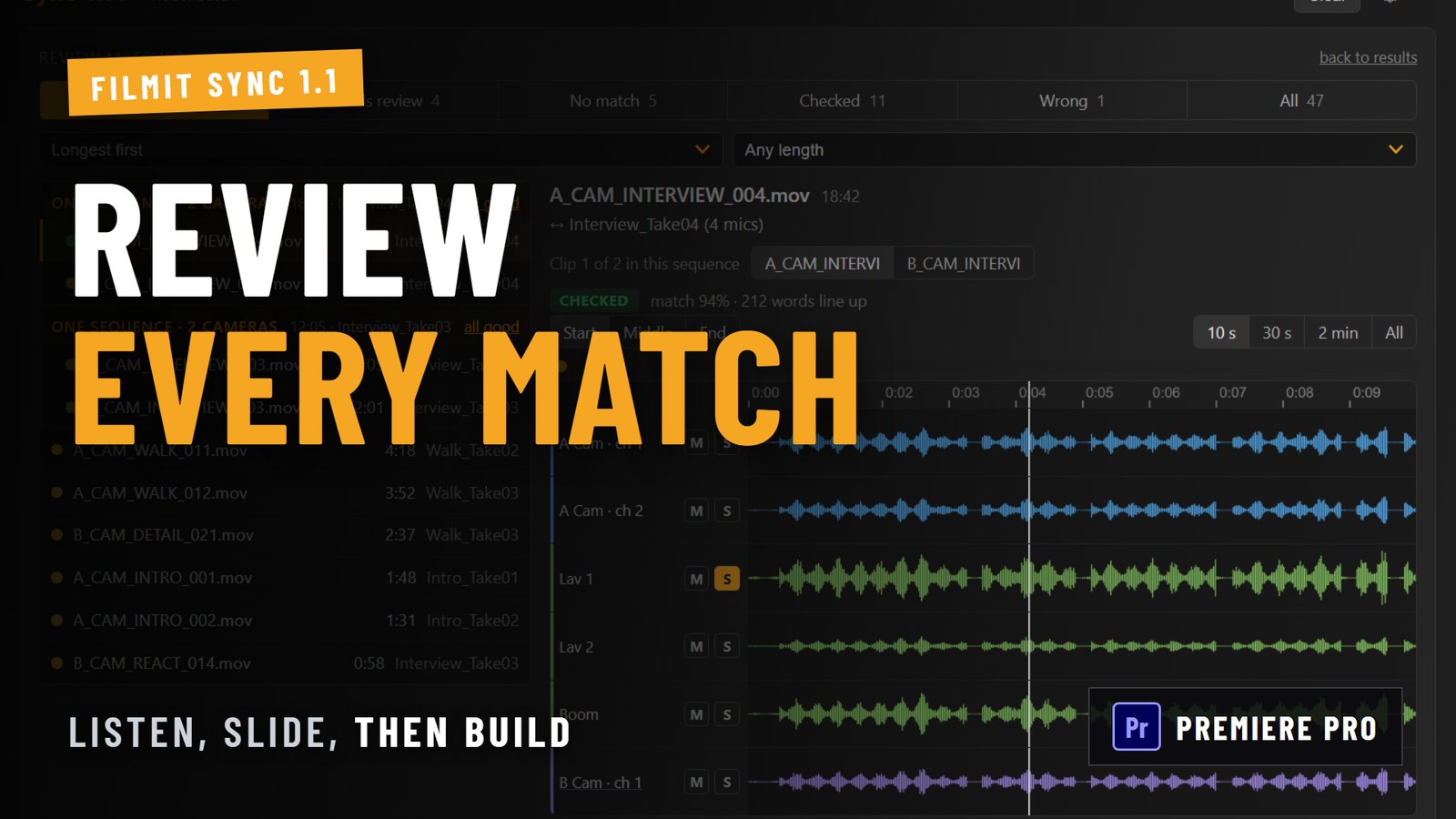
What it is: a panel inside Premiere Pro. You point it at a bin of camera clips and a bin of recorder files, it matches the whole shoot in one pass using timecode where it exists, then waveform, then dialogue, and builds synced sequences, multicam scenes and a master timeline. Since 1.1 there is a Review screen: every match appears as waveform lanes per channel, you can solo, scrub and slide a match frame by frame, and mark it Good or Wrong before anything is built.
Best for: high-volume Premiere Pro work where you want the batch done and checked without leaving the app.
Cost: included in a Filmit Studio subscription with a 7-day free trial.
Not: it is built to be thorough rather than instant, so a big shoot takes real minutes to analyse. It needs audio in common, so genuinely silent footage cannot be matched by anything. The Review screen and the 1.1 matching changes are Premiere Pro only; our DaVinci Resolve version is a separate, older release.
What PluralEyes users specifically miss
Two habits do not transfer cleanly, and knowing that in advance saves an afternoon.
The single synced timeline. PluralEyes users are used to getting everything laid out on one timeline and working from there. Premiere's native route gives you merged clips instead, and you build the sequence. Batch tools differ on this: ours builds a sequence per take plus a master timeline of the whole shoot, which is closer to the old habit.
The trust step. PluralEyes people learned to eyeball the result in its own window before committing. Native sync has no equivalent, which is the single biggest adjustment. If that step mattered to you, it should be the feature you shop for, not speed.
How to choose in about a minute
- Fewer than about 20 pairings, single camera, short takes: native sync. Stop reading.
- Several NLEs across clients, happy with a round trip: a standalone app.
- High volume in Premiere Pro, and you want to check matches before sequences exist: a panel that lives in the NLE.
- Long takes that drift, or mixed shoots where half the footage has no usable sound: any dedicated tool beats doing it by hand, including ours.
Trying ours
If the volume case is yours, Sync is included with Filmit Studio and there is a 7-day free trial, so you can point it at a real shoot before deciding. If the native route covers you, use the native route. We would rather you kept the money than bought a tool for a problem you do not have.