Your plugins are not about to break. That is the short answer, and it is worth saying first because the internet is full of scarier versions of it. The tools you rely on in After Effects and Premiere keep working today, and the ones that matter will keep working for years. What is actually happening is quieter and more interesting: the platform underneath every Adobe plugin is changing from CEP to UXP, and a second shift, AI agents that can operate inside your editor, is arriving alongside it.
This guide explains both, in plain terms, without the panic. We will cover what changes, what does not, when any of it affects you, and how to set your plugin stack up so a platform shift is a non-event instead of a scramble.
Are my Adobe plugins going to stop working?
No, not soon. Every CEP-based plugin still loads in Premiere 2026 and in every current After Effects release. Adobe has confirmed that CEP, the old extension system, will eventually be retired, but it has only committed to a timeline of "several years" and has not announced a hard cut-off date. So nothing you install today stops working tomorrow, or this year.
The nuance most editors miss: "eventually deprecated" and "broken now" are very different things. Premiere is the furthest along, After Effects has barely started, and both still run the old system. The right response is not to rip anything out. It is to prefer tools that are actively maintained, because a maintained plugin gets ported and an abandoned one does not.
CEP plugins load normally in Premiere 2026 and current After Effects.
Adobe says CEP will be retired "eventually", with a "several years" horizon and no announced date.
The plugins that break during a platform shift are the ones nobody is maintaining, not the platform itself.
What is UXP, and why is Adobe replacing CEP?
UXP stands for Unified Extensibility Platform. It is Adobe's modern runtime for building panels and plugins, and it replaces CEP, the Common Extensibility Platform that plugins have used for years. In Premiere 2026, UXP graduated from beta (it started in December 2024) to a standard release, which is the clearest signal yet that this is the direction of travel.
The reason for the switch is architecture. CEP runs a full Chromium browser plus a Node.js process inside your host app for every panel you open, which is heavy on memory and startup time. UXP runs on Adobe's own lightweight runtime, so panels load faster and cost less overhead, and developers write one codebase instead of juggling a JavaScript front end and an ExtendScript back end.
A full Chromium browser plus Node.js, running inside your app.
Adobe's own native runtime, no browser engine bundled in.
Heavier: more memory, slower panel load.
Lighter and faster to open.
Still loads, no longer the default direction.
Standard release, out of beta.
Nothing yet, keep using your tools.
Nothing yet, developers handle the port.
Notice the bottom row. Almost all of this is a developer's problem, not yours. Your job is to keep your apps current and lean on tools whose makers are doing the porting work.
When will CEP actually be deprecated?
There is no announced date, and that is the honest state of things. Adobe has said only that CEP support will continue for "several years." Premiere leads the transition with UXP now standard in 2026, while After Effects is only beginning to expose UXP APIs, which means AE plugins will remain CEP-based for a good while longer than Premiere's.
So the timeline is staggered, not a single switch someone flips. Expect a migration wave rather than a blackout: as UXP matures, maintained plugins get rebuilt on it one by one, and the old CEP versions keep running in parallel until they do. The practical read is that you have time, and the tools worth keeping will make the jump before it matters.
What does "AI agents in your editor" and MCP actually mean?
MCP stands for Model Context Protocol. It is an open standard, created by Anthropic and adopted across the major AI labs in 2026, that lets an AI assistant call real tools instead of just producing text. In a creative app, that means you can describe a task in plain language and an AI agent carries it out on your actual timeline, while you stay in control of every decision.
This is not hypothetical. At SIGGRAPH, creative applications began opening MCP connections so agents can work inside the tools where scenes, shots and edits actually live, and independent developers have already published working After Effects MCP servers that build compositions, text, shapes and keyframes from a prompt. The near-term picture is not "AI takes the wheel," it is "you type what you want and the boring assembly gets built for you to refine."
It is the plumbing that lets an AI assistant trigger real actions in an app. The creative judgment stays yours.
Working After Effects MCP servers exist today, and creative apps are opening MCP connections as a category.
The agent proposes and builds, you keep, cut, or redirect. That is the model the whole space is converging on.
Will AI plugins replace manual editing skills?
No, and the pattern is already clear from the tools shipping now: AI is good at the mechanical assembly, and you are still the one making the creative calls. An agent can rough out a build, drop in placeholder keyframes, or cut the dead air out of an interview, but it cannot decide what the piece should feel like, where the joke lands, or which take is the good one.
The editors who get the most out of this wave are the ones who already know how the work is done by hand. If you understand the fundamentals, an AI assistant is an accelerator. If you do not, it is a black box you cannot fix when it gets something wrong. This is the same reason we keep arguing that plugins speed up learning rather than replace it, and it applies double to AI. Skills first, tools on top.
How do I future-proof my plugin setup?
You do not need to do anything drastic. Future-proofing here is mostly good hygiene: stay current, keep what is maintained, and drop what is not. Here is the whole checklist.
Keep your Adobe apps updated
UXP support and its performance gains only show up in current releases. Running years behind is what actually strands you.
Prefer actively-maintained tools
Before you commit a workflow to a plugin, check that its makers still ship updates. A maintained tool gets ported to UXP, an abandoned one quietly stops loading one day.
Let one app manage the suite
Installing, updating and tracking a dozen separate panels by hand is where things rot. A single manager app that updates everything at once means a platform shift is one update, not twelve migrations.
Clear out abandoned CEP panels
If a panel has not been updated in years, it is the one most likely to break. If you are not using it, remove it. Our guide to finding your plugins in Premiere and After Effects shows where they all live, including the Legacy list.
Watch for UXP versions of your favorites
When a tool you use ships a UXP build, take it. That is the version that carries forward.
Where Filmit fits, honestly
You do not need Filmit, or any single vendor, to get through this transition. If you keep your apps current and stick to maintained tools, you are already fine. So this is context, not a sales pitch: Filmit is a suite of plugins and effects we build and maintain ourselves for After Effects and Premiere, installed and updated from one desktop app, Filmit Studio. That single-app model is exactly the kind of setup that rides a platform shift well, because when the tools need to move to UXP, that is our migration to do, not yours.
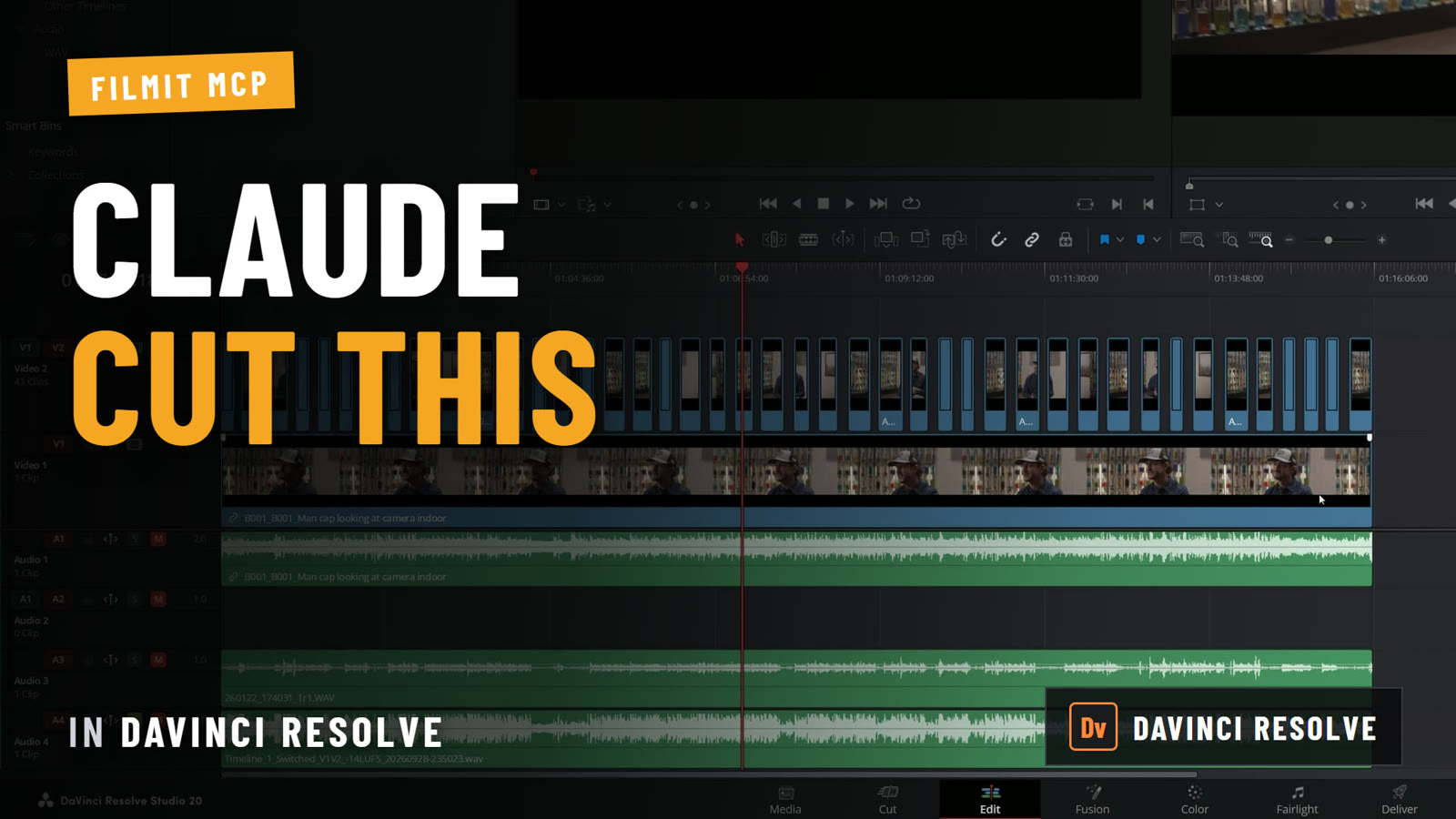
Here is the honest current state. Our tools are CEP today, like most established plugins, and we are planning the UXP move deliberately rather than rushing it. On the AI side, Filmit MCP is now out: it connects Claude to Premiere Pro and After Effects, free with a Filmit account, and only ever runs Filmit's own actions, in the apps you switched it on in, so you stay in control. Our guide to using Claude in Premiere Pro shows it on a real edit.
The part that does not change: who is behind the tools
Whatever platform Adobe ships next, a plugin is only ever as good as the team maintaining it. That is the real future-proofing, and it is the part we care most about. Filmit is a small team, and we are not faceless: our founder, Max, is reachable directly in our Discord and runs live demo calls where you can talk through your workflow in person. When a customer hits a problem, fixing it comes before shipping the next shiny tool. We stop, fix it, then get back to building.
We would rather you hear that from the people we build for than from us. As one recent reviewer put it, the standout was that "the customer support team is also outstanding and always helpful" (MB Design, Trustpilot). Another wrote that "whenever I had a problem, their support team responded incredibly fast" (killokisevdam, Trustpilot). Platforms change, deprecation clocks tick, AI arrives. The team that answers when something breaks is the thing you actually want to bet on.
If you want to see where any of this is heading, or push back on it, the Discord is the place. That is where the roadmap gets argued out in the open.