To make a falling letters animation in After Effects, add a text animator with Position to your title, push the letters above the frame, and keyframe the Range Selector’s Offset so they drop into place one after another. That gives you a clean, controlled drop-in. If you want the letters to really fall, bouncing off the floor and each other and settling in a heap, you need physics, and that is the part keyframing by hand gets wrong.
This guide shows the text animator method first, then a panel that runs real 2D physics on your title and bakes the exact run you watched into keyframes.
The native way: a text animator drop-in
Type your title
Make a text layer and set the font, size and tracking first. Changing them later shifts where every letter lands.
Add a Position animator
Twirl open the text layer and choose Animate, Position. Set the animator’s Position Y to a large negative value, so every letter sits above the frame.
Keyframe the Offset
Open the Range Selector and keyframe Offset from 0% to 100% over a second or so. As the selection slides off, the letters drop into place one by one.
Soften the cascade
Under the Range Selector’s Advanced settings, change Shape from Square to Ramp Up, so each letter travels instead of popping.
Add a bounce
Shape an overshoot into the keyframes in the Graph Editor, or paste one of the common bounce expressions onto the animated property.
Pro Tip: Add Rotation to the same animator with a small value, and letters tip as they fall and straighten as they land. It sells the weight without any extra keyframes.
Where the text animator stops
Every letter follows the same curve, offset in time. Nothing collides: letters pass through each other, never stack, never ricochet off a wall, and the bounce is the same height every time. For a tidy title reveal that is exactly right. For a title that smashes, scatters and piles up, you would have to split the word into one layer per letter and keyframe each fall by hand, which is an afternoon of arcs that still look a little wrong. Our guide to adding real physics to After Effects layers goes into why faked weight is so hard to get right.
Real falling letters, with Gravity
Gravity is an After Effects panel with a 2D physics sandbox. These are the steps in the video:
Snapshot comp
Snapshot comp turns every layer in your comp into a physics body. Your comp itself is not touched while you play.
Explode into letters
Title too stiff? Explode it into letters, and each one becomes its own piece.
Hit play
Watch the letters drop, bounce and settle, frame by frame.
Make the floor Bouncy
Want more bounce? Set the floor to Bouncy, hit play, and everything springs right back up.
Change the direction
Gravity can point any way. Reset, send it left, and the letters slam into the wall.
Switch to Simplified
Want fewer keyframes? Switch to Simplified, and the bake stays light and easy to hand-edit.
Apply to comp
Happy with it? Apply to comp bakes that exact run into editable keyframes.
Tips for better falling text
Explode into words for a heavier, more readable fall. Letters give more chaos and a bigger pile.
Every wall can be off, solid or bouncy, with the bounce strength on a slider. Turn the side walls off and letters can tumble out of frame.
Earth, Moon, Jupiter and Zero-G presets change how fast everything falls, and wind adds drift.
The whole bake lands in a single undo group, so Ctrl+Z (Cmd+Z) takes it back if you want another take.
Or ask Claude or ChatGPT
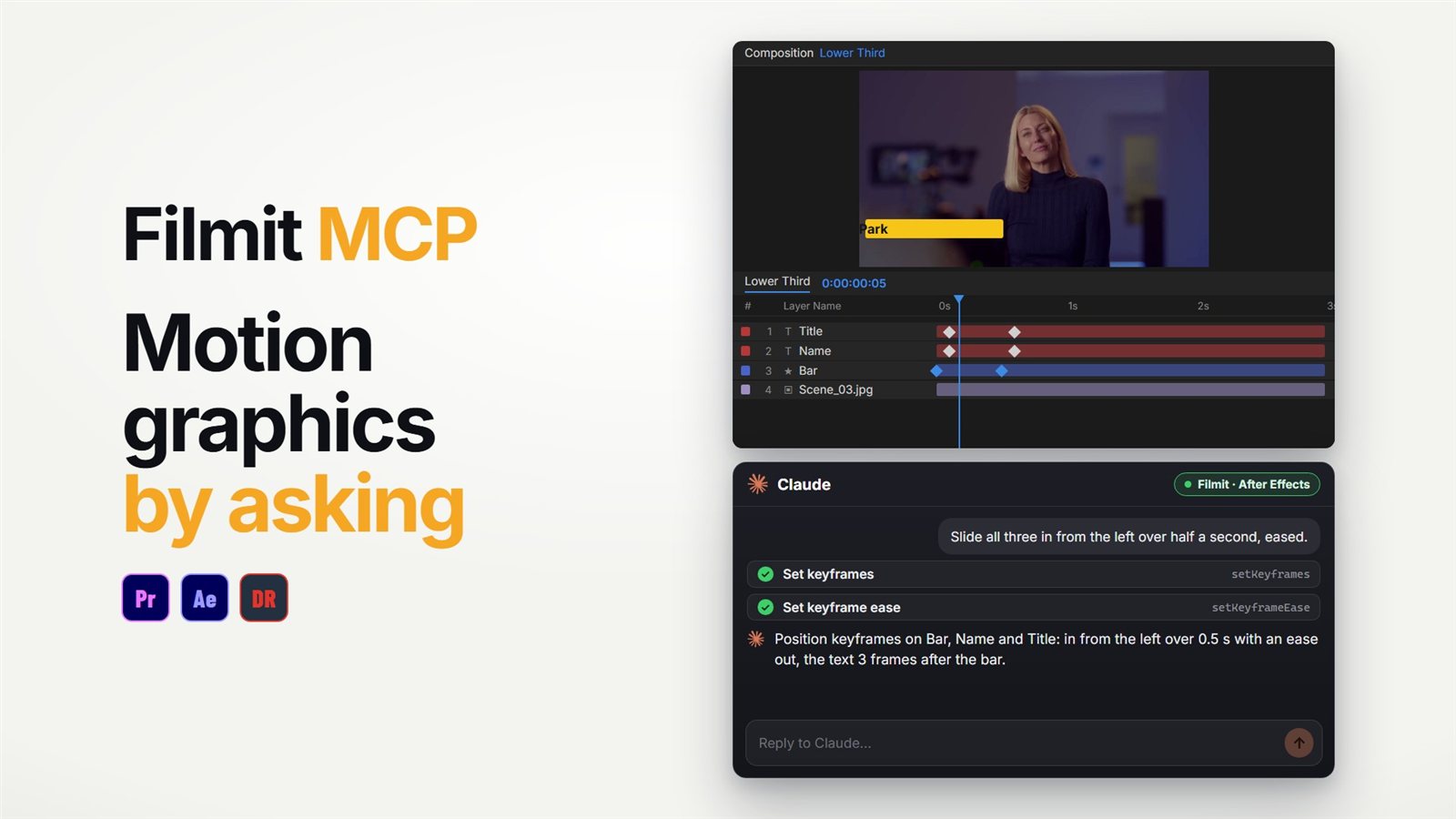
For the controlled version, the Filmit MCP can build it by asking. In After Effects it can add per-character text animation, set keyframes with real easing, and apply ready-made expressions like bounce and overshoot: "make the title drop in letter by letter with a little bounce, then show me the frame at one second" is one request. Collisions and piles are still Gravity’s job. Our guide to using Claude in After Effects covers the setup, and the After Effects MCP guide shows what else it can build.
Restyling the finished title for a client? See changing brand colours across an After Effects project. Gravity comes with Filmit Studio, our free desktop app, with a 7-day free trial.