To align layers in After Effects, open Window, Align, select the layers, choose whether to align them to the selection or to the composition, and click an align button. To drop a single layer in the dead center of the frame, select it and press Ctrl+Home (Cmd+Home on Mac).
Below is the native way in detail, how to space layers evenly and check your framing, and the two-click way from the video with ToolKit.
Aligning with the Align panel
Open the panel
Choose Window, Align. Dock it next to the Composition panel if you use it often.
Pick what to align to
Set Align Layers To. Selection lines layers up with each other. Composition lines them up with the frame, and works with a single layer.
Select the layers
Select the layers in the Timeline panel. Align works from each layer’s bounds, the box you see around it in the comp.
Click an align button
Left, horizontal center, right, top, vertical center or bottom. Click horizontal center and vertical center with Composition chosen to center a layer in the frame.
Distribute if you need even spacing
The Distribute row spreads the selected layers evenly between the outermost two. Use it for a row of icons or a stack of lines.
Pro Tip: Alignment moves the layer, not its anchor point. If a centered logo still spins off-center, the anchor is somewhere odd. Our guide to centering the anchor point in After Effects fixes that part.
Centered text is not a centered layer
Two different settings get called “centering” in After Effects. The Center text button in the Paragraph panel lines the rows of a text layer up with each other, around the layer’s own anchor. The Align panel moves the whole layer within the frame. A title can be center-justified and still sit off to the left, or sit in the middle of the frame with its lines ragged. For a centered title, set both: Center text in the Paragraph panel, then horizontal center in the Align panel with Composition chosen.
Lining things up by eye
For placement the Align panel cannot express, use snapping and guides. Turn on Snapping in the Tools panel and layers snap to each other’s edges and centers as you drag. Press Ctrl+R (Cmd+R) for rulers, then drag a guide out of a ruler to mark a line you want several layers to share. The grid and guide button under the Composition panel adds title and action safe margins and a proportional grid; set the grid to three by three in Preferences, Grids and Guides for a rule of thirds overlay. None of these render.
The two-click way with ToolKit
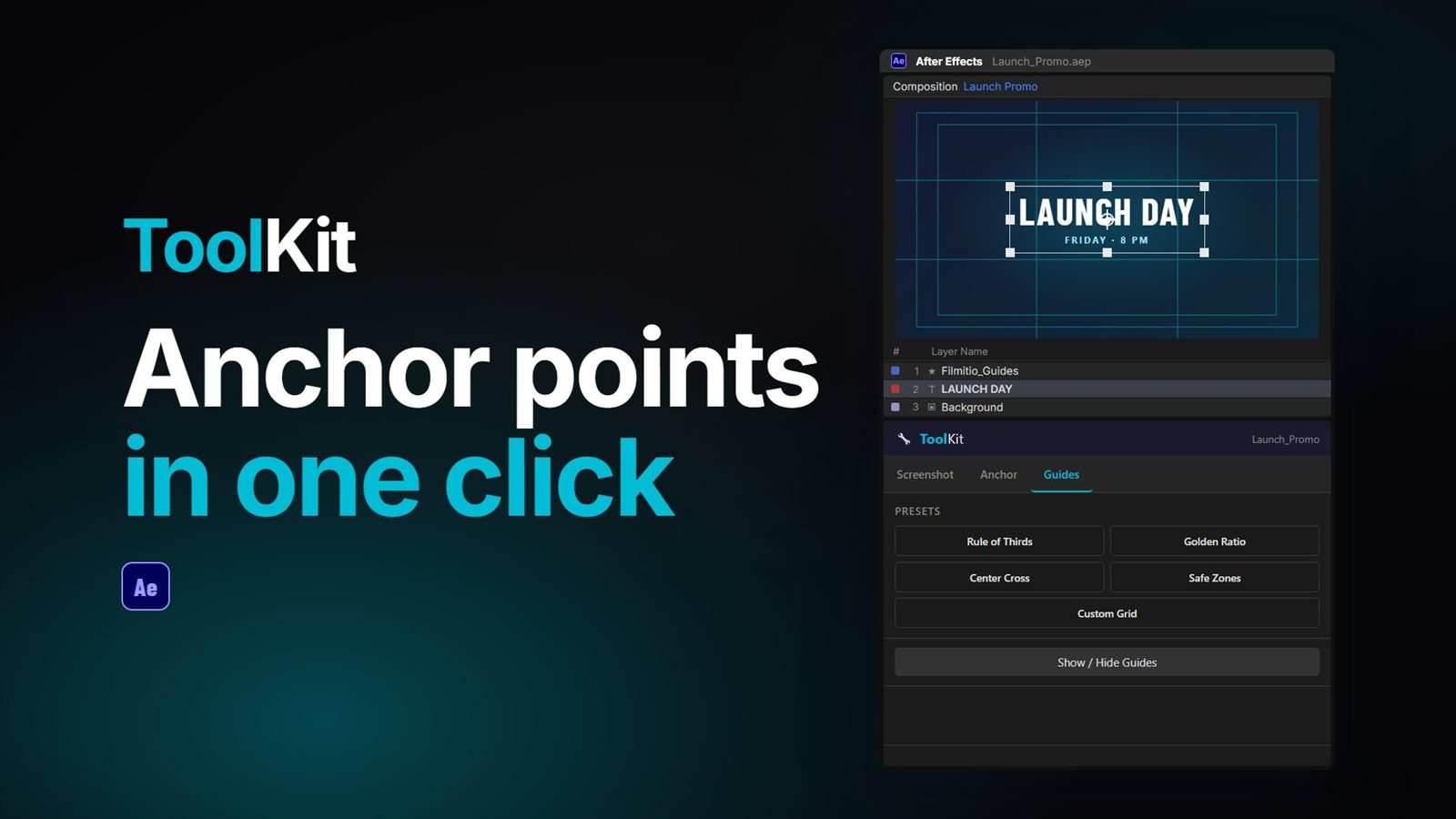
ToolKit puts the everyday layout jobs in one docked After Effects panel. These are the steps in the video:
Center the anchor
Anchor point stuck in a corner? Click the center square on the anchor grid and it jumps to the middle. The other squares send it to an edge or a corner.
Align to Comp
Layer sitting off to one side? Align to Comp centers it in two clicks.
Rule of Thirds
Need to check your framing? Rule of Thirds drops guides on your comp that never render.
Capture Screenshot
Client wants a still? Capture Screenshot saves the current frame as a PNG on your desktop, without a trip to the Render Queue.
Gotchas
Rotation and scale work from the anchor, so a layer that is centered but anchored in a corner still animates off-center.
A text layer’s bounds follow what is typed. Edit the words and a centered title can drift. Align again after copy changes.
If a layer is parented, its position is measured from the parent. Align the parent, or unparent, if the result looks wrong.
Safe margins, the grid, ruler guides and guide layers are for you only. Leave them on while you work.
Or ask Claude or ChatGPT
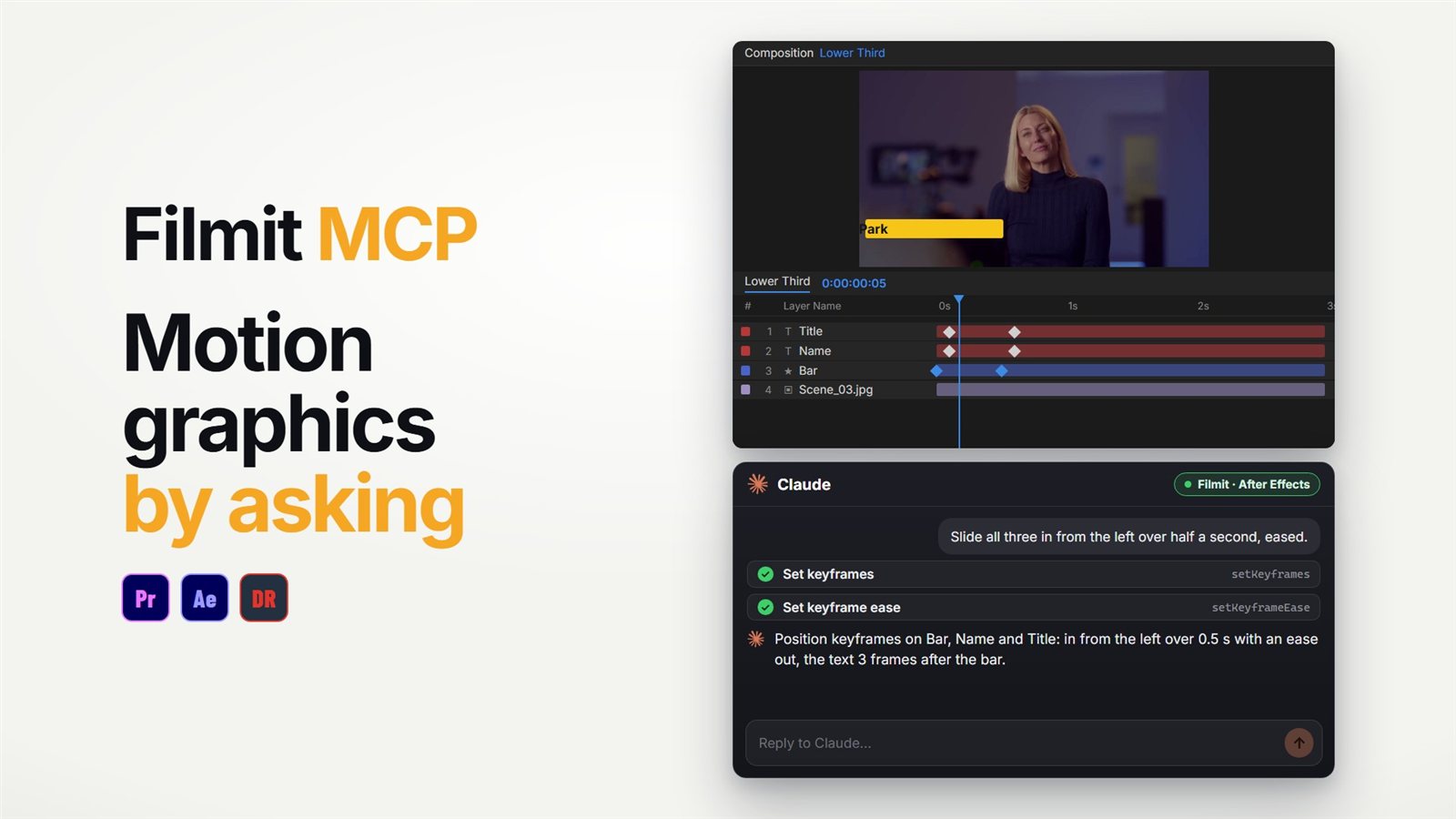
For the same change across a whole comp, the Filmit MCP can do it by asking. It reads every layer and can set position, scale, rotation, opacity and anchor point: "center every text layer horizontally and line the logo up with the title" is one request, and it can render a frame to check. Our guide to using Claude in After Effects covers the setup, and the After Effects MCP guide shows what else it can build.
ToolKit comes with Filmit Studio, our free desktop app, with a 7-day free trial. For a longer tour, see the ToolKit demo.