After Effects has no find and replace for text across a project. Inside one comp you can find layers with the Timeline search field, but every text layer you need to change has to be opened and retyped, comp by comp and precomp by precomp. The workarounds only help if you set them up before the text was written.
This guide covers the native options, honestly, and then a panel that scans every comp into one list, so a changed date, a typo or a new brand font is one fix instead of fifty.
The native way in After Effects
Find the layers
Open each comp and type the old wording into the search field at the top of the Timeline panel. Text layers are named after their text until you rename them, so this often finds them. Renamed layers and layers inside precomps need a separate search in each comp.
Retype each one
Double-click the text layer, select the old words and type the new ones. Repeat for every layer in every comp.
Check the precomps
Lower thirds and end cards usually live in precomps. Open each one, or you will miss the copies the client sees.
Proofread by eye
There is no spell check in After Effects, so the only check is reading every layer.
If you know text will change, build for it from the start. Put the changeable words on one text layer in a control comp, then Alt-click (Option-click) the Source Text stopwatch on every copy and pick-whip it to that master layer. Change the master, and every linked layer follows. Another option is to add a precomp’s Source Text to the Essential Graphics panel as a Master Property, so you edit the text from the parent comp without opening the precomp.
Both work well on templates you build yourself. Neither helps with a project you inherited, or one where the same event time was typed by hand into thirty comps.
Every text layer in one list, with TextPilot
TextPilot is a panel that puts every piece of text in your project into one place. These are the steps in the video:
Scan Project
Hit Scan Project, and every text layer across all your comps, nested precomps included, lands in one list, each with its comp, font and size.
Replace All in AE
Event time changed? Search for the old one, type the new one, and Replace All in AE fixes every comp at once.
Check Spelling
Typos hiding in there? Check Spelling flags every single one.
Pick the right word
Click the correct suggestion, and it is fixed right there in the list.
Fonts tab
New brand font? The Fonts tab groups every layer by font. Pick the new one, hit Replace, and they all switch.
Translate
Client wants it in Spanish? Translate the whole project, accept the translations and apply them, and the Spanish version is saved too, so you can switch back to the original later.
Tips for a clean replace
If the same time was typed as "7 PM", "7pm" and "7:00 pm", one regex search catches all three. Preview the matches before you replace.
Language versions save a snapshot of the project’s text. Save the original first, and you can always load it back.
Translation runs through Google Translate. It is a strong starting point, and you can edit any line before you apply it, but a client-facing version deserves a human read.
Export every text layer to Excel, CSV or TXT with one column per language. When the edited file comes back, import it and each line lands on the right layer.
TextPilot works in Premiere Pro from the same install, where it reaches MOGRT text, native graphics and caption tracks, and saves a project backup before it applies. Our guides to spell checking in After Effects, translating an After Effects project and translating captions in Premiere Pro go deeper on each feature.
Or ask Claude or ChatGPT
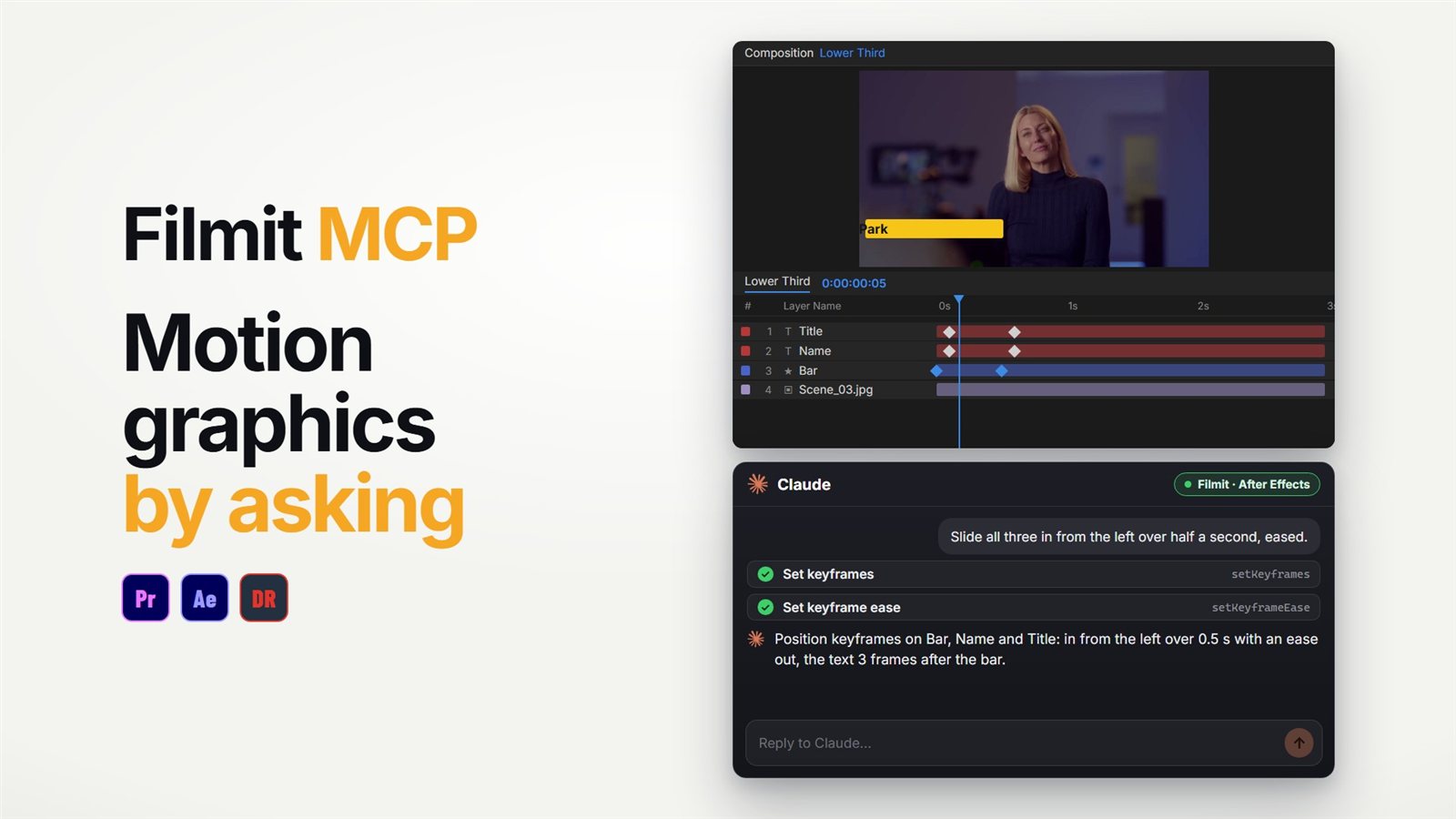
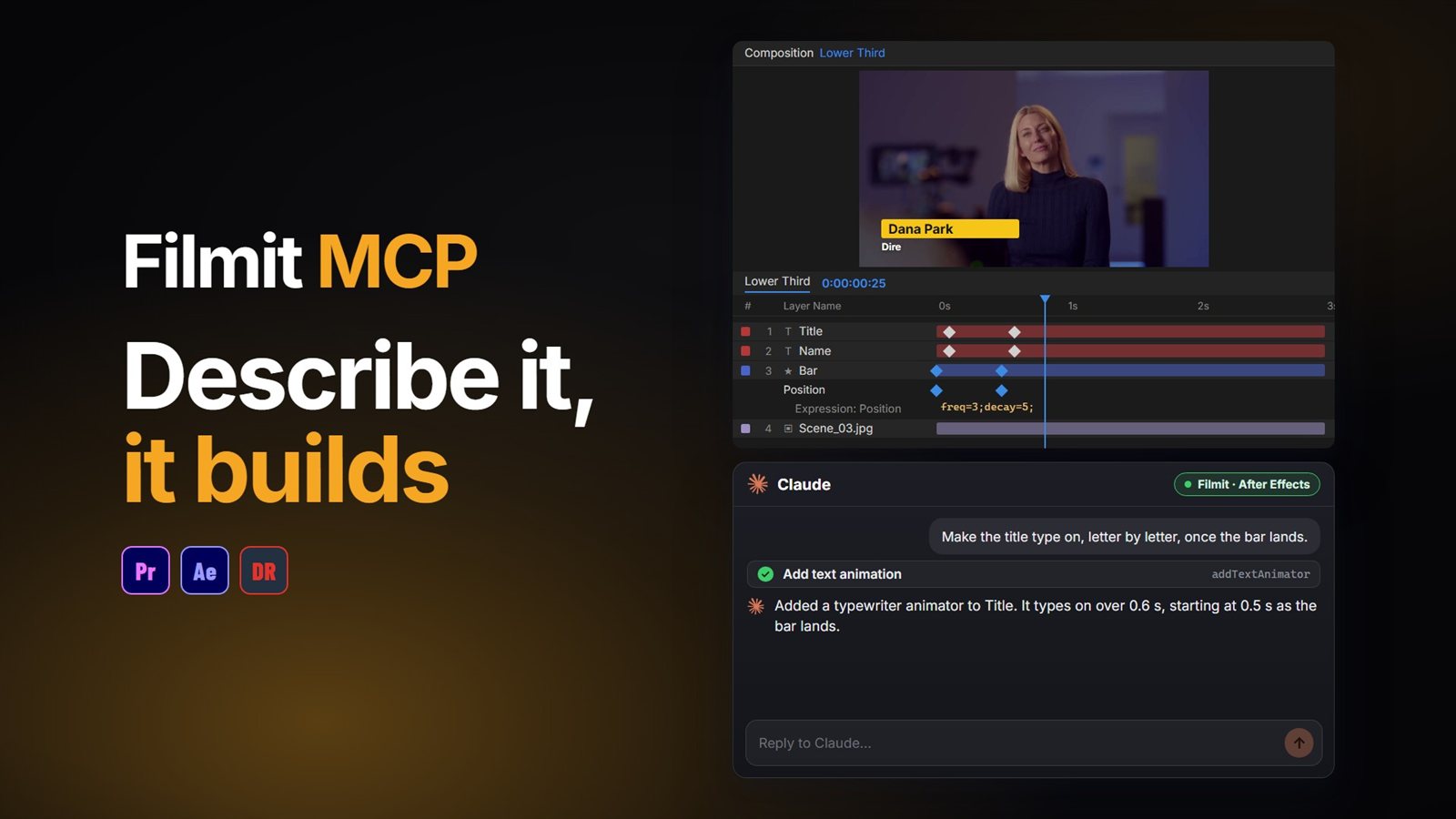
For a comp you have open, the Filmit MCP can do part of this job by asking. It reads every layer in the comp and can restyle text, so "switch every text layer in this comp to the new brand font" is one request. It works comp by comp, so a change across a whole project is still TextPilot’s job. Our guide to using Claude in After Effects shows the setup, and the After Effects MCP guide covers what else it can build.
TextPilot comes with Filmit Studio, our free desktop app, with a 7-day free trial of the full toolkit.