Artificial intelligence belongs in an editor's workflow, but not in the editor's chair. The right way to integrate AI into editing is to hand it the mechanical work, the transcribing, the scrubbing for good quotes, the first rough assembly, and keep every story decision for yourself. AI augments the edit; it does not lead it. That one distinction is the difference between a tool you actually use and one you delete after a week.
We build editing plugins for a living, and we get asked the same question constantly: how much of my edit should I let AI touch? Here is the honest framework we use, and the reason we built our own AI plugin the way we did.
Should AI replace the editor, or assist them?
Assist, every time. AI should be your assistant editor, not the editor. It is very good at the slow, repetitive parts of post that stand between you and the actual craft, and it is genuinely bad at the parts that make a cut good: knowing which pause lands, when to hold on a face, what the story is actually about. Give it the first job and keep the second.
This matters because the whole industry conversation is framed as replacement, and that framing produces bad tools. When a product tries to be the editor, it makes decisions on averages, cuts the moment you wanted to keep because it read as dead air, and hands you a timeline you have to fight. When a product tries to assist the editor, it clears the busywork and gets out of the way. We are firmly in the second camp.
Which parts of editing should you actually hand to AI?
Hand over the work that is slow, mechanical, and has a right answer: transcription, searching footage for the lines you need, stripping silences and filler, and building the very first rough assembly. Keep the work that is subjective and creative: story, pacing, structure, emotion, color, and the final cut. The split is not complicated, and drawing it clearly is most of the battle.
Yes. It is slow, it has a correct answer, and a machine does it in minutes.
No reason to. Read the transcript, do not type it.
Yes for the first pass. Let it surface candidate lines across every source.
You make the final call on which lines carry the story.
Yes. This is textbook mechanical cleanup.
You decide where a held pause is doing real work.
Yes. A first pass on the timeline beats a blank timeline.
You reorder, retime, and shape it into an actual edit.
No. This is the job. This is why you were hired.
All of it. The craft stays with the editor.
Notice the pattern. Everything in the AI column is the assistant-editor work that used to eat your first day on a project. Everything in the editor column is the reason the work is interesting. AI does not shrink your role, it deletes the part of your role you never wanted.
The newest job on that list: finding and placing b-roll
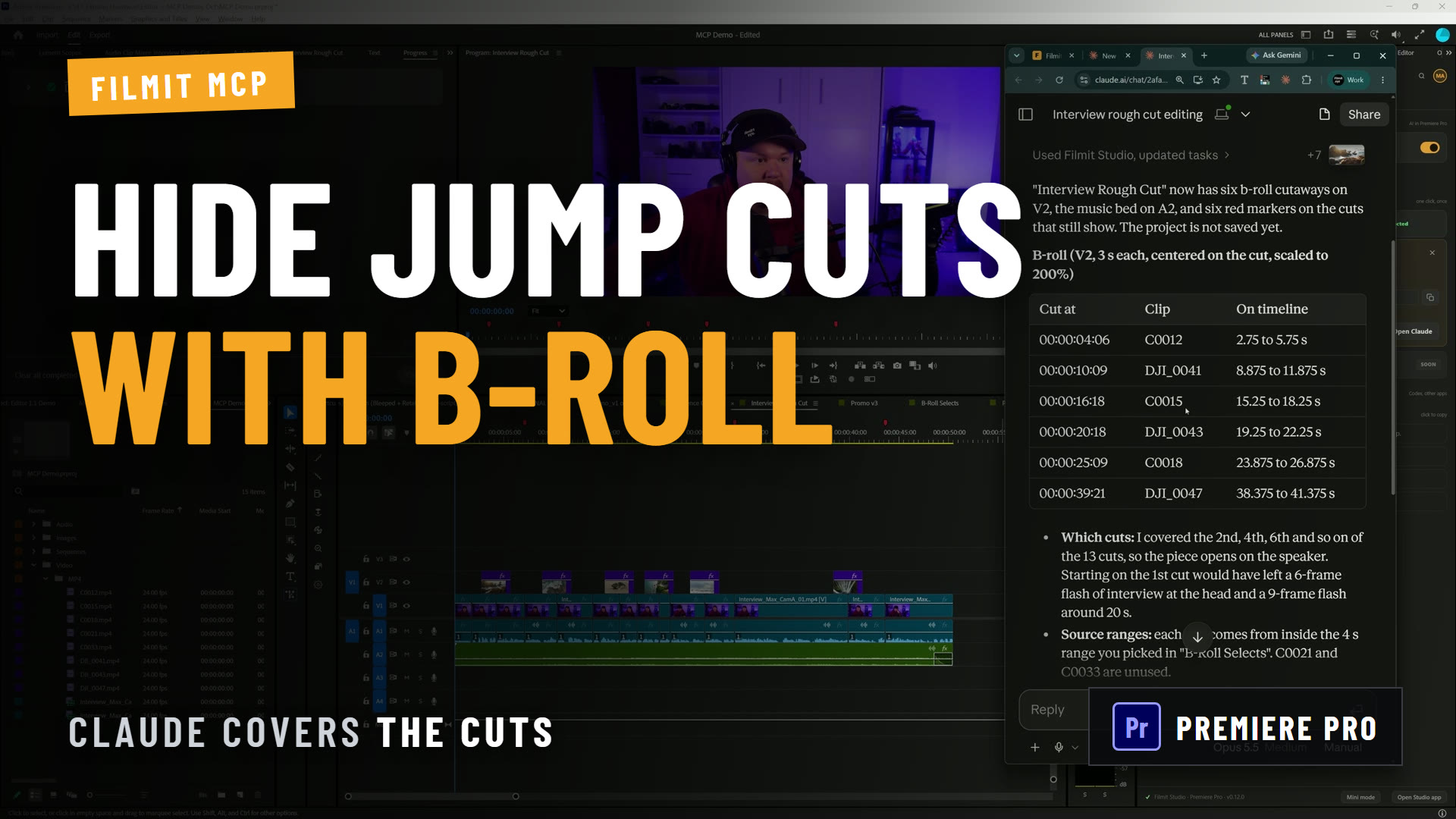
Footage understanding matured enough during 2026 that a second mechanical job became automatable: covering a talking-head cut. The work is not creative, it is recall. You shot the bottling line, the lab, the wide of the building, and eight seconds of it belongs under the sentence your subject is saying right now. Finding it is the job, and it is the part that breaks your flow on every single cut.
This is worth separating from the tools that auto-insert stock footage. Downloading generic clips solves a content-mill problem. Placing the material you actually shot solves an editor's problem, and only one of them survives a client who paid for a shoot. Our own answer is BRoll, which analyzes your bins locally, makes your footage searchable by what is in it, and matches shots to your transcript. It runs in Premiere Pro today. The same rule from the section above still applies: it hands you a first pass, and you keep the judgment about which shot earns the moment.
Why do so many AI editing tools feel wrong?
Because most of them were built by engineers who wanted to add AI to a product, not by editors who wanted to solve an editing problem. You can feel it the moment you use one. The cut is technically fine and creatively dead, it makes choices no editor would make, and it clearly does not understand what the footage is about. That is what happens when AI is bolted on instead of designed in.
We talked about exactly this while building our own AI plugin. Here is a slice of the actual team chat between one of our senior engineers and the editor who led it.
Christian (senior engineer): Honestly, you nailed the exact integration shape for AI. Most people get this completely wrong.
Max (editor): That is the whole trick. We built it like editors, not engineers. No offense.
Christian: None taken, it is true. Most AI tools are bad because someone just wanted to slap AI on the box. Hand it the boring work instead and it is shockingly good at it.
Max: "Use AI for the boring work." Should we just put that on the website? lol
Christian: Ha. Maybe a touch too on the nose. Same idea though. For the boring work.
Max: Boring work it is.
That is the whole thesis in a few messages. The engineer's read was that the integration worked because it was shaped by someone who edits, not by someone optimizing for an AI feature to put on a landing page. The line we kept was cleaner than the first draft, but the point stands: point AI at the boring work, and it is genuinely excellent. Point it at the storytelling, and it is a party trick.
Pro Tip: When you evaluate any AI editing tool, ask one question: does it hand me an editable timeline, or a finished file? A tool that hands you something to keep editing respects that you are the editor. A tool that hands you a locked export thinks it is.
What does AI-augmented editing look like, step by step?
It looks like the machine doing the first hour of the job and then handing you the keyboard. Here is the workflow we built into RoughCut, our AI rough-cut plugin for Premiere Pro and DaVinci Resolve, and it is a good template for AI-augmented editing in general.
This video may reference an older version of RoughCut. Features and UI may have changed since recording.
Transcribe every source locally
Bring your interview sequences in and transcribe them on your own machine with Whisper. It is private, nothing uploads to the cloud, and it is the text the rest of the workflow reads. This is pure mechanical work, exactly what you want automated.
Describe the story in a sentence
Tell it what the piece is: "a mini documentary about a distillery, we interview the owner and the master distiller and tour the facility." That one line is you doing the creative direction up front. The AI works toward your intent, not its own.
Let it build a first pass, not a final cut
It scrubs the transcripts, pulls the candidate quotes, and assembles a rough cut onto your timeline, organized into sections. This is the boring work compressed from a day into minutes.
Take the wheel
Reorder quotes, drop lines you do not like, slide whole sections around, then build it into a real sequence you keep editing. The cut is fully editable from the first frame. Story, pacing, and polish are yours.
The pattern holds for any AI you add to your edit. The machine gets you off the blank timeline; you do the part that was always the point. If a step in your workflow is slow and has a right answer, it is a candidate for automation. If it requires taste, it is not.
How do you keep creative control when AI builds the first pass?
You keep control by insisting on an editable result and treating the AI's output as a draft, never a verdict. The rough cut is a starting point you argue with, not an answer you accept. Because the timeline is fully editable, every choice the AI made is one you can undo, and every choice that matters is still yours to make.
One honest quirk helps here: different AI models build different stories from the same footage, because story selection is subjective and there is no single correct cut. That is not a bug, it is a reminder. Run the analysis twice with two models and you get two takes to compare, the same way you might cut two versions yourself. The AI is offering options. You are still the one choosing.
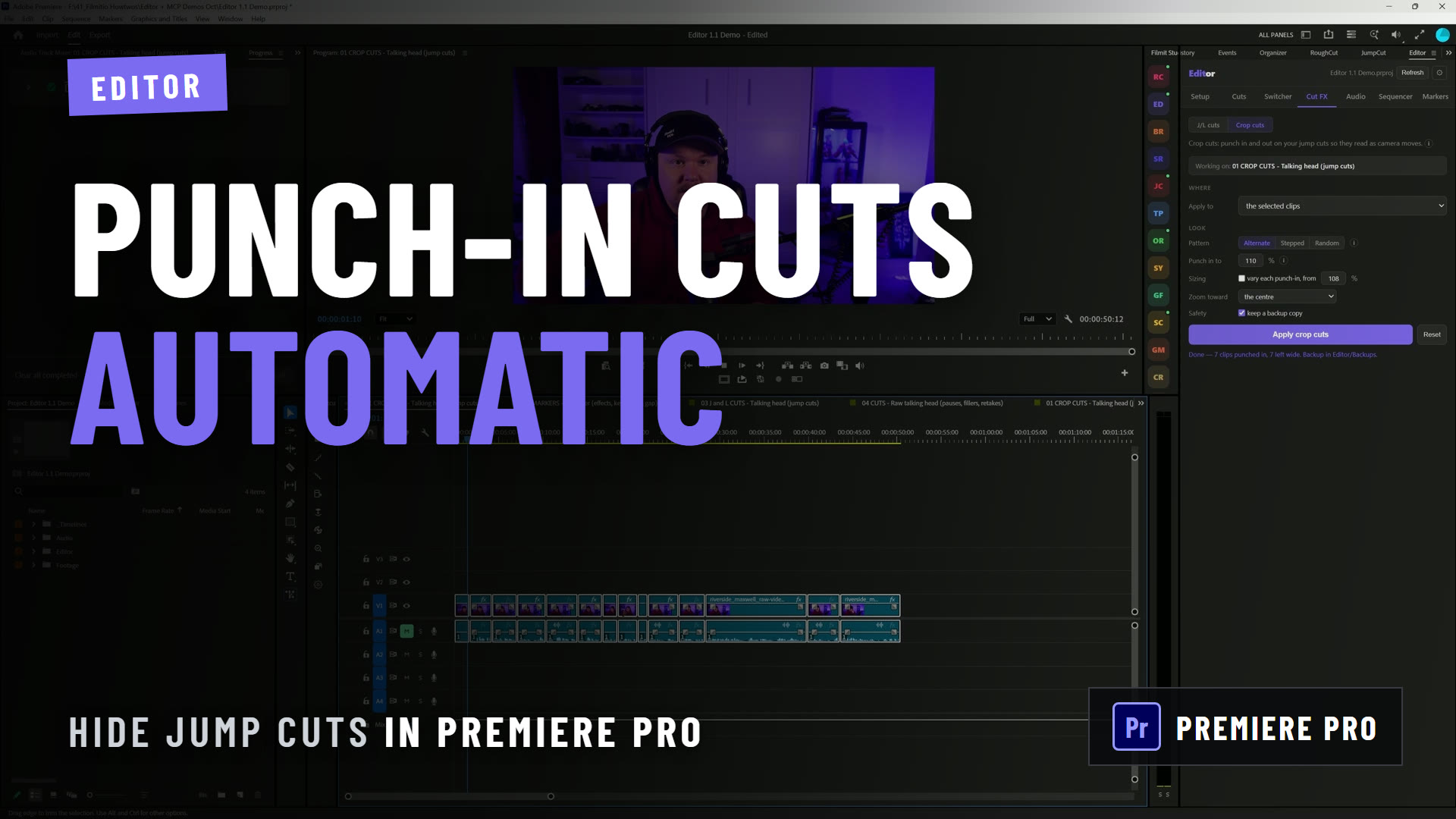
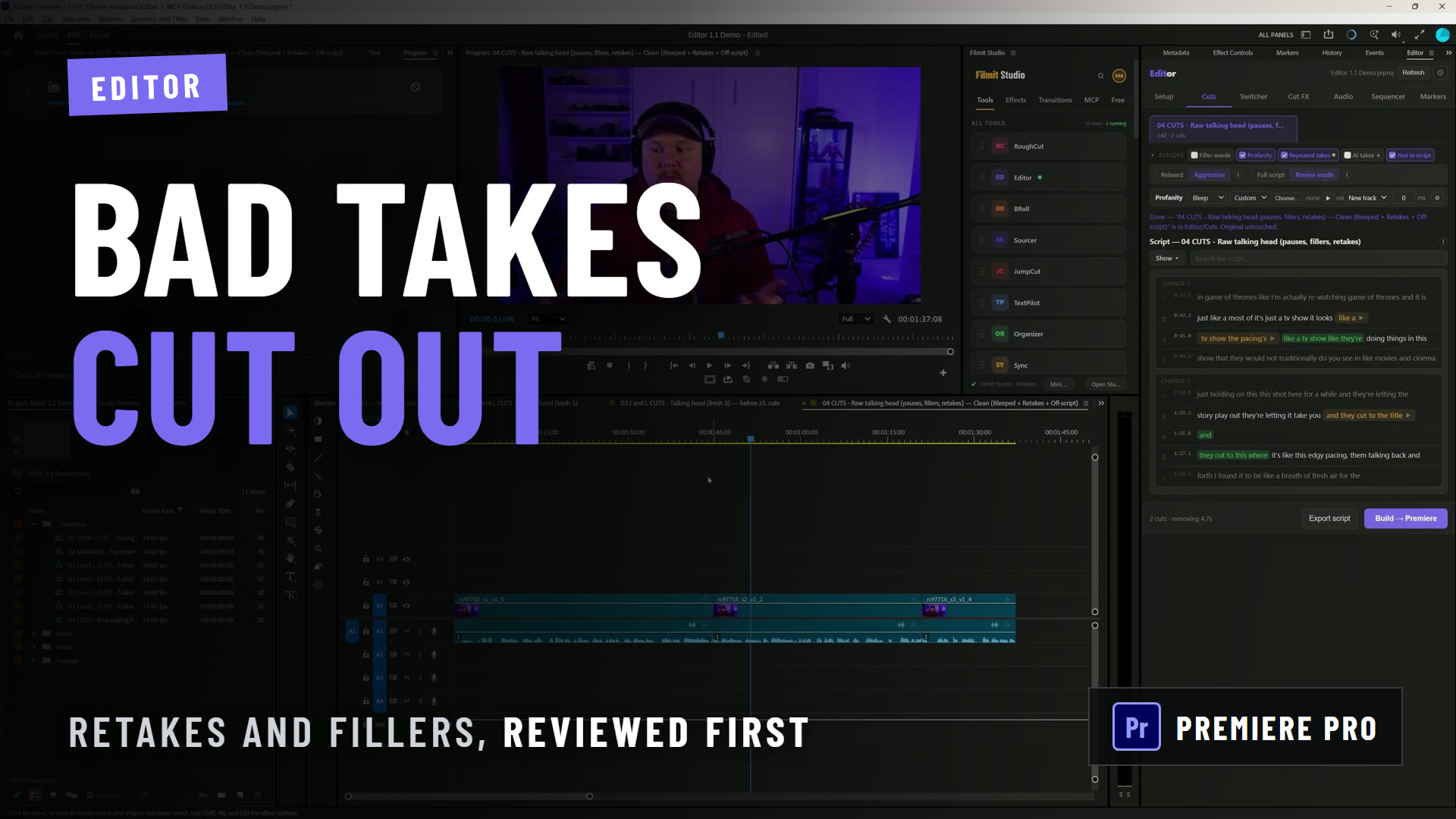
This is also why we lead with the built-in and free path first. You can run the whole analysis using a free ChatGPT or Claude account, no API key required, before you spend a cent. The tool should earn its place in your workflow, not assume it. And once the story is assembled, pairing it with a tool like JumpCut to strip silences and switch cameras automatically gets your rough cut close to a real edit before you have touched a keyframe, all of it still editable, all of it still yours.
Key takeaways
Integrating AI into editing is not about handing over the edit. It is about handing over the busywork so you can spend your time on the story.
AI is your assistant editor. It handles the mechanical work; you keep story, pacing, and the final cut.
Transcription, quote-scrubbing, silence removal, and the first assembly are fair game. Taste is not.
Tools built to add AI, rather than to solve an editing problem, make choices no editor would. Design beats bolt-on.
A good AI tool hands you a timeline to keep editing, not a locked export. That is how you keep creative control.
Different models build different cuts. Use them as options to compare, not answers to accept.
Get started with Filmit
If you want to feel AI-augmented editing instead of reading about it, RoughCut installs through Filmit Studio, the desktop app that manages every Filmit plugin for Premiere Pro, DaVinci Resolve, and After Effects. It comes with a 7-day free trial that unlocks the whole bundle. For the full walkthrough, read Meet RoughCut or how to automatically edit your videos with AI, and come tell us on Discord what you would hand to a machine and what you would never let it touch.