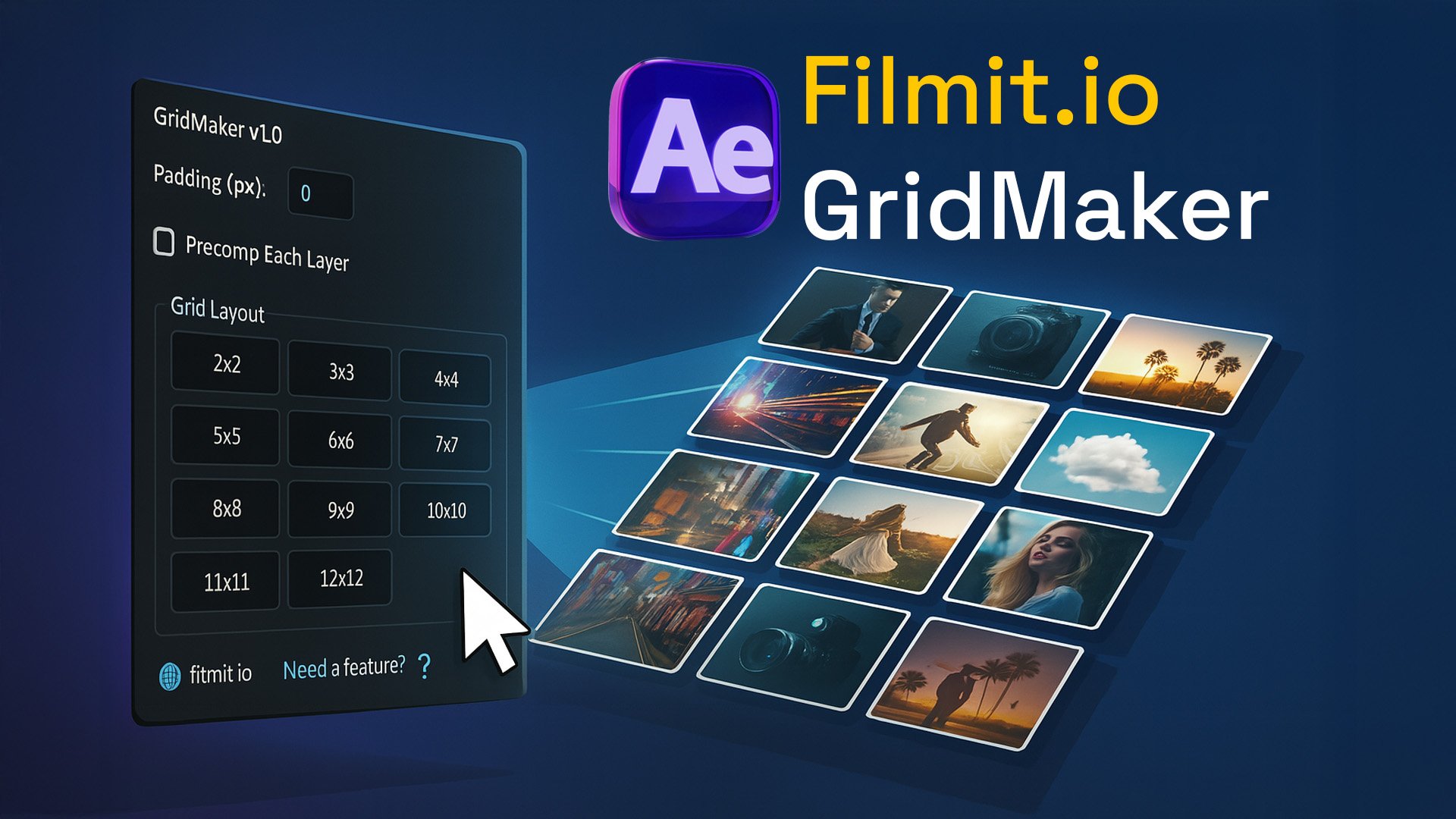
GridMaker is an After Effects panel that arranges your selected layers into a perfect grid automatically — pick a layout, hit go, and it handles the spacing, scaling, and positioning. No nudging pixels by hand, no guessing. Build a clean 2x2 or a wild 13x13 video wall in one click.
What GridMaker does
GridMaker is a lightweight ScriptUI panel that turns a chaotic comp into a beautifully aligned grid. Whether you're building a multi-cam layout, a video wall, or organizing clips for social content, it gives you pixel-perfect structure in a fraction of the time — built for creators who value both speed and precision.
Key features
- One-click layouts — preset buttons from 2x2 up to 13x13 snap selected layers into evenly spaced grids.
- Custom dimensions — enter your own rows and columns (like 7x5) for unconventional formats.
- Smart padding and auto-scale — set custom padding with pixel precision and let layers scale to fit.
- Precomp toggle — group the grid into a precomp when you want.
- Vertical or horizontal stacking — ideal for Reels, TikToks, and other vertical formats.
- Resolution-agnostic — works on any comp at any resolution.
How to use it
Select your layers
Pick the clips or layers you want to arrange in your comp.
Choose a layout
Click a preset (2x2 to 13x13) or type your own row and column combo.
Set padding and go
Dial in your spacing and hit generate. GridMaker positions and scales everything instantly.
You set the layout, GridMaker does the math. It's included with the Filmit Studio subscription alongside every other Filmit plugin.