What Even Is Proximity Animation?
Imagine a grid of dots. When you move your cursor near them, they spread apart, glow brighter, or scale up — and snap back when you move away. You've seen this on high-end websites and motion design reels. It's mesmerizing.
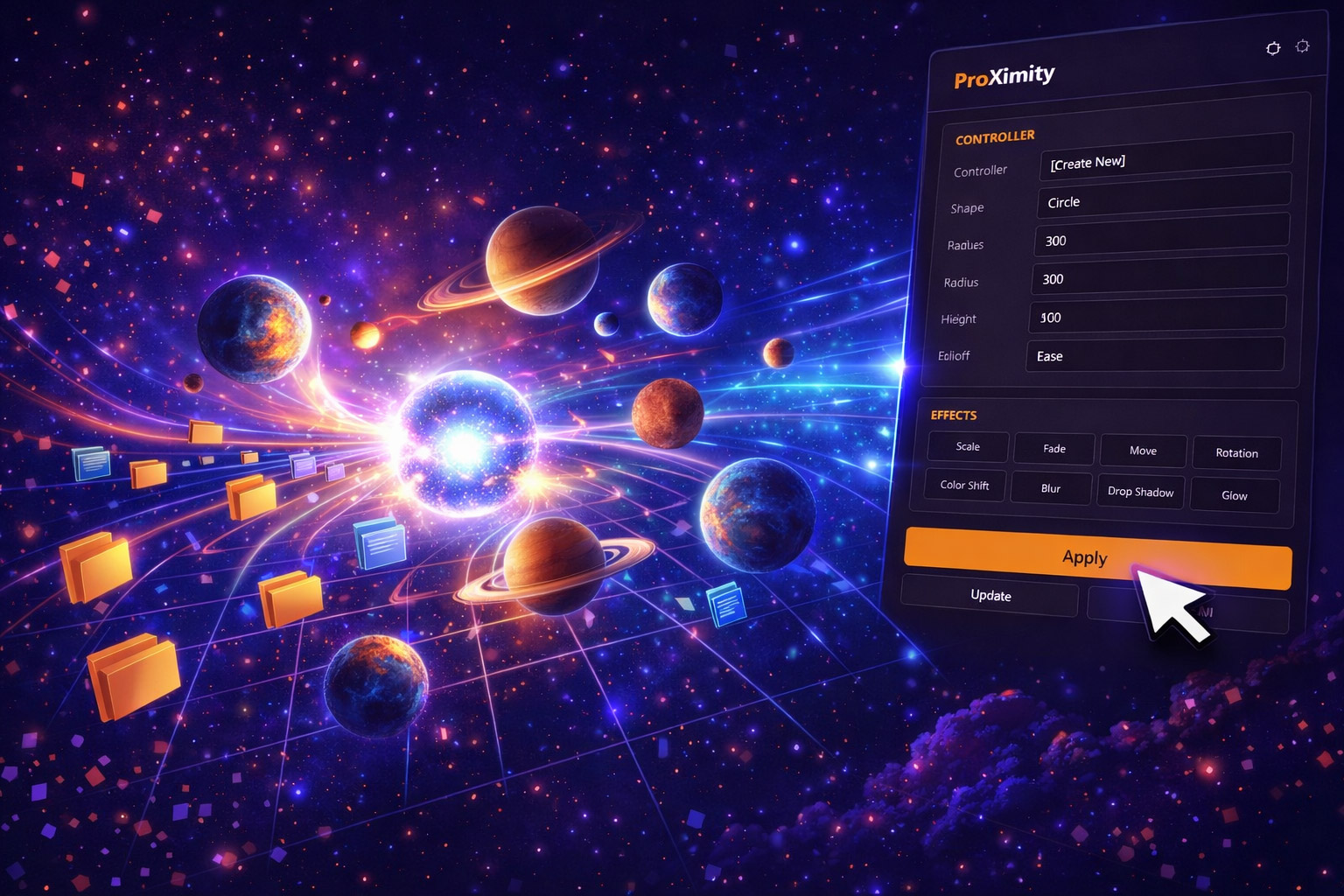
In After Effects, building this from scratch means expressions, controllers, linking parameters, testing, debugging — advanced, time-consuming work even for experienced designers. ProXimity is that entire system, pre-built and ready to apply.
Features
Controller-Driven
One null object controls everything. Move it and watch your layers respond in real time.
Multi-Parameter
React with scale, opacity, position offset, rotation, or any combination. Stack for complex responses.
Range Controls
Set the distance at which layers start and stop reacting. Tight for snappy, wide for ambient.
Any Layer Type
Shapes, text, footage, solids, precomps — apply to anything in your comp.
Easing & Falloff
Smooth acceleration and deceleration as layers enter and exit the influence range.
Zero Keyframes
Pure expression-driven motion. Animate the controller, and you've animated the whole scene.
What You Can Build
- Interactive-feel UI animations for app demos and product showcases
- Magnetic particle fields where elements cluster around a moving point
- Depth simulations where foreground reacts more strongly than background
- Title animations where letters react to a cursor-like controller
- Ambient motion loops with subtle, atmospheric responsiveness
The Nerd Bit: Proximity animation in raw AE requirestoComp(),length(), andlinear()expressions linked to every layer individually. ProXimity does all of that under the hood, packaged into a clean panel with sliders.
Get Every Tool for $20/month
ProXimity + every other Filmit plugin, all updates included.