Your GIFs Should Live in Your Editor
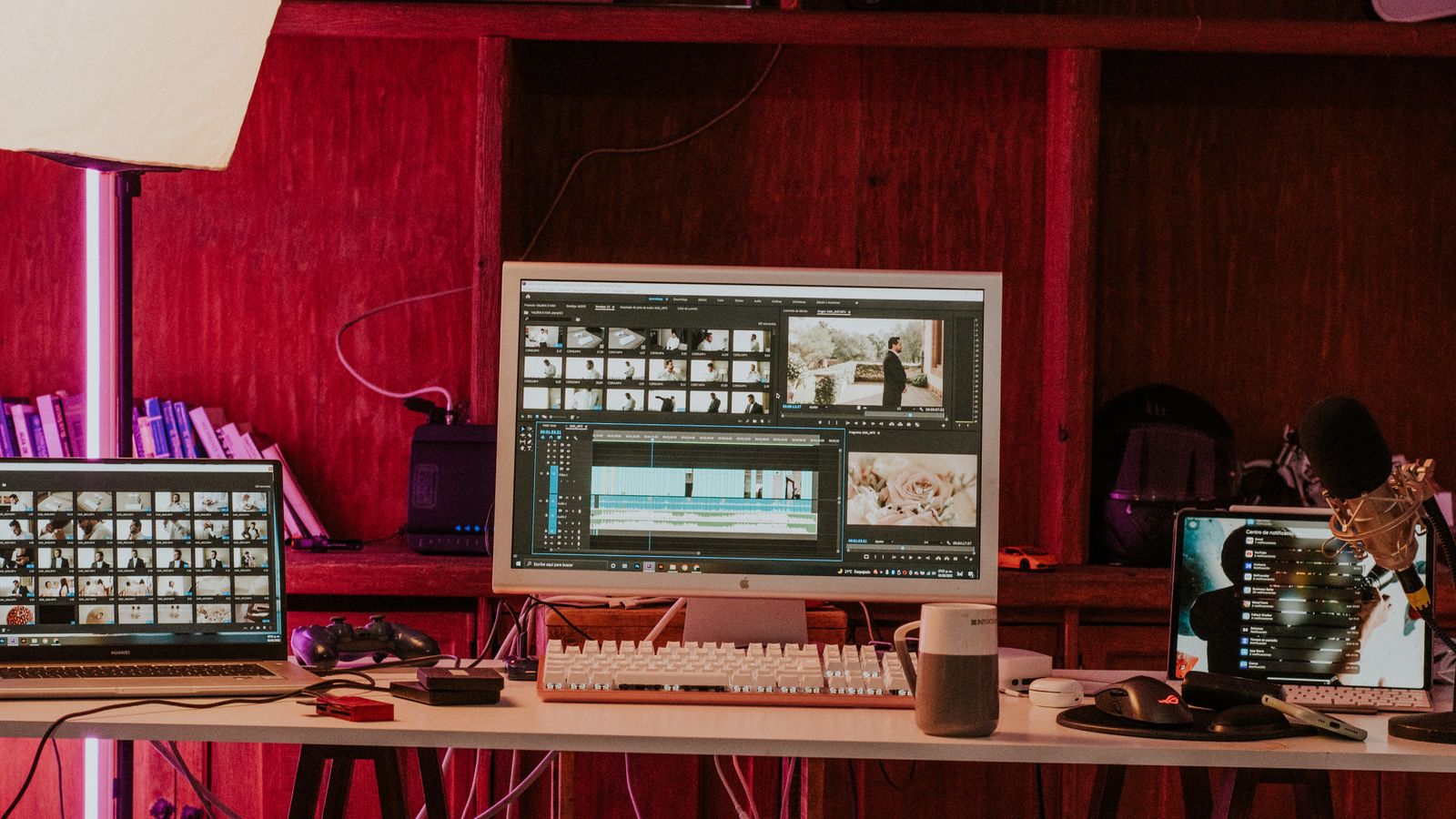
It's 2 PM. You're deep in an edit. You need a mind blown reaction GIF. So you Alt-Tab to Chrome, open Giphy, search, scroll through 40 results, download the one you want, remember it saved to Downloads, switch back to Premiere, import, drag to timeline, realize the sizing is wrong, and scale it manually.
That whole process? Four minutes. For one GIF. GIFer kills that workflow entirely.
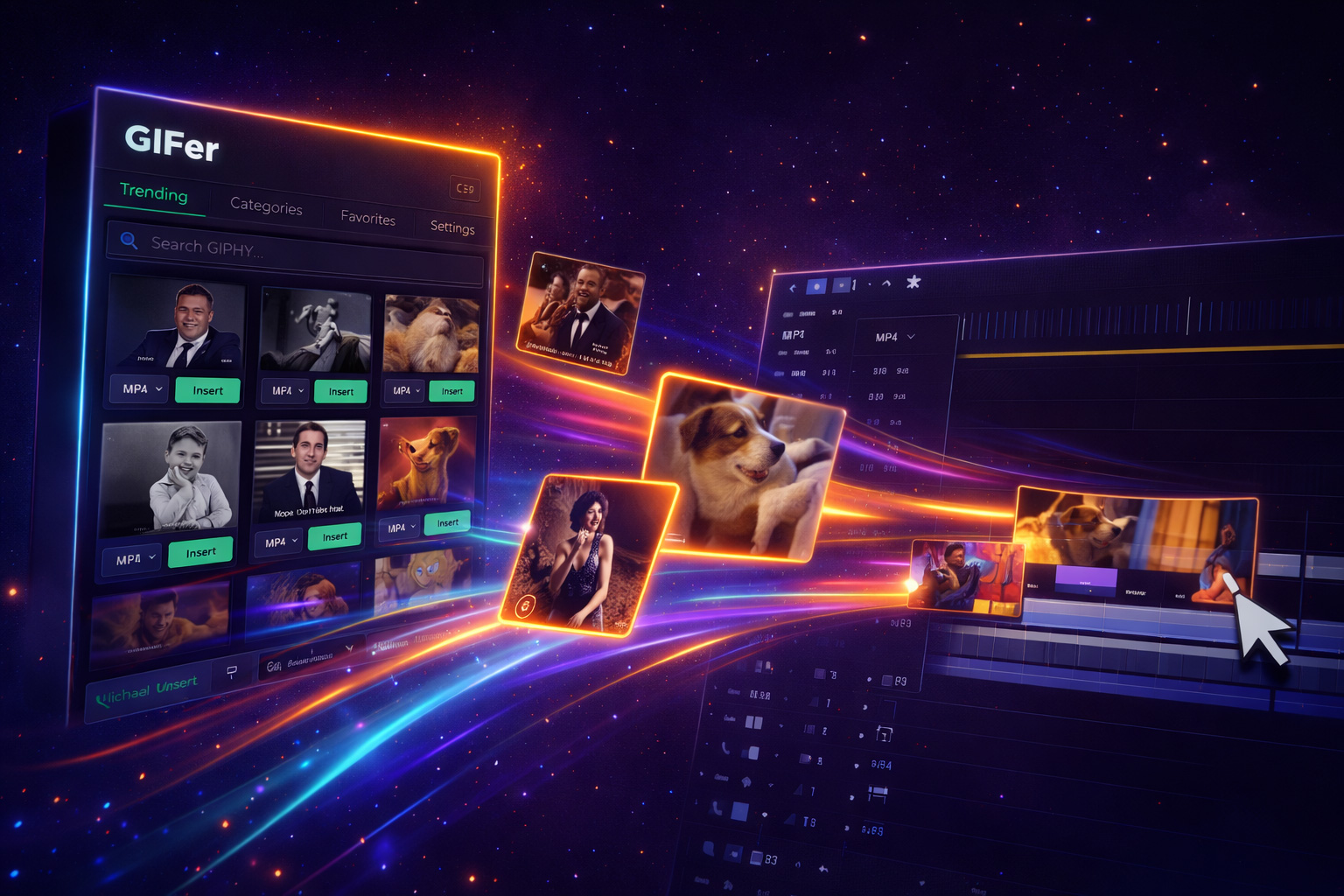
GIFer is a plugin for After Effects, Premiere Pro, and DaVinci Resolve that puts a full GIPHY + Tenor search panel directly inside your editor. Search, preview, click — the GIF drops onto your timeline at the playhead, auto-sized to match your sequence.
Features Worth Talking About
Dual-Source Search
Searches both GIPHY and Tenor simultaneously — millions of GIFs from one search bar.
Trending Section
Not sure what you need? Browse trending GIFs right from the panel.
Favorites
Save your go-to reaction GIFs. No more re-searching for "this is fine" every project.
Auto-Sizing
GIFs come in random dimensions. GIFer auto-resizes to fit your sequence on insert.
Playhead Insert
Click a GIF and it drops at your current playhead position. Clean, fast, intentional.
Cross-NLE
After Effects, Premiere Pro, DaVinci Resolve — one plugin, multiple editors.
Who's Using GIFer
FAQ
Does it work offline?
GIFer needs internet to pull from GIPHY and Tenor APIs — that's how you always get fresh content.
What about file formats?
Handles .gif, WebP, and MP4 variants. Auto-converts to timeline-friendly format on import.
Separate subscription?
Nope. Included with Filmit Studio — along with every other tool — for $20/month.
Get Every Tool for $20/month
GIFer + every other Filmit plugin, all updates included.