The Color Change That Takes Way Too Long
You've wrapped a full motion graphics package. 20 comps. Dozens of solids, shape layers, and text layers. The client comes back: "Can we change the primary blue? It needs to be a bit darker."
The blue is everywhere. You start clicking through comps, layer by layer, finding every instance. 40 minutes for a single hex code change.
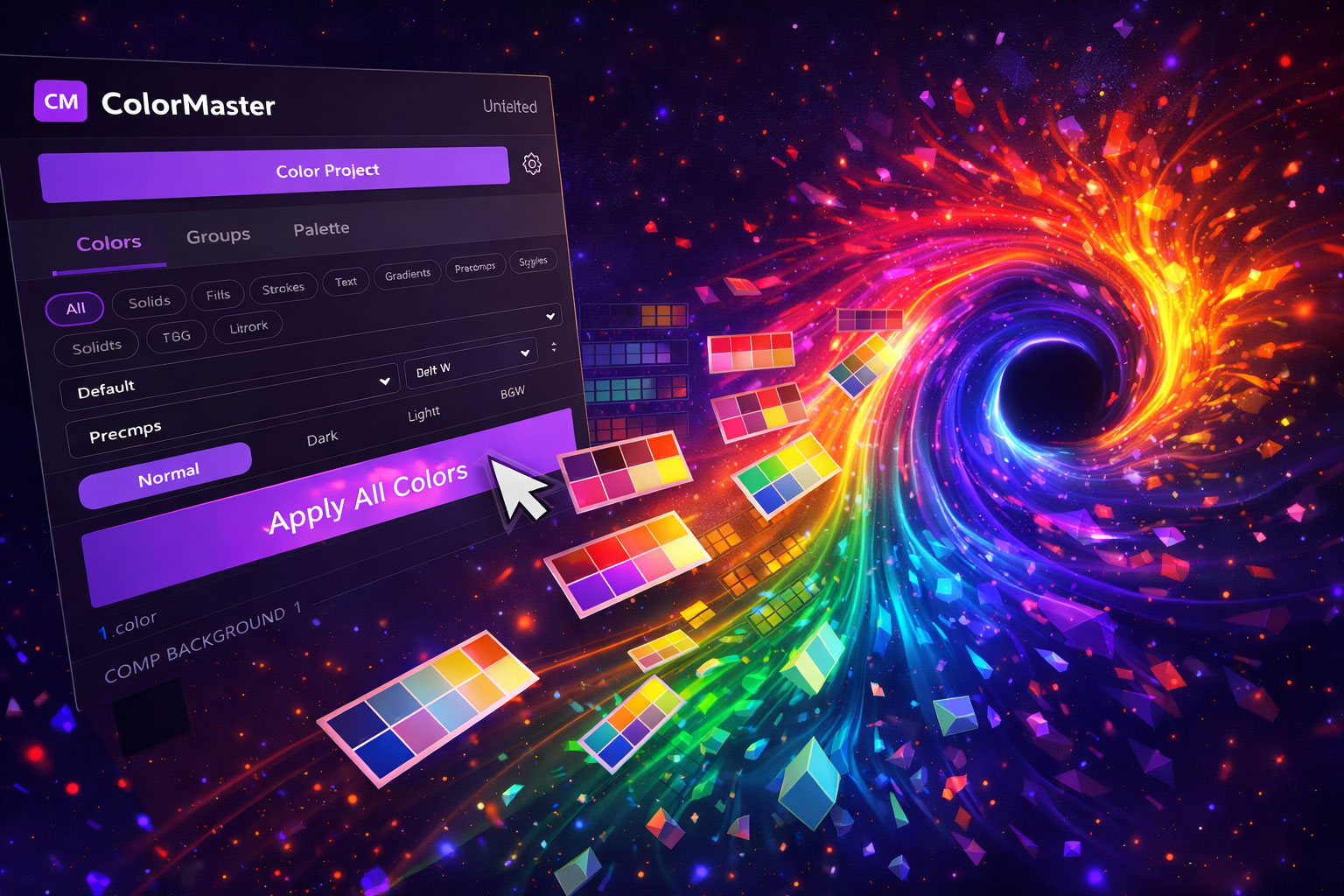
ColorMaster was built for exactly these moments.
Click through 20+ comps finding every instance of a color manually
Change it once in the panel — updates everywhere instantly
Rebrand a template for a new client: hours of work
Apply a saved brand palette in one click. Done in 30 seconds.
Features
Full Project Scan
Finds every color: shape fills, strokes, solids, text colors, gradients. Displayed in one panel.
Centralized Control
Every unique color shows up in the panel. See where they appear and how many instances exist.
Change Once, Update All
Pick a new color, apply. Every instance across the entire project updates simultaneously.
Brand Presets
Save color palettes as presets. Apply a full brand palette to a project in one click.
Consistency Audit
Flag near-duplicate colors — accidental variations of the "same" blue scattered across the project.
Instant Results
What took 40 minutes manually now takes seconds. One panel, every color, total control.
Who This Changes the Game For
Get Every Tool for $20/month
ColorMaster + every other Filmit plugin, all updates included.