The Edit Nobody Talks About
You know the grind. Talking head footage. Podcast clips. The raw footage is always the same: half the content is the speaker breathing, pausing mid-thought, or sitting in silence while they figure out their next sentence.
So you scrub at 2x speed, hunting for every dead spot. Razor. Select. Delete. Close gap. Repeat — sometimes 200 times for a single 20-minute video. Your wrist hurts, the edit is inconsistent, and you still probably missed a few awkward pauses.
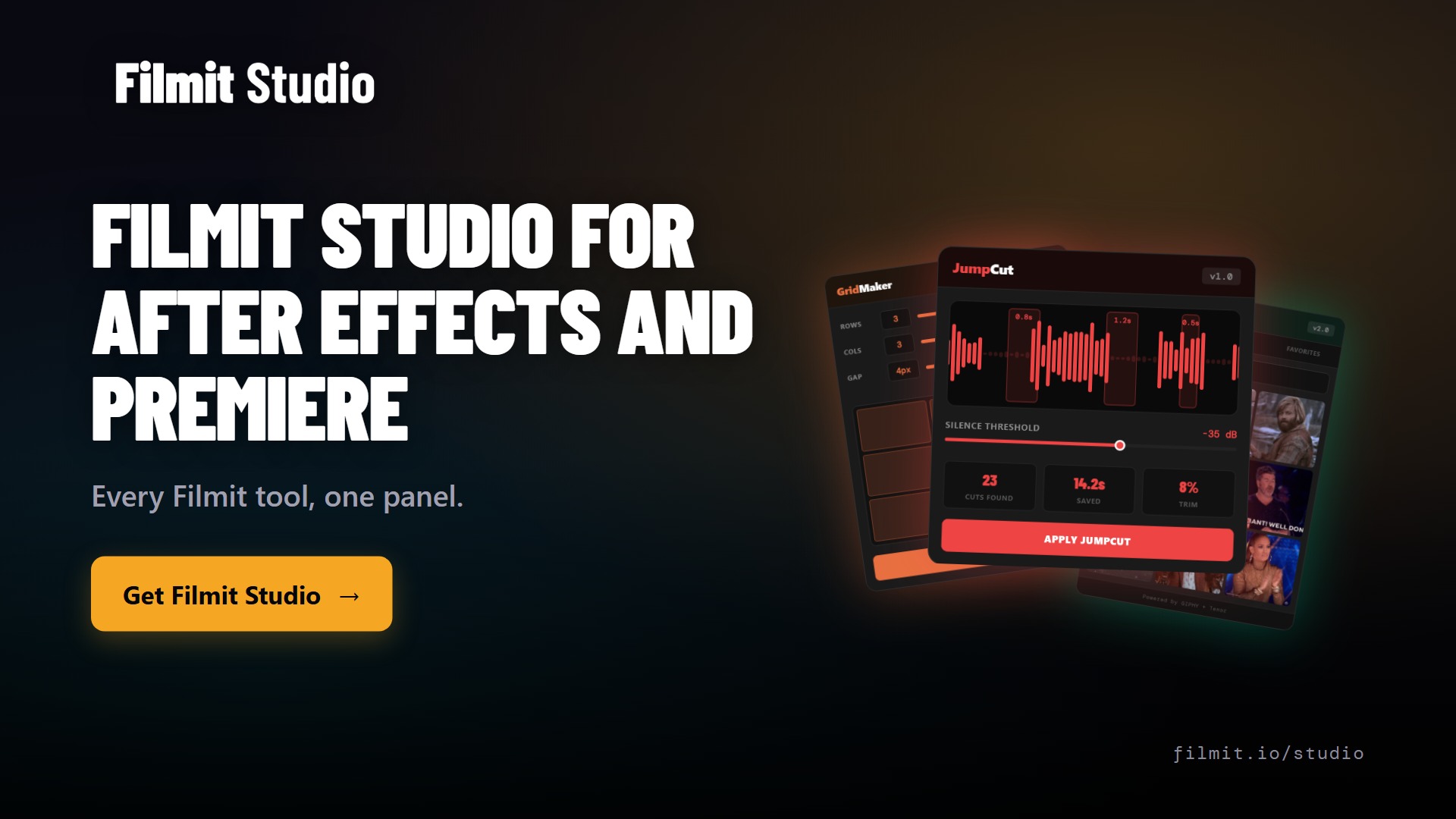
There's a better way. It's called JumpCut.
Load your sequence
Drop one or multiple sequences into JumpCut
Set silence threshold
Define how quiet is "too quiet" for your content
Scan the audio
JumpCut analyzes the waveform and flags every dead spot
Preview the cuts
See exactly where cuts will happen before anything is removed
Apply
Gaps are cut and closed automatically. Seconds, not hours.
Features That Actually Matter
Waveform Detection
Scans actual audio waveform — not guessing based on volume. You set the threshold, JumpCut flags what falls below.
AI-Assisted Cuts
Finds natural pause points and awkward transitions. Cuts feel intentional, not mechanical.
Batch Processing
Drop an entire sequence or multiple at once. Handles everything in a single scan.
Preview Before Commit
See exactly where JumpCut plans to cut. Accept, reject, or adjust individual cuts.
Adjustable Threshold
A dramatic pause in a documentary is intentional. A 3-second gap in a tutorial is dead weight. You decide.
Real Time Savings
Typical 20-minute talking head: 45 min manual vs under 5 min with JumpCut.
Who This Is For
Get Every Tool for $20/month
JumpCut + every other Filmit plugin, all updates included.