Most editors do not have one plugin. They have a dozen, scattered across After Effects and Premiere Pro, each with its own installer, its own license key, and its own update to chase down. Filmit Studio exists to end that. It is one desktop app where a single login installs, activates, and updates every Filmit plugin, then keeps them current in the background while you work.
This guide is a full walkthrough of Filmit Studio: what it is, how to download and install it, and every tab that matters once you are inside, from one click plugin installs to the built in LUT library, API keys, and the license manager that lets you move between machines. If you would rather watch, the video covers the same tour in about four minutes.
This video may reference an older version of Filmit Studio. Features and UI may have changed since recording.
What is Filmit Studio?
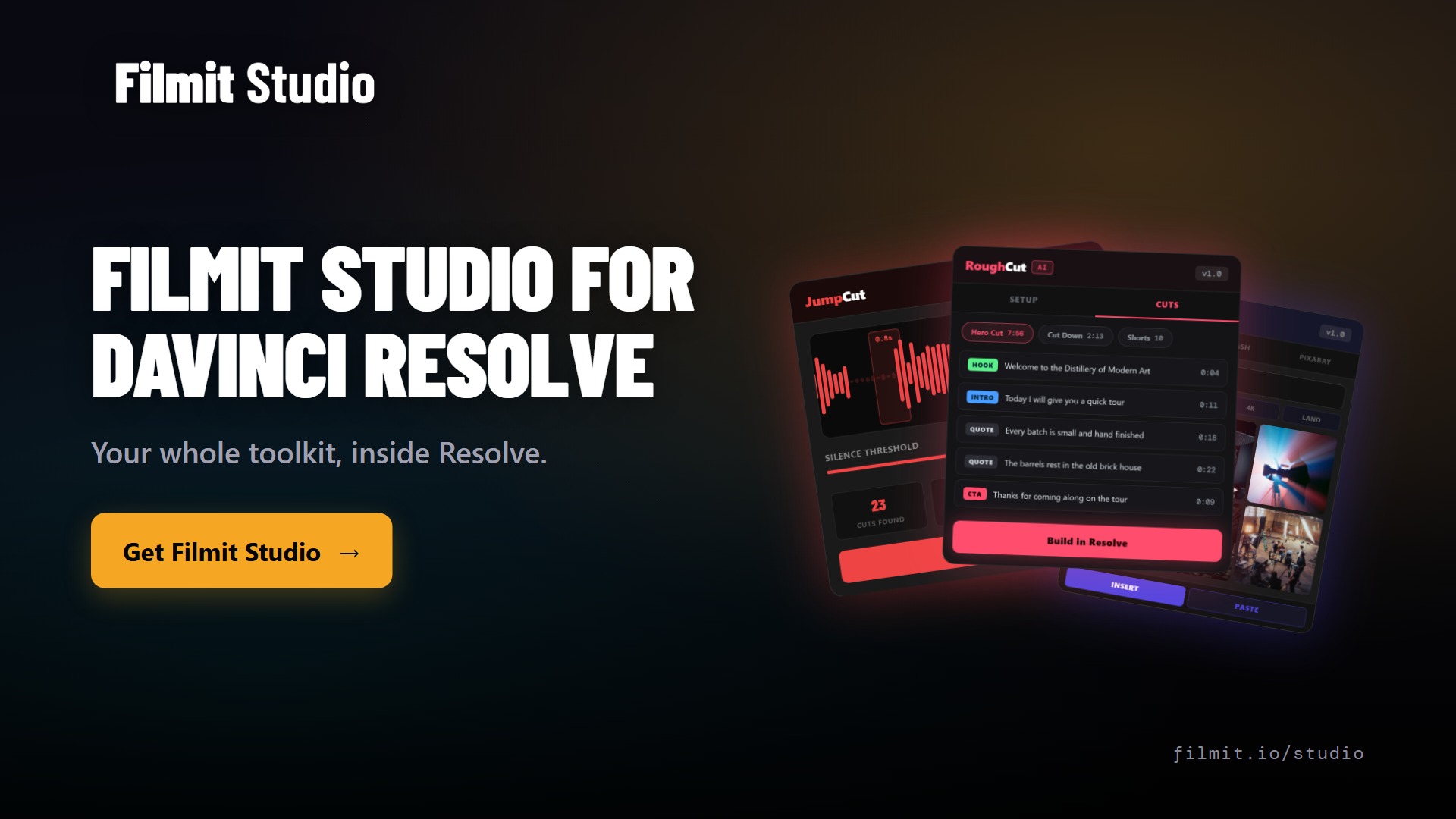
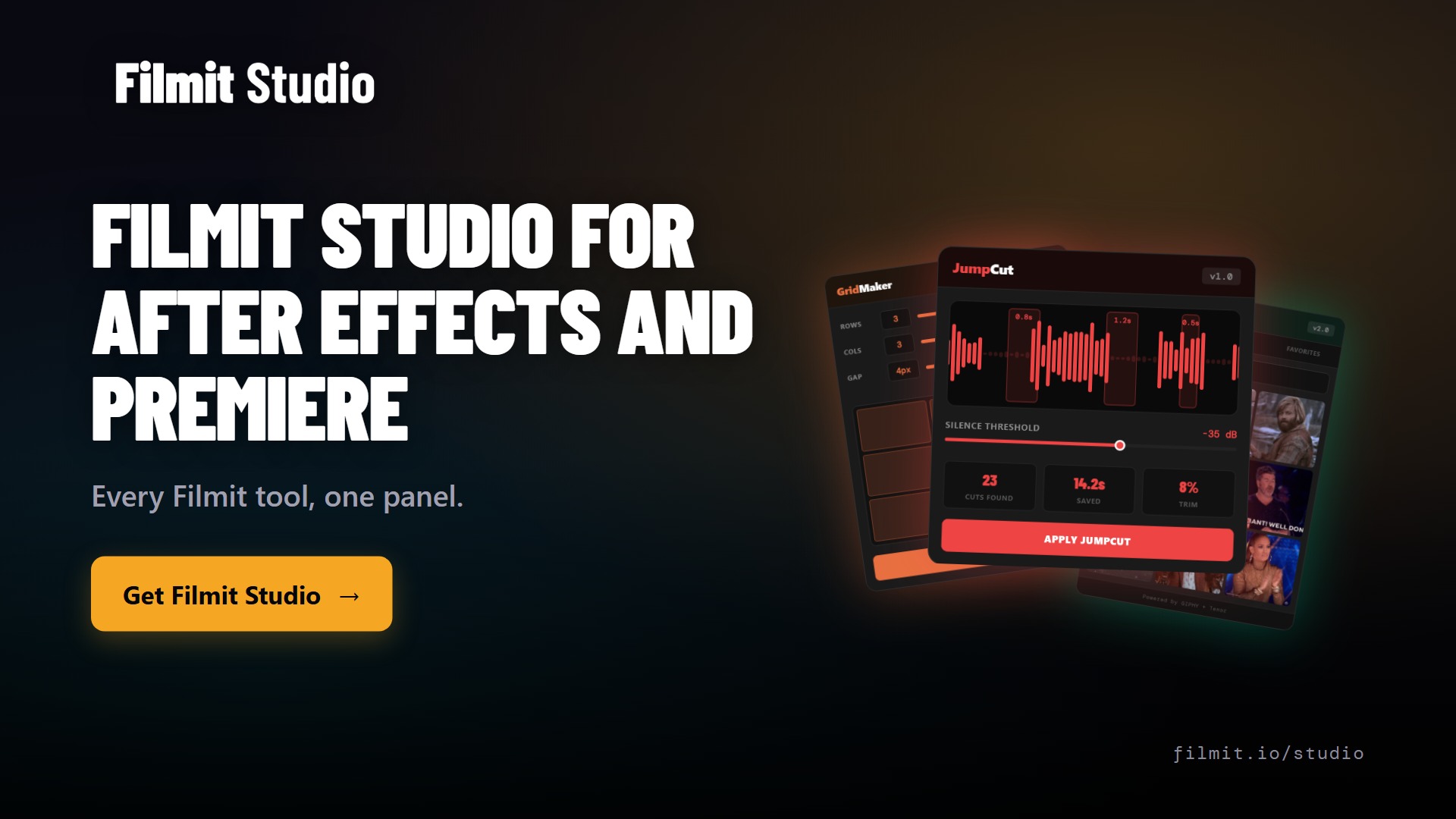
Filmit Studio is the home base for every Filmit plugin. Instead of installing each tool separately and juggling a stack of license keys, you log in once and Studio installs your plugins, activates them, and keeps them updated right inside After Effects and Premiere Pro. Support for DaVinci Resolve and Final Cut Pro is on the way.
It runs natively on Windows and macOS, and the download is small. The idea is simple: one subscription, every tool, always updated. You should never have to think about versions, installers, or where a panel went again.
How to download and install Filmit Studio
Getting set up takes a couple of minutes, and the flow is the same on Windows and Mac.
- Create a free account on filmit.io and open your dashboard.
- Download Filmit Studio for Windows or macOS from the dashboard.
- Install it and log in once when it opens.
- You land on your dashboard inside Studio, where your license shows as active and your current version is listed.
Studio updates often, so do not be surprised to see a new version number. The dashboard also surfaces the change log and the blog, so you can see what shipped recently without leaving the app.
Pro Tip: Bookmark the Discord link in your dashboard. It is the fastest way to reach the team directly, ask a question, or request a feature, and it is free to join.
Install any plugin in one click
The My Tools tab is the heart of Studio and the one you will use most. It lists the entire plugin lineup, and installing any of them is a single click. Want GridMaker in After Effects? Click install and it appears inside your editor. The same goes for the Premiere Pro plugins.
If After Effects or Premiere Pro is already open when you install, just close and reopen it, and the new panel shows up under the Window menu in Extensions. Click into any plugin from My Tools and you get a quick overview of what it does, its change log, and built in buttons to report a bug, request a feature, or jump into Discord.
Pro Tip: Filter My Tools by After Effects or Premiere Pro to see only the panels that work in the editor you are in right now. It keeps the list short when you are hunting for one specific tool.
Plugins that update themselves
Manual plugin updates are the kind of chore that quietly piles up. Studio removes it. When a plugin has a new version, a small update button appears on its card, and tools also update automatically over time. Studio checks for updates every time you open and close it, so you are rarely more than a session behind.
When Studio itself has an update, a line appears at the top of your dashboard. One click and you are current. No reinstalling, no downloading from a website, and no version mismatch between your laptop and your desktop.
The built in LUT library
Studio is not only a plugin manager. The Assets tab gives you a large, growing LUT library you can browse and download from directly. These are looks pulled from real color work, a lot of them movie inspired, and you can preview the before and after on each one before you commit.
Found a LUT you like? Save it, then show it in your folder and install it, or download it straight from the panel without opening a separate page. It is the same idea as the plugins: keep the thing you need one click away, inside the app you already have open.
Pro Tip: Preview a LUT against footage that matches your project before downloading. A look that sings on a daytime exterior can fall apart under mixed indoor light, and the before and after view makes that obvious in seconds.
Free API keys, set up once
A few Filmit plugins connect to outside services, like the Giphy key that powers GIFer. Studio keeps all of those in one API Keys section, with clear setup guides for each. Most of these keys are free and only take a minute to create, and you paste them in once.
Because your key is stored against your account, it syncs between the website and the app, so you set it up a single time rather than per project or per machine. If you ever need the steps, every key has a dedicated guide on filmit.io under API setup.
Manage your license across machines
If you edit on more than one computer, the License page is for you. Every machine you have activated shows up there. You can deactivate one and activate another whenever you need, so moving between a desktop at the studio and a laptop on the road is painless.
Billing lives right next to it, so your plan, your invoices, and your active devices are all in one place. No support ticket required to free up a seat.
Where to get help
Help is never more than a tab away. The Help section links straight to documentation, the Discord community, a bug report form, and a direct email. The feature request page goes to the same place the team watches, so the things you ask for actually land in front of the people building the tools.
Courses are coming too. The My Courses tab will fill with training that posts to the website, and by the time you watch the demo, the first ones may already be live.
Key takeaways
Filmit Studio turns a pile of separate installers and license keys into one app that manages everything for you.
Install and activate any Filmit plugin for After Effects and Premiere Pro from a single account.
Plugins and Studio itself update automatically, so you are never chasing versions.
A growing LUT library, free API key setup, and courses all live in the same app.
The license page lets you deactivate one computer and activate another in seconds.
Create an account, browse every tool, and use the free assets at no cost.
Why one app for everything
I built Filmit Studio because the setup headache was the first thing standing between an editor and actually using our tools. Downloading plugins one at a time, copying license keys, reinstalling after every update, none of that is creative work, and all of it adds friction before you have made a single cut.
Putting everything behind one login changes the relationship you have with your tools. Installs become instant, updates become invisible, and your LUTs, keys, and license follow you from machine to machine. The goal is the same as every plugin we make: get the busywork out of the way so the editing is the only thing left to think about.
Get started with Filmit
Filmit Studio is the front door to the whole toolkit. Once it is installed, the Filmit for Editors suite is a click away, from GIF insertion and stock footage to LUT management and project cleanup, all under one subscription and always updated.
If you want to start with a single tool, GridMaker builds split screens and video walls in After Effects in one click, and Sourcer pulls royalty free stock from Pexels, Unsplash, and Pixabay straight onto your timeline. Install Filmit Studio once and every one of them is there waiting.