Your Project Probably Has a Junk Drawer
Every long-running After Effects project accumulates garbage. Test comps you abandoned. Solids you imported for a version you didn't use. Footage from the first draft. All of it sits there, making the file heavier and the panel harder to navigate.
The built-in "Remove Unused Footage" command is limited and buried in a menu. There's no way to preview what gets removed. Reducer gives you a proper cleanup workflow.
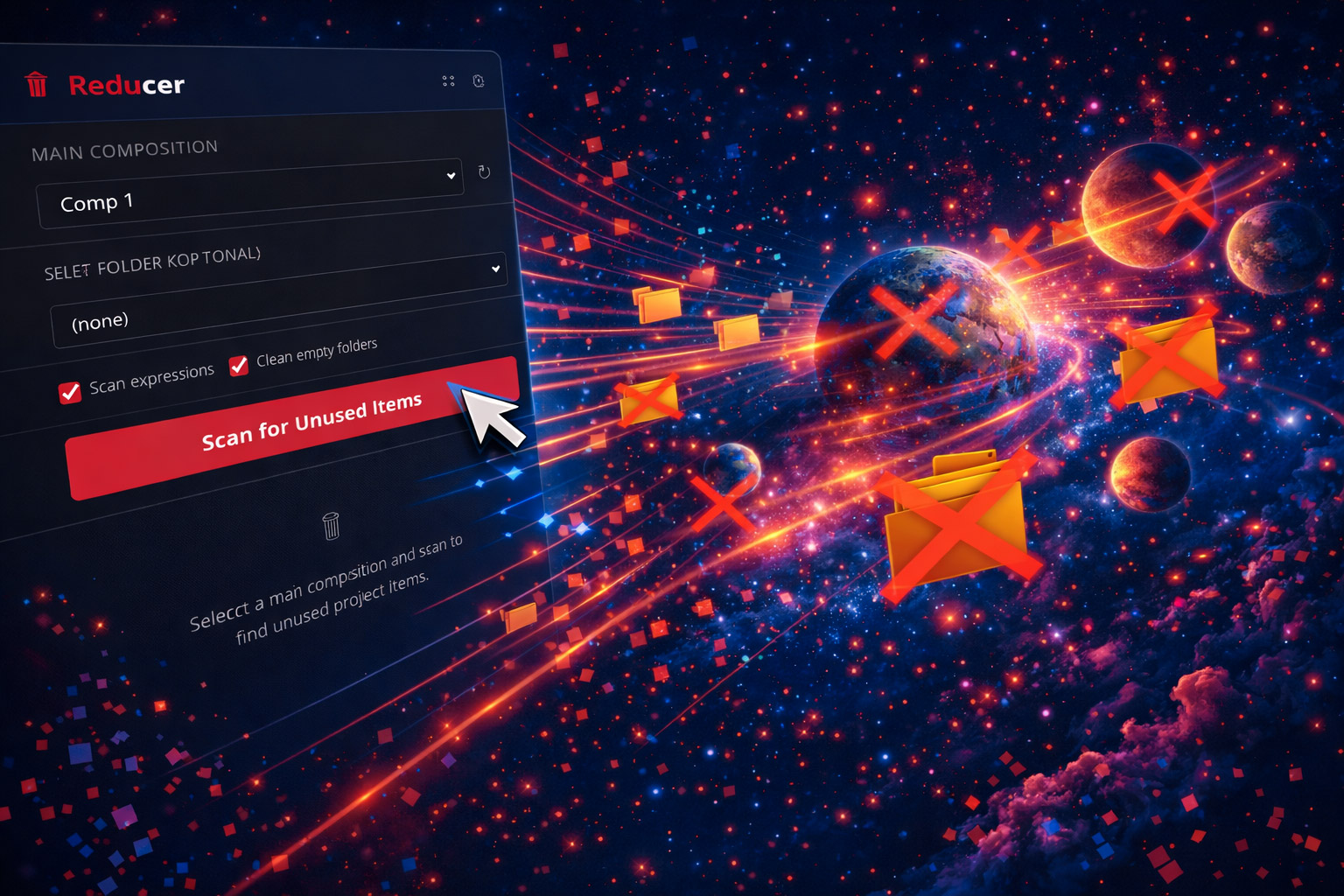
Scan your project
Reducer maps every item — where it's used and where it isn't
Review the dead weight
See exactly what will be removed. Deselect anything you want to keep.
One click cleanup
Remove unused footage, solids, precomps, or all of the above. Clean panel, lighter file.
Features
Full Project Scan
Maps every comp, every item in the project panel, and where each is or isn't used.
Preview Before Purge
See what Reducer plans to remove. Review the list, deselect what stays.
Selective Removal
Remove unused footage only, solids only, or precomps only. You control what gets cleaned.
Performance Boost
Large projects with unused items run sluggishly. Removing junk makes everything faster.
When to Run Reducer
- Before delivery — Clean up before handing off the project file
- Before archiving — Smaller, cleaner archive files
- Mid-project — When the panel gets overwhelming mid-production
- Inherited projects — Someone else's AE mess? Run Reducer first.
Reducer isn't the most exciting plugin. It doesn't make things look cooler. It just makes your working environment cleaner, your files lighter, and your handoffs more professional. But editors who use it can't go back.
Get Every Tool for $20/month
Reducer + every other Filmit plugin, all updates included.