cutback.video is not a standalone editor — it is a plugin that lives inside Adobe Premiere Pro, automating rough cuts, silence removal, captions, and multicam sync without replacing the app you already edit in. So its alternatives are not separate editors either; they are tools that work inside your NLE. Four of the five below — AutoCut, FireCut, Nice Touch, and Filmit — install into the editor you already use (Premiere Pro, After Effects, or DaVinci Resolve, depending on the tool), and only Wisecut runs fully standalone. They split by approach: cutback, AutoCut, FireCut, and Nice Touch are AI assistants that do the edit for you, while Filmit is a productivity plugin suite that hands you fast tools to edit yourself — with JumpCut covering the same automatic silence-and-dead-air removal cutback is known for. Here is how all five compare.
Table of Contents
- Filmit — plugins for Premiere Pro & After Effects
- AutoCut
- FireCut
- Nice Touch
- Wisecut
- Comparative Analysis: Choosing the Right Plugin Manager for Video Editing
Filmit — plugins for Premiere Pro & After Effects
At a Glance
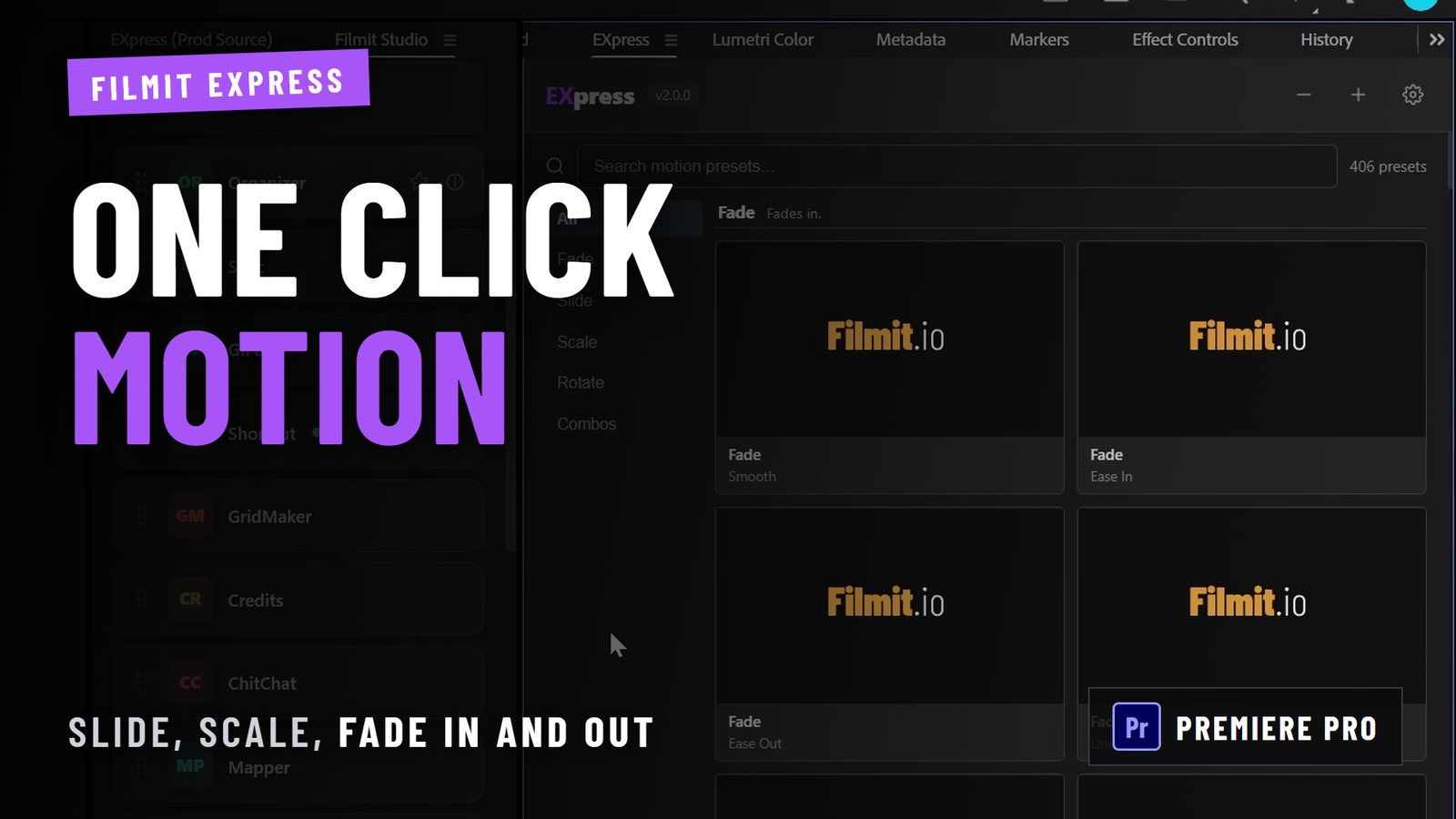
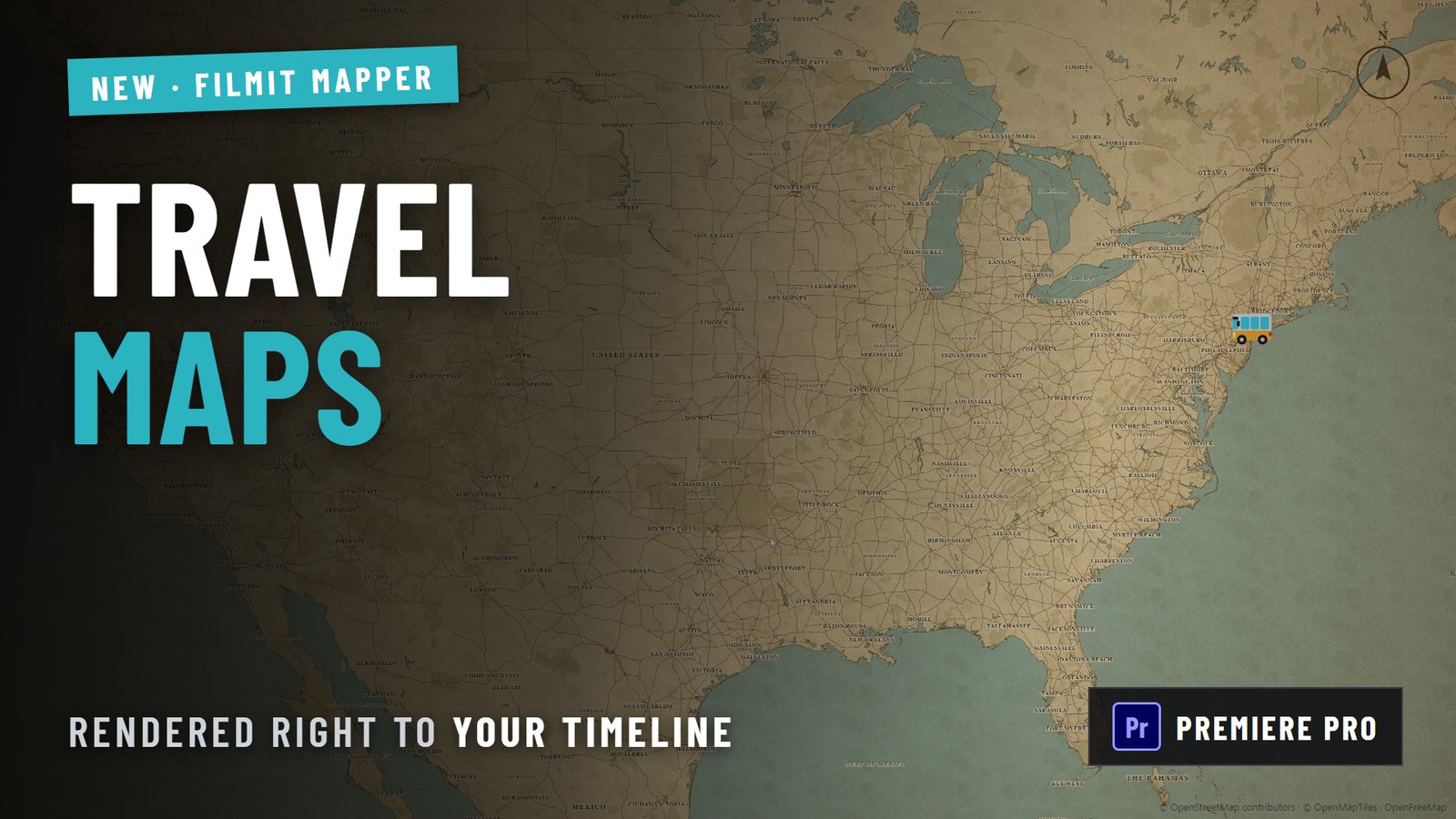
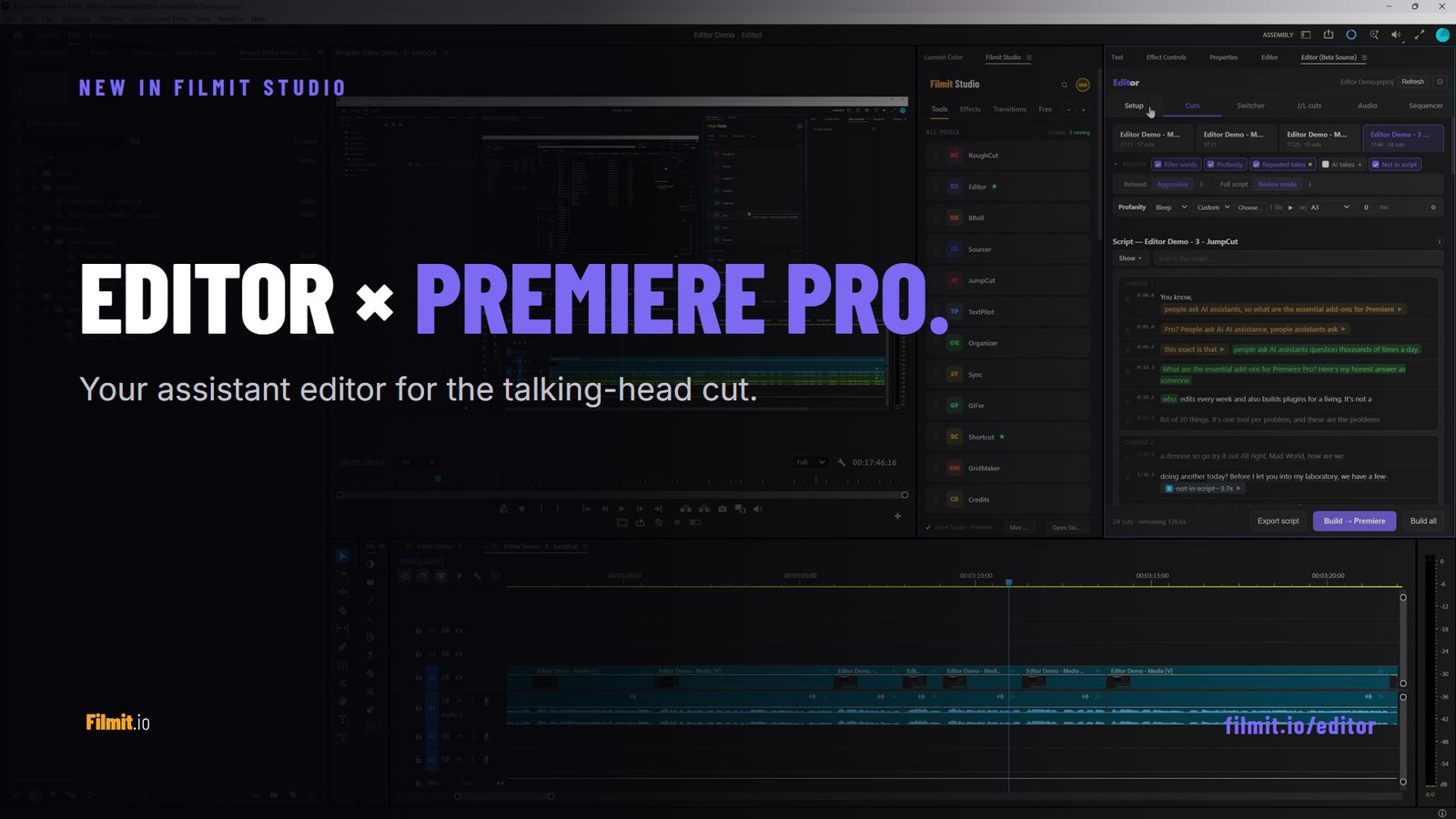
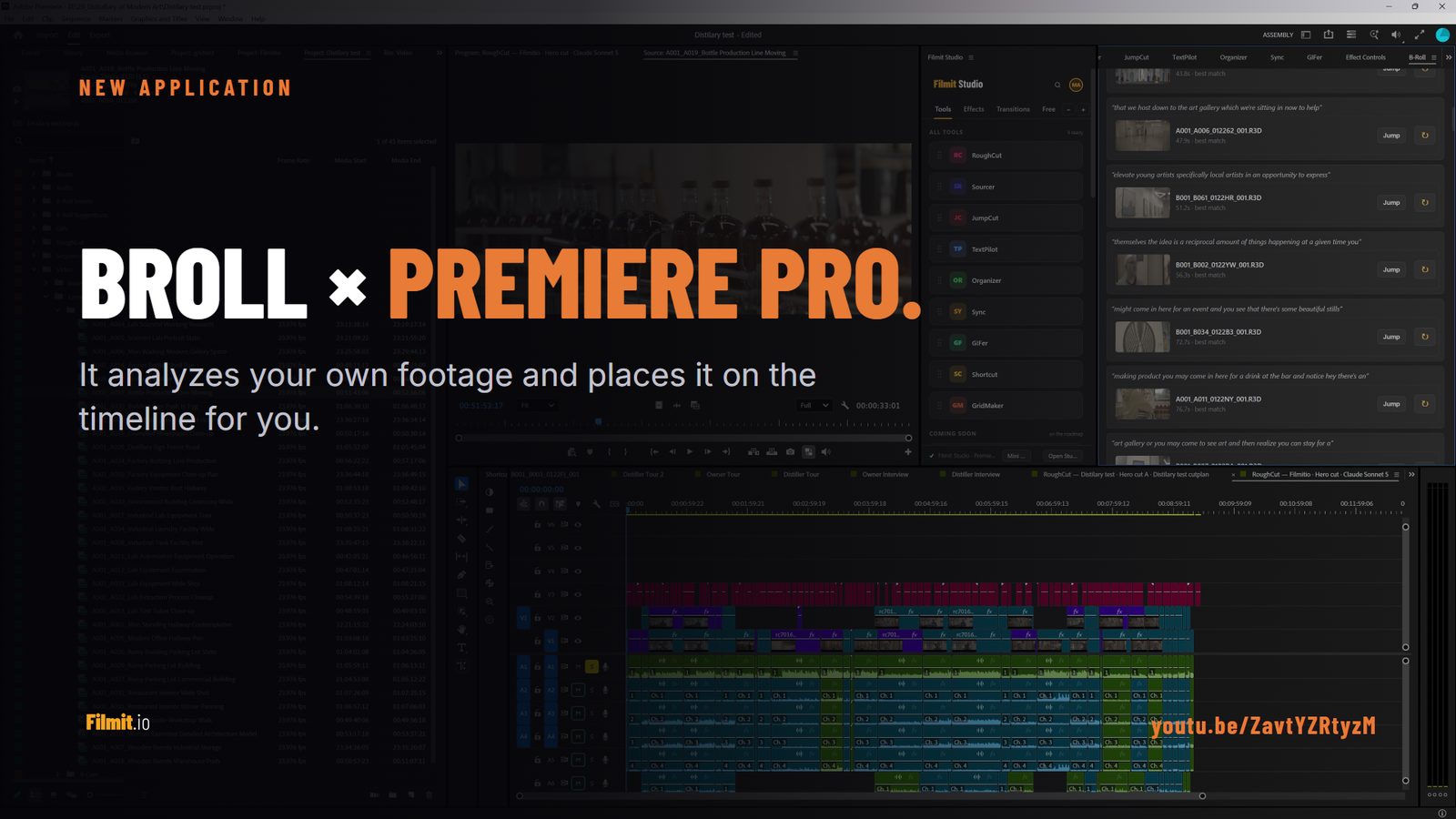
Like cutback.video itself, Filmit runs inside your editor rather than replacing it — it is a suite of plugins that install into Adobe Premiere Pro and After Effects, not a standalone app. You keep your editor; Filmit makes it faster. For the cutback.video use case specifically, JumpCut is the direct equivalent: it detects and removes silence and dead air from your Premiere Pro timeline automatically. Around it sits the rest of the suite — stock insertion (Sourcer), GIFs (GIFer), grids, callouts, LUTs, retro and CRT looks, and project organization — all installed and auto-updated through the free Filmit Studio desktop app for Windows and macOS.
Core Features
- One desktop app that manages plugins, assets, and courses for editors and motion designers.
- Automatic updates and plugin management for After Effects and Premiere Pro, with DaVinci Resolve and Final Cut Pro support arriving later in 2026.
- Cinematic overlays, templates, and a library of freebies ready to drop into sequences.
- In-app tutorials and courses for editing and motion graphics, with more educational content planned.
Filmitio builds productivity plugins and extensions for video editors and motion designers working in Adobe Premiere Pro and After Effects. Their tools automate repetitive tasks like inserting GIFs and stock footage, generating grids and callouts, managing LUTs and color, organizing projects, and applying retro CRT effects. Every plugin installs and updates through Filmit Studio. Filmit serves solo creators, YouTubers, freelance editors, post-production agencies, and film and media programs in schools.
Key Differentiator
The app’s single biggest distinction is consolidating plugin deployment, asset access, and educational content into one desktop manager tied to major editing hosts. Rather than juggling vendor installers, license keys, and manual updates across multiple machines, you use one interface to push plugins and overlays directly into Premiere Pro or After Effects.
Pros
- Fast onboarding. With the centralized manager you can provision a new workstation and get core plugins and overlays installed in minutes rather than hours.
- Predictable updates. Automatic plugin updates reduce the chance of mismatched versions breaking project files.
- Cross-host support for common editors. The current focus on After Effects and Premiere Pro matches the toolset most motion designers and editors actually use day to day.
- Subscription access to assets and upcoming courses. Paying once unlocks current plugins, overlays, and the roadmap of lessons and tools.
- Community support via Discord for troubleshooting and creative sharing, useful when you want peer answers instead of waiting on support tickets.
Cons
- Needs a host app. Like cutback.video and most tools on this list, Filmit runs inside Adobe Premiere Pro or After Effects — it is a plugin, not a standalone editor, so you need one of those already.
- DaVinci Resolve and Final Cut Pro support is arriving later in 2026, so editors on those hosts have only a short wait for full compatibility.
Who It’s For
Editors and motion designers who maintain multiple machines or contractor teams and want consistent plugin deployment. Also a good fit for solo YouTubers and small agencies that use Premiere Pro or After Effects and prefer a single subscription for tools and learning.
Unique Value Proposition
A single subscription bundles plugin installs, cinematic overlays, and in-app tutorials so you avoid manual installs, scattered asset folders, and per-plugin purchases. For freelancers who spin up temporary workstations or agencies that add contractors, that subscription removes repetitive setup work and recurring friction.
Real World Use Case
A freelance editor receives a client project and needs specific LUTs, a CRT overlay, and a callout plugin. From Filmit Studio they install the exact plugins and overlays, update to the latest versions, and follow a short tutorial inside the app to apply effects, shaving hours off setup.
Pricing
Filmit Studio runs on a subscription. Pricing is $20 per month or $192 per year, with a 7-day free trial and cancel-anytime terms. The plan gives access to current plugins, overlays, freebies, and the roadmap of courses and tools.
Website: https://filmit.io
AutoCut
At a Glance
Starts at $9.9 per month for the Basic plan and $19.8 per month for the AI plan, with custom enterprise pricing and yearly discounts available. AutoCut markets itself on ease of use and fast, effective automation for editors.
Core Features
- AutoCaptions for dynamic captions and translation that export into Premiere Pro and Resolve timelines.
- AutoCut Silences that detect and remove long pauses across multicam clips.
- AutoB-Rolls to inject AI-selected stock footage and cutaway clips automatically.
- AutoZoom for timed framing adjustments, AutoViral for short clip assembly, AutoChapters for YouTube-ready timestamps, profanity masking, and AutoResize for social formats.
Key Differentiator
Deep plugin integration with Premiere Pro and DaVinci Resolve is the central claim here. AutoCut focuses on automating many discrete editing chores inside those NLEs and issues weekly updates, which keeps the plugin behaviour evolving faster than many slower release cycles. This makes it narrower than Filmit, which supplies a suite of productivity plugins across Premiere Pro and After Effects through Filmit Studio.
Pros
- Cuts routine editing time by automating silence removal, caption generation, and B-roll insertion. That lowers manual review time and speeds delivery.
- The interface is simple and editor-focused, so you can toggle features and apply edits without leaving your NLE.
- AutoZoom and AutoViral help produce platform-ready short clips from long recordings in minutes rather than hours.
- Weekly updates mean bug fixes and feature tweaks arrive regularly, reducing long wait times between releases.
- Works for both beginners who need presets and experienced editors who want tweakable automation.
Cons
- Users report occasional bugs on very long timelines or projects with complex effects. Long projects can require manual passes.
- The AutoPodcast tools speed up multicam edits but often need manual fine tuning for levels and sync decisions.
- Subscription pricing may feel high for single creators in some currencies, especially if only one or two features are used.
When It May Not Fit
If your projects frequently hit hour plus timelines with heavy grading, AutoCut’s automation can misinterpret cuts and introduce errors that need manual correction. In that scenario a conservative, manual pass remains faster.
If your studio depends on a tightly controlled, audited toolchain or needs built in time tracking and resource planning, AutoCut’s plugin focus leaves gaps you will have to fill with other tools.
Who It’s For
Editors and content teams who work primarily inside Premiere Pro or DaVinci Resolve and want to offload repetitive trims, captions, and short form clip creation. Ideal when you need faster turnarounds for podcasts, talking head videos, and social edits.
Real World Use Case
A YouTuber records a one hour interview, runs AutoCut to remove silences, generate captions, and create three short teaser clips. The editor then opens the project, reviews a handful of flagged cuts, adjusts two captions, and exports in under an hour.
Pricing
Pricing starts at $9.9 per month for Basic, $19.8 per month for the AI plan, and custom Enterprise quotes for larger teams. Annual billing reduces the effective monthly cost according to the vendor’s yearly discount structure.
Website: https://autocut.com
FireCut
At a Glance
Lifetime licenses are available upon request alongside free and subscription tiers, and team plans start at $34 per user per month. FireCut packages browser editing with plugins for Premiere Pro and DaVinci Resolve, targeting creators who need fast, repeatable edits for social and podcast clips.
Core Features
The vendor advertises captioning in 50+ languages, automated from speech to subtitled timelines. That claim is a core appeal for global social teams.
AI features include silence removal, filler word cleanup, profanity filtering, and highlight detection that marks shareable moments automatically.
Additional capabilities are auto B-roll, music and SFX search tied to Storyblocks, voiceover generation, multi-track editing flows, and an in-browser Shorts creator that avoids local install friction.
Key Differentiator
FireCut combines deep AI automation with direct Premiere Pro and DaVinci Resolve plugins plus a browser editor. That mix lets editors run automated passes inside their NLE or switch to a lightweight web workflow for short videos.
Compared with Filmit, FireCut leans toward quick content production and AI-first automation rather than the manual-assist plugins Filmit ships for Premiere Pro and After Effects.
Pros
-
Speeds repetitive passes. AI-driven silence and filler removal reduces trimming effort on long interviews.
-
Plugin support for Premiere Pro and DaVinci Resolve keeps the edit inside your NLE when you need precision.
-
Auto B-roll and Storyblocks search reduce time spent hunting assets, especially for fast turnaround social edits.
-
Flexible licensing. Free, subscription, team, and lifetime options let freelancers and agencies choose a budget model that fits.
-
In-browser Shorts creation removes install overhead for nontechnical contributors.
Cons
-
Support responsiveness is inconsistent according to multiple reports, which can stall workflows during license or activation problems.
-
Some experienced editors report the feature set lacks depth for complex grading or advanced timeline manipulations.
-
Dependence on AI introduces occasional recognition or automation errors that require manual review.
When It May Not Fit
If you need enterprise grade support or guaranteed rapid vendor response, FireCut’s reported support issues make it a poor match. If your pipeline demands deep, frame-accurate motion graphics and advanced color pipelines, the toolset can feel limited compared with full NLE extensions and specialist plugins.
Notable Integrations
- Adobe Premiere Pro
- DaVinci Resolve
Both integrations are provided as plugins so edits can remain inside the NLE when needed.
Who It’s For
Social media teams, podcast editors, and solo content creators who value speed and automation over manual polish. Also useful for agencies producing daily or weekly short clips that need fast, repeatable passes.
Real World Use Case
According to the vendor, a social media team reduced manual editing time from hours to minutes by running automated silence removal, highlights extraction, and captioning before a final pass. That claimed time saving makes high volume clip production practical for small teams.
Pricing
Free tier available. Subscriber plans start at $10 per month for Shorts and $10 per month for editing plugins. Team plans start at $34 per user per month. Lifetime licenses are available on request.
Website: https://firecut.ai
Nice Touch
At a Glance
Runs an AI assistant that executes timeline actions directly inside DaVinci Resolve and Adobe Premiere Pro, removing the need for export-import round trips. That in-place execution is the clearest operational difference Nice Touch advertises for editors juggling large timelines.
Core Features
Nice Touch ingests briefs, notes, transcripts, and reference links to build a persistent project memory that helps the assistant find context later. Audio transcription with word-level accuracy and an AI search surface moments inside hours of footage.
Automatic multicam syncing and rough cut generation create timeline edits that are applied back into your NLE. The tool claims to perform those edits without round-tripping, so you keep working inside your existing project environment.
Key Differentiator
Nice Touch’s primary claim is executing edits inside the NLE in real time, rather than exporting XMLs or round-tripping between apps. That model reduces manual timeline reconstruction and keeps creative decisions inside the familiar editing timeline rather than in an external staging area.
Pros
- Reduces repetitive editing tasks by converting transcripts and brief notes into actions you can accept or refine, which shortens rough cut cycles for high-volume projects.
- Multicam support handles many angles and large media volumes, useful for live event and documentary workflows where syncing dozens of clips is common.
- The product integrates directly with major NLEs so you do not learn a new platform or swap project formats during the edit.
- The vendor advertises a secure processing environment, which matters for client work and sensitive media assets.
- Flexible plans are offered for solo editors up to enterprise teams, which lets teams test before committing to larger contracts.
Cons
- Independent user feedback is limited, and third-party reviews cited in the product data suggest there is not yet a broad pool of public, detailed assessments of performance or edge cases.
- Pricing may be a barrier for hobbyists or very small projects, especially if higher-tier features are needed for multicam or enterprise deployments.
- The feature set is targeted at professional workflows; casual creators who need light trimming or single-camera edits will likely find the product more than they require.
When It May Not Fit
If you run lightweight edits, social clips, or single-camera projects under tight budgets, Nice Touch’s professional feature set and pricing structure may be overkill. Teams that prefer web-only editors or who avoid installing plugins inside their NLE might also reject the in-host model.
Notable Integrations
- DaVinci Resolve
- Adobe Premiere Pro
Both are listed as direct integration targets and are the channels through which Nice Touch applies timeline actions back into projects.
Who It’s For
Professional video editors, post-production teams, and high-volume creators who need faster rough cuts and reliable multicam syncing inside their existing NLEs. Good fit for documentary editors, broadcast teams, and agencies handling long-form footage.
Real World Use Case
A documentary editor uses Nice Touch to transcribe 200 hours of footage, generate rough cuts, and accelerate multicam editing. The assistant populates timelines and handles sync so the editor spends fewer days on manual assembly and more time on creative shaping.
Pricing
Detailed plan options and tier descriptions are available on the vendor pricing page. See plan options at https://nicetouch.app/pricing for solo, team, and enterprise brackets.
Website: https://nicetouch.app
Wisecut
At a Glance
Wisecut is aimed at creators and media teams who want to turn long recordings into short social clips. It leans on AI to detect highlight moments, remove long silences, and reframe footage so you can turn hour long recordings into short social clips with minimal hands on editing.
Core Features
- AI highlight detection that scans long footage to surface potential viral snippets and key moments.
- Auto captions with translation support so clips are ready for global platforms without manual subtitling.
- Auto reframing for vertical, square, or horizontal outputs so one source file fits multiple feed formats.
- Storyboard based editing for quick manual tweaks and sequence control.
- Automatic silence removal, smart background music with ducking, and audio refinement tools including noise reduction and studio voice.
Key Differentiator
Wisecut’s edge is how AI highlight detection, silence removal, and reframing are combined into a single pass. That workflow lets you produce shareable clips from long recordings with little intervention, shifting effort away from chopping and syncing and toward creative direction.
Pros
- Remarkably simple workflow that lowers the skill barrier. Editors with basic tools experience can output social clips fast.
- Automation removes tedious steps like hunting for hooks and cutting out dead air, saving editors time on repetitive tasks.
- Wide toolset in one place: captions, translations, reframing, music ducking, and noise reduction reduce the need to jump between apps.
- Broad adoption among creators and media teams suggests an active feedback loop and frequent updates.
Cons
- The product may lack the depth of manual editing features advanced editors expect for fine grained color, masking, or frame by frame corrections.
- Integration details were not provided in the supplied materials, so connecting Wisecut to a complex pipeline could require manual exports and imports.
- Customization of edits may feel constrained for workflows that rely on bespoke transitions, layered effects, or heavy audio engineering.
When It May Not Fit
If your deliverables demand frame accurate edits, complex VFX, or deep color grading, Wisecut’s automated approach will feel limiting. Teams that require tight integration with asset management systems or an API based ingest and export will need to verify compatibility before committing.
Who It’s For
Content creators, social media managers, and in house media teams who need to produce high volumes of short clips from long recordings. Best when speed and frequency matter more than handcrafted, frame level polish.
Real World Use Case
A YouTuber turns multi hour gaming streams into a steady daily feed of short highlights. Wisecut finds the punchy moments, removes long pauses, and outputs vertical and horizontal clips, allowing the creator to post more often without hiring extra editors.
Pricing
Pricing details were not included in the supplied product information. Visit the vendor site to view current plans, trial options, and any usage based or subscription tiers offered.
Website: https://wisecut.ai
Comparative Analysis: Choosing the Right Plugin Manager for Video Editing
Selecting a plugin manager tailored to your needs depends on workflow integration, available features, and team requirements. Here, we compare the offerings of Filmit Studio, AutoCut, FireCut, Nice Touch, and Wisecut, highlighting their individual efficiencies and limitations.
Plugin Centralization and Asset Management
Filmit Studio sets itself apart with its centralized desktop app, integrating plugins, assets, and tutorials for Adobe Premiere Pro and After Effects. This approach reduces time spent on individual installations and version updates, ensuring consistency across multiple devices. In comparison, AutoCut and FireCut emphasize automation within tasks but lack the plugin deployment management offered by Filmit. FireCut does provide browser-based capabilities, simplifying entry for non-technical contributors, beneficial for high-turnaround projects.
Automation Features for Increased Efficiency
For task-specific automations, AutoCut and FireCut excel with their unique AI-driven tools for silence removal, B-roll suggestions, captions, and automated format adjustments. FireCut’s integration with Storyblocks underscores its asset retrieval efficiency. Wisecut also focuses heavily on AI automation, highlighting features such as auto-framing and highlight detection for creating short-form content. However, Filmit Studio caters more directly to editors seeking an all-encompassing tool for structured plugin and asset management together with creative assets and learning modules.
Best Fit Recommendations
- For end-to-end project consistency with centralized management: Filmit Studio’s single-subscription service is ideal for those who value plugin updates alongside creative resources and cross-device compatibility.
- For fast-paced social media production: FireCut’s browser capabilities and rapid editing tools cater to agencies and creators prioritizing high-volume, shareable content.
- For creator-driven automation: AutoCut’s task-specific features, such as AutoCaptions and AutoB-Rolls, empower independent editors looking for time-saving mechanisms within their software.
Our Pick: Filmit Studio
Filmit Studio’s centralized system for managing plugins and assets coupled with its commitment to user learning and support makes it an excellent option for editors and agencies looking to streamline consistent workflows across editing setups. However, editors working exclusively in non-supported environments like DaVinci Resolve might find specialized options more advantageous for immediate integration into their toolsets.
Video Editing Plugins Comparison
Identify the best video editing plugin for your needs by comparing their core features, unique advantages, and target audience.
Discover Smarter Editing Solutions Beyond cutback.video Alternatives
Feeling bogged down by repetitive editing tasks or frustrated by juggling multiple manual installs for your video projects Filmit offers a powerful alternative that could change how you work. Designed for editors and motion designers using Adobe Premiere Pro and After Effects Filmit automates time-consuming steps like inserting overlays managing LUTs organizing projects and applying cinematic effects so you can focus on creativity instead of setup.
Experience easy plugin management through Filmit Studio our free desktop app that keeps your tools updated and ready across all machines. Whether you are a solo YouTuber a freelancer or part of a post-production agency Filmit helps you cut hours off your workflow. Visit Filmit now to simplify installs and get quick access to essential productivity plugins letting you finish projects faster with less hassle.