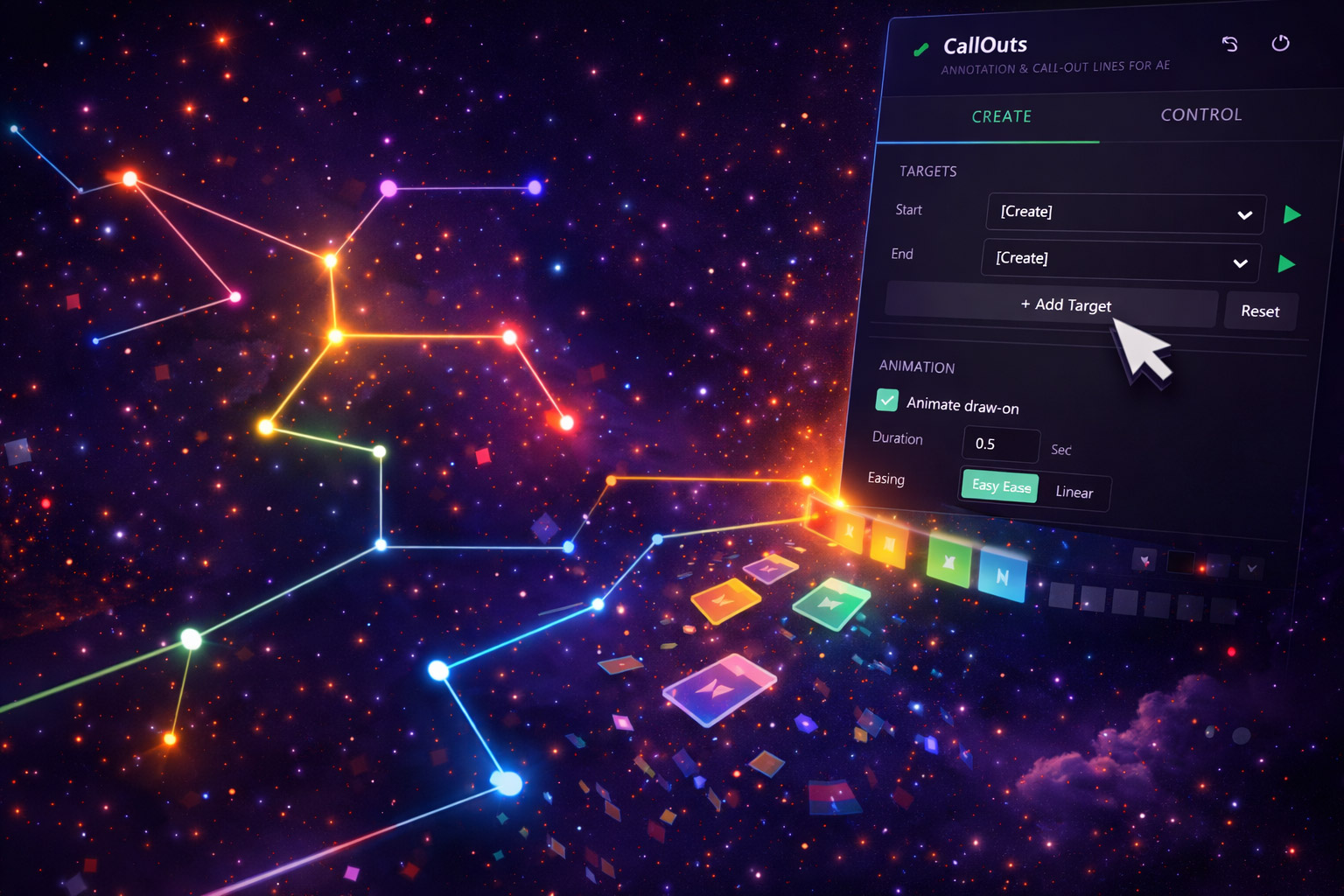
Callouts Are Everywhere. Making Them is Painful.
Product reveal videos. Explainer animations. Tutorial walkthroughs. Callouts are one of the most commonly used motion graphics elements — and a pain to build from scratch every time.
You draw a shape. Add a text box. Rig a line to connect them. Try to animate it in. Realize the line isn't connected to anything. Figure out how to track it to a moving subject. Spend an hour keyframing a callout that's on screen for 4 seconds. Multiply that by 10 callouts. CallOuts handles all of this.
Features
Custom Designs
Choose from a range of callout styles. Adjust line weight, pointer, text formatting, fill, and border.
Animated In & Out
Built-in animation presets for entrance and exit. No manual keyframing required.
Object Tracking
Track a moving subject and keep the callout locked to it throughout the clip. No manual position keyframing.
Multi-Callout Layouts
Add multiple callouts without collision. Spatial logic keeps annotations readable.
Quick Edit Mode
Change label text or position without diving into the layer structure.
Professional Quality
Match your project's visual language exactly. Not a one-style-fits-all tool.
Use Cases
The tracking feature alone sets CallOuts apart. Most AE annotation tools give you a static element you have to manually keyframe. CallOuts does the tracking work for you — the part that actually eats time.
Get Every Tool for $20/month
CallOuts + every other Filmit plugin, all updates included.