Expressions: AE's Best Feature (and Most Intimidating)
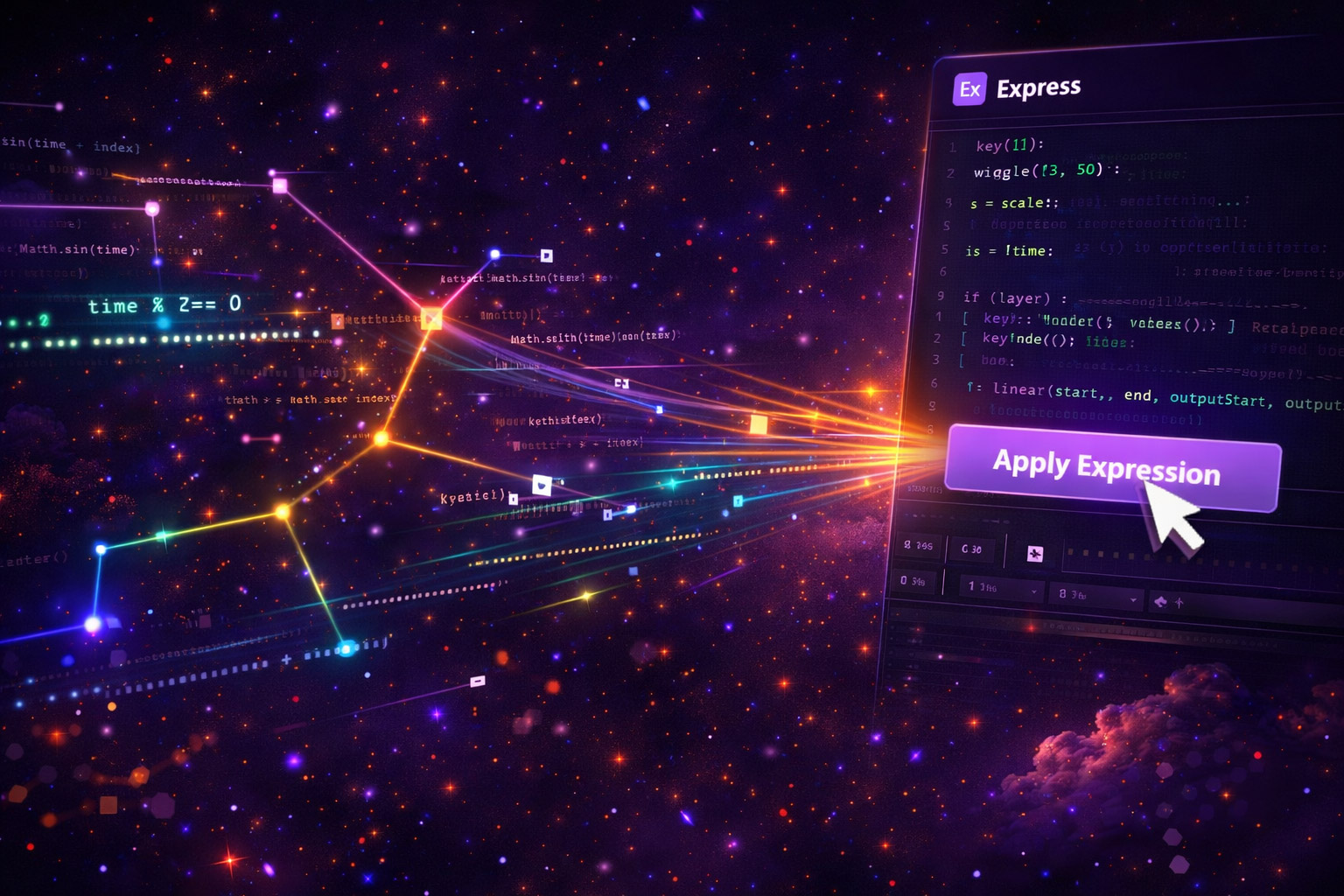
Expressions unlock a whole other level of animation control. Loops that maintain perfect timing. Bounce physics that feel natural. Wiggle effects with adjustable frequency. The problem? They're written in JavaScript. Unless you use them constantly, you're Googling the syntax every time or just not using them.
EXpress takes that barrier and eliminates it.
The Preset Library
Loop Expressions
Cycle, ping-pong, continue. Perfect loops without calculating keyframe timing manually.
Bounce & Overshoot
Physics-based landing animations. Set decay and frequency for a natural, weighted bounce.
Wiggle
Controllable frequency, amplitude, and octaves. The classic expression, now a one-click apply.
Typewriter
Animated character-by-character text reveal with adjustable speed. Works on any text layer.
Flicker
Opacity flicker for faulty lights, old screens, or stylized glitch effects.
Elastic & Inertial
Rubbery motion with customizable tension. Momentum that overshoots and settles naturally.
Who This is For
The Nerd Note: EXpress applies real AE expressions — actual code that runs in AE's expression engine. You can always open and edit them manually if you need to customize beyond the panel's parameters.
Get Every Tool for $20/month
EXpress + every other Filmit plugin, all updates included.