Building a grid of footage in After Effects is one of those jobs that looks simple and turns into an afternoon. You scale and position every clip by hand, line up the gaps, nudge each one until the rows are even, and then do it all again when the design changes. A video wall, a split screen, a tiled montage: the layout is easy to picture and slow to assemble.
GridMaker collapses that into a click. Highlight your clips, pick a size, and it grids them for you. Then, when you want more than a flat grid, Advanced Mode opens up ten grid types that each build a real, keyframed, editable comp inside After Effects. This is the full demo: the original one-click GridMaker, and a tour of everything Advanced Mode can do.
This video may reference an older version of GridMaker. Features and UI may have changed since recording.
What is GridMaker?
GridMaker is a Filmit plugin for After Effects that turns footage into grids. It has two sides. The original, tried-and-true GridMaker does one thing fast: you highlight your clips and click a size, and it arranges them into a grid. Advanced Mode is a second window built for design, with ten different grid types and full animation baked in.
It is a paid plugin, but it comes with a 7-day free trial, and it lives in the Filmit Studio Suite. You install it from the desktop app on your dashboard, and the trial unlocks the whole growing library, including the Premiere Pro tools, the DaVinci Resolve tools, and the Filmit FX and Transitions libraries.
The original: one-click grids
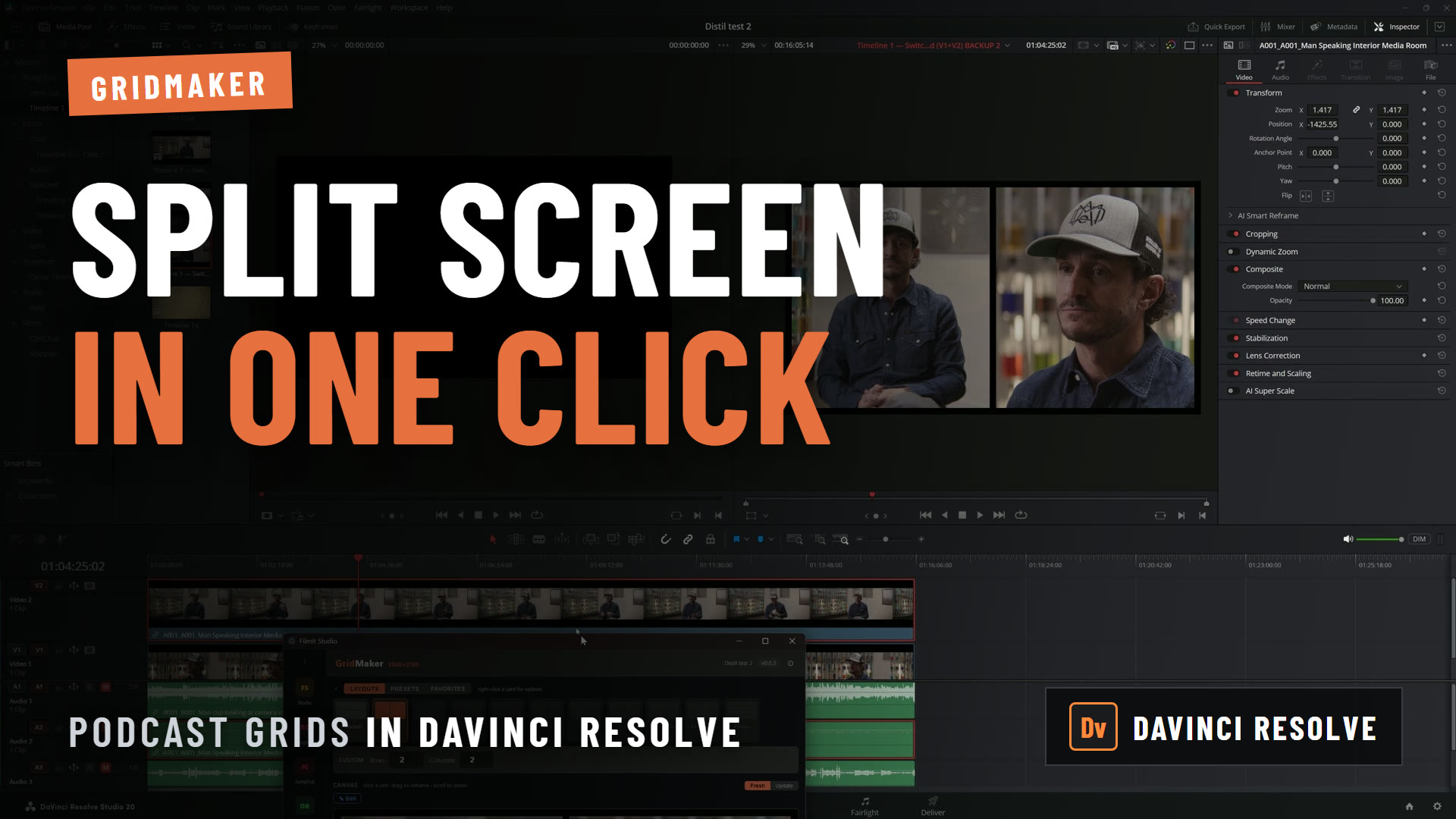
The heart of GridMaker has stayed the same on purpose, because it just works. Drop your footage on the timeline, highlight the clips, and click a size in the panel. Click 2x2 and GridMaker grids your footage into a two by two layout. The original pairs naturally with Sourcer, our stock media plugin, so you can pull in free clips and grid them in the same sitting.
It scales as far as you need. If you had 100 clips and clicked 10x10, GridMaker would lay them all out in a ten by ten grid. That is the whole interaction: select, click, done. No manual scaling, no lining up gaps, no per-clip positioning.
Pro Tip: Pull your footage in with Sourcer first, select all of it at once, then click the grid size. GridMaker grids everything in the selection in one go, so a full video wall is two clicks from an empty timeline.
Advanced Mode: ten grid types
When GridMaker is open, click Advanced Mode and a new window opens with a lot more to work with. Every grid type follows the same logic: settings live on the left, your grid previews on the right, and two buttons finish the job. Create New Comp builds fresh shapes for the grid, and Apply to Selection wraps the layers you already have. Either way GridMaker builds a real After Effects comp with real keyframes you can retime later, plus a stack of animation presets and duration sliders to dial in the feel. Here is a quick tour of all ten tabs. For step-by-step tutorials on each one, head to the deep-dive guide.
Flat is the design version of the original grid. You start from a familiar grid composition, then customize it: add a spacer, delete a cell, grab a box and make it larger. When you are happy, Create New Comp builds it in After Effects.
3D Spatial takes the same idea into depth. It builds a 3D grid of your cells that can scale up, scale down, and rotate as it animates, so the layout reads as a moving object in space rather than a flat wall.
Path arranges your boxes along a path. You can edit the path directly, import a custom path from After Effects, or pick from presets like circle, square, and star to send the grid along a shape.
Tessellate tiles the frame with a repeating shape. You choose hexagons, triangles, diamonds, or squares, and it fills the area with a clean tessellated pattern, with the same gap and corner controls as the rest.
Charts turns the grid into motion-graphic chart shapes. There are plenty to choose from, including funnel and stacked charts, so you can build animated data visuals for a custom motion graphics piece without leaving the tool.
Fracture shatters the frame into shards. You set how many, from a few large pieces to a whole field of fragments, and control the gap and corners, which is great for shatter reveals and break-apart transitions.
Pack is the circles grid. It packs circles into the frame, and you control how many, how much gap, and how much the sizes vary, for an organic packed-bubble look.
Jigsaw builds a real puzzle, with control over the knob sizes and the number of pieces per row. It includes a single-image option so GridMaker breaks one image up correctly across the pieces, which keeps it looking right through 3D zooms and scales with no odd masking.
Text Fill fills text with your grid cells, so your footage or shapes pour into letterforms. It is a fun, fairly new tab, and the kind of thing we would love animator feedback on, so tell us in the comments or on Discord what you would add.
Camera is a grid you fly through. It is still a grid, but a camera moves around it, and a shot section lets you choose where it goes: start on the full grid, zoom into cell two, then move to cell sixteen, and back out again. Add as many cells as you like and let it roam.
Pro Tip: Use Create New Comp when you want GridMaker to build the shapes for you, and Apply to Selection when you already have layers to arrange. The build is non-destructive either way, with pre-comps and keyframes you can open and adjust afterward.
Key takeaways
GridMaker covers both ends of the job: a one-click grid for speed, and Advanced Mode for design and animation.
Highlight your clips, click a size from 2x2 to 10x10, and GridMaker arranges them instantly.
Flat, 3D Spatial, Path, Tessellate, Charts, Fracture, Pack, Jigsaw, Text Fill, and Camera, each in its own tab.
Create New Comp builds shapes, Apply to Selection wraps your layers, and both leave keyframes you can retime.
Pick from animation presets and drag duration sliders, and GridMaker keyframes the build for you.
GridMaker comes through Filmit Studio, and trying it unlocks the rest of the growing plugin library.
Get started with Filmit
GridMaker installs through Filmit Studio, the desktop app you download from your dashboard to manage every Filmit plugin for After Effects and Premiere Pro. It comes with a 7-day free trial that unlocks the whole growing plugin library, and one install puts GridMaker in your editor and keeps it current.
Ready to go deeper on Advanced Mode? Our GridMaker Advanced Mode guide walks through each tab step by step. And if you need footage to fill your grids, pair GridMaker with Sourcer, our stock media plugin, to pull clips straight into After Effects. The whole suite runs under one subscription, and the team is on Discord for questions.