Managing and updating multiple video editing plugins for different editors slows down setup and eats into project time. Most plugin providers force manual downloads or separate licenses, which scatter assets and updates across several installers and host applications. This comparison covers plugin management, licensing, and feature sets so editors, motion designers, and VFX artists can choose a toolset that streamlines their workflow.
Table of Contents
- Filmit Studio
- Digital Anarchy
- FilmConvert Nitrate
- AI Machine for VFX Pipelines (by Baskl)
- Maxon
- Comparison of alternatives
Filmit Studio
At a Glance
Filmit Studio installs and updates a whole suite of editing plugins, overlays, assets, and courses from a single desktop app. It runs on macOS and Windows today and lists DaVinci Resolve and Final Cut Pro as coming platforms. The subscription model bundles plugin management, automatic updates, and community learning in one installer.
Core Features
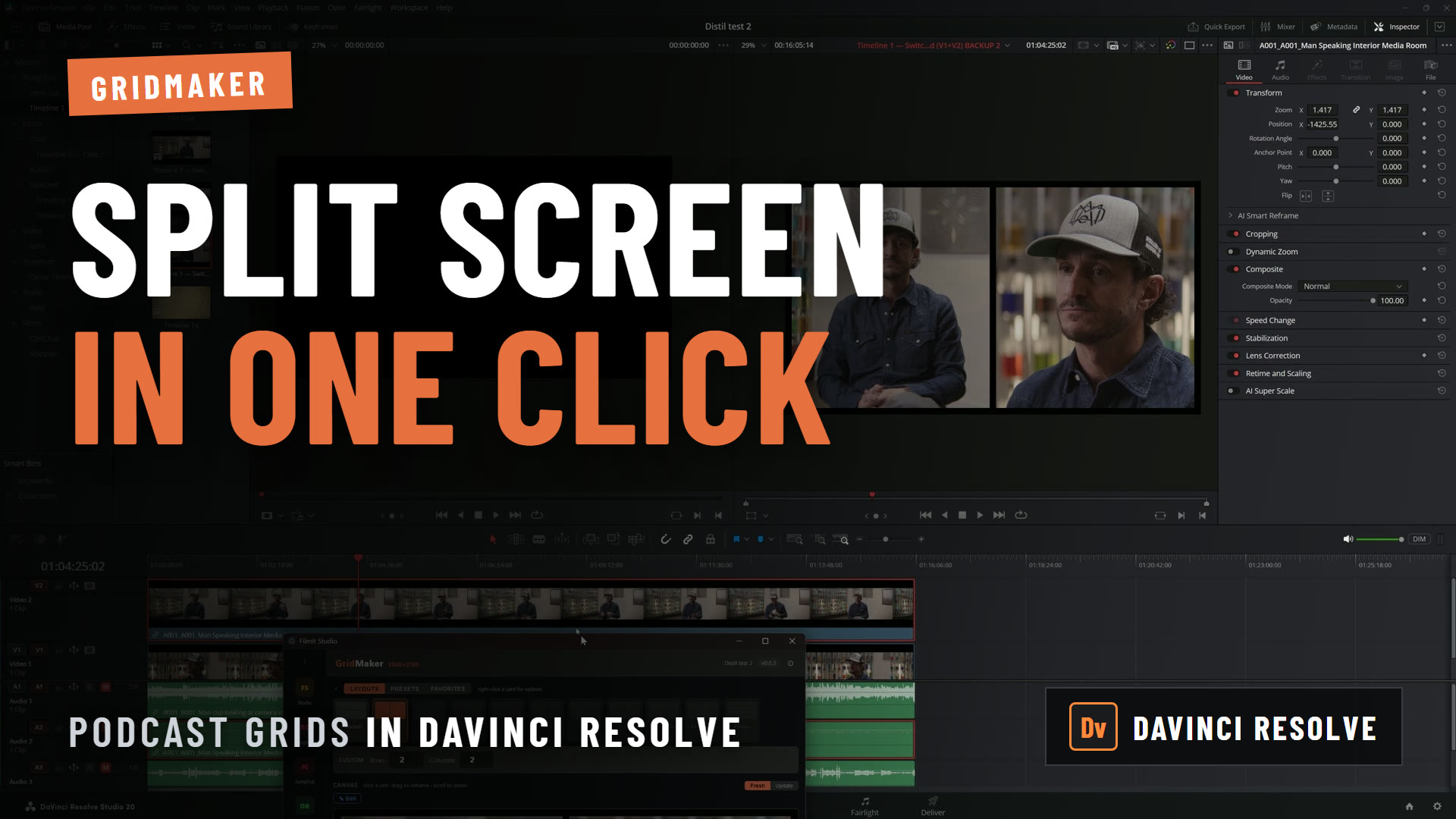
Filmit Studio manages plugins, assets, and courses from a single desktop application and pushes automatic updates so you do not chase individual installers. The toolset includes a GIF inserter, grid maker, color control tools, callouts, LUT management, and a library of cinematic overlays. The Studio also provides community access and planned embedded courses to help editors and motion designers learn features without leaving the app.
Key Differentiator
The most concrete advantage is the unified desktop installer that handles installation, updates, and organization for plugins and assets across multiple editing platforms. That single control point reduces time spent on setup and versioning compared with installing each plugin separately.
Pros
Filmit Studio centralizes plugin and asset management, which cuts setup time for new systems and new projects. The subscription covers a full suite of creative tools, so you do not buy separate plugins for GIFs, grids, color control, or callouts. Automatic updates keep the plugins current, so you avoid manual version checks. Community access and learning resources make it easier to adopt new workflows and features. The product also supports major editing platforms now and plans to expand support to Resolve and Final Cut Pro.
Cons
- Limited current platform support; Resolve and Final Cut Pro support are still under development and not available yet.
Notable Integrations
- Adobe After Effects CC 2020+
- Adobe Premiere Pro CC 2020+
- DaVinci Resolve (coming soon)
- Final Cut Pro (coming soon)
Who It’s For
Filmit Studio fits editors and motion designers who use Adobe After Effects and Premiere Pro and want to reduce repetitive setup tasks. It also suits freelance editors managing multiple client projects who value an asset library and quick plugin installs. Agencies and media programs that provision many workstations will see the most operational benefit from centralized updates and a shared plugin set.
Unique Value Proposition
The subscription bundles plugin installers, cinematic overlays, an asset library, and course access under one installer. That means you buy one subscription to get a maintained toolset, instead of licensing several separate plugins and asset packs.
Real World Use Case
A freelance editor installs Filmit Studio on a new workstation and restores a consistent toolset across projects without hunting installers. They update the entire plugin set with a click before a client deliverable and pull a LUT and overlay from the built in library for a quick grade. The editor also jumps into the community for a short tutorial on a plugin they have not used before.
Pricing
Filmit Studio costs $20/month or $192/year and includes a 7-day free trial.
Website: /
Digital Anarchy
At a Glance
All Access bundles the full plugin suite for $199/year, granting one annual license for multiple host apps. The company also sells perpetual licenses for individual plugins with free updates for six months. The product line pairs specialty tools with tutorials and support to reduce manual cleanup during post production.
Core Features
The suite includes Flicker Free, Beauty Box Video, Samurai Sharpen, and Transcriptive for transcription workflows. Subscriptions offer bundled access across host apps while perpetual licenses let you buy single plugins with six months of free updates. Digital Anarchy publishes tutorials, manuals, and user stories to help editors adopt each tool quickly.
Key Differentiator
Digital Anarchy centers its offering on an integrated cloud subscription that gives access to all plugins across multiple host applications with one login and simplified licensing. That single sign on reduces license juggling when editors switch between Premiere Pro, After Effects, Final Cut Pro, DaVinci Resolve, and Avid. The model targets editors who work across several NLEs and prefer a single annual bill.
Pros
The plugin suite covers common post production fixes such as flicker removal, skin retouching, and sharpening, which reduces time spent on technical cleanup. Licensing is flexible because you can choose an annual All Access subscription or buy perpetual plugins for a one time cost. GPU acceleration speeds up rendering on supported systems, and the company supplies extensive tutorials and support to shorten the learning curve.
Cons
- Some plugins present a learning curve for new editors. This can slow onboarding for less technical teammates.
- Digital Anarchy’s marketing materials state Transcriptive web services will end in 2026. That change may require alternate transcription workflows.
- The vendor lists limited details for custom enterprise pricing. Large facilities may need to request a quote and negotiate terms.
When It May Not Fit
If your workflow relies heavily on cloud transcription, that timeline for Transcriptive raises a clear red flag. Large post houses needing published enterprise rates may find the pricing approach opaque. Beginners who need plug and play presets rather than parameter control might prefer simpler tools.
Notable Integrations
- Adobe Premiere Pro
- Adobe After Effects
- Final Cut Pro
- DaVinci Resolve
- Avid Media Composer
Who It’s For
Editors, post production specialists, broadcast designers, and filmmakers who handle technical cleanup will benefit most. Teams that switch between multiple host apps gain from the single subscription login. Professionals who value control over automated presets will find the plugin parameters useful.
Real World Use Case
A documentary editor uses Flicker Free to remove flicker caused by LED lighting in time lapse sequences. The same editor applies Beauty Box Video to smooth skin tones in interview footage before color grading. These steps reduce manual keyframe work and let the editor focus on pacing and story.
Pricing
Digital Anarchy sells an All Access subscription for $199/year and a One Host App subscription for $149/year. Perpetual plugins start from $99 to $199 each with six months of free updates. Enterprise pricing requires direct inquiry for custom terms.
Website: https://digitalanarchy.com
FilmConvert Nitrate
At a Glance
Built on authentic film stock data, FilmConvert Nitrate models real film grain, halation, and film response curves. It uses camera sensor analysis to match footage from different cameras. The result reads as analog film baked into digital footage while keeping editable controls.
Core Features
FilmConvert Nitrate delivers authentic film stock emulations, adjustable film grain modeling, and tools for creating advanced film response curves. It analyzes camera sensor characteristics to produce accurate camera matching and offers halation and diffusion controls to recreate film glow and atmosphere. These features appear as plugin modules inside common NLEs for direct grading work.
Key Differentiator
The standout detail is its reliance on authentic film stock data combined with camera sensor analysis for grading decisions. That approach gives the plugin a predictable color response when matching multiple camera sources. You get film accuracy rather than approximated presets.
Pros
FilmConvert Nitrate produces film looks that feel grounded in real film science, with fine control over grain, tone, and response curves. The plugin integrates into major editors so you can apply film emulation inside your normal Premiere Pro, DaVinci Resolve, or Final Cut Pro workflow. It also includes customizable grain and response curves plus a broad set of camera profiles and ongoing updates.
Cons
-
Requires a learning curve to get the most from detailed grain and response controls.
-
Only available as a one time purchase with no subscription option, which may not suit every budget model.
-
Performance can be demanding on older hardware, especially at high resolutions or with multiple nodes.
When It May Not Fit
If your edit station uses older GPUs or limited RAM, performance may slow rendering and playback. If you prefer subscription billing or want continuous cloud processing options, the one time license may feel restrictive. If you need instant one click looks without tweaking, the depth here adds complexity.
Notable Integrations
FilmConvert Nitrate installs as plugins for Adobe Premiere Pro, DaVinci Resolve, and Final Cut Pro. It operates inside each editor so you can grade on the timeline and preserve editable nodes or adjustment layers. Integration keeps camera matching and LUT workflows inside the NLE.
Who It’s For
Video editors, colorists, and filmmakers who want authentic film emulation and precise camera matching will benefit most. You should have intermediate grading skills or a willingness to learn curve tools. This fits projects where film texture and consistent color across cameras matter.
Real World Use Case
A videographer assembles footage from mirrorless and cinema cameras for a short film. They use Nitrate to match color response, add grain, and dial in halation to unify the look. The final master reads like film and holds up for festival submission.
Pricing
The plugin is offered as a one time purchase. Pricing lists $119 for the Adobe and DaVinci Resolve plugins and $179 for the bundle license, with upgrade options and add ons available.
Website: https://filmconvert.com
AI Machine for VFX Pipelines (by Baskl)
At a Glance
Runs locally on user hardware, delivering real time AI processing for color matching, denoising, segmentation, and background removal. The toolset targets VFX stages from rotoscoping to virtual lighting and works inside major compositors and editors. That local execution reduces upload waits and keeps footage on your workstation.
Core Features
The suite includes plugins for color matching, segmentation, denoising, background removal, face manipulation, virtual lighting, and depth of field, packaged as discrete effects you can drop into timelines or compositing node trees. It runs on local machines rather than the cloud and integrates directly with common VFX hosts for in app processing and preview. Specialized modules include AI Color Match, Face Director, AI Relight, and Quick Matte 2.
Key Differentiator
The defining trait is local execution on user hardware, which focuses on privacy and speed for production pipelines. Running on your workstation means frames do not need to leave your studio and previews appear in near real time inside After Effects, Nuke, or your editor of choice. That local focus changes workflow assumptions compared with cloud first AI tools.
Pros
Local processing preserves client confidentiality and removes network dependency for heavy VFX tasks. The plugin set covers common pain points editors face, from quick mattes to facial retargeting, which can cut repetitive work. Broad compatibility with industry standard hosts makes it possible to adopt the tools without rebuilding existing scripts or renders. Real time previews on capable hardware speed iteration and reduce context switching between apps.
Cons
- Third party reviews listed no major limitations, which leaves independent testing gaps.
- The system may feel complex to artists unfamiliar with AI driven VFX tools, creating a learning curve.
- No public information on cost or licensing was listed, so budgeting requires vendor contact.
Notable Integrations
- Adobe After Effects
- Adobe Premiere Pro
- DaVinci Resolve
- Nuke
- Final Cut Pro
- Blender
- Maya
- Houdini
Who It’s For
VFX artists and editors who need AI assisted tools that plug into existing software and run on local machines. Independent post houses and facilities that must keep footage private will find the local execution model especially relevant. Artists who prefer hands on control inside After Effects or Nuke will adapt the fastest.
Real World Use Case
A VFX artist uses After Effects and Nuke to speed up rotoscoping and color match shots across plates. They apply Quick Matte 2 for a fast alpha pass, run AI Color Match to equalize grade between takes, and use AI Relight to test virtual light directions. The result is fewer manual frames and faster client approvals.
Pricing
Pricing and licensing terms are not publicly listed. Production teams should contact Baskl for quotes and seat or studio licensing details.
Website: https://bskl.xyz
Maxon
At a Glance
Maxon One combines Cinema 4D, Redshift, ZBrush, and Autograph into a single suite that covers modeling, rendering, sculpting, and compositing. The bundle targets artists who move between motion graphics and VFX. It has a reputation for approachable tools that scale from freelance projects to studio pipelines.
Core Features
The suite centers on Cinema 4D for procedural modeling, animation, and motion graphics and uses Redshift for GPU-accelerated rendering that shortens turnaround on complex scenes. ZBrush adds high-resolution sculpting and texture painting, while Autograph links 2D and 3D compositing into the motion graphics workflow. Together the apps share assets and formats so you can iterate inside the same ecosystem without repeated exports.
Key Differentiator
Maxon’s primary strength is the tight integration across its creative tools. That integration keeps scene assembly, look development, and final renders inside a single pipeline. For editors and motion designers who switch between After Effects, 3D elements, and sculpted assets, this reduces context switching and repeated asset wrangling.
Pros
Maxon delivers tools that professionals recognize for depth and reliability. The integration between applications cuts down handoffs and speeds iteration when you rebuild scenes or update asset libraries. Regular updates add features and bug fixes, and the active community supplies tutorials, presets, and troubleshooting threads you can reference when a procedural setup misbehaves. The combination of GPU rendering and procedural workflows helps you hit broadcast quality without rebuilding the pipeline for every shot.
Cons
-
Complex features may present a steep learning curve for editors without prior 3D experience. This raises the time needed to reach production speed.
-
Subscription pricing can feel expensive for solo artists or small shops that only need one component rather than the whole suite. Budget planning may require picking specific seat types.
-
Very large scenes or extremely dense geometry can cause performance slowdowns on modest workstations. Heavy scenes often require higher-spec GPUs or outboard render nodes.
Who It’s For
Professional artists and studios that produce 3D modeling, animation, and motion graphics will find Maxon most useful. Motion designers who regularly push assets between After Effects and 3D apps gain the most from the shared pipeline. Teams that need sculpting, look development, and GPU rendering under one license will find the suite practical.
Real World Use Case
A broadcast motion designer builds a title package in Cinema 4D and uses Redshift to test lighting passes rapidly. They export assets into Autograph for 2D compositing and finish motion-retiming in After Effects. The integrated workflow lets them update a single geometry file and propagate changes through renders and comps without manual reexport.
Pricing
Maxon uses a subscription model. Detailed prices appear on the vendor website. The vendor advertises periodic promotions, including sales with up to a 40% discount on subscriptions.
Website: https://maxon.net
Comparison of alternatives
Selecting a plugin management solution requires balancing toolkits with platform flexibility to identify the best fit for your production workflow.
Unique technical capabilities
Filmit Studio centralizes the management of plugins, assets, and updates through a unified desktop interface. This setup reduces setup times and streamlines full plugin updates for professionals working primarily in Adobe Premiere Pro and After Effects. FilmConvert Nitrate excels with precise tools emulating film stock characteristics and detailed camera matching workflows, catering significantly to filmmakers focused on achieving cinematic authenticity. Maxon stands out in its tightly integrated rendering, sculpting, and animation tools, which benefit motion and visual effects designers needing extensive 3D capabilities.
Pricing and accessibility
Filmit Studio offers an accessible subscription pricing model at $20/month or $192/year. Digital Anarchy allows flexible access through yearly subscriptions or perpetual individual licenses, suiting varying budget models. Meanwhile, FilmConvert Nitrate adopts a one-time payment structure, ensuring upgrades without recurring billing. However, Maxon employs a subscription-based pricing model that may challenge individual artists due to its cost but proves practical with its complete solution.
Best fit
- Editors fluent in Adobe workflows who need integrated tool management will appreciate Filmit Studio for its unified plugin and asset updates.
- Filmmakers seeking authentic film emulation and precise camera matching tools should consider FilmConvert Nitrate.
- Multi-platform production teams relying on consistent plugin integration would benefit from Digital Anarchy’s suite of offerings.
- Artists utilizing 3D modeling and extensive rendering workflows can relate more closely to Maxon’s suite of applications.
Our pick
Filmit Studio provides ease of use for editors prioritizing streamlined workflows and centralized plugin updates, especially for Adobe Premiere Pro and After Effects environments. For professionals working on dedicated cinematic projects, alternatives such as FilmConvert Nitrate offer tools uniquely tailored to those needs, making it viable depending on workflow priorities.
The table below compares some of the leading options for video editing plugins and tools, catering to multiple needs and preferences in the creative industry.
How to Overcome Plugin Setup Challenges with Filmit
Editors and motion designers often face delays from juggling multiple plugins and assets across Adobe Premiere Pro and After Effects. This slows down creative flow and adds tedious setup before deadlines. Filmit solves this by bundling plugin management, LUT libraries, grid generators, and overlays into one desktop app that installs and updates everything in a single step.
Filmit suits freelancers, agencies, and solo creators who work on diverse projects and want to minimize repetitive setup tasks. Its centralized management and automatic updates keep your tools current without the hassle of chasing individual installers. See how Filmit’s suite can streamline your workflow and keep you focused on editing not logistics.
Explore Filmit Studio and install a free trial today. Streamline your video editing and motion graphics with tools made to speed your process and simplify plugin updates.