To make viral Bigfoot-style AI videos, build a consistent character prompt in ChatGPT, generate short 6–8 second clips in Google Veo 3 (expect many iterations per shot), then stitch, resize, and color them in Premiere Pro. The format is simple — the magic is in the iteration. Here's the full workflow.
What tools do you need?
- Veo 3 — Google's AI video generator. Roughly $150/month during the trial, more after, plus credits.
- ChatGPT — for character bios, dialogue, and refining scene prompts.
- Premiere Pro — to stitch clips, resize, add overlays, and color grade.
- Social overlay packs — to preview exactly how the video appears on TikTok or Reels.
Step 1: understand the format
Each clip runs about 6–8 seconds, mimicking a Ring cam, vlog, or low-budget camcorder. The tone is absurd, the visuals are oddly real, and captions are short and punchy. As Max puts it: "They're not complex. Just tedious. The magic comes from iteration — hundreds of generations to get the perfect result." Expect 3–10 prompts per scene.
Step 2: build your character in ChatGPT
Ask ChatGPT to write a detailed, reusable character prompt — for example: "Create a hyper-realistic Australian Bigfoot character. Loud, over-the-top, comically wise, vlog-style tone. Include physical description, attitude, and mannerisms." Save this as your anchor prompt and paste it into every Veo 3 generation so the character stays consistent.
Step 3: generate your scenes in Veo 3
Have ChatGPT write five short scenes (each under 8 seconds), then feed each into Veo 3 alongside your anchor prompt. Generate, review, and regenerate until the angle, tone, and look land. This iteration loop is where most of the time goes — and where the quality comes from.
Step 4: edit in Premiere Pro
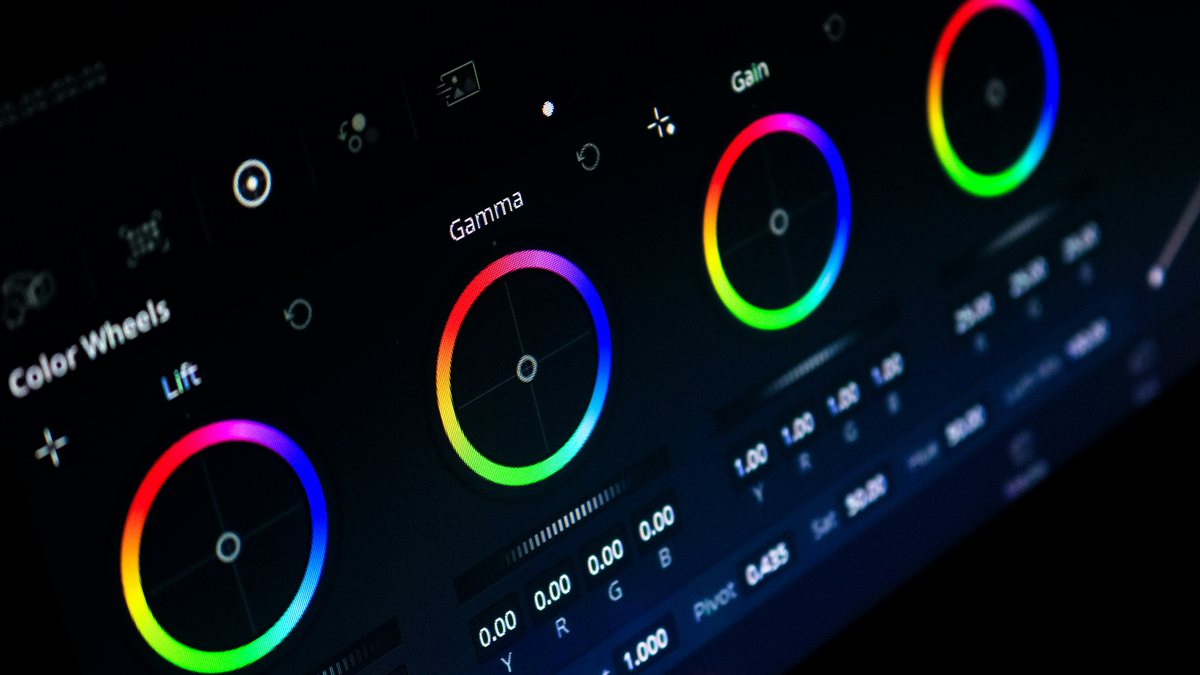
Drop your best generations into Premiere, trim to the punchiest moments, resize to 9:16, add captions, and color-grade for consistency across clips. Preview with a social overlay so you can see the safe zones for TikTok and Reels UI before you export.
Tips for going viral
- Commit to a strong, specific character — consistency is what makes the series work.
- Keep captions short and punchy; let the absurdity carry it.
- Batch-generate and cherry-pick — volume beats perfection on the first try.
- Post consistently; short-form algorithms reward a steady cadence.