Pull up stills from Transformers, John Wick, Sicario, half the Marvel catalog, and three out of every five Netflix dramas. You will see the same color signature: shadows pushed toward cool teal, skin tones and highlights warmed into orange. It has been the dominant grade in cinema for almost two decades. There is a reason it shows up so often, and there is a reason critics call it overused. Both things are true at the same time.
This post is the working-editor’s explanation. Why the look exists, what it actually does to a frame, when it earns its keep, when it kills your edit, and how to apply it without ending up with the same generic Hollywood wash.
The Color Theory in One Paragraph
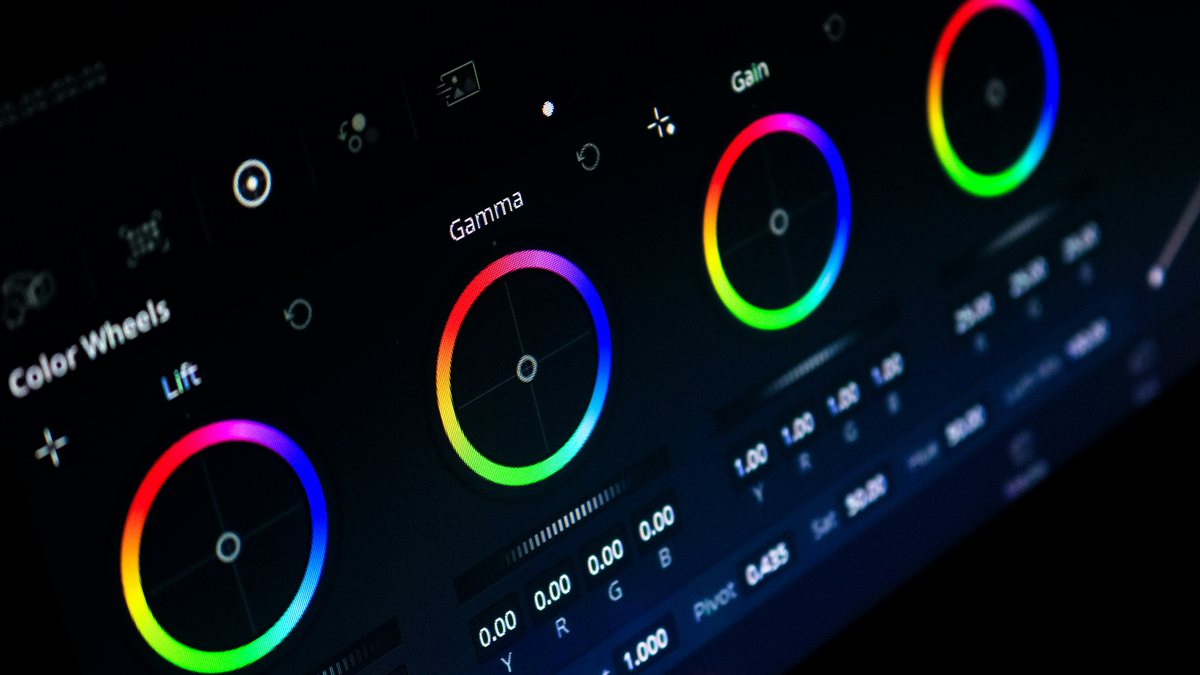
Teal and orange sit almost exactly opposite each other on the color wheel. Complementary colors do one specific thing to a viewer’s eye: they push the foreground forward and the background back. When you grade skin tones warm (orange) and shadows cool (teal), faces detach from their environment. The frame gets depth without any compositing trick. Cinematographers used this principle for decades before LUTs were a thing. Vermeer did it with paint. The grade just systematizes a tool that has been around for centuries.
Why It Took Over Cinema
Two things happened in the mid-2000s. First, digital cinema cameras like the ARRI Alexa and RED One started rendering highlights with a soft, film-like rolloff that took warmth gracefully. You could push midtones orange without faces turning into sunburns. Second, DaVinci Resolve made LUT-based grading mainstream. Colorists discovered they could lock in a strong, repeatable look across a whole film by anchoring shadows cool and skin warm in their starting LUT. The math was easy and the result read as cinematic regardless of where it was shot.
Michael Bay’s Transformers (2007) is the film most often credited with popularizing the modern aggressive version. Once Transformers grossed $700 million, every studio wanted footage that read as expensive. Teal and orange became visual shorthand for big-budget production. By 2012 it was standard. By 2020 it was a cliché.
When It Actually Works
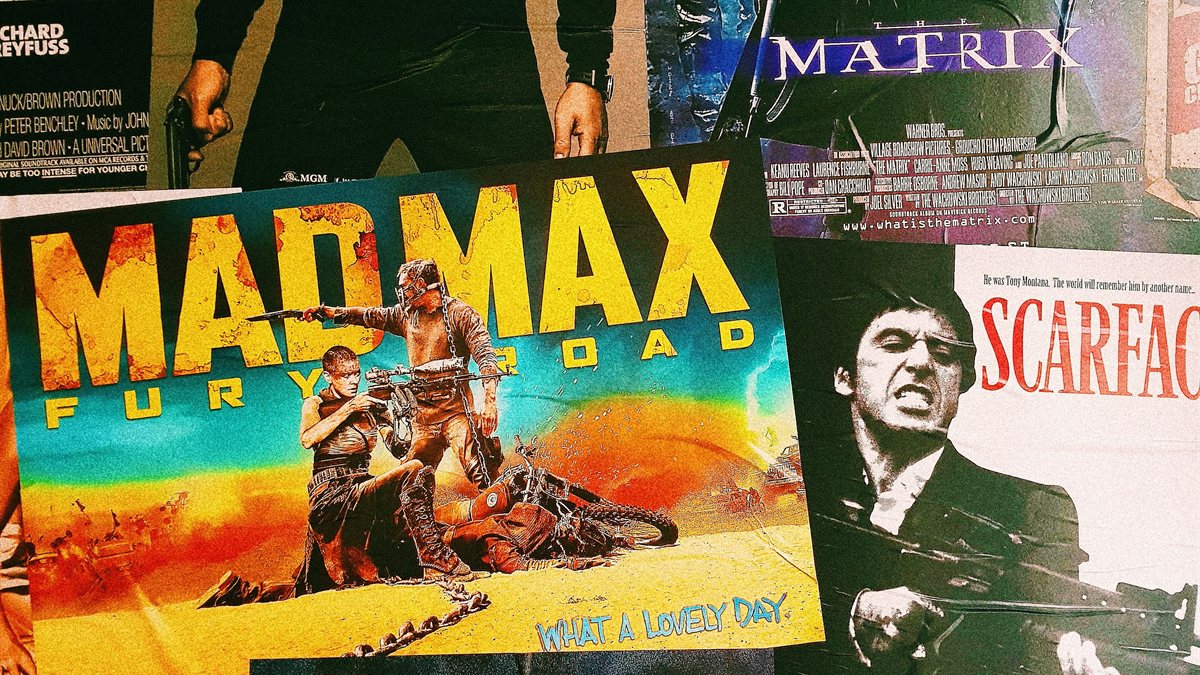
The grade earns its keep when the story benefits from depth and heat. Action sequences, music videos, anything with skin in the frame against a cooler environment, anything where you want the audience to feel the temperature shift between night and day. Sicario uses it to push desert exteriors into a sun-baked anxiety. John Wick uses it to separate Keanu from neon-lit Eastern European clubs. Mad Max: Fury Road takes it to the extreme, with orange so saturated it reads as a different palette entirely.
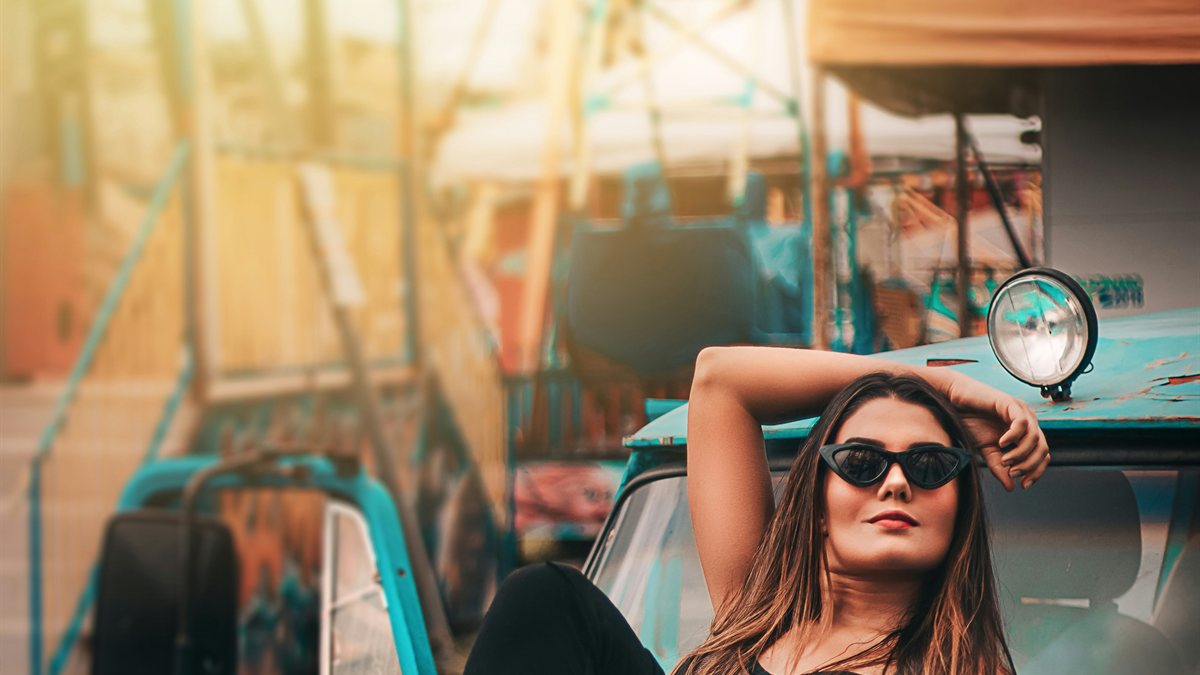
It works for editors too. A teal-and-orange grade applied confidently makes a phone-shot interview look like prestige TV. That is not nothing. For commercial work, music videos, social content where the goal is to read as polished fast, this look hits the brief in one click.
When It Backfires
Documentary footage. Weddings. Mixed indoor/outdoor lighting where the camera is doing inconsistent white balance. Anything where the audience needs the color to feel honest. The moment a viewer notices the grade, the spell breaks. Teal-and-orange is no longer invisible. After fifteen years of saturation, it is conspicuous. If your audience watches more than two YouTube tutorials a year, they have seen this look enough to identify it. Lean on it too hard and you signal "I downloaded a LUT" instead of "I made a film."
The grade also flattens cultural specificity. A Lagos street market and a Brooklyn loft do not look the same in real life. Push both through the same teal-and-orange LUT and they read like the same place. For travel content, documentary, and anything trying to preserve location-specific atmosphere, that is a problem.
How To Use It Without Looking Generic
The trick is dialing it back. Most pre-baked teal-and-orange LUTs push the look hard because the LUT designer wanted it to be obvious in the preview. In an actual edit you want maybe 50 to 70 percent of that. Apply the LUT, then drop opacity on the adjustment layer to 70 percent. That single move separates a confident grade from a YouTube-tutorial grade.
Other ways to keep the look from screaming:
- Push only the shadows teal, not the midtones. Keeps faces honest.
- Use the matte variants in the Filmit Teal & Orange pack. They roll off the contrast so the grade is felt rather than seen.
- Save punchy variants for action sequences and music video cuts where you want the grade to assert itself.
- Cap saturation in HSL Secondaries on orange. The skin should warm, not glow.
See It On Your Footage
Drag the slider to see Filmit’s Teal & Orange Cool Drift LUT applied to a beach reference scene. Cool Drift is the softer end of the pack and a safer starting point than the punchy variants.
Browse the full 20-LUT Teal & Orange pack for the matte, soft, and punchy variants. Each one is built for a different intensity level so you can pick the grade that fits the project instead of forcing a single look onto everything.
The Real Takeaway
Teal and orange became dominant because it works. It became a cliché because it works too easily. The cure is not to avoid the look. The cure is to use it with intent: dial it back, let it support the story instead of replacing it, and reserve the hard version for moments that actually deserve it. Color grading is meant to be felt before it is noticed. The best teal-and-orange grades disappear into the film. The worst ones announce themselves.
If you are starting from scratch on a new project, try the look on three or four shots first. Compare against the ungraded baseline. If the grade is doing real work, it stays. If it is just adding "Hollywood polish" to footage that did not need it, take it off. That second instinct is what separates an editor from a colorist.
Filmit Studio. $20/month. Every LUT included.
Teal & Orange, Tech Noir, Hollywood, 90+ more categories. Plus every plugin, overlay, and course. One subscription.